Kupu Whakataki
This manual provides instructions for the Fodsports FX8 Pro USB Charge Cable. This cable is designed specifically for charging the Fodsports FX8 Pro Motorcycle Bluetooth Headset. Please read this manual carefully to ensure proper use and maintenance of your charging cable.
Tatūnga
The Fodsports FX8 Pro USB Charge Cable is a plug-and-play accessory. No complex setup is required. Simply connect it to your Fodsports FX8 Pro headset and a compatible USB power source.
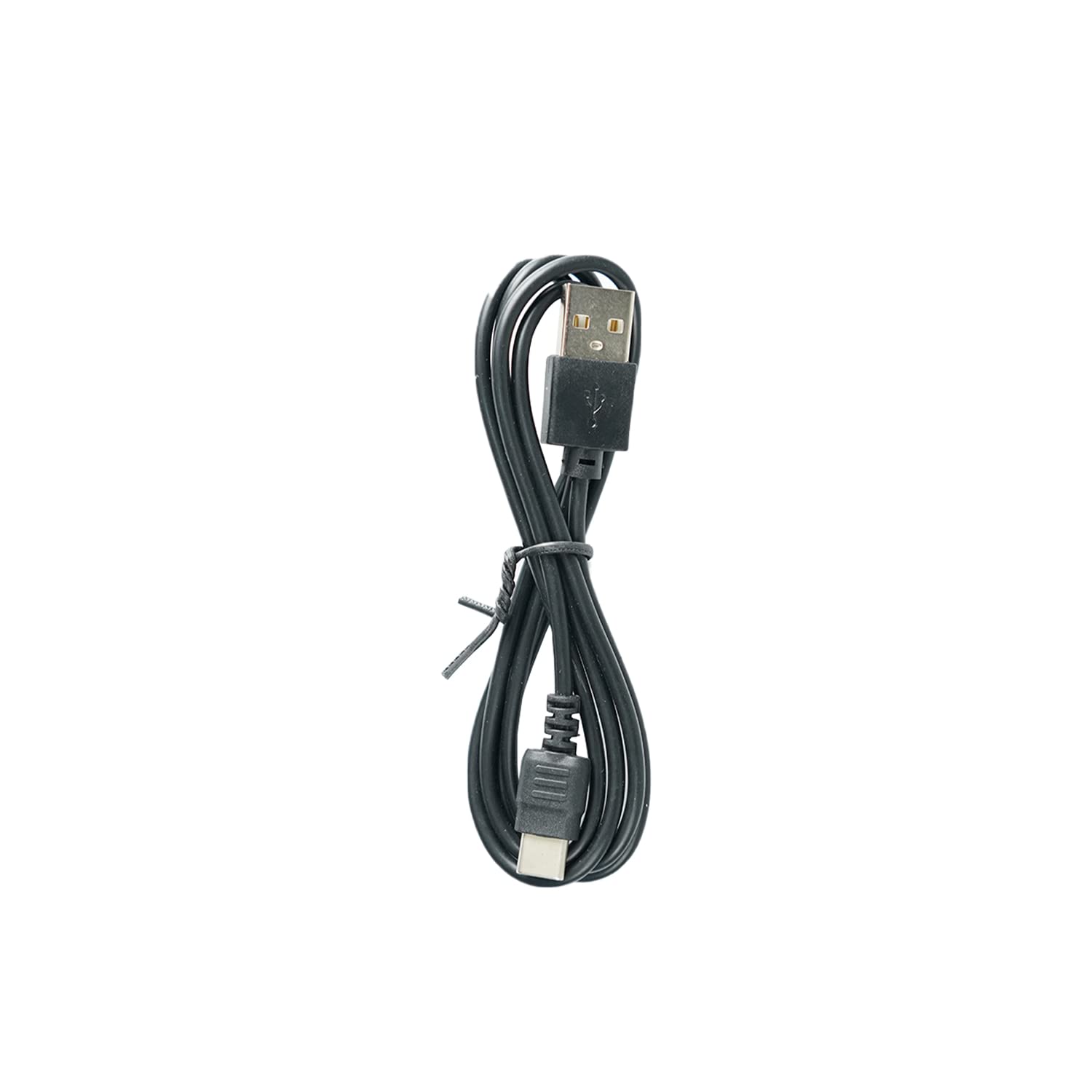
Image: The Fodsports FX8 Pro USB Charge Cable. This cable features a standard USB-A connector on one end and a proprietary connector designed for the FX8 Pro headset on the other.
Te hono i te taura
- Locate the charging port on your Fodsports FX8 Pro Bluetooth Headset. This port is typically covered by a rubber flap to protect it from dust and moisture.
- Gently open the rubber flap to expose the charging port.
- Insert the smaller, proprietary end of the USB charge cable into the headset's charging port, ensuring it is fully seated.
- Insert the standard USB-A end of the cable into a compatible USB power source, such as a wall adapter, computer USB port, or power bank.

Image: The Fodsports FX8 Pro Bluetooth Headset. The charging cable connects to a port on this device.
Mahi (Kei te Whakataki)
Once the USB charge cable is correctly connected to both the FX8 Pro headset and a power source, the headset should begin charging. Refer to your Fodsports FX8 Pro headset's main instruction manual for specific charging indicators (e.g., LED light behavior) and estimated charging times.
Nga Aratohu Utu
- Use only certified USB power adapters that meet the voltage and current requirements specified for the Fodsports FX8 Pro headset.
- Avoid charging in extreme temperatures. Optimal charging occurs at room temperature.
- Do not force the cable into the port. If it does not connect easily, check the orientation and ensure there are no obstructions.
Te tiaki
Proper care of your USB charge cable will extend its lifespan and ensure reliable performance.
Te horoi
- Wipe the cable with a soft, dry cloth to remove dust or dirt.
- Avoid using harsh chemicals, solvents, or abrasive cleaners, as these can damage the cable's insulation or connectors.
- Ensure the connectors are clean and free of debris before plugging them in.
Rokiroki
- Whakaorangia te taura ki te waahi makariri, maroke atu i te ra tika me te wera nui.
- Avoid tightly coiling or bending the cable at sharp angles, as this can damage the internal wires.
- Keep the cable away from pets and small children to prevent damage.
Raparongoā
If your Fodsports FX8 Pro headset is not charging, consider the following:
| Raruraru | Take pea | Rongoā |
|---|---|---|
| Karekau te pane e utu ana | Kāore te taura i hono katoa | Ensure both ends of the cable are securely plugged into the headset and the power source. |
| Karekau te pane e utu ana | Te puna hiko hapa | Try a different USB wall adapter, computer USB port, or power bank. |
| Karekau te pane e utu ana | Kua pakaru te taura | Inspect the cable for any visible damage (frays, bends, broken connectors). If damaged, replace the cable. |
| Karekau te pane e utu ana | Dirty charging port/connector | Gently clean the charging port on the headset and the cable connectors with a dry, soft brush or compressed air. |
Whakatakotoranga
- Momo Hua: USB Raimana Waea
- Hototahi: Fodsports FX8 Pro Motorcycle Bluetooth Headset
- Atanga Pūrere Whakauru: USB
- Nga Waahanga Kei roto: USB taura
- Tae: Pango
- Taumaha Tūemi: Tata ki te 1.13 hekere (32 karamu)
Nga korero Whakaputanga
This USB charge cable is an accessory for the Fodsports FX8 Pro headset. Warranty coverage for accessories typically aligns with the warranty provided for the main product, or a standard limited warranty for accessories. Please refer to the warranty information provided with your Fodsports FX8 Pro Bluetooth Headset or visit the official Fodsports webpae mo nga tikanga me nga tikanga whakamana.
Tautoko Kiritaki
For further assistance, technical support, or inquiries regarding your Fodsports FX8 Pro USB Charge Cable or headset, please contact Fodsports customer service.
- Whaimana Webpae: www.fodsports.com (Tirohia te webpae mo nga korero whakapā me nga rauemi tautoko o naianei.)
- Tautoko Īmēra: Refer to the contact section on the official Fodsports webpae.


