1. Kupu Whakataki
The UBITracer ZT-28E is a state-of-the-art multi-sensor GPS device designed for comprehensive asset tracking and environmental monitoring. It combines precise location capabilities with medical-grade temperature sensing, making it an ideal solution for a wide range of applications, from logistics and cold chain management to personal asset security.
Ko nga ahuatanga matua ko:
- Te Ora Pūhiko Tino Pai: Up to 5 years in low-frequency reporting mode.
- Award-Winning Technology: Recognized at the IoT World Forum & Mobile World Congress.
- Nga tono maha: Suitable for enterprises, contractors, cold chain, and personal use.
- Ratonga Ao: Worldwide cellular data in 180+ countries.
- Enhanced Location Accuracy: Wi-Fi-assisted tracking for improved urban and indoor accuracy.
- Aroturuki Matatau: Rugged, water-resistant, temper-proof design.

Figure 1.1: UBITracer ZT-28E device and mobile application interface.
2. He aha kei roto i te Pouaka
Upon opening your UBITracer ZT-28E package, please verify that all the following components are included:
- UBITracer ZT-28E Device
- ZT-28E Quick Starter Guide & Application User Manual
- Uera Whakatau
- Ripene Velcro

Figure 2.1: Package contents of the UBITracer ZT-28E.
3. Tatūnga
To begin using your UBITracer ZT-28E, follow these steps:
- Utuhia te Pūrere: Connect the provided charging cable to the device's charging port and a USB power source. Ensure the device is fully charged before first use.
- Rēhita Tō Pūrere: Download the UBITracer mobile application from your device's app store. Follow the in-app instructions to register your ZT-28E device. This typically involves scanning a QR code or entering the serial number (SN) and activation code (CODE) found on the device. For detailed instructions, refer to the included Quick Starter Guide.
- Select a Service Plan: A subscription is required for the device to function. The UBITracer app will guide you through selecting a suitable service plan. Plans start from $9.99/month for annual billing.
- Turanga: Position the device in a location that allows for optimal GPS signal reception. For best results, avoid placing it in enclosed metal containers or areas with significant signal obstruction.
For a comprehensive installation guide, please refer to the official Manual Tāuta (PDF).
4. Whakahaere i te Pūrere
The UBITracer ZT-28E operates by collecting and transmitting location and temperature data to the UBITracer platform, accessible via the mobile app or web tomokanga.
4.1. Te Aroturuki i te Tauwāhi
The device utilizes GPS and Wi-Fi-assisted positioning for accurate location tracking. In urban and indoor settings, Wi-Fi assistance improves accuracy, typically resulting in a variance of less than 60 feet.

Whakaahua 4.1: Example of location tracking history in the UBITracer app.
4.2. Te Aroturuki Paemahana
The ZT-28E is equipped with a medical-grade temperature sensor, providing precise temperature data. You can set customizable alerts within the app to be notified if temperatures exceed or fall below predefined thresholds.

Figure 4.2: Temperature monitoring and alert settings.
4.3. Battery Life and Reporting Frequency
The device offers exceptional battery longevity, which varies based on the reporting frequency:
- Low-Frequency Mode (twice a day): Approximately 4-5 years.
- Ia 4 haora: Tata ki te 1.5 tau.
- Every hour: Tata ki te ono marama.
- Every 10 minutes: Approximately 4 weeks.
You can adjust the reporting frequency via the UBITracer mobile application to optimize battery life according to your tracking needs.
4.4. Nga tono maha
The UBITracer ZT-28E is designed for a multitude of uses:
- hinonga: Equipment, trailer, container, reefer, pallet tracking.
- Kaikirimana: Toolbox, truck monitoring.
- Cold Chain Management: Fridges, cooler boxes, medical samples, vaccines.
- Whakamahi Whaiaro: Car, second home, pet, luggage, backpack, storage box, valuables.

Figure 4.3: Diverse applications of the UBITracer ZT-28E.
5. Tiaki
The UBITracer ZT-28E is built for durability and requires minimal maintenance. Follow these guidelines to ensure optimal performance:
- Te horoi: Horoia te taputapu ki te ngohengohe, damp kakahu. A ape i te whakamahi i nga matū kino, i nga horoi horoi ranei.
- Ātete wai: The device is IP67 water-resistant, suitable for cold chain operations and exposure to splashes. However, it is not designed for prolonged submersion. Ensure the charging port cover is securely closed when not charging.
- Awhe Pawera: Operate the device within its specified temperature range (refer to Specifications section).
- Kei te utu: Recharge the device when the battery low alert is received. Use only the provided charging cable or a compatible USB charger.
- Rokiroki: If storing the device for an extended period, ensure it is partially charged (around 50%) and stored in a cool, dry place.
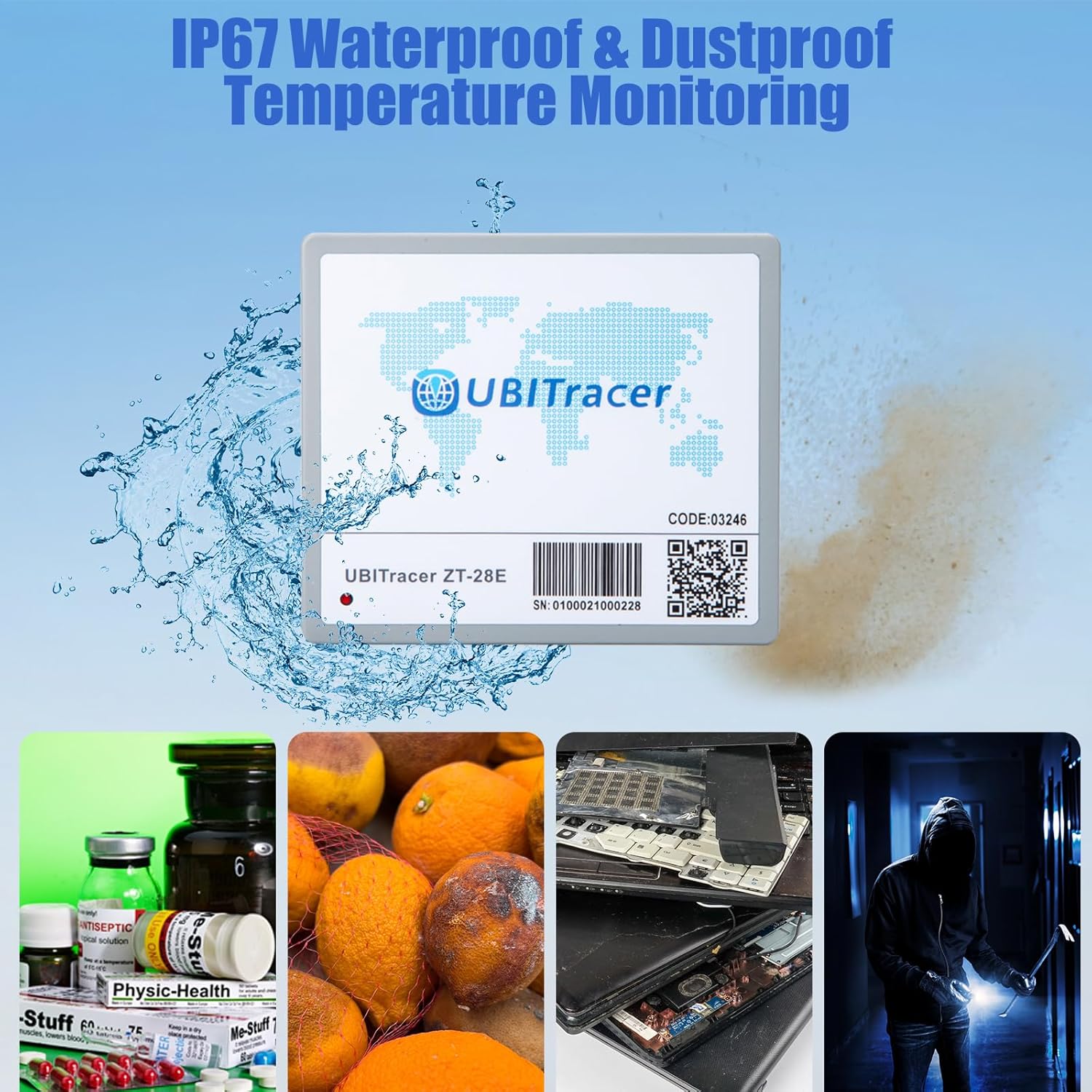
Figure 5.1: IP67 water and dust resistance for enhanced durability.
6. Te Raru
If you encounter issues with your UBITracer ZT-28E, refer to the following common problems and solutions:
| Raruraru | Take pea | Rongoā |
|---|---|---|
| Device not reporting location. | No cellular signal; device in an obstructed area (e.g., deep inside a metal container); battery depleted; subscription inactive. | Move the device to an area with better cellular reception. Ensure it is not completely enclosed by metal. Charge the device. Verify your subscription status in the UBITracer app. |
| Location accuracy is poor. | Weak GPS signal; device in a remote area; interference. | Me mohio kei te marama te taputapu view of the sky for optimal GPS. In remote areas, accuracy may naturally decrease. Wi-Fi positioning assists in urban/indoor settings. |
| App not showing most recent location immediately. | App display delay; data refresh rate. | Navigate to the reports or timeline section within the app to view the most recently recorded data points. The map view may not always update instantly. |
| Battery life shorter than expected. | High reporting frequency; frequent movement; extreme temperatures. | Adjust the reporting frequency to a less frequent interval in the app settings. Operating in extreme hot or cold conditions can affect battery performance. |
If you continue to experience issues, please contact UBITracer customer support for assistance.
7. Whakatakotoranga
| Āhuahira | Taipitopito |
|---|---|
| Tau tauira | ZT-28E |
| Ahu | 4.25 x 3.7 x 1.5 inihi |
| Taumaha Tūemi | 3.7 hekere |
| Pūhiko | 1 pūhiko Lithium Metal (kei roto) |
| Hononga | Wireless (Cellular Data) |
| Nga waahanga motuhake | Alert Notification, Rechargeable, Geo-Fence, Location History, Real Time Tracking |
| Tae | Kerei |
| Kaihanga | ZillionSource Technologies |
| Whenua Taketake | Haina |
| Taupānga Tautoko | Whakaoho |
| Whakamahinga Tauwhāiti | Cold Chain Monitoring, Industrial Asset Tracking |
8. Pūtāhui me te Tautoko
For information regarding product warranty, please refer to the terms and conditions provided at the time of purchase or contact UBITracer customer support directly.
8.1. Ngā Mahere Ohaurunga
The UBITracer ZT-28E requires an active subscription for full functionality. Highly competitive subscription plans are available, starting from $9.99/month for annual billing. Details on various plans and pricing can be found within the UBITracer mobile application or on the official UBITracer webpae.

Figure 8.1: UBITracer subscription plan overview.
8.2. Tautoko Kiritaki
For technical assistance, troubleshooting, or any inquiries regarding your UBITracer ZT-28E, please utilize the following resources:
- Taupānga Pūkoro: The UBITracer mobile app provides access to device settings, data, and support options.
- UBITracer Web Portal: Business users can access the powerful UBITracer web portal for enterprise-grade device management, rule configuration, and data interchange.
- Tuhinga Whaimana: Tirohia te Manual Tāuta (PDF) for detailed setup and usage instructions.


