Kupu Whakataki
Welcome to the user manual for your SUNOL F08 Smart Glasses. These open-ear Bluetooth sunglasses combine audio technology with UV protection, designed for comfort and convenience during various activities. This manual provides essential information for setup, operation, maintenance, and troubleshooting to ensure optimal use of your device.
Nga waahanga hua
- Open Ear Listening Design: Allows you to hear audio while remaining aware of your surroundings for safety.
- TWS 5.3 Bluetooth: Provides a fast, reliable connection and high-fidelity sound for calls, navigation, and music.
- Mana Pa: Intuitive touch-sensitive controls for managing audio and calls without needing to access your paired device.
- UV Protection Lenses: Effectively filter light and protect your eyes from fatigue, especially during outdoor activities.
- Maama me te Maama: Designed for stable wear, suitable for various face shapes and strenuous exercise.
- Hoahoa parewai: Withstands rain, making it suitable for use in diverse environments.
Ka mutu te huaview

Whakaahua: Taha-mua view of the SUNOL F08 Smart Glasses, showcasing the sleek design and dark lenses.

Image: The SUNOL F08 Smart Glasses highlighted with key features: Bluetooth connectivity, UV resistance, and lightweight construction.
Te Timata
Te utu i te Pūrere
Before first use, fully charge your smart glasses. Connect the provided USB-C charging cable to the charging port on the glasses and to a compatible USB power source. The charging indicator light will show the charging status.
Te Hiko / Whakaweto
- Hei Whakahiko: Press and hold the touch button area on the temple for 3 seconds. You will hear an audible confirmation.
- Hei Whakaweto: Press and hold the touch button area on the temple for 5 seconds. An audible confirmation will indicate the device is powering down.
Tauira Nihokikorangi
- Ensure the smart glasses are powered off.
- Press and hold the touch button area for 3 seconds to power on the glasses. They will automatically enter pairing mode.
- I runga i to waea atamai, i to taputapu Bluetooth-whakahohea ranei, haere ki nga tautuhinga Nihokikorangi.
- Rapua available devices and select 'TWS-F' from the list.
- Ina hono koe, ka rongo koe i te whakapumautanga.

Image: Illustration of the Bluetooth 5.3 chip, highlighting the advanced connectivity technology.
Mahi
Mana Pa
The smart glasses feature touch-sensitive controls on the temples for easy management of audio and calls.

Image: The touch control area on the temple of the smart glasses, indicated by a fingerprint icon.
- Purei/Tatari Puoro: Pao kotahi te waahi pa.
- Riu Panuku: Double tap the right touch area.
- Riu o mua: Double tap the left touch area.
- Whakautu/Whakamutu Waea: Single tap the touch area during an incoming call.
- Whakakore Waea: Press and hold the touch area for 2 seconds during an incoming call.
Kaiāwhina reo
Activate your device's voice assistant (e.g., Siri, Google Assistant) directly from your smart glasses.
- Whakahohe i te Kaiawhina Reo: Pato toru te waahi pa.
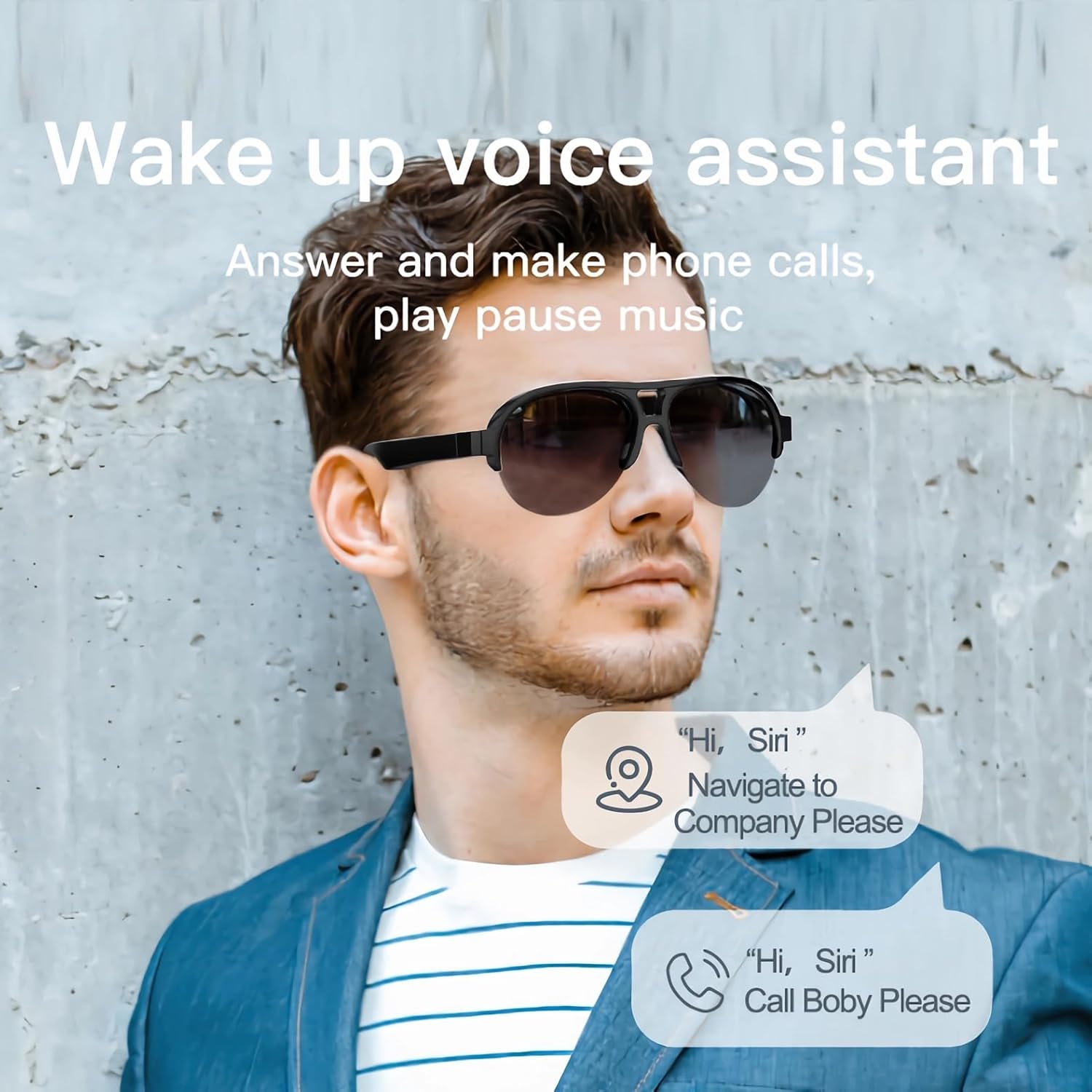
Image: A man wearing the smart glasses, with speech bubbles indicating interaction with a voice assistant for navigation and calls.
Open Ear Audio
The open-ear design allows for audio playback while maintaining situational awareness. Sound is directed towards your ears, minimizing leakage to others.

Image: A diagram illustrating the directional sound output from the smart glasses' speakers towards the ear, ensuring privacy and clear audio.
Te tiaki
Te horoi
To clean your smart glasses, use the provided lens cloth or a soft, lint-free cloth. For lenses, a specialized lens cleaning solution can be used. Avoid harsh chemicals or abrasive materials that may damage the lenses or frame.
Hoahoa parewai
The SUNOL F08 Smart Glasses feature an IPX4 waterproof rating, meaning they are resistant to splashing water from any direction. This makes them suitable for use in light rain or during sweaty activities. Do not submerge the glasses in water or expose them to pressurized water streams.
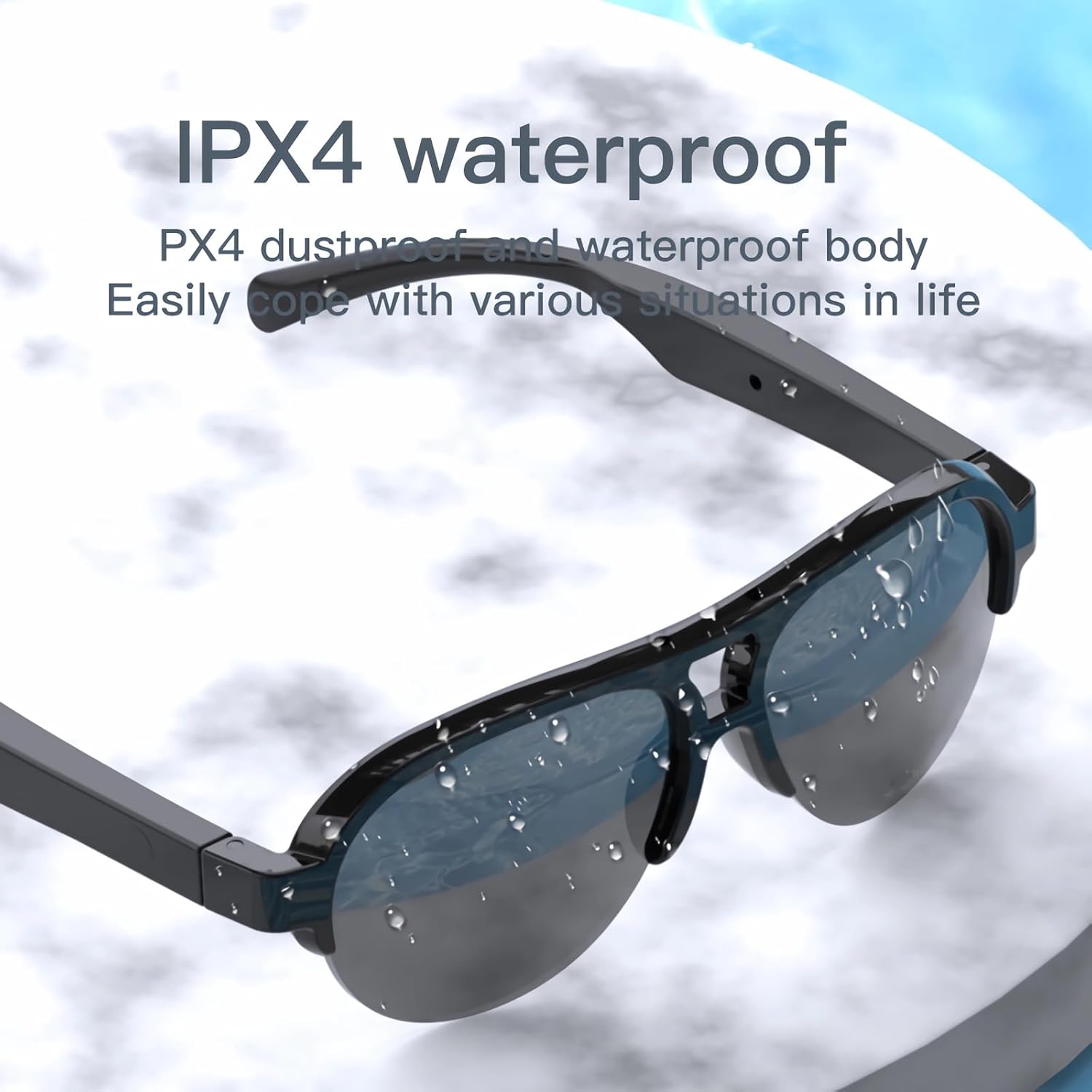
Image: The smart glasses with water droplets on the lenses and frame, demonstrating their IPX4 waterproof capability.
UV Protection Lenses
The lenses provide UV protection, blocking harmful ultraviolet rays. Keep lenses clean to maintain optimal clarity and protection.
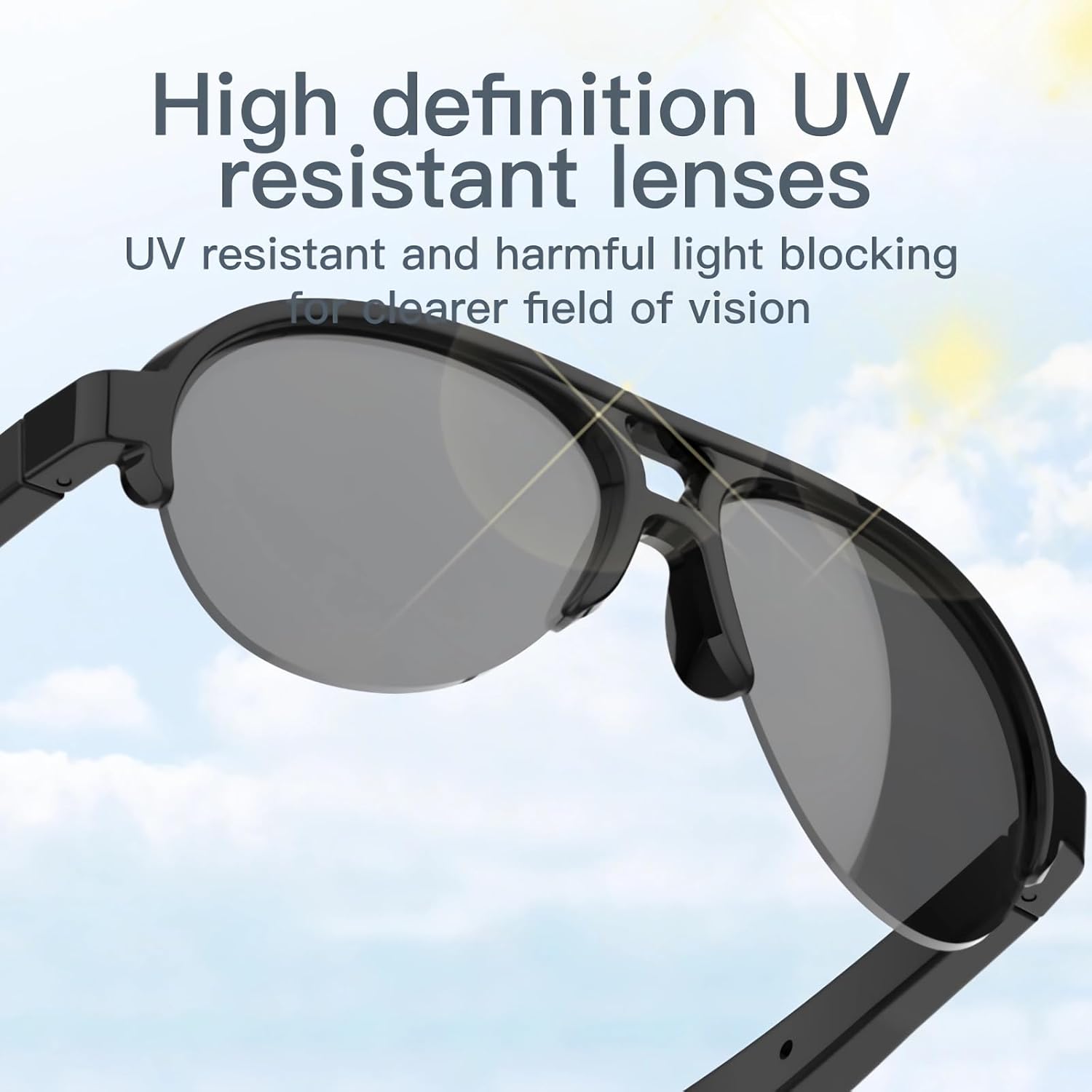
Image: The smart glasses with sun rays reflecting off the lenses, symbolizing their high-definition UV resistant properties.
Whakatakotoranga Hangarau
| Āhuahira | Whakatakotoranga |
|---|---|
| Tauira | F08 |
| Putanga Nihokikorangi | TWS 5.3 |
| Momo Pūhiko | Hikahiko Polymer |
| Hunga Hua | 5.12 x 2.76 x 2.05 inihi |
| Taumaha Hua | 3.21 hekere |
| Ātete wai | IPX4 (Riwhi-awhi) |
| ASIN | B0C2Z1DG4M |

Image: The smart glasses with an overlay indicating approximately 2.5 hours of battery life.
Tohatoha Raparongoā
- Kāore te pūrere e whakakā: Ensure the glasses are fully charged. Connect to a power source and try again.
- Cannot pair with Bluetooth:
- Ensure the glasses are in pairing mode (power on, then check for 'TWS-F' in your device's Bluetooth list).
- Me mohio kei te whakahohea te Nihokikorangi i runga i to taputapu.
- Whakatata atu nga mohiti ki to taputapu.
- Tīmataria anō ngā mōhiti me tō pūrere.
- Karekau he oro, he iti te reo:
- Check the volume level on both the glasses and your paired device.
- Me mohio kei te hono tika nga karaihe ma te Nihokikorangi.
- Verify that the audio is playing from the correct output source on your device.
- Touch controls are unresponsive: Ensure your fingers are clean and dry. Try restarting the glasses.
Nga korero haumaru
- Kaua e ngana ki te wetewete, ki te whakarereke ranei i te taputapu.
- Puritia te taputapu kia matara atu i ngā pāmahana tino kino, i te rā tika, me ngā mura ahi.
- Avoid exposing the device to corrosive liquids.
- Whakamahia anake te taura utu kua whakaratohia, he taurite whaimana ranei.
- Makahia nga pākahiko me nga waahanga hiko kia rite ki nga ture o te rohe.
Pūtāhui me te Tautoko
For warranty information or technical support, please refer to the documentation included with your purchase or contact the retailer. Specific warranty terms and conditions may vary.


