1. Kupu Whakataki
Mauruuru koe mo te hokoasing the COBY CPA905BK Bluetooth Party Speaker. This manual provides essential information for the safe and efficient operation of your device. Please read it thoroughly before use and retain it for future reference.

Image 1.1: The COBY CPA905BK Bluetooth Party Speaker, showcasing its vibrant multi-color LED lighting.
2. Nga Korero Haumaru Nui
- Kaua e tukuna te kaikorero ki te wai, ki te makuku, ki te wera nui ranei.
- A ape i te tuku, te tuku ranei i te kaikorero ki nga paanga kaha.
- Kaua e ngana ki te wetewete, ki te whakatika ranei i te waahanga. Tukuna atu nga ratonga katoa ki nga kaimahi whai tohu.
- Kia matara atu te kaikorero i nga puna wera penei i nga radiators, nga rehita wera, nga umu, me etahi atu taputapu e whakaputa wera ana.
- Whakamahia anake te taura utu e whakaratohia ana.
- Horoia ki te kakahu maroke anake.
- Mā te whakarongo roa ki te nui o te oro ka pā kino pea ki te whakarongo. Whakatikatikahia te oro ki te taumata taurite.
3. Ihirangi mokete
Tena koa tirohia te kete mo nga mea e whai ake nei:
- COBY CPA905BK Bluetooth Party Speaker
- Moroiti USB Charging Cable
- Pukapuka Kaiwhakamahi (tenei tuhinga)
4. Hua Neke Atuview
Familiarize yourself with the various parts and controls of your COBY CPA905BK speaker.

Image 4.1: Top panel of the COBY CPA905BK speaker, illustrating the control buttons and ports.
Nga Mahi Paewhiri Mana:
- Whakakā / Whakaweto: Ka whakakā, ka whakaweto rānei i te kaikorero.
- Tauranga Whakatau: Micro USB input for charging the speaker.
- Tohu Tohu LED: Ka whakaatu i te mana o te utu.
- Kāniwha Kāri TF: Insert a TF (microSD) card for direct music playback.
- Tauranga USB: Insert a USB flash drive for direct music playback.
- Pātene LED: Ka huri haere i roto i ngā momo rama rerekē.
- Pātene EQ: Activates or changes equalizer presets.
- Mana Oro (Rōrahi+ / Rōrahi-): Adjusts the speaker's volume.
- Previous / Next Song Buttons: Ka peke atu ki te ara o mua, o muri rānei.
- Speaker Mode Button: Changes input mode (Bluetooth, USB, TF Card).
- Play / Pause / Scan Button: Plays or pauses music; initiates FM radio scan (if applicable).
- Kakau: Integrated carrying handle for portability.
5. Tatūnga me te Whakamahi Tuatahi
5.1 Te Whakataki i te Kaikorero
Before first use, fully charge the speaker. Connect the Micro USB charging cable to the speaker's charging port (2) and the other end to a USB power adapter (not included) or a computer's USB port. The Charging LED Indicator (3) will illuminate during charging and turn off when fully charged. A full charge provides up to 7 hours of playtime.
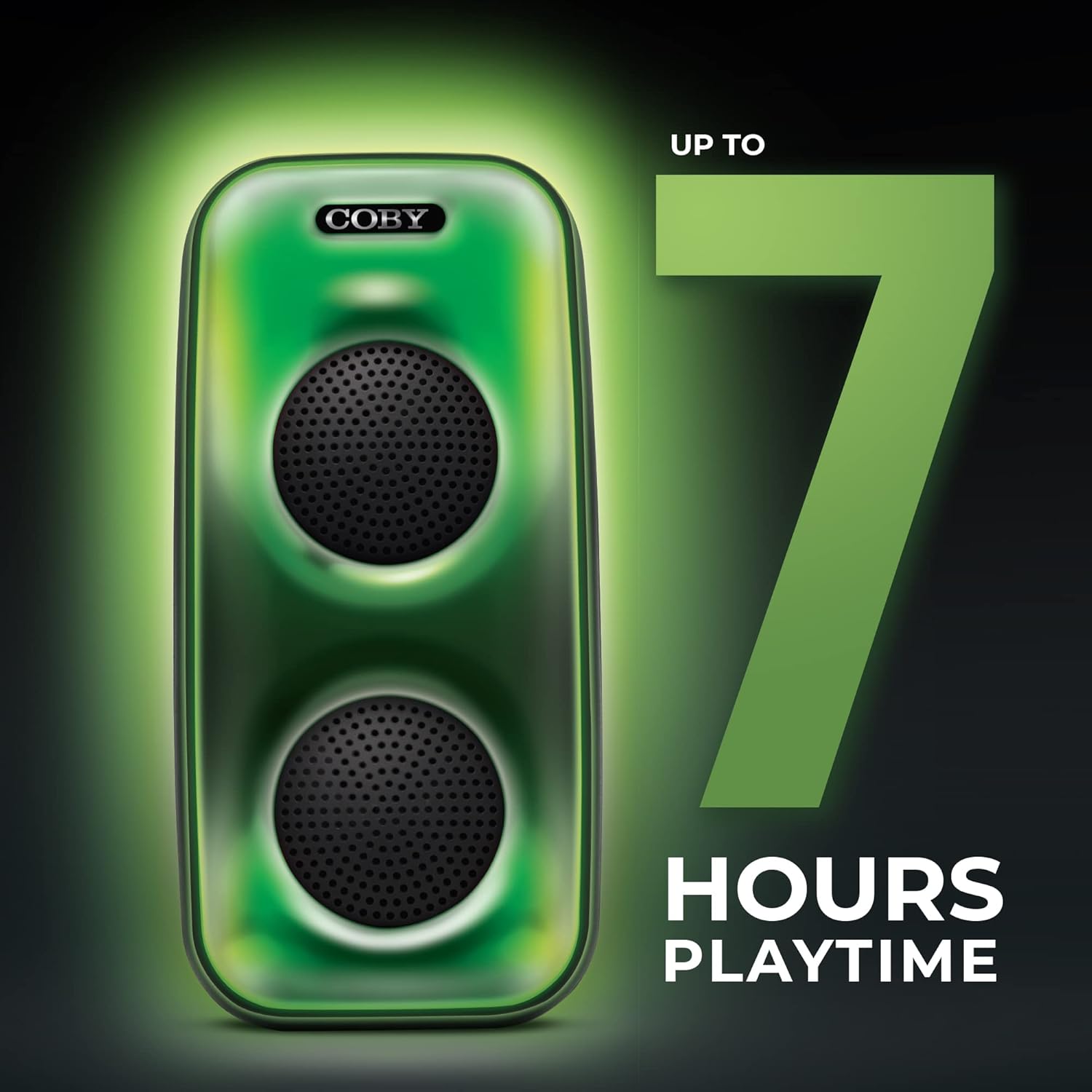
Image 5.1: The COBY CPA905BK speaker highlighting its battery life of up to 7 hours.
5.2 Kei te Hiko / Weto
Kiriata te ON / WAWHI Whakawhiti (1) to the "ON" position to power on the speaker. Slide it to "OFF" to power off.
6. Nga Tohutohu Whakahaere
6.1 Hononga Nihokikorangi
- Me whakarite kei te whakakā te kaikorero, ā, kei roto i te aratau Nihokikorangi. Ki te kore, pēhia te pātene Speaker Mode Button (10) until you hear a prompt indicating Bluetooth mode.
- Whakahohehia te Nihokikorangi i runga i to waea atamai, i tetahi atu taputapu hototahi ranei.
- Rapua "COBY CPA905BK" in your device's Bluetooth settings.
- Select "COBY CPA905BK" to pair. A confirmation sound will indicate successful pairing.
- Ka taea e koe te purei ororongo mai i to taputapu ma te kaikorero.

Image 6.1: Illustration of the COBY CPA905BK speaker establishing a quick and easy Bluetooth connection with a smartphone.
6.2 Whakahoahoa Waea Ahokore Tika (TWS).
To achieve a stereo sound experience, you can pair two COBY CPA905BK speakers together:
- Me mohio kei te hiko nga kaikorero e rua me te aratau Nihokikorangi, engari kaua e hono ki tetahi taputapu.
- I runga i tētahi o ngā kaikōrero (koinei te kaikōrero matua), pēhia, pupuritia te Speaker Mode Button (10) for a few seconds until you hear a pairing tone.
- The two speakers will automatically search and pair with each other. A confirmation tone will sound once paired.
- Now, connect your smartphone or device to the primary speaker via Bluetooth as described in section 6.1. Audio will play through both speakers in stereo.

Image 6.2: Two COBY CPA905BK speakers demonstrating True Wireless Stereo (TWS) functionality for enhanced sound.
6.3 USB and TF Card Playback
The speaker supports direct playback from USB flash drives and TF (microSD) cards.
- Whakauruhia he puku kohiko USB ki te Tauranga USB (5) or a TF card into the TF Kāri Kāniwha (4).
- The speaker will automatically switch to the corresponding mode and begin playing audio files. Ki te kore, pēhia te Speaker Mode Button (10) to select the correct input.
- Whakamahia te Previous / Next Song Buttons (9) to navigate tracks and the Pātene Play / Pause (11) to control playback.
6.4 Aratau Maama
The speaker features three distinct light modes:
- Polychromatic: Displays a dynamic range of colors.
- ahu whakamua: Ka maeneene te whakawhiti o ngā tae.
- Putu: Lights react to the rhythm of the music.
Pehia te Pātene LED (6) repeatedly to cycle through these light modes or to turn the lights off.

Image 6.3: The COBY CPA905BK speaker demonstrating its three distinct light modes.
6.5 Kaiwhakarite (EQ)
Pehia te Pātene EQ (7) to cycle through available equalizer presets, optimizing the sound for different music genres or personal preferences.
7. Tiaki
- Te horoi: Whakamahia he kakahu ngohengohe, maroke hei horoi i te taha waho o te kaikorero. Kaua e whakamahi i ngā wai horoi, i ngā waipara rānei.
- Rokiroki: Ki te kore e whakamahia mo te wa roa, penapenahia te kaikorero ki tetahi waahi makariri, maroke atu i te ra tika.
- Tiaki Pūhiko: Hei whakaroa i te ora o te pākahiko, kaua e tukua kia pau katoa te pākahiko i ngā wā katoa. Utuhia i ia wā, ahakoa kāore e whakamahia ana.
8. Te Raru
| Raruraru | Take pea | Rongoā |
|---|---|---|
| Karekau te kaikorero e kaha ana. | Kua pau te pākahiko. | Whakahoutia te kaikorero mā te whakamahi i te taura Micro USB kua whakaratohia. |
| Kaore he tangi mai i te kaikorero. | He iti rawa te oro; he hē te aratau tāuru; kāore te pūrere i honoa. | Increase volume; press Speaker Mode Button (10) to select correct input; re-pair Bluetooth device. |
| Bluetooth device cannot find the speaker. | Speaker is not in Bluetooth pairing mode; speaker is already connected to another device. | Ensure speaker is in Bluetooth mode; disconnect from other devices; restart speaker and device. |
| Ka rahua te takirua TWS. | He tawhiti rawa ngā kaikorero; kua honoa kētia tētahi kaikorero ki tētahi pūrere. | Ensure speakers are close to each other; disconnect both speakers from any Bluetooth devices before initiating TWS pairing. |
| Kāore e mahi ana te purei anō o te kāri USB/TF. | He hē file format; card/drive not inserted correctly; speaker not in correct mode. | Whakaritea te ororongo files are in a compatible format (e.g., MP3); reinsert card/drive; press Speaker Mode Button (10) to select USB or TF mode. |
9. Whakatakotoranga
| Āhuahira | Taipitopito |
|---|---|
| Tau tauira | CPA905BK |
| Waitohu | Coby |
| Hangarau Hononga | Bluetooth 5.3, USB, TF Card |
| Puna Mana | Ma te Puhiko (1 te pākahiko Lithium Ion, kei roto) |
| Te wa takaro | Tae atu ki te 7 haora |
| Whakauru Ororongo | Nihokikorangi, USB, Kāri TF |
| Rahi Hua (L x W x H) | 5.52 x 5.52 x 11.43 inihi |
| Taumaha Tūemi | 2.3 pauna |
| Rauemi | Te whakarewa, te Kirihou |
| UPC | 810071491368 |
10. Pūtāhui me te Tautoko
For warranty information and technical support, please refer to the documentation provided with your purchase or visit the official Coby webpae. Puritia to tohu hoko mo nga kereme whakamana.
Kaihanga: Summit Electronics, LLC
Webpae: Visit the Coby Store on Amazon


