1. Kupu Whakataki
This manual provides essential instructions for the setup, operation, and maintenance of your UBITracer Multi-Sensor GPS, model ZS-300L. This device is designed for advanced tracking and environmental monitoring, offering real-time data on location, temperature, humidity, light, atmospheric pressure, shock, motion, drop, and tilt. Please read this manual thoroughly to ensure proper use and to maximize the device's capabilities.
2. Hua Neke Atuview
2.1 Nga waahanga matua
- Aroturukitanga Pūoko Maha: Tracks Location, Temperature, Humidity, Light, Atmospheric Pressure, Shock, Motion, Drop, and Tilt.
- Kapohia o te Ao: Operates in over 180 countries using cellular data.
- Te Ora o te Pūhiko Tino-Roa: I hangaia mō te mahi roa me te kore e whakahou pinepine.
- Industrial Precision: Provides medical-grade measurement accuracy and continuous monitoring.
- Wā-tūturu Matohi: Customizable alerts for critical changes in conditions.
- Hoahoa Ruarua: Waterproof and built for durability in various environments.
- Ngā Āhuahira Arā Atu Anō: Includes automatic airplane mode, theft and tampering detection via light and motion sensors, and an option to disable the power switch.
2.2 He aha kei roto i te Pouaka
- UBITracer Multi-Sensor GPS ZS-300L Device
- Uera Whakatau
- Ripene Velcro
- Quick Starter Guide & Mobile Application Instruction

Image: UBITracer ZS-300L device, charging cable, Velcro tape, and quick start guide.
3. Tatūnga
3.1 Whakataki Tuatahi
Before first use, fully charge the UBITracer ZS-300L device. Connect the provided charging cable to the charging interface on the device and a standard USB power source. The charging indicator will illuminate during charging.
3.2 Device Activation and App Installation
- Download the UBITracer mobile application from your device's app store (Android or iOS).
- Follow the instructions in the included Quick Starter Guide to create an account and activate your device. A subscription plan is required for full functionality.
- To bind your device, you may use the activation code found on the device itself. For example, use the link: https://device.ubitracer.com/ubitracer/bind/010521071/03067 or enter the code 0100010521071 manually.
- Ensure the device has a strong cellular signal for successful activation and data transmission. You may need to move the device to different locations to establish a connection.
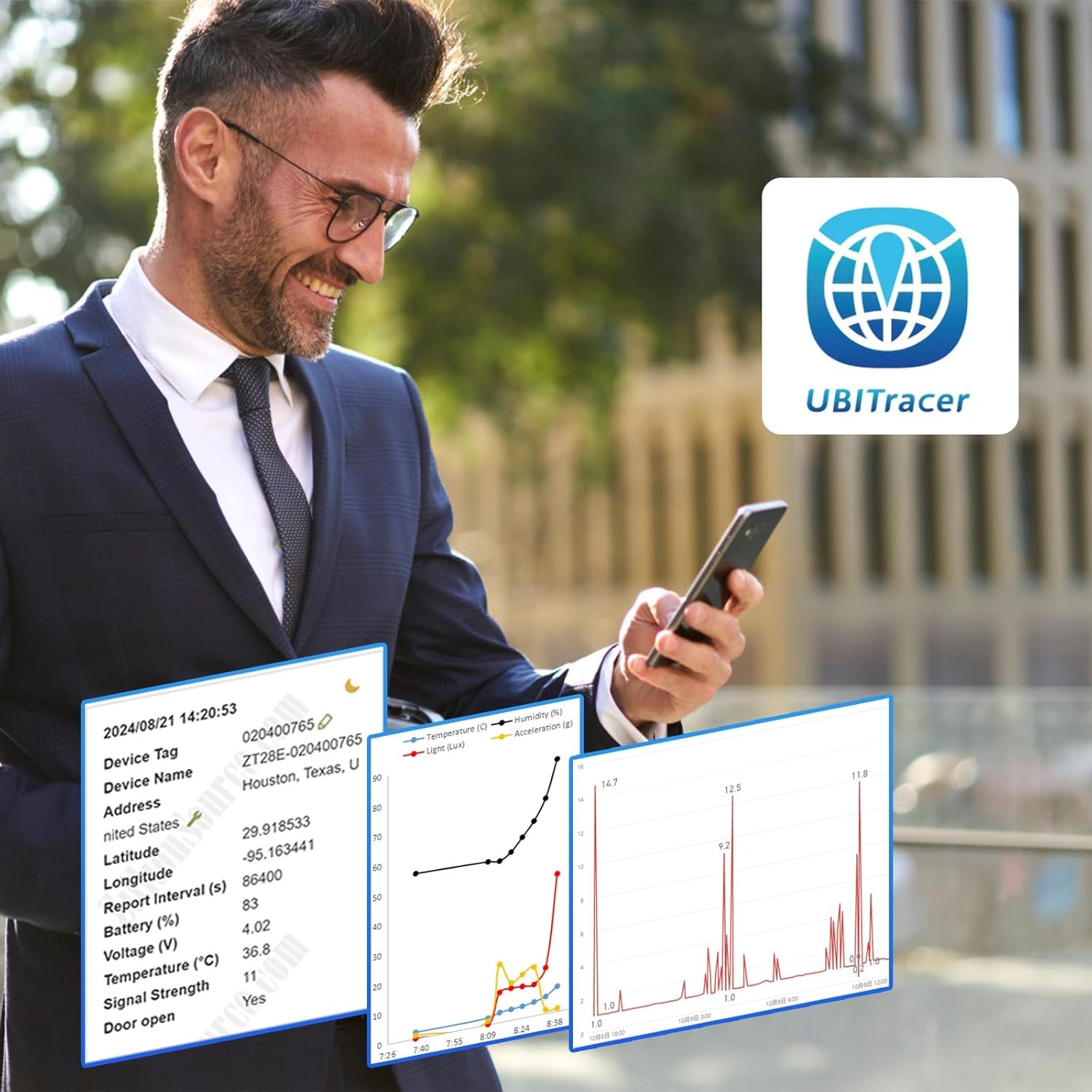
Image: The UBITracer ZS-300L device shown with its mobile application displaying a tracked route on a map.
4. Nga Tohutohu Whakahaere
4.1 Real-time Tracking and Monitoring
Once activated, the UBITracer ZS-300L will begin collecting data based on your subscription plan and configured settings. Data collection frequency can be set as often as every 10 minutes.
- Tauwāhi: View the current and historical location of your device on the mobile app or web tomokanga.
- Pūoko Taiao: Monitor temperature, humidity, light exposure, and atmospheric pressure in real-time.
- Motion and Shock: Detect movement, drops, tilts, and significant impacts.

Image: A user interacting with the UBITracer mobile application, showing detailed sensor data and location information.
4.2 Customizing Alerts
Configure custom alerts within the mobile app or web portal to receive notifications for specific events, such as:
- Temperature exceeding or falling below a set threshold.
- Detection of shock, motion, or tampering (via light sensor).
- Device entering or exiting a predefined geofence area.

Image: A map displaying a tracked route with various data points, indicating movement and location history.
4.3 Āhuatanga Arā Atu Anō
- Automatic Airplane Mode: The device can automatically enter airplane mode when certain conditions are met, conserving battery.
- Theft and TampTe Kitenga: Utilize light and motion sensors to detect unauthorized access or movement.
- Disable Power Switch: An option to prevent unauthorized shut-off, ensuring continuous monitoring.
- Web Portal for Business Users: Access an enterprise-grade web portal for advanced device management, rule configuration, and data interchange.
5. Tiaki
5.1 Whakahaere Pūhiko
The UBITracer ZS-300L features an ultra-long battery life, providing months of service depending on reporting frequency and environmental conditions. Recharge the device when the battery level is low, indicated by the mobile app or device status lights.
5.2 Tiakitanga Pūrere
The device is designed with a rugged, waterproof casing (IP65 rated). While durable, avoid exposing it to extreme temperatures beyond its operating range or harsh chemicals. Clean the device with a soft, dry cloth.
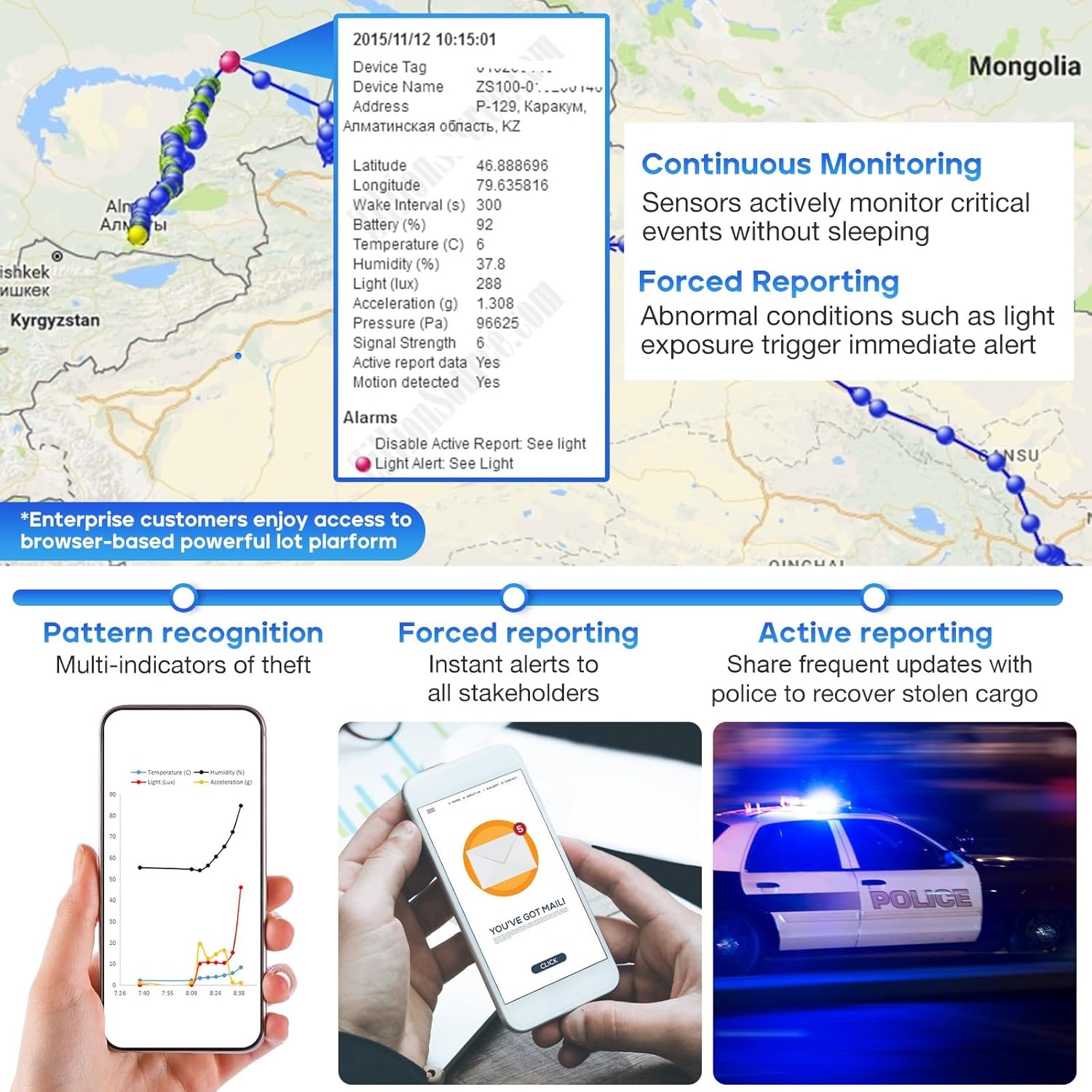
Image: The UBITracer ZS-300L device depicted with water splashes, highlighting its waterproof capabilities.
6. Te Raru
6.1 Device Not Activating or Connecting
- Takina Pūhiko: Me whakarite kua whakakiia te taputapu.
- Kaha Waitohu: The device relies on cellular service. If activation or connection is difficult, move the device to an area with better cellular reception.
- Tūnga Ohaurunga: Verify that your subscription plan is active and correctly linked to your device.
- App /Web Portal: Confirm you are using the correct login credentials for the UBITracer app or web tomokanga.
6.2 Inconsistent Data or Location Updates
- Porearea Tohu: Poor cellular or GPS signal can lead to delayed or missing data. Ensure the device has a clear line of sight to the sky for optimal GPS performance and is in an area with good cellular coverage.
- Wā Pūrongo: Check your configured reporting interval in the app. More frequent reporting consumes more battery and data.
- Taumata Pūhiko: Low battery can affect the device's ability to transmit data consistently.
6.3 Pūrere Kaore i te Whakautu
If the device is unresponsive, try connecting it to a charger. If issues persist, refer to the detailed user guide available as a PDF or contact UBITracer customer support.
7. Whakatakotoranga
| Āhuahira | Taipitopito |
|---|---|
| Tauira | ZS-300L |
| Ahu mōkihi | 3.58 x 3.54 x 1.34 inihi |
| Taumaha Tūemi | 6.7 hekere |
| Hononga | Wireless (Cellular Data) |
| Nga waahanga motuhake | Ambient Environment Monitoring, Customized Alerts, Location History, Multi-Sensor Tracking, Real Time Tracking |
| Tae | Navy |
| Kaihanga | ZillionSource Technologies |
| Tuatahi Wātea | Pipiri 7, 2023 |
| Taupānga Tautoko | Te Aroturuki me te Aroturuki |
| Whakamahinga Tauwhāiti | Camping, Hiking, Stolen Cargo Recovery, RV, Pet, Greenhouse, Cold Chain, Shipment, Valuables |
8. Tautoko
For further assistance, please refer to the comprehensive User Guide PDF available online or within the UBITracer mobile application. You can also visit the official UBITracer website or contact customer support through the app or web portal for technical inquiries and service-related questions.
Aratohu Kaiwhakamahi Whaimana (PDF): Tikiake Here
For business users, access the powerful UBITracer web portal for enterprise-grade device management, rule configuration, and data interchange.


