1. Kupu Whakataki
Thank you for choosing the Baseus Bowie D05 Wireless Headphones. This manual provides detailed instructions on how to set up, operate, maintain, and troubleshoot your new headphones. Please read this manual carefully before use to ensure optimal performance and longevity of your device.
2. He aha kei roto i te Pouaka
Ina wetewetehia te pouaka, me whakarite kei roto i te kete ngā mea katoa e whai ake nei:
- Baseus Bowie D05 Waea Ahokore
- USB-A ki USB-C Utaura Whakatau
- 3.5mm Waea Ororongo
- Pukapuka Kaiwhakamahi
Image: The Baseus Bowie D05 headphones shown alongside their USB-C charging cable and 3.5mm audio cable, illustrating the complete package contents.
3. Hua Neke Atuview
Familiarize yourself with the various parts and controls of your Baseus Bowie D05 headphones:
- Pātene Hiko/Mahinga-maha: Whakamahia mō te whakakā/whakaweto, te purei/te whakamutu, te whakautu/te whakamutu waea, me te whakahohe i te kaiawhina reo.
- Pātene Rōrahi ake: Ka whakanui ake i te oro, pēhi roa mō te waiata e whai ake nei.
- Pātene Whakararo Rōrahi: Ka whakaiti i te oro, pēhi roa mō te ara o mua.
- Tauranga Whakatau USB-C: Mo te utu i nga taringa.
- 3.5mm Jack Ororongo: Mo te hononga waea.
- Tohu LED: Ka whakaatu te mana, te utu, me te mana takirua.
- hopuoro: Mo nga waea me nga whakahau reo.

Whakaahua: He taipitopito view of the left earcup of the Baseus Bowie D05 headphones, highlighting the location of the control buttons (volume up/down, multi-function) and the charging/audio ports.
4. Tatūnga
4.1 Te Whakataki i nga Waea
- Connect the USB-C end of the charging cable to the headphone's charging port.
- Connect the USB-A end to a USB power adapter (5V/1A recommended) or a computer's USB port.
- The LED indicator will show red during charging and turn off or blue when fully charged.
- He 1.5-2 haora pea te utu katoa.
4.2 Takirua Nihokikorangi
- Me mohio kei te whakakiia nga taringa.
- Press and hold the Power/Multi-function button for 3-5 seconds until the LED indicator flashes blue and red alternately, indicating pairing mode.
- I runga i to taputapu (waea atamai, papa, rorohiko), whakaahei i te Nihokikorangi.
- Rapua "Baseus Bowie D05" in the list of available Bluetooth devices.
- Select "Baseus Bowie D05" to connect. Once connected, the LED indicator will flash blue slowly or turn off.
4.3 Wired Connection (Optional)
Ka taea e koe te whakamahi i ngā pane whakarongo me te taura oro 3.5mm kua whakaurua ina iti te pākahiko, mō ngā taputapu rānei kāore he hononga Nihokikorangi.
- Plug one end of the 3.5mm audio cable into the headphone's 3.5mm audio jack.
- Monohia tetahi pito ki te hononga putanga oro o tō pūrere.
- Note: Controls on the headphones may not function in wired mode.
5. Nga Tohutohu Whakahaere
5.1 Hiko / Whakaweto
- Whakahiko: Pēhia me te pupuri i te pātene Mana/Maha-mahi mō te 3 hēkona.
- Weto Whakakore: Pēhia me te pupuri i te pātene Mana/Maha-mahi mō te 5 hēkona.
5.2 Purei Waiata
- Purei/Tatari: Pēhia poto te pātene Mana/Maha-mahi.
- Runga Runga: Patohia poto te paatene Volume Up.
- Raro Raro: Patohia poto te paatene Volume Raro.
- Riu Panuku: Pēhia roa te pātene Volume Up.
- Riu o mua: Pēhia roa te pātene Volume Raro.
5.3 Whakahaere Waea
- Whakautu/Whakamutu Waea: Pēhia poto te pātene Mana/Maha-mahi.
- Whakakore Waea: Long press the Power/Multi-function button for 2 seconds.
5.4 Hononga-Pūrere Maha
The Baseus Bowie D05 headphones support simultaneous connection to two devices, allowing seamless switching between them.
- Honoa ngā pane whakarongo ki te pūrere tuatahi mā te Nihokikorangi e ai ki te whakaahuatanga i te wāhanga 4.2.
- Momotuhia ngā pane whakarongo mai i te pūrere tuatahi (kaua e wetewete).
- Connect the headphones to the second device via Bluetooth.
- Honoa anō ngā paneoro ki te pūrere tuatahi mai i ngā tautuhinga Nihokikorangi. Me hono ngā paneoro ki ngā pūrere e rua.
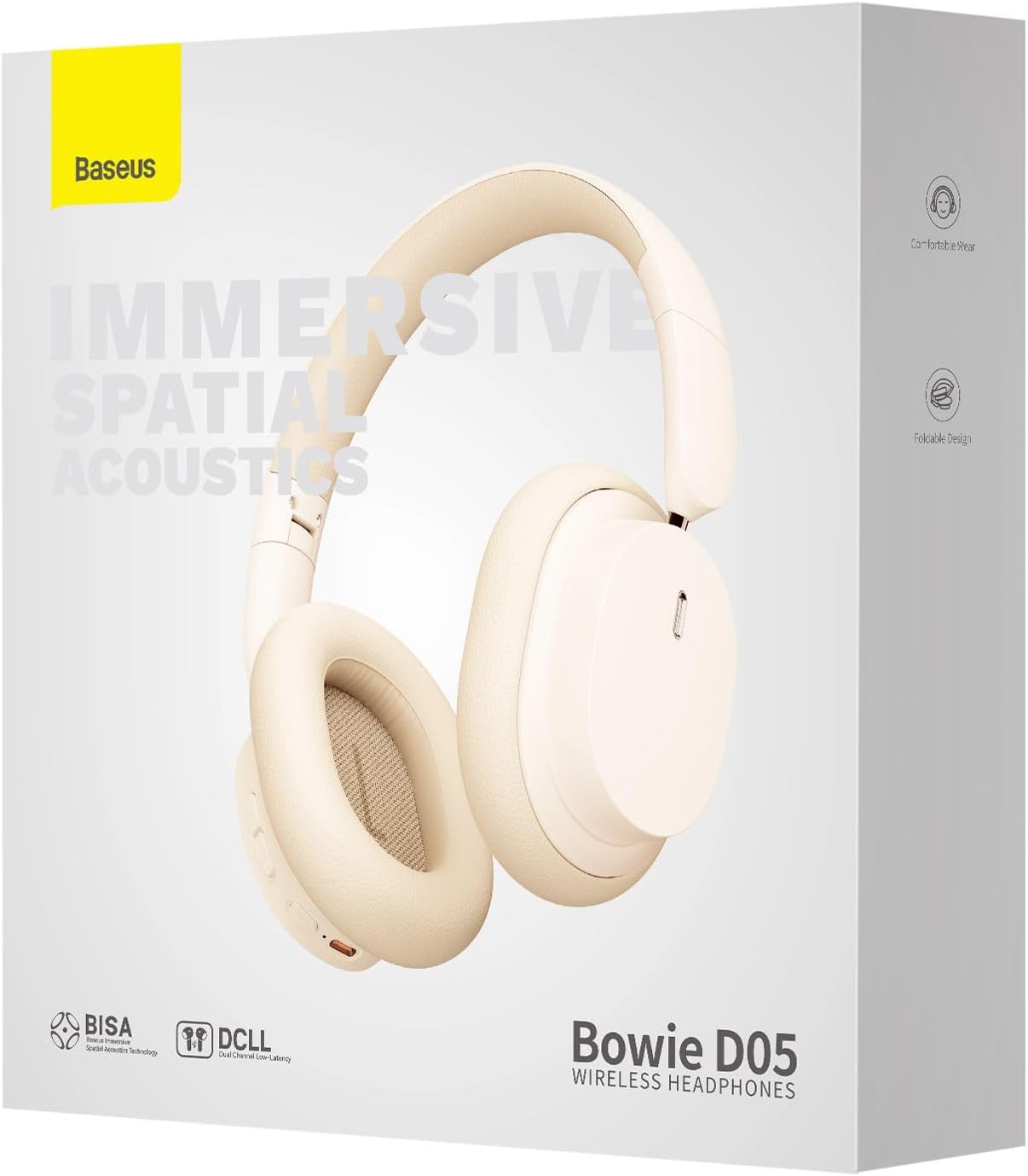
Image: The Baseus Bowie D05 headphones are depicted wirelessly connected to both a smartphone and a tablet, demonstrating their multi-device connectivity feature.
6. Tiaki
Hei whakarite i te roa me te pai o te mahi o o taringa, whai i enei aratohu tiaki:
- Te horoi: Whakamahia he kakahu ngohengohe, maroke, kore-rara hei horoi i nga taringa. Kaua e whakamahia nga kai horoi, te waipiro, te whakarewa matū ranei.
- Rokiroki: Ki te kore e whakamahia, penapenahia nga taringa ki tetahi waahi makariri, maroke, kia matara atu i te ra me te wera nui.
- Aukati i te makuku: Puritia ngā paneoro kia matara atu i te wai me te makuku nui.
- Te hapai me te tiaki: A ape i te tuku, te tuku ranei i nga taringa ki nga paanga kaha.
7. Te Raru
If you encounter any issues with your Baseus Bowie D05 headphones, please refer to the following common problems and solutions:
| Raruraru | Rongoa pea |
|---|---|
| Karekau e kaha ana nga waea. | Me mohio kei te whakakiia nga taringa. Tūhono ki tētahi puna hiko ka ngana anō. |
| Kaore e taea te hono ki te taputapu. | Ensure headphones are in pairing mode (flashing blue/red). Turn off and on Bluetooth on your device. Clear previous Bluetooth connections on your device. Move headphones closer to the device. |
| Karekau he oro, he iti te reo. | Check headphone and device volume levels. Ensure headphones are properly connected. Try playing different audio. If using wired connection, ensure cable is fully inserted. |
| He iti te kounga tangi. | Move closer to your device to avoid interference. Avoid obstacles between headphones and device. Try disconnecting and reconnecting. |
| Ka momotuhia nga waea waea. | Ensure headphones are fully charged. Keep within Bluetooth range (typically 10 meters). Avoid strong electromagnetic interference. |
Mena ka mau tonu te raru i muri i te whakamatau i enei otinga, tena koa whakapā atu ki te tautoko a te kaihoko.
8. Whakatakotoranga
Detailed technical specifications for the Baseus Bowie D05 Wireless Headphones:
- Ingoa Tauira: NGTD020202
- Waitohu: Baseus
- Hangarau Hononga: Ahokore (Nihokikorangi)
- Hangarau Whakawhitiwhiti Ahokore: Nihokikorangi
- Whakatakoto Taringa: Ki runga Taringa
- Tauwehe Puka: Ki runga Taringa
- Momo Atekōkiri Ororongo: Atekōkiri Hihiko
- Rahi Waeine Atekōkiri: 40mm
- Ora Pūhiko: Up to 70 hours of audio playback (at 70% volume)
- Tauranga Whakatau: USB-C
- Jack Ororongo: 3.5 mm Jack
- Rauemi: Kirihou
- Taumaha Tūemi: Tata ki te 209 karamu (7.37 hekere)
- Tae: Creamy-White (as per product title, though spec says Black)
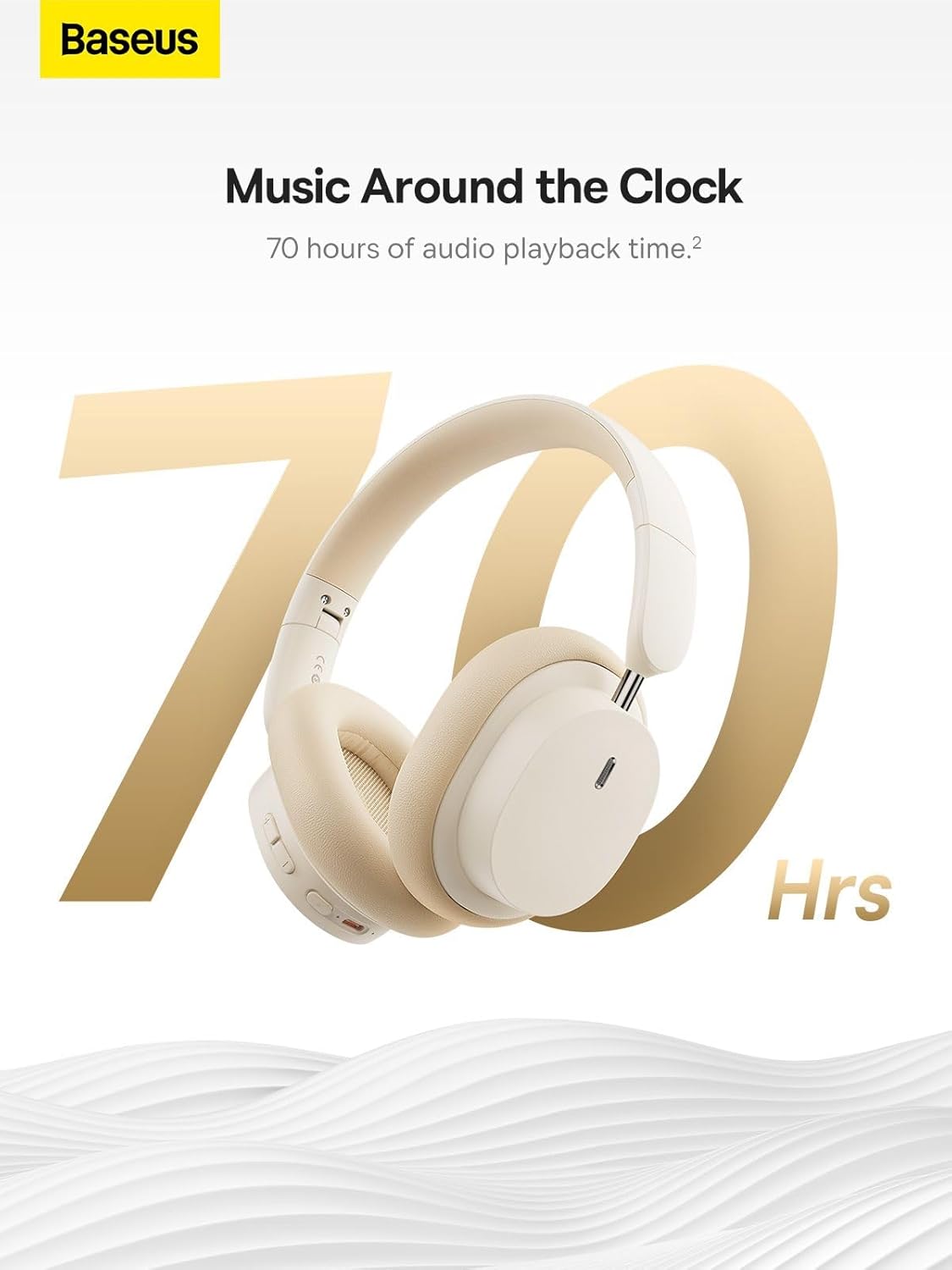
Image: The Baseus Bowie D05 headphones are featured with a prominent '70 Hrs' graphic, highlighting their extended audio playback time on a single charge.

Image: Two individuals are shown comfortably wearing the Baseus Bowie D05 headphones, emphasizing their lightweight design with the text 'Only 209g' for extended listening sessions.

Image: A visual representation of a 40mm large driver unit, illustrating its capability to deliver detailed high-end and fuller low-end audio performance.
9. Pūtāhui me te Tautoko
9.1 Nga Korero Whakaputanga
Baseus products are covered by a limited warranty from the date of purchase. Please refer to the warranty card included in your product packaging or visit the official Baseus webpae mo nga tikanga me nga tikanga whakamana.
9.2 Tautoko Kiritaki
For technical assistance, troubleshooting, or warranty claims, please contact Baseus customer support through the following channels:
- Whaimana Webpae: Visit the Baseus official webpae mo nga FAQ, nga rauemi tautoko, me nga puka whakapā.
- Tautoko Īmēra: Tirohia ki to putunga hua, ki te mana ranei webpae mo te wahitau imeera tautoko kiritaki.
- Authorized Retailer: Contact the retailer from whom you purchased the product for assistance.



