1. Kupu Whakataki
This manual provides essential instructions for the safe and efficient operation and maintenance of your roborock Q8 Max Robot Vacuum and Mop Cleaner. Please read this manual thoroughly before using the product and retain it for future reference.
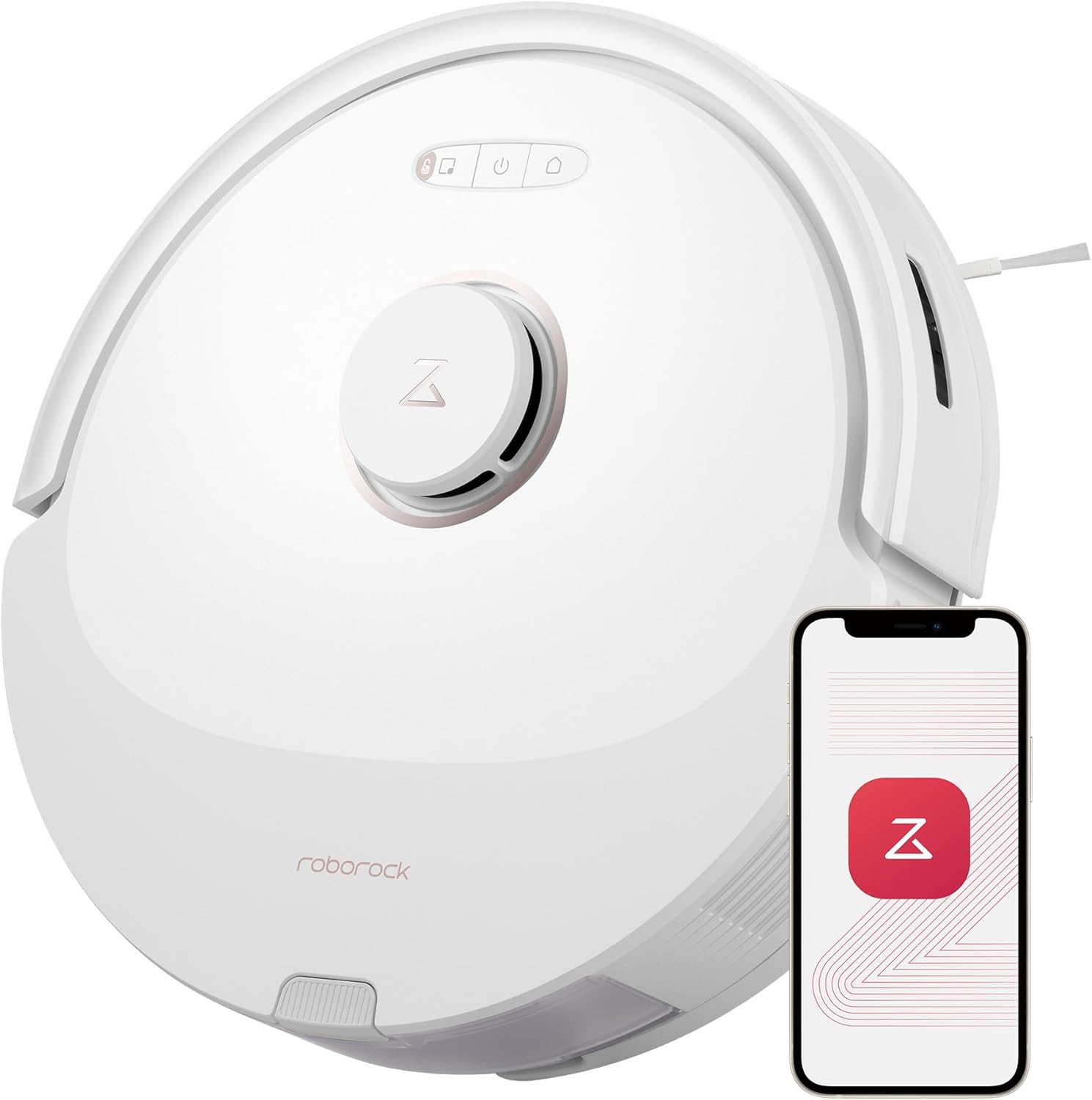
Image: The roborock Q8 Max Robot Vacuum and Mop Cleaner, a circular white device with a central LiDAR sensor, shown alongside a smartphone displaying the control app.
2. Tatūnga Tuatahi
2.1 Te Wetewete
Tangohia marietia ngā wāhanga katoa i roto i te takai. Kia tino kitea ngā wāhanga katoa e ai ki te rārangi takai.
2.2 Te Whakatakotoranga Tauranga
Place the charging dock against a wall on a hard, level surface. Ensure there is adequate clear space around the dock (e.g., 0.5m on sides, 1.5m in front) for the robot to navigate easily. Connect the power cable to the dock and plug it into a power outlet.

Image: The roborock Q8 Max robot vacuum positioned next to its charging dock, illustrating proper placement against a wall.
2.3 Whakamahi Tuatahi
Place the robot on the charging dock. The robot will power on automatically. Allow the robot to fully charge before its first cleaning cycle. Download the Roborock App to connect your device and begin mapping your home.
3. Nga Waahanga Matua
- DuoRoller Brush: Dual rubber brushes designed for enhanced hair pickup and reduced tangles, especially on carpets.
- Combined Dustbin & Water Tank: A single unit for both vacuumed debris (470 ml capacity) and mopping water (350 ml capacity).
- PreciSense LiDAR Navigation: Advanced laser navigation system for precise mapping and efficient cleaning routes.
- Reactive Tech Obstacle Avoidance: Sensors that detect and navigate around obstacles to prevent collisions.
- Patene Mana: Located on the top of the robot for basic operations.

Whakaahua: He roto view of the roborock Q8 Max showing the dual red and black DuoRoller brushes, designed for effective cleaning and tangle prevention.

Image: A hand removing the combined dustbin and water tank from the roborock Q8 Max, highlighting its 470ml dustbin and 350ml water tank capacities.
Ataata: He korero taipitopitoview of the roborock Q8 Max's features, including its dustbin, DuoRoller brush, and obstacle avoidance capabilities.
4. Nga Tohutohu Whakahaere
4.1 Hiko / Whakaweto
Press and hold the power button on the robot to turn it on or off. The robot will announce its status.
4.2 Te Timata i te Hurihanga Whakapai
Press the clean button on the robot or use the Roborock App to start a cleaning cycle. The robot will automatically map its environment and begin cleaning.
4.3 Te horoi me te horoi i te puehu
The Q8 Max can vacuum and mop simultaneously. Adjust water flow levels (30 options) via the app to suit different floor types. The mopping module is detachable, allowing for vacuum-only cleaning if preferred.
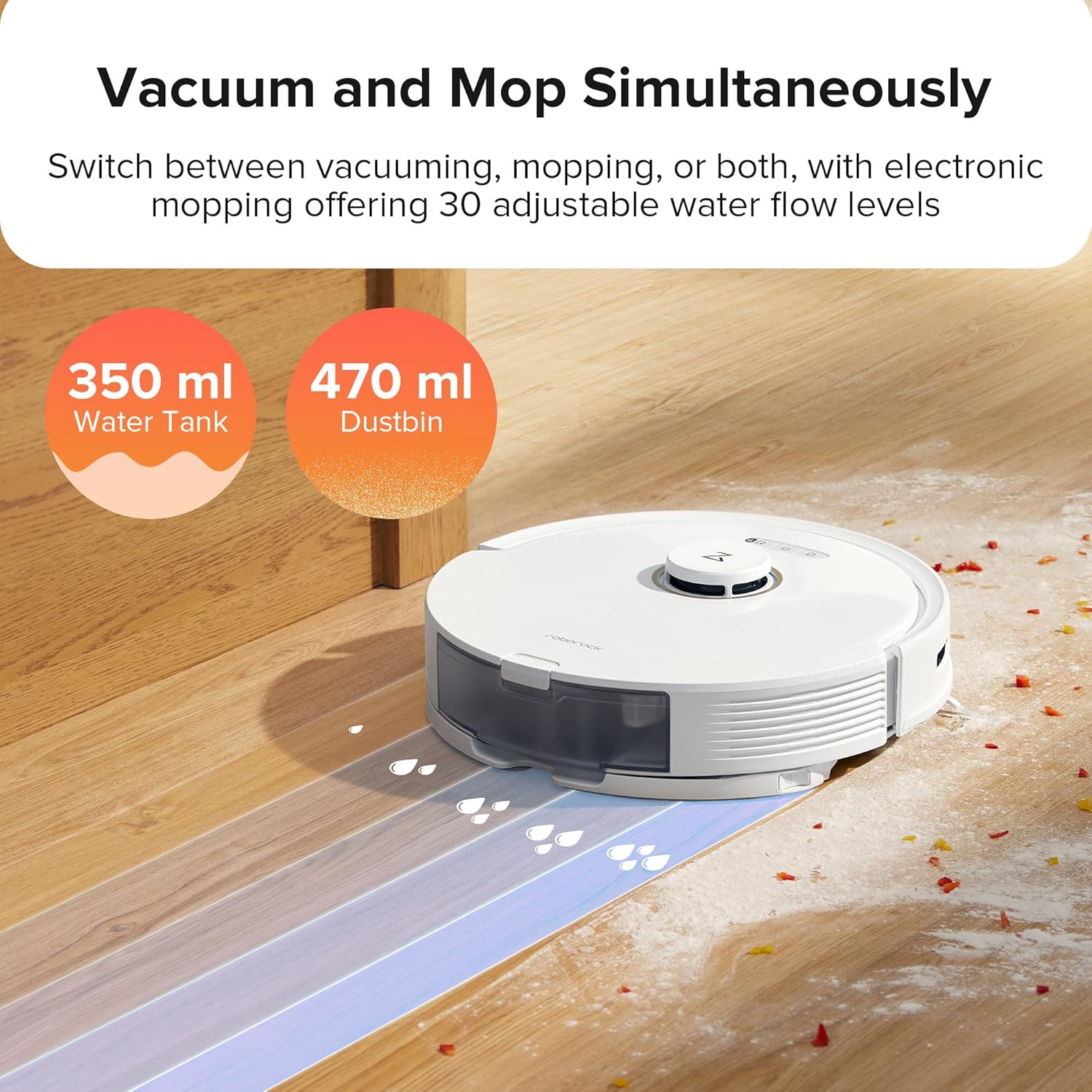
Image: The roborock Q8 Max demonstrating its 5500 Pa HyperForce suction power, with visual indicators for Quiet, Balanced, Turbo, and Max suction modes.
4.4 Mana Reo
The robot is compatible with Amazon Alexa, Google Home, and Siri Shortcuts for convenient voice commands.
Video: The roborock Q8 Max robot vacuum and mop cleaner in operation, demonstrating its cleaning capabilities on various floor types.
5. Navigation and Mapping
5.1 PreciSense LiDAR Navigation
The integrated LiDAR system scans your home to create detailed and accurate maps, enabling the robot to plan optimal cleaning routes.
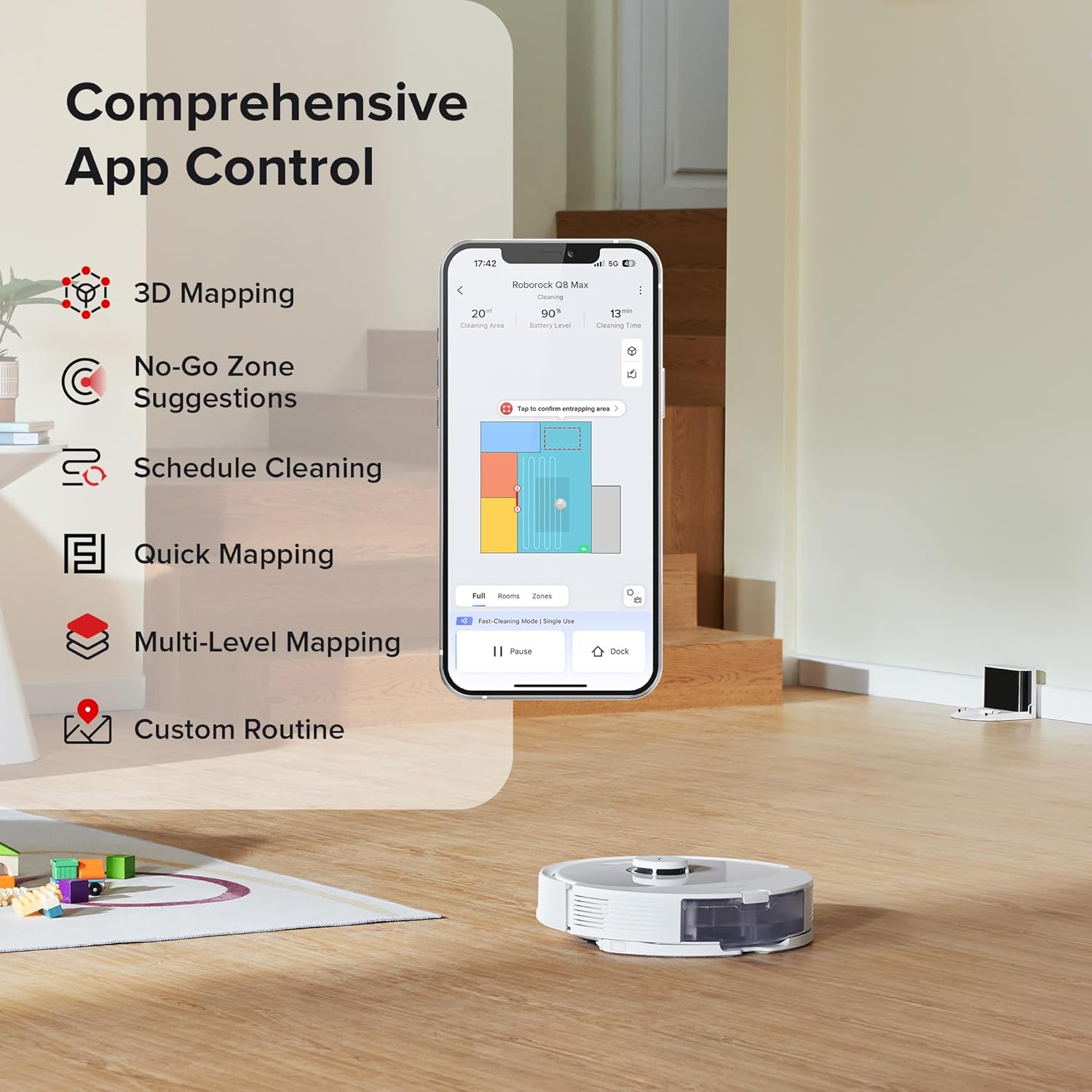
Image: The roborock Q8 Max navigating a living room, illustrating its precise pathing using LiDAR technology to ensure thorough cleaning.
5.2 Multi-Level Mapping
The robot automatically recognizes and navigates up to four different levels of your home. Simply place the robot on the desired floor, and the app will indicate its current level.

Image: A graphic illustrating the roborock Q8 Max's ability to map and recognize multiple floor levels (1F, 2F, 3F, 4F) within a home.
5.3 3D Mapping and Customization
Generate a precise 3D map of your home in the app. Customize the map by adding furniture and specifying floor materials to optimize cleaning paths.
5.4 Aukati Aukati
The robot detects and navigates around common household obstacles, reducing the need for pre-cleaning tidying. The app can also suggest No-Go Zones for stairs or areas prone to getting stuck.

Image: The roborock Q8 Max robot vacuum detecting and avoiding various objects on the floor, demonstrating its Reactive Tech Obstacle Avoidance system.

Image: A smartphone displaying the Roborock App interface, showcasing comprehensive control features like 3D mapping, No-Go Zones, scheduling, and custom routines.
6. Tiaki
6.1 Cleaning the DuoRoller Brush
Regularly inspect and clean the DuoRoller brushes to maintain optimal performance, especially for hair pickup. The brushes are designed to minimize tangles, but occasional cleaning may be required.
6.2 Emptying the Dustbin and Refilling the Water Tank
The combined dustbin and water tank should be emptied and refilled as needed. The dustbin has a 470 ml capacity, and the water tank has a 350 ml capacity. Ensure the filter is also cleaned regularly.
6.3 Cleaning the Mopping Pad
The mopping pad is detachable and washable. Remove the pad after mopping and clean it to prevent odor and maintain mopping effectiveness.
6.4 Whakapai Whanui
Wipe down the robot's exterior with a soft, dry cloth. Keep sensors clean for accurate navigation.
Video: A demonstration of the roborock Q8 Max's dustbin, water tank, and brush removal for cleaning and maintenance.
7. Te Raru
- Karetao kaore e utu: Ensure the charging dock is powered on and the robot is correctly aligned with the charging contacts. Clean the charging contacts on both the robot and the dock.
- Ka mau te karetao: Clear small obstacles, loose cables, or thick rugs from the cleaning path. Use the app to set No-Go Zones for problematic areas.
- He pai te mahi horoi: Check and clean the DuoRoller brushes, empty the dustbin, and clean or replace the filter. Ensure the water tank is filled for mopping.
- Nga take honohono taupānga: Ensure your Wi-Fi network is stable and the robot is within range. Restart the robot and your router if necessary.
8. Whakatakotoranga
| Waitohu | roborock |
| Ingoa Tauira | Q8 Max |
| Hunga Hua | 13.9"L x 13.8"W x 3.8"H |
| Taumaha Tūemi | 8.8 pauna |
| Te Mana Momo | 5,500 Pa |
| Te Puehu Puehu | 470 ml |
| Te kaha o te tank wai | 350 ml |
| Ora Pūhiko | Tae atu ki te 240 meneti |
| Tikanga Mana | Reo, App |
| Pūrere Hototahi | Amazon Echo, Google Home, Waea Atamai |
9. Pūtāhui me te Tautoko
For warranty information and technical support, please refer to the official roborock website or contact customer service directly. Keep your purchase receipt as proof of purchase.
Online resources and FAQs are available on the Toa Roborock.


