1. Kupu Whakataki me Nekeview
Welcome to the user manual for your HiFuture Flybuds 3 Wireless Bluetooth Headphones. These advanced earbuds are designed to provide a superior audio experience with seamless connectivity and comfort. Featuring Bluetooth 5.3 technology, they ensure a stable and high-quality connection with your devices.
The Flybuds 3 are equipped with 4 built-in microphones for crystal-clear calls and Active Noise Cancellation (ENC) to immerse you in your music. Their IPX5 water and sweat resistance makes them ideal for workouts and active lifestyles. Enjoy up to 32 hours of playtime with the charging case, ensuring your music accompanies you throughout the day.

The HiFuture Flybuds 3 in their charging case, ready for use.

HiFuture Flybuds 3 available in multiple colors, highlighting the new music era.
2. He aha kei roto i te Pouaka
Tena koa tirohia nga ihirangi o te kete kia mohio kei te noho katoa nga taonga:
- HiFuture Flybuds 3 Earbuds (Left and Right)
- Puhi utu
- Tauira Whakatau USB
- Pukapuka Kaiwhakamahi
3. Tatūnga
3.1 Charging Your Flybuds 3
Before first use, it is recommended to fully charge your Flybuds 3. This ensures optimal battery performance.
- Place both earbuds into their respective slots in the charging case.
- Honoa te taura utu USB ki te tauranga utu i runga i te pouaka, ka mono i tetahi atu pito ki tētahi pūtake hiko USB hototahi (hei tauira, te urutau pakitara, te tauranga USB rorohiko).
- The indicator light on the charging case will illuminate to show charging status. A full charge typically takes approximately 2 hours.
- Kia oti te whakakii, momotuhia te taura utu.
3.2 Takirua Nihokikorangi
Follow these steps to pair your Flybuds 3 with your device:
- Me whakarite kua utuhia nga purongo ka tuu ki roto i te pukoro utu.
- Whakatuwheratia te taupoki o te pouaka utu. Ka whakakā aunoa ngā pane taringa, ā, ka uru ki te aratau takirua Nihokikorangi.
- On your smartphone, tablet, laptop, or other Bluetooth-enabled device, go to the Bluetooth settings.
- Whakahohehia te Nihokikorangi ka rapu i ngā pūrere hou.
- Select 'HiFuture Flybuds 3' from the list of available devices.
- Kia honoa, ka puta he tohu reo hei whakaū i te angitu o te hononga. Kua rite ngā pane taringa ki te whakamahi.
4. Nga Tohutohu Whakahaere
4.1 Mana Pa
The Flybuds 3 feature intuitive touch controls on each earbud. Familiarize yourself with the following functions:
| Mahi | Mahi |
|---|---|
| Purei/Tatari Waiata | Pao kotahi ki runga i tetahi purongo |
| Riro Panuku | Patohia rua te purongo Matau |
| Tuhinga o mua | Pato rua te purongo maui |
| Whakautu/Whakamutua te Waea | Pao kotahi ki runga i tetahi purongo |
| Whakakahoretia te Waea | Patohia me te pupuri i tetahi purongo mo te 2 hēkona |
| Whakahohe Kaiāwhina Reo | Patohia kia toru ngā pato ki ia pane taringa |
| Whakawhitihia te Aratau ANC/Mārama | Press and hold the Right earbud for 2 seconds |
4.2 Karanga
The 4 built-in microphones ensure clear voice pickup during calls. Use the touch controls as described above to manage your phone calls.
4.3 Purei Waiata
Enjoy your favorite music with rich audio quality. Control playback directly from the earbuds using the touch functions.

Enjoy up to 30 hours of playtime with the charging case.

Experience bold bass and rich audio with Flybuds 3.
4.4 Active Noise Cancellation (ENC)
The Flybuds 3 feature Environmental Noise Cancellation (ENC) to reduce ambient sounds, allowing you to focus on your audio. Use the touch control to toggle between ANC and Transparency modes.

Active Noise Cancellation (ENC) for an immersive listening experience.
5. Tiaki
5.1 Te horoi
To maintain the performance and appearance of your Flybuds 3:
- Me ata muru nga pukoro me te pukoro utu ki te kakahu ngohengohe, maroke, kore-rara.
- Kaua e whakamahia nga kai horoi, nga whakarewa, nga matū kino ranei.
- A ape i te makuku i roto i nga tuwhera.
5.2 Rokiroki
Always store the earbuds in their charging case when not in use. This protects them from damage and keeps them charged for your next use.
5.3 Ātete Wai (IPX5)
The HiFuture Flybuds 3 are IPX5 water resistant, meaning they are protected against low-pressure water jets from any direction. This makes them suitable for use during workouts and in light rain.
- Kaua e tukuna ngā pane taringa, te pouaka utu rānei ki te wai.
- Kaua e tukua kia pā ki te wai tote, ki ētahi atu wai rānei.
- If they get wet, wipe them dry before placing them back in the charging case or charging.
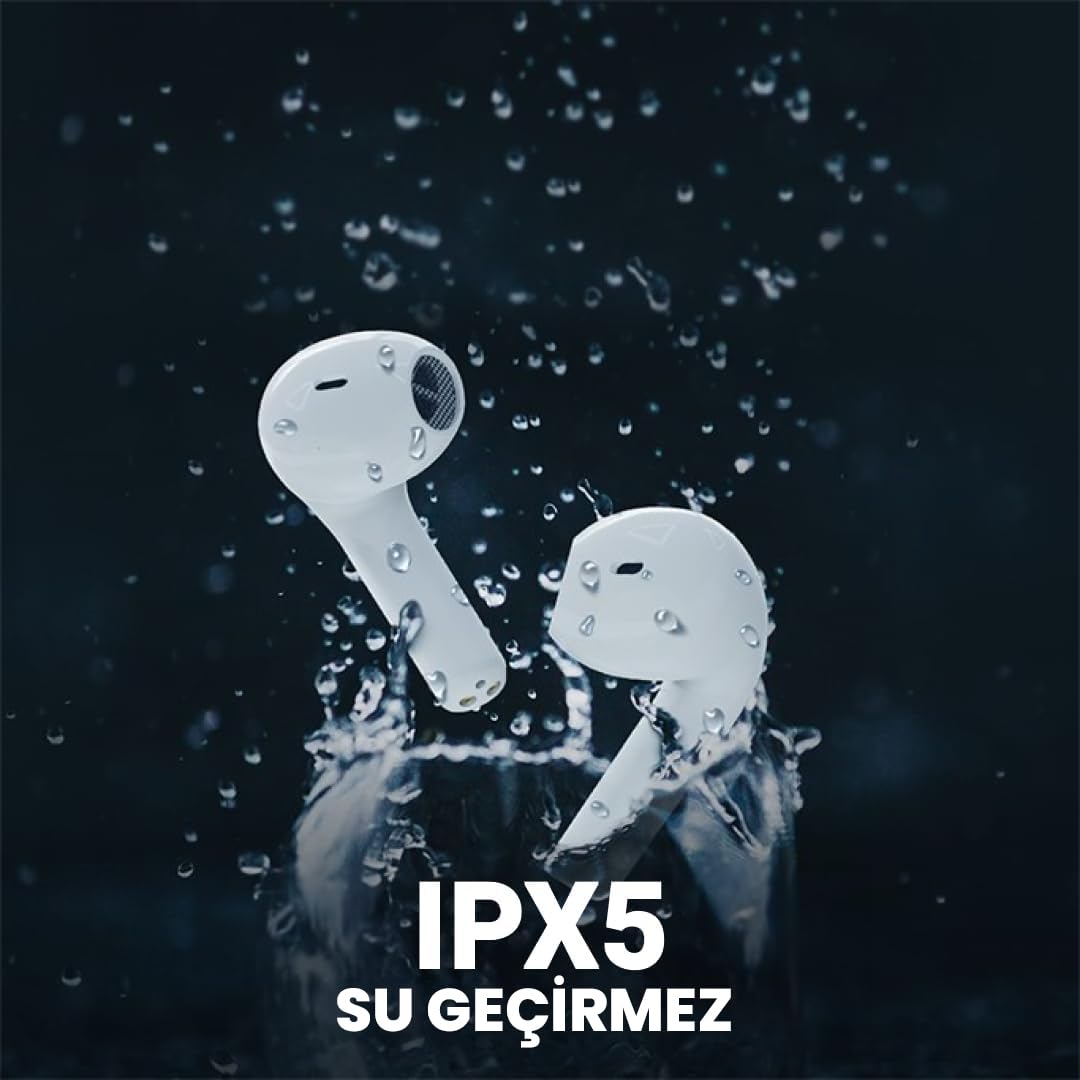
The Flybuds 3 are IPX5 water resistant, suitable for active use.
6. Te Raru
If you encounter any issues with your Flybuds 3, please refer to the following common solutions:
- Karekau e honoa nga taringa: Ensure both earbuds are charged and within range of your device. Turn Bluetooth off and on again on your device. Try placing the earbuds back in the case, closing the lid, and then reopening it to re-enter pairing mode.
- Kāore he oro mai i tētahi, i ngā pane taringa e rua rānei: Check the volume levels on both your connected device and the earbuds. Ensure the earbuds are properly connected to your device. Try re-pairing the earbuds.
- He kino te kounga waea: Ensure the microphones on the earbuds are not obstructed. Move to an area with less background noise.
- Ora pūhiko poto: Ensure the earbuds and charging case are fully charged. Battery life can vary based on usage patterns, volume levels, and ANC usage.
- Karekau nga taringa e utu ana: Me whakarite kia mau te hononga o te taura utu ki te pouaka me te pūtake hiko. Tirohia mēnā he ma te putanga utu, ā, kāore he paru.
Mena ka mau tonu te raruraru, tirohia te wāhanga Pūtāhui me te Tautoko mō ētahi atu āwhina.
7. Whakatakotoranga
Detailed specifications for your HiFuture Flybuds 3:
| Āhuahira | Taipitopito |
|---|---|
| Tauira | FLYBUDS3-BK |
| Putanga Nihokikorangi | 5.3 |
| Te ora o te Pūhiko (Ponorongo + Puka) | Tae atu ki te 32 haora |
| Waa Whakatau | Approx. 2 haora |
| Nga hopuorooro | 4 Hanga-i roto |
| Ātete wai | IPX5 |
| Mana Haruru | Whakakorenga Haruru Kaha (ENC) |
| Tikanga Mana | Paa |
| Taumaha | 80 Karamu (hua katoa) |
| Pūrere Hototahi | Waea atamai, Papaaho, Pona, Papamahi |

Key features highlighted on the product packaging.

Ergonomic design ensures a comfortable and secure fit.
8. Pūtāhui me te Tautoko
8.1 Nga Korero Whakaputanga
Your HiFuture Flybuds 3 come with a 1-year manufacturer's warranty from the date of purchase. This warranty covers manufacturing defects and ensures your product performs as expected under normal use.
- Please retain your proof of purchase (receipt or invoice) as it is required for any warranty claims.
- Karekau te raihana e kapi i te kino na te whakamahi hee, nga aitua, nga whakarereketanga kore mana, me nga kakahu me nga roimata noa.
8.2 Tautoko Kiritaki
For further assistance, troubleshooting, or to inquire about warranty claims, please contact HiFuture customer support. You can typically find contact information on the official HiFuture webpae.
Thank you for choosing HiFuture Flybuds 3. We hope you enjoy your listening experience!


