1. Kupu Whakataki
This manual provides detailed instructions for the Noise Buds VS404 Truly Wireless Earbuds. Please read this guide thoroughly to ensure proper usage, optimal performance, and longevity of your device. Keep this manual for future reference.
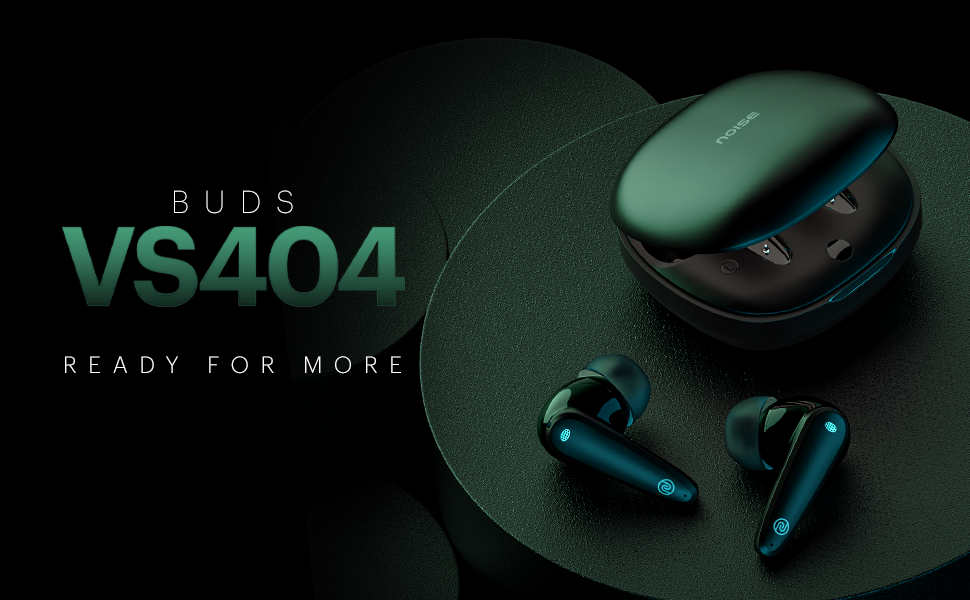
Whakaahua 1.1: Ka mutuview of Noise Buds VS404 key features including extended playtime, advanced microphone system, multiple sound modes, and fast charging.
2. He aha kei roto i te Pouaka
Manatokohia ko nga mea katoa e whai ake nei kei roto i to kete:
- 1N Bluetooth Headphone (Pair of Earbuds)
- 1N Puhi Whakatau
- Taura Utu 1N (Momo-C)
- 1N Pukapuka Kaiwhakamahi
- Kāri Rēhita Pūtāhui 1N
3. Hua Neke Atuview
The Noise Buds VS404 are designed for comfort and high-quality audio. Each earbud features a 10mm dynamic driver and a quad-microphone setup with Environmental Noise Cancellation (ENC) for clear calls. The charging case provides additional battery life and protects the earbuds.

Image 3.1: The Noise Buds VS404 earbuds and their charging case.
3.1. Earbud Components
- Horahanga Mana Pa: Hei whakahaere waiata, waea, me te kaiawhina reo.
- hopuoro: Quad-mic setup for calls and ENC.
- Kaikōrero: 10mm dynamic driver.
- Kei te utu Hoapā: Mo te utu i roto i te keehi.
3.2. Charging Case Components
- Ngā Mokowā Taringa: Ka mau me te utu i nga purongo.
- Tauranga Whakatau: Type-C port for charging the case.
- Tohu LED: E whakaatu ana i te tūnga utu me te taumata pākahiko.
4. Tatūnga
4.1. Te Whakataki i nga Paorooro me te Puhi
I mua i te whakamahi tuatahi, whakakiia katoatia nga pukoro taringa me te putea utu.
- Whakanohoia nga purongo ki roto i te pukoro utu. Me whakarite kia tika te noho.
- Connect the Type-C charging cable to the charging port on the case and to a power source.
- The LED indicator on the case will show the charging status. Once fully charged, the indicator will change or turn off.
The Noise Buds VS404 feature Instacharge, providing approximately 200 minutes of playtime with just 10 minutes of charging.
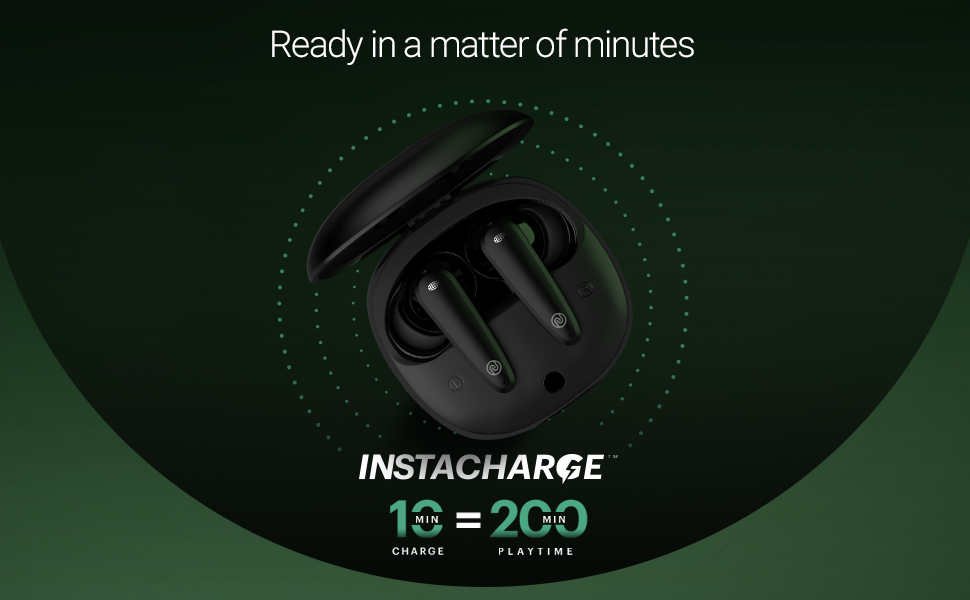
Image 4.1: Instacharge capability of the Noise Buds VS404, offering quick power-ups.
Mā te utunga katoa ka taea te purei anō mō te 50 hāora me te pouaka utu.
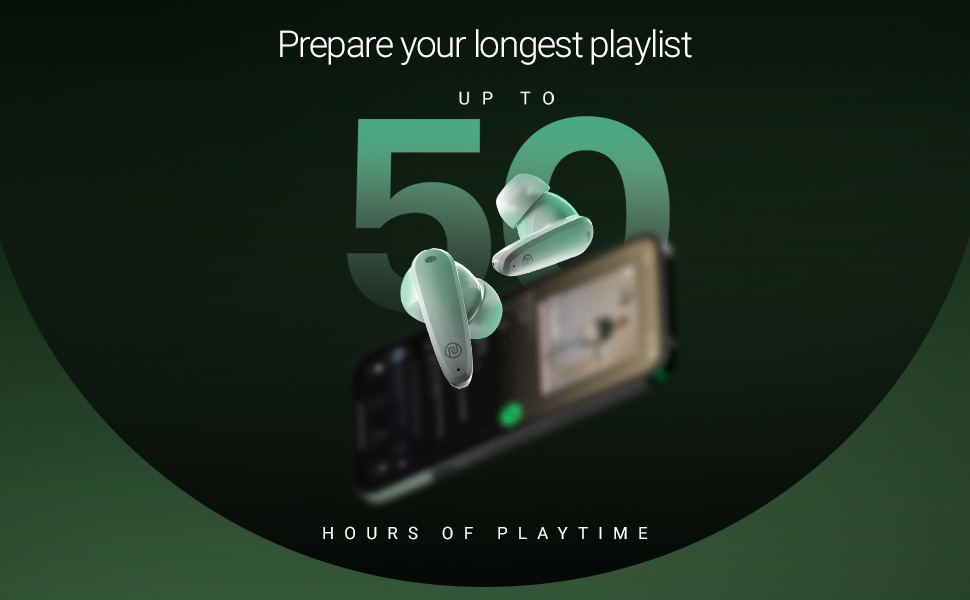
Image 4.2: The Noise Buds VS404 provide up to 50 hours of total playback time.
4.2. Takirua Nihokikorangi
Hei hono i ō pane taringa ki tētahi pūrere:
- Whakatuwherahia te putea utu. Ka uru aunoa nga taringa ki te aratau takirua.
- I runga i to taputapu (waea atamai, papa, pona), whakaahei i te Nihokikorangi.
- Rapua available Bluetooth devices and select "Noise Buds VS404" from the list.
- Once connected, you will hear an audio prompt, and the LED indicator on the earbuds may change.
The earbuds use Bluetooth v5.3 for a stable connection up to 10 meters.
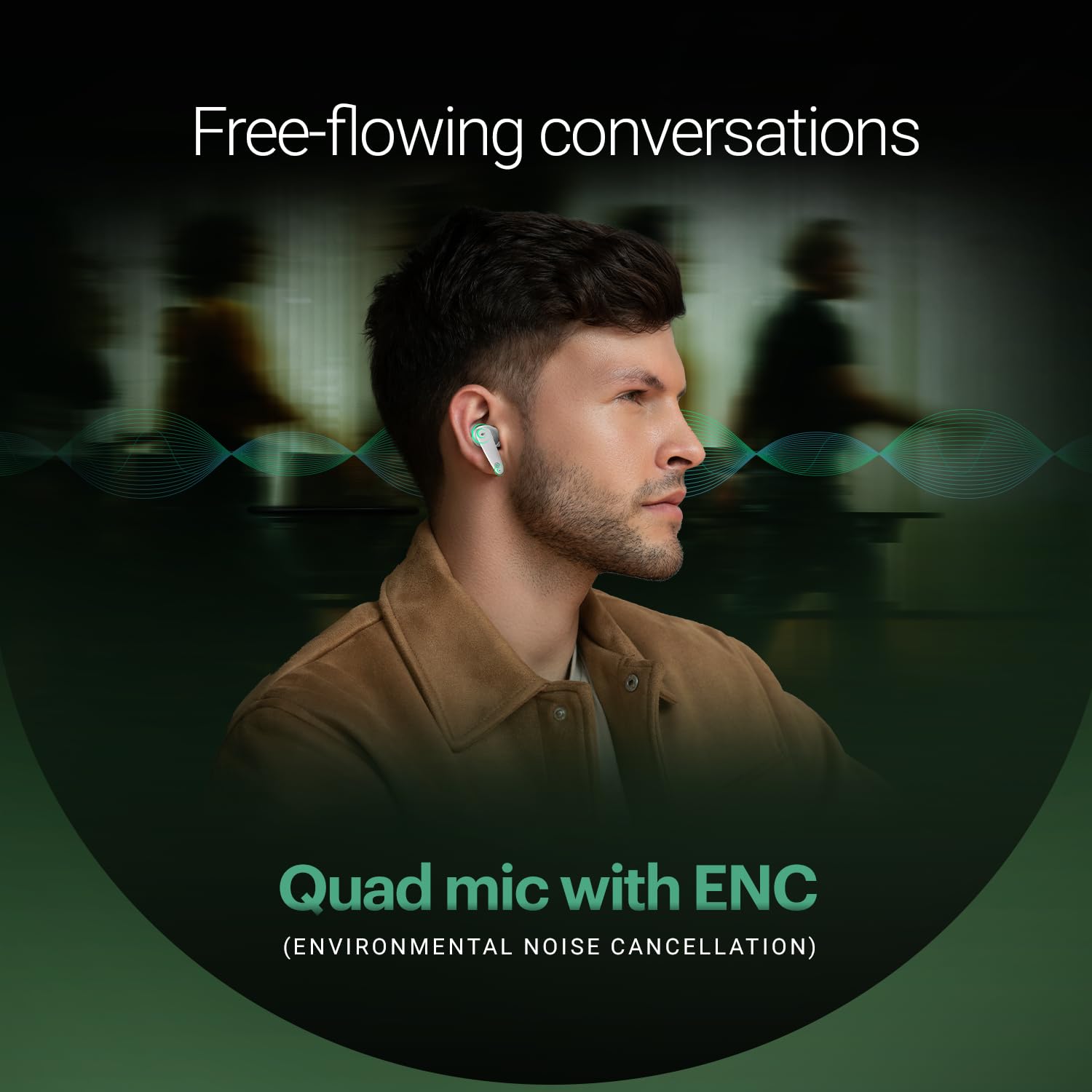
Image 4.3: Noise Buds VS404 establishing a flawless Bluetooth connection with a mobile device.
5. Nga Tohutohu Whakahaere
5.1. Te Hiko / Whakaweto
- Whakahiko: Whakatuwheratia te pouaka utu, ā, ka whakakā aunoa ngā pane taringa, ka ngana ki te hono atu ki te pūrere whakamutunga i honoa.
- Weto Whakakore: Whakahokia nga purongo ki roto i te puha utu ka kati te taupoki. Ka weto aunoa ka timata ki te utu.
5.2. Mana Whakahaere Waiata
Use the touch control area on the earbuds for music playback:
- Purei/Tatari: Pao kotahi ki runga i tetahi purongo.
- Riu Panuku: Pao rua ki te purongo matau.
- Riu o mua: Pao rua ki te purongo maui.
5.3. Whakahaere Waea
Whakahaere waea ma te whakamahi i nga mana pa:
- Whakautu/Whakamutu Waea: Pao kotahi ki runga i tetahi purongo.
- Whakakore Waea: Patohia me te pupuri i tetahi purongo mo te 2 hēkona.
The earbuds feature a quad-mic setup with Environmental Noise Cancellation (ENC) for clear voice transmission during calls.
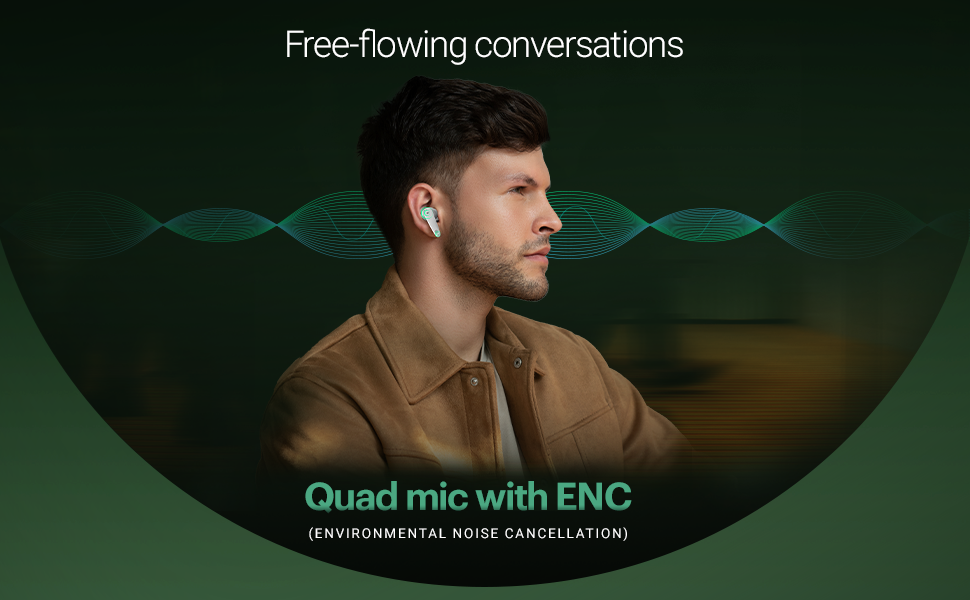
Image 5.1: The Noise Buds VS404 utilize a quad microphone system with ENC for enhanced call clarity.
5.4. Aratau EQ
The Noise Buds VS404 offer three distinct EQ modes to tailor your audio experience:
- Aratau Pango: Enhances low frequencies for a deeper sound.
- Aratau petipeti: Optimizes audio for gaming, reducing latency.
- Aratau Pūnoa: Ka whakarato i te pro ororongo tauritefile for everyday listening.
To switch between EQ modes, triple tap on either earbud.
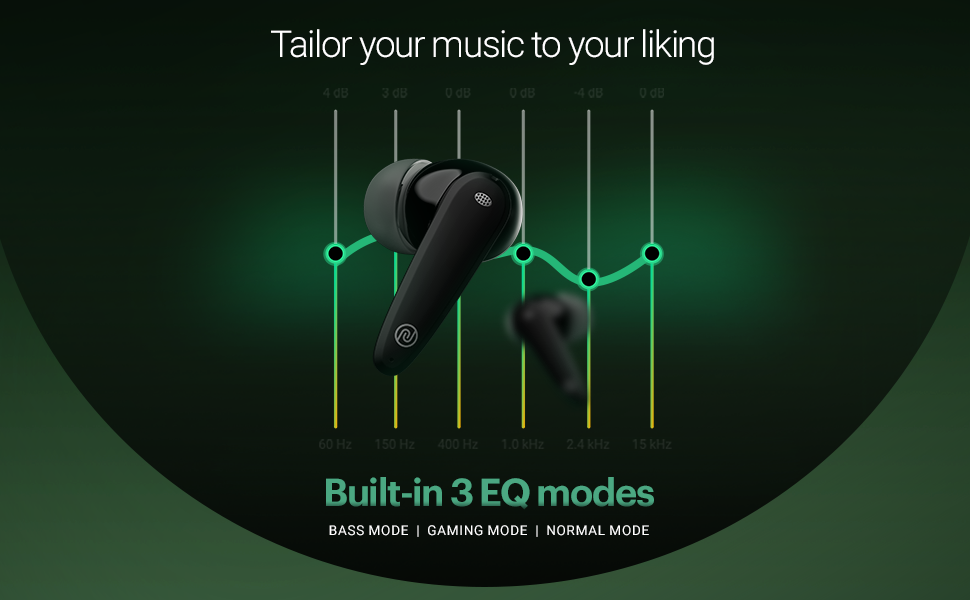
Image 5.2: Visual representation of the three built-in EQ modes available on the Noise Buds VS404.
5.5. Kaiāwhina reo
Activate your device's voice assistant (Google Assistant, Siri) by pressing and holding either earbud for 2 seconds.
6. Tiaki
6.1. Te horoi
- Me horoi i nga wa katoa nga pukoro me te pukoro utu ki te kakahu ngohengohe, maroke, kore-puru.
- Kaua e whakamahi i nga matū kino, i nga whakarewa horoi, i nga horoi kaha ranei.
- Horoia ngā hononga utu o ngā pane taringa me te pouaka kia tika ai te utu.
6.2. Rokiroki
- Mena karekau e whakamahia, penapenahia nga purongo i roto i to pukoro hei tiaki kia mau tonu te utu.
- Whakaorangia te taputapu ki te waahi makariri, maroke, kia matara atu i nga wera nui me te ra tika.
The earbuds are IPX5 water-resistant, meaning they can withstand splashes and sweat, making them suitable for workouts and outdoor use. However, they are not designed for submersion in water.

Image 6.1: The Noise Buds VS404 are built with IPX5 water resistance, suitable for outdoor activities.
7. Te Raru
If you encounter issues with your Noise Buds VS404, refer to the following common solutions:
| Raruraru | Rongoā |
|---|---|
| Karekau nga taringa e hono ana | Kia tino utua ngā pane taringa. Whakawetohia, kātahi ka whakakāhia te Nihokikorangi i tō pūrere. Warewaretia te pūrere i ngā tautuhinga Nihokikorangi, ka hono anō. |
| Kotahi anake te pukoro e mahi ana | Place both earbuds back in the case, close the lid, wait a few seconds, then open again. Check if both are charged. |
| He iti te oro, he ngoikore ranei te oro | Clean earbud speaker meshes. Adjust volume on your device. Try different EQ modes. Ensure earbuds are properly seated in your ears. |
| Nga take utu | Me whakarite kia mau te hononga o te taura utu. Horoia ngā hononga utu i runga i ngā pane taringa me te pouaka. Whakamātauria tētahi atu taura utu, he urutau hiko rānei. |
| Earbuds not disconnecting from device when placed in case | Ensure the charging case has sufficient battery. Close the lid firmly. If the issue persists, manually disconnect from your device's Bluetooth settings. |
8. Whakatakotoranga
| Āhuahira | Taipitopito |
|---|---|
| Ingoa Tauira | Nga puku VS404 |
| Hangarau Hononga | Ahokore (Nihokikorangi v5.3) |
| Awhe Nihokikorangi | 10 Mita |
| Momo Atekōkiri Ororongo | 10mm Atekōkiri Hihiko |
| Te Ora o te Pūhiko (Tapeke) | Tae atu ki te 50 Haora (me te putea utu) |
| Whakatau Tere | Instacharge (10 min charge = 200 min playtime) |
| Tauranga Whakatau | Momo-C |
| hopuoro | Mic Tapawhā me te Whakakore Haruru Taiao (ENC) |
| Te Tauira EQ | Bass, Gaming, Normal |
| Ātete wai | IPX5 (Atete ki te werawera me te pakaru) |
| Tikanga Mana | Touch, Voice (Google Assistant, Siri) |
| Rauemi | Polycarbonate (PC) |
| Taumaha Tūemi | 50 Karamu |
| Hunga Hua | 6.5 x 4.9 x 2.9 cm |
9. Pūtāhui me te Tautoko
Your Noise Buds VS404 come with a 1-year warranty. Please refer to the included Warranty Registration Card for details on how to register your product and claim warranty services.
For technical support, service, or further inquiries, please contact Noise customer support. Contact information can be found on the warranty card or the official Noise webpae.
Kaihanga: Nexxbase Marketing Pvt. Ltd, Khasra No-146/25/2/1, Jail Road Badshahpur, Gurugram Haryana-122101


