Kupu Whakataki
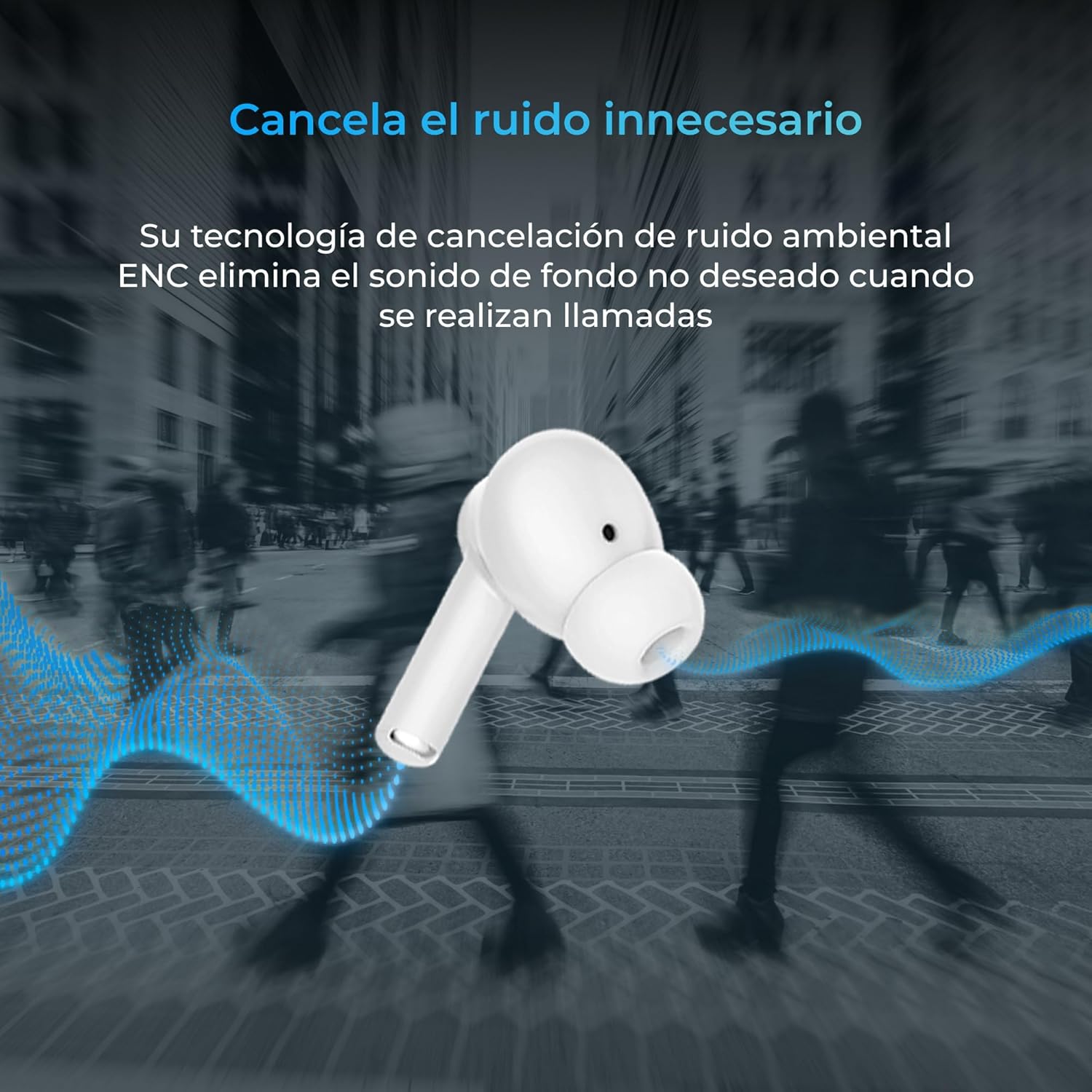
Thank you for choosing the KSIX Orion Wireless Earbuds. These earbuds are designed to provide a superior audio experience with features such as HD calls, Environmental Noise Cancellation (ENC), True Wireless Stereo (TWS), and intuitive touch controls. With up to 15 hours of total battery life and IPX4 water resistance, they are perfect for music, sports, and travel. This manual will guide you through the setup, operation, and maintenance of your new earbuds to ensure optimal performance and longevity.
Ka mutu te huaview




Tatūnga
1. Te Whakataki i nga Paorooro me te Puhi
Before first use, fully charge your KSIX Orion earbuds and charging case. The case and earbuds can be fully charged in approximately 1 hour. The earbuds provide up to 5 hours of playback, and the charging case provides an additional 10 hours, for a total of 15 hours of autonomy.
- Whakanohoia nga purongo ki roto i te pukoro utu.
- Honoa te pouaka utu ki tētahi pūtake hiko mā te whakamahi i tētahi taura USB-C hototahi.
- Ko te rama tohu kei runga i te keehi ka whakaatu i te mana utu.
2. Tauhoa ki to Pūrere
The KSIX Orion earbuds utilize Bluetooth 5.3 for a stable and uninterrupted connection.
- Ensure the earbuds are in the charging case and the case lid is open, or take them out of the case. They will automatically enter pairing mode.
- I runga i to waea atamai, papa, tetahi atu taputapu Bluetooth-whakahohea ranei, haere ki nga tautuhinga Nihokikorangi.
- Rapua "KSIX Orion" in the list of available devices.
- Select "KSIX Orion" to connect. Once connected, you will hear a confirmation tone, and the earbuds will be ready for use.
- If pairing fails, place the earbuds back in the case, close the lid, wait a few seconds, then open the lid and try again.
Nga Tohutohu Whakahaere
The KSIX Orion earbuds feature intuitive touch controls for easy management of music and calls.
Mana Pa
| Mahi | Puka taringa maui | Paorooro Matau |
|---|---|---|
| Purei/Tatari Waiata | Pao kotahi | Pao kotahi |
| Waiata Panuku | Tapahi toru | Tapahi toru |
| Waiata o mua | Pato rua | Pato rua |
| Rōrahi Whakarunga | Pēhi roa (Matau) | Pēhi roa (Matau) |
| Rōrahi Whakararo | Pēhi roa (Mauī) | Pēhi roa (Mauī) |
| Whakautu/Whakamutua te Waea | Pao kotahi | Pao kotahi |
| Whakakahoretia te Waea | Perehi roa | Perehi roa |
| Whakahohe Kaiāwhina Reo | Patohia me te pupuri mo te 2 hēkona | Patohia me te pupuri mo te 2 hēkona |
Kaiāwhina reo
The KSIX Orion earbuds are compatible with popular voice assistants such as Siri, Amazon Alexa, and Google Assistant. To activate your preferred voice assistant, use the designated touch control (tap and hold for 2 seconds). You can then issue commands for calls, music control, and more.
Te tiaki
Proper maintenance ensures the longevity and optimal performance of your KSIX Orion earbuds.
- Te horoi: Regularly clean the earbuds, especially the ear tips and charging contacts, with a soft, dry, lint-free cloth. Do not use abrasive cleaners or solvents.
- Ātete wai: The earbuds are IPX4 water resistant, meaning they are protected against splashing water from any direction. They are resistant to sweat and light rain. Do not submerge the earbuds in water or expose them to strong jets of water. Ensure the earbuds are dry before placing them back in the charging case to prevent damage.
- Rokiroki: Mena karekau e whakamahia, rongoatia nga purongo ki roto i te pukoro utu hei tiaki i te puehu me te kino o te tinana. Whakaorangia ki te waahi makariri, maroke atu i nga wera nui.
- Tiaki Pūhiko: Hei pupuri i te ora o te pākahiko, karohia te tuku katoa i nga pukoro me te puihi i nga wa katoa. Me utu i nga wa katoa, ahakoa kaore i te whakamahia tonu.
Raparongoā
If you encounter issues with your KSIX Orion earbuds, try the following solutions:
| Raruraru | Rongoa pea |
|---|---|
| Karekau nga taringa e hono ana |
|
| Karekau he oro mai i nga pukoro taringa kotahi, e rua ranei |
|
| Karekau nga taringa e utu ana |
|
| Poor call quality / ENC not working |
|
Whakatakotoranga
| Āhuahira | Taipitopito |
|---|---|
| Tau tauira | BXTW09B |
| Waitohu | KSIX smart your tech |
| Tae | Mā |
| Hangarau Hononga | Ahokore (Nihokikorangi 5.3) |
| Te Whakanoho Taringa | Roto-taringa |
| Tauwehe Puka | Roto-taringa |
| Waihanga Oro | Whakakorea te Riihi Taiao (ENC) |
| Taumata Atete Wai | IPX4 (Riwhi-awhi) |
| Te ora o te Pūhiko (Ngā taringa) | Tae atu ki te 5 haora |
| Katoa te Ora o te Pūhiko (me te Puka) | Tae atu ki te 15 haora |
| Waa Whakatau | Approx. 1 haora |
| Awhe Auautanga | 20 Hz - 20,000 Hz |
| Momo Mana | Mana Pā, Mana Reo |
| Pūrere Hototahi | Smartphones, tablets, laptops, desktops, smart speakers |
| Nga Whakamahinga Manakohia | Calls, Music, Sport, Travel |
| Nga Waahanga kei roto | Puhi utu ahokore |
Pūtāhui me te Tautoko
For detailed warranty information and customer support, please refer to the official KSIX website or contact their customer service directly. Information regarding spare parts availability and software update guarantees is not available in this manual.
Mo etahi atu awhina, tirohia: www.ksix.com


