1. Hua Neke Atuview
The RadioShack N409 rechargeable battery charger is designed to power your devices efficiently, whether at home, in the office, or during travel. This versatile charger supports both AA and AAA rechargeable batteries, including high-capacity 2500mAh batteries. Its compact and portable design makes it convenient for on-the-go use. The charger features LED indicators to display charging progress and incorporates intelligent charging technology to optimize charging speed and protect batteries from overcharging, extending their lifespan. It includes a Micro USB cable and a USB adapter for flexible charging options.
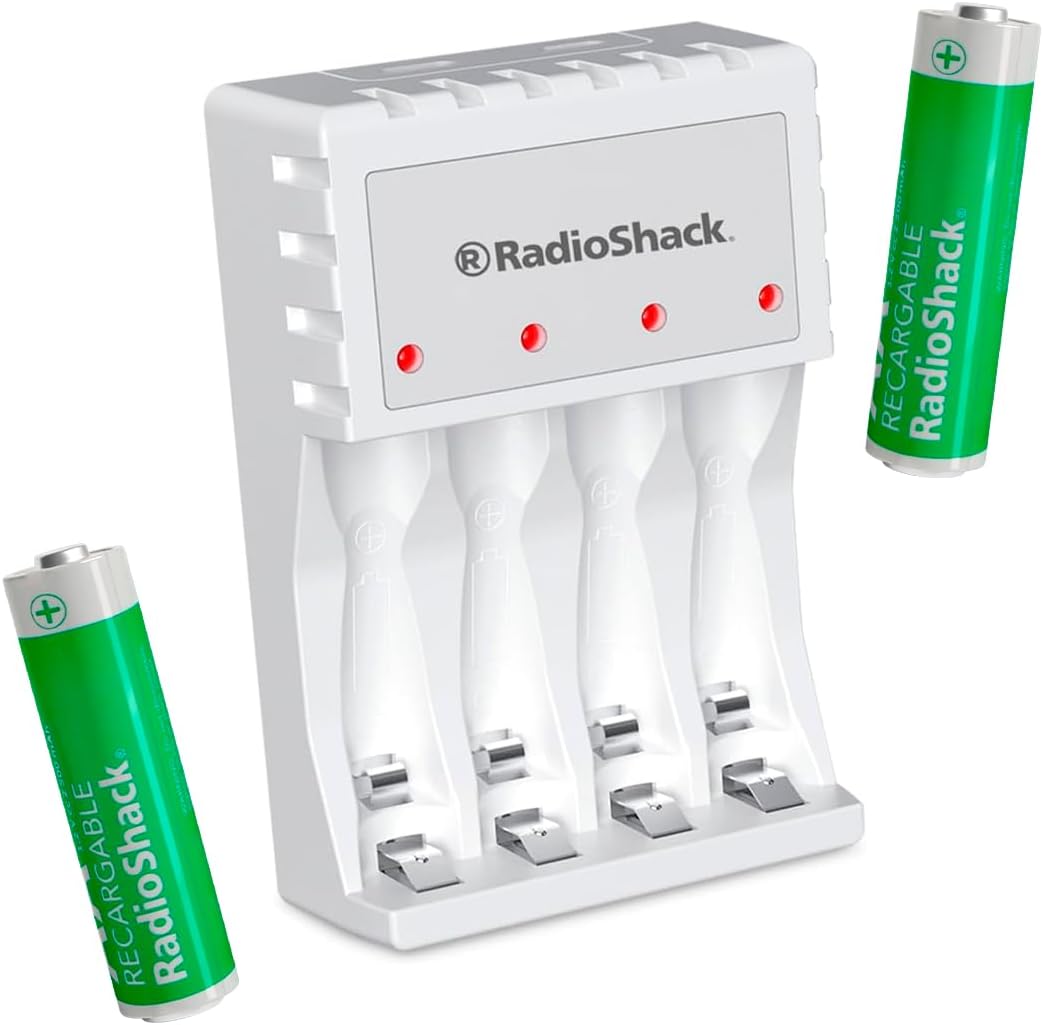
Figure 1: RadioShack N409 Charger with included AA batteries.
2. Ihirangi mokete
Manatokona kei roto katoa nga mea kei roto i te kete:
- 1 x RadioShack N409 AA/AAA Rechargeable Battery Charger
- 2 x AA 2500 mAh Rechargeable Batteries
- 1 x Micro USB Utaura Whakatau
- 1 x Pūreretā Pakitara USB

Whakaahua 2: Ko nga waahanga katoa kei roto i te kete.
3. Tatūnga
- Honoa te Kaitohu: Insert the Micro USB end of the charging cable into the charger's Micro USB port. Connect the standard USB end of the cable to the included USB wall adapter, a computer's USB port, or another compatible USB power source.
- Whakahiko: Plug the USB wall adapter into a standard electrical outlet. The charger's LED indicators may briefly illuminate.
- Kōkuhu Pūhiko: Carefully insert AA or AAA rechargeable batteries into the charging slots, ensuring correct polarity (+ and - ends match the markings on the charger). The charger can accommodate up to four batteries simultaneously.

Figure 3: Charger connected to a power source.
4. Nga Tohutohu Whakahaere
- Tukatuka Toha: Once batteries are correctly inserted and the charger is powered, the corresponding LED indicators will illuminate to show that charging is in progress.
- Tohu LED: The LED indicators provide information on the charging status. When a battery is fully charged, the charger's intelligent technology will automatically reduce the charging current or shut off the charging process for that slot to prevent overcharge and conserve energy.
- Tango Pūhiko: Once charging is complete, carefully remove the batteries from the charger.
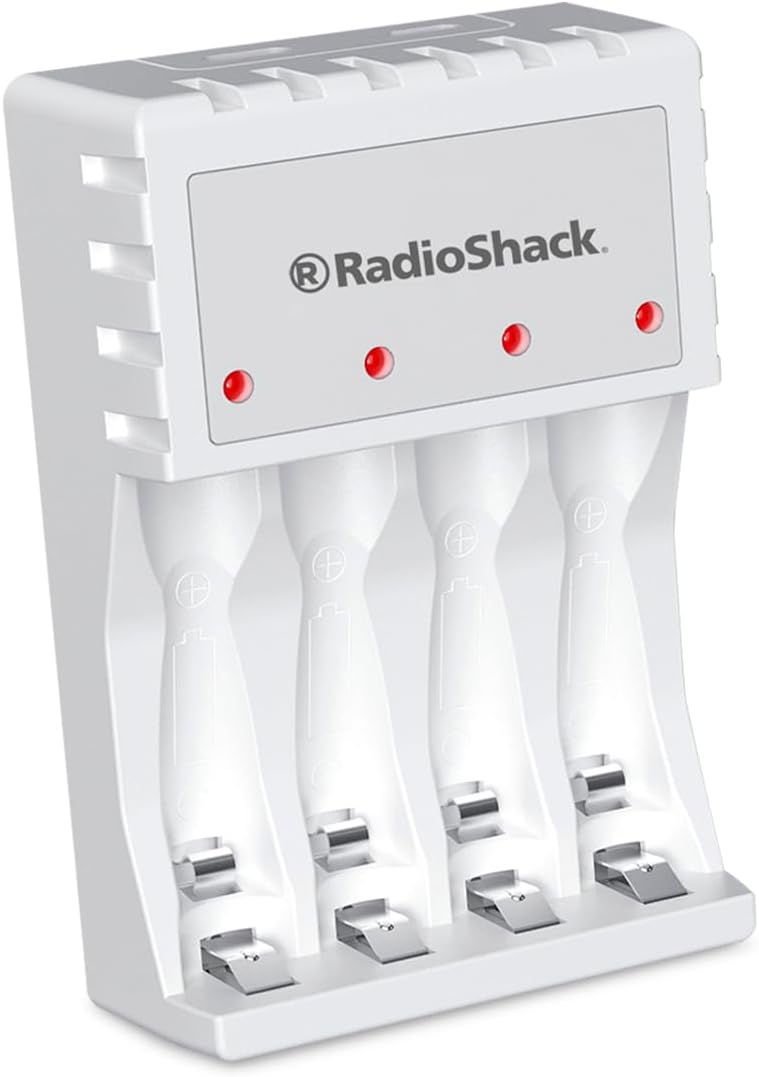
Figure 4: LED indicators on the charger.
5. Tiaki
- Te horoi: Momotuhia te taputapu utu hiko mai i te pūtake hiko i mua i te horoinga. Whakamahia he kakahu ngohengohe, maroke hei muru i te mata o te taputapu utu. Kaua e whakamahi i ngā wai horoi, i ngā rauemi whakakoi rānei.
- Rokiroki: Whakaorangia te rihi ki te waahi makariri, maroke atu i te ra tika me te wera nui ka kore e whakamahia.
- Tiaki Pūhiko: Mo te pai o te ora o te pākahiko, karohia te whakamakuku katoa i nga pākahiko ka taea te whakakii i mua i te whakakii.
6. Te Raru
| Raruraru | Take pea | Rongoā |
|---|---|---|
| Ko te tohu LED e kore e marama. | Charger not connected to power, or battery inserted incorrectly. | Ensure the charger is securely plugged into a working power outlet. Re-insert batteries, verifying correct polarity. |
| Kaore nga pākahiko e utu ana. | Batteries are non-rechargeable, damaged, or fully charged. | Confirm batteries are rechargeable (NiMH or NiCd). Try charging different batteries. If batteries are already full, the charger will stop charging. |
| Puturi te utu. | Low power USB source or high-capacity batteries. | Use the included USB wall adapter for optimal charging speed. Charging high-capacity batteries naturally takes longer. |
7. Whakatakotoranga
| Āhuahira | Taipitopito |
|---|---|
| Tauira | N409 |
| Momo Pūhiko Hototahi | AA, AAA (Rechargeable) |
| Whakauru Voltage | 5 Volts |
| Putanga Voltage | 1.5 Volts |
| Ahu (L x W x H) | 6.3 x 2.4 x 9.3 cm |
| Taumaha | 200 g |
| Nga Pikohiko kei roto | 2 x AA 2500 mAh |
| Atanga Whakatau | USB moroiti |
| Ngā āhuatanga | LED Indicators, Intelligent Charging Protection (Overcharge protection) |
8. Nga korero haumaru
- Use only with rechargeable AA and AAA batteries. Do not attempt to charge non-rechargeable batteries.
- Kaua e tukuna te rihi ki te wai, ki te makuku nui ranei.
- Kaua e wetewete, whakarereke ranei i te rihi.
- Kaua e taea e nga tamariki.
- Unplug the charger from the power source when not in use or during electrical storms.
- Kia tika te hau i te wā e utu ana. Kaua e taupokina te rihi.
9. Pūtāhui me te Tautoko
For product support, technical assistance, or warranty inquiries, please contact RadioShack customer service. Refer to your purchase documentation for specific warranty terms and contact information.
Note: This manual provides general guidelines. Specific warranty terms may vary by region and retailer.