Kupu Whakataki
Thank you for choosing the Laser TWS Earbuds. These true wireless stereo earbuds are designed to provide a high-fidelity audio experience with convenient features such as an LED battery display, intuitive tap controls, and an ergonomic design for comfortable, extended use. The included rechargeable case ensures your earbuds are always ready for use. This manual will guide you through the setup, operation, and maintenance of your new earbuds.
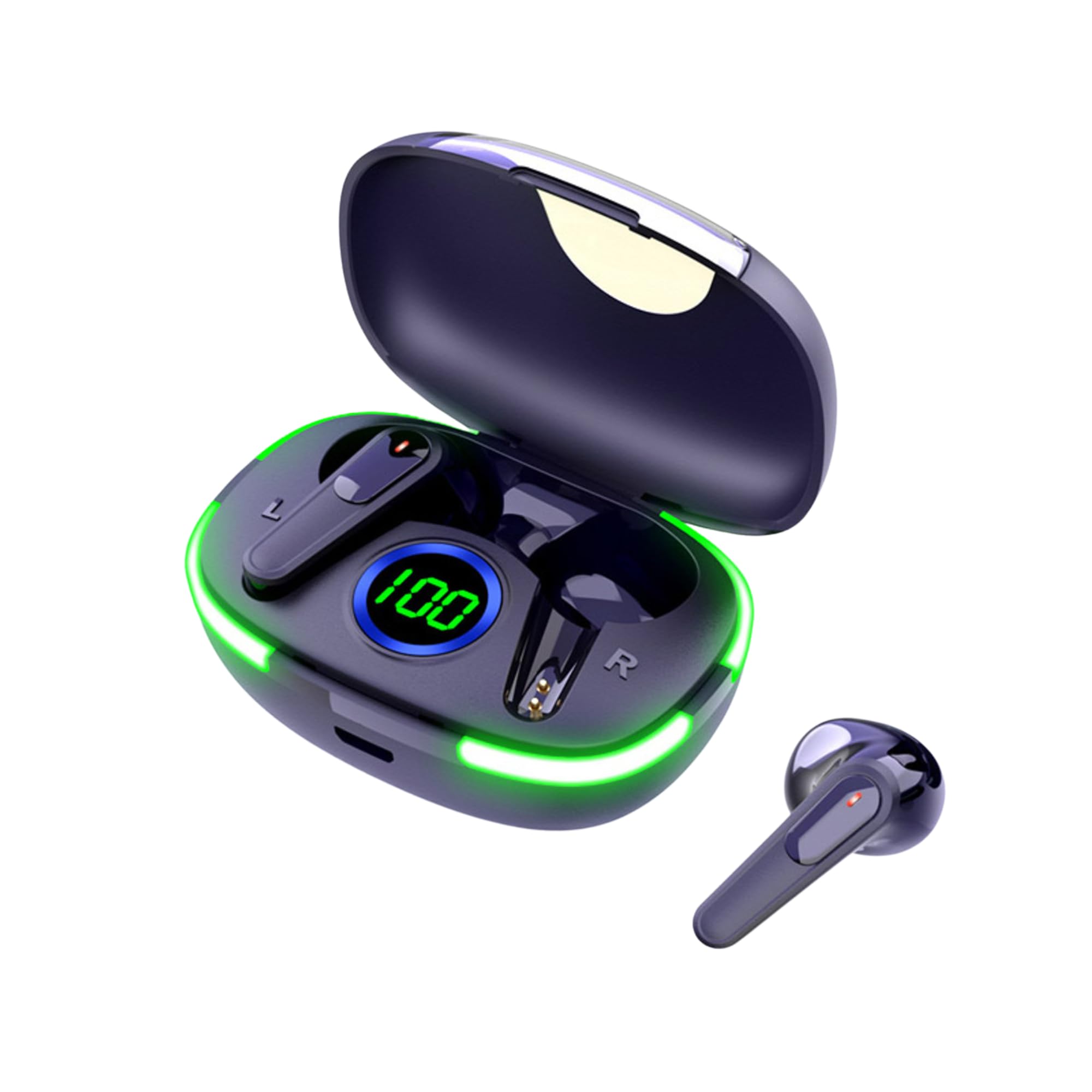
Image: The Laser TWS Earbuds, showcasing the charging case with its LED display and one earbud placed outside the case.
Ihirangi mokete
Me mohio kei roto katoa nga mea kei roto i te kete:
- 1 x Pair of Laser TWS Earbuds
- 1 x Charging Case with Battery Display
- 1 x Momo-C Uira Kaiha
- 1 x Pukapuka Kaiwhakamahi
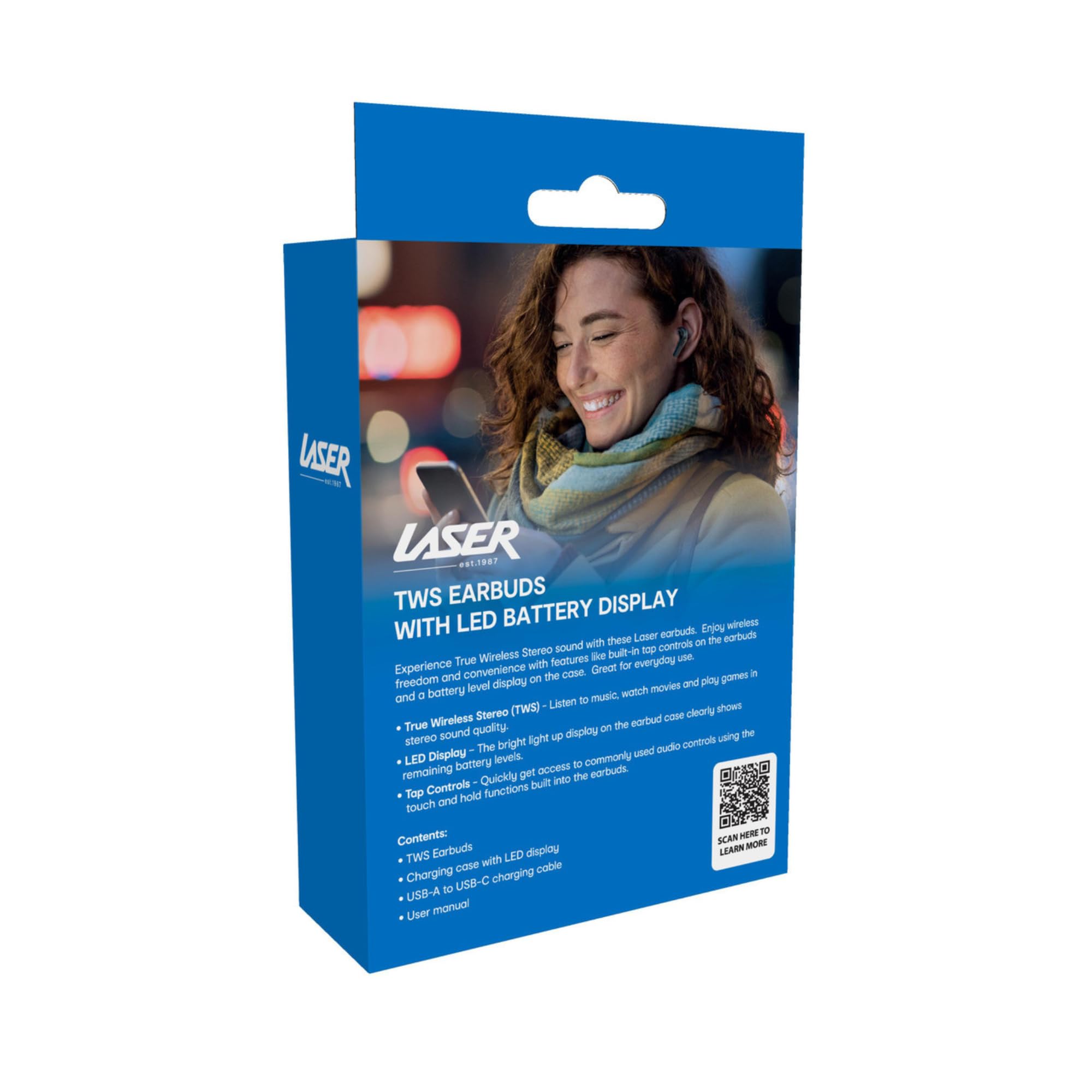
Image: The retail packaging for the Laser TWS Earbuds, indicating contents and features.
Tatūnga
1. Te Whakataki i nga Paorooro me te Puhi
Before first use, fully charge the earbuds and the charging case. The LED display on the case indicates the battery level.
- Connect the provided Type-C charging cable to the charging port on the case and a USB power source.
- The LED display will show the charging progress. A full charge takes approximately 1 hour.
- The earbuds charge automatically when placed inside the charging case. The case can recharge the earbuds up to 3 times on a single charge.
Whakaahua: He tata view of the charging case's LED display, showing the battery percentage, indicating the charge level.
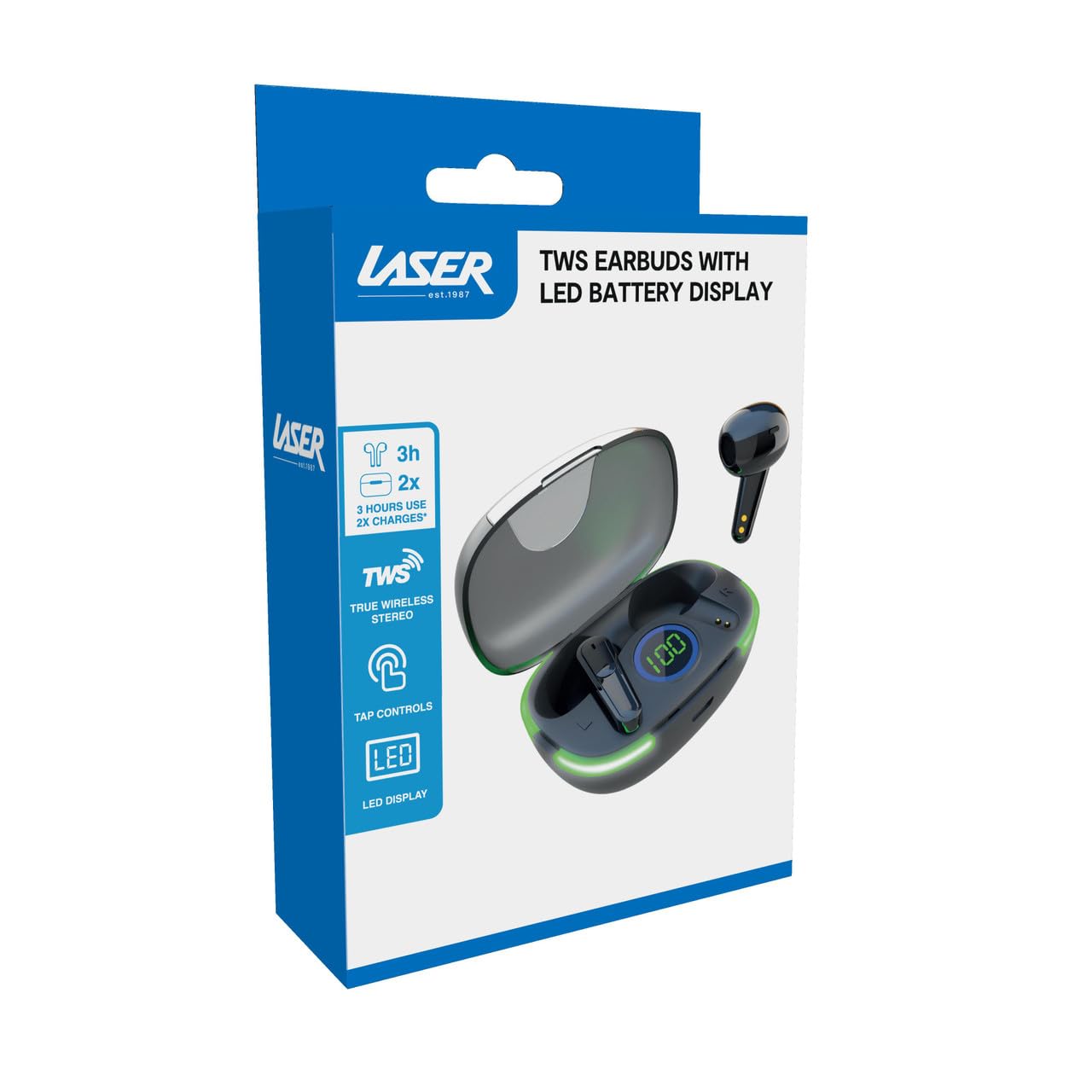
Image: Another close-up of the LED display on the charging case, highlighting the digital battery indicator.
2. Tauhoa ki te Pūrere
The earbuds use Bluetooth for wireless connectivity.
- Whakatuwherahia te putea utu. Ka uru aunoa nga taringa ki te aratau takirua.
- I runga i tō pūrere (waea atamai, papa, pona), whakahohea te Nihokikorangi ka rapu i ngā pūrere hou.
- Select "Laser TWS Earbuds" or "EPS-LT10B-128" from the list of available devices.
- Ina hono ana, ka rongo koe i te tangi whakau, ka reri nga taringa mo te whakamahi.
- The earbuds support multi-device compatibility, allowing pairing with various devices.
Nga Tohutohu Whakahaere
E mau ana i nga Paorooro
The earbuds are designed for ergonomic comfort and a secure fit. Gently insert each earbud into your ear canal and twist slightly to ensure a snug and comfortable position. This helps optimize sound quality and stability.
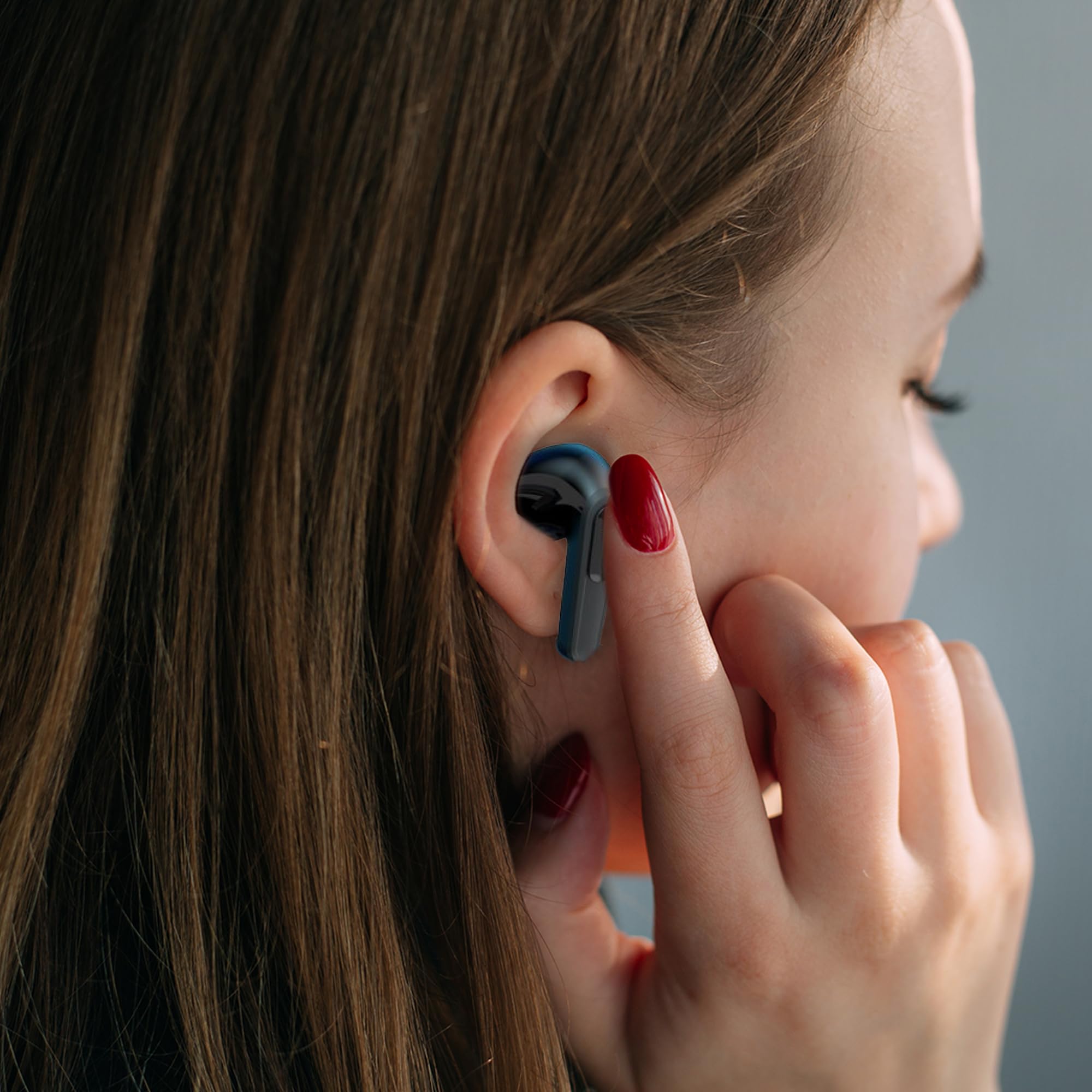
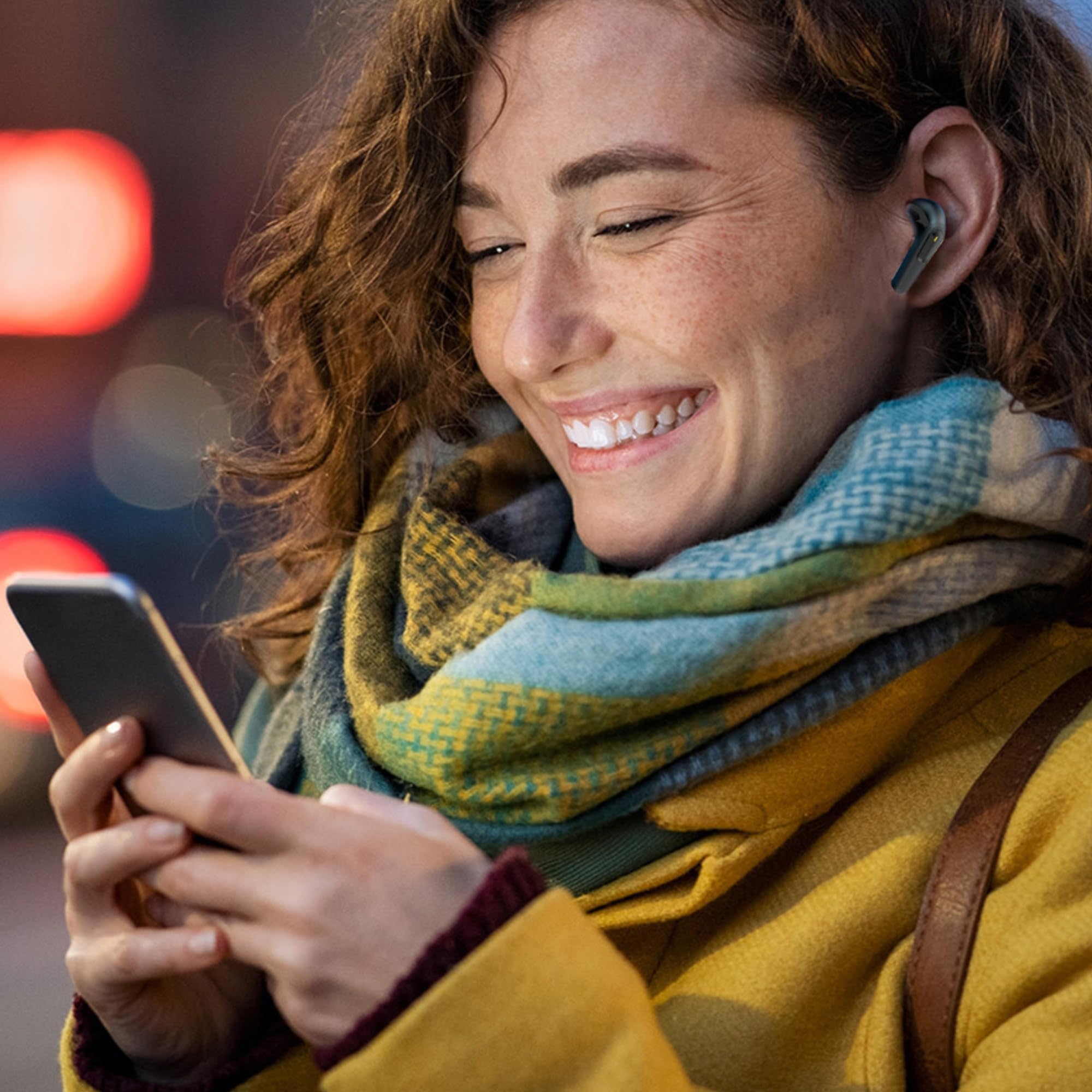
Image: A woman comfortably wearing one of the Laser TWS Earbuds while interacting with her smartphone.
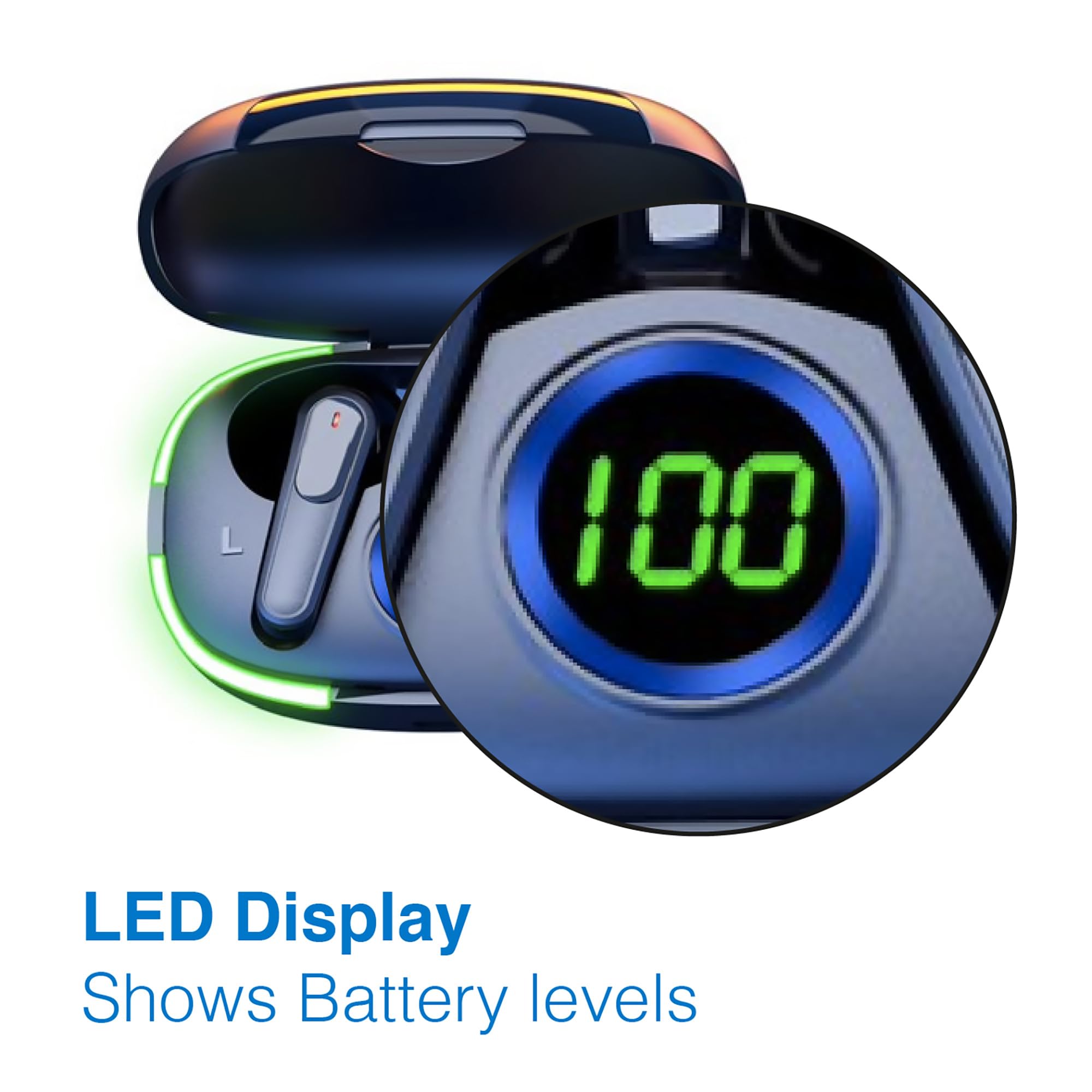
Image: A man walking outdoors, wearing a Laser TWS Earbud, demonstrating the ergonomic design for active use.
True Wireless Stereo Experience
These earbuds provide a true wireless stereo experience, delivering high-fidelity sound with clear channel separation for an immersive audio experience, whether for music, movies, or gaming.
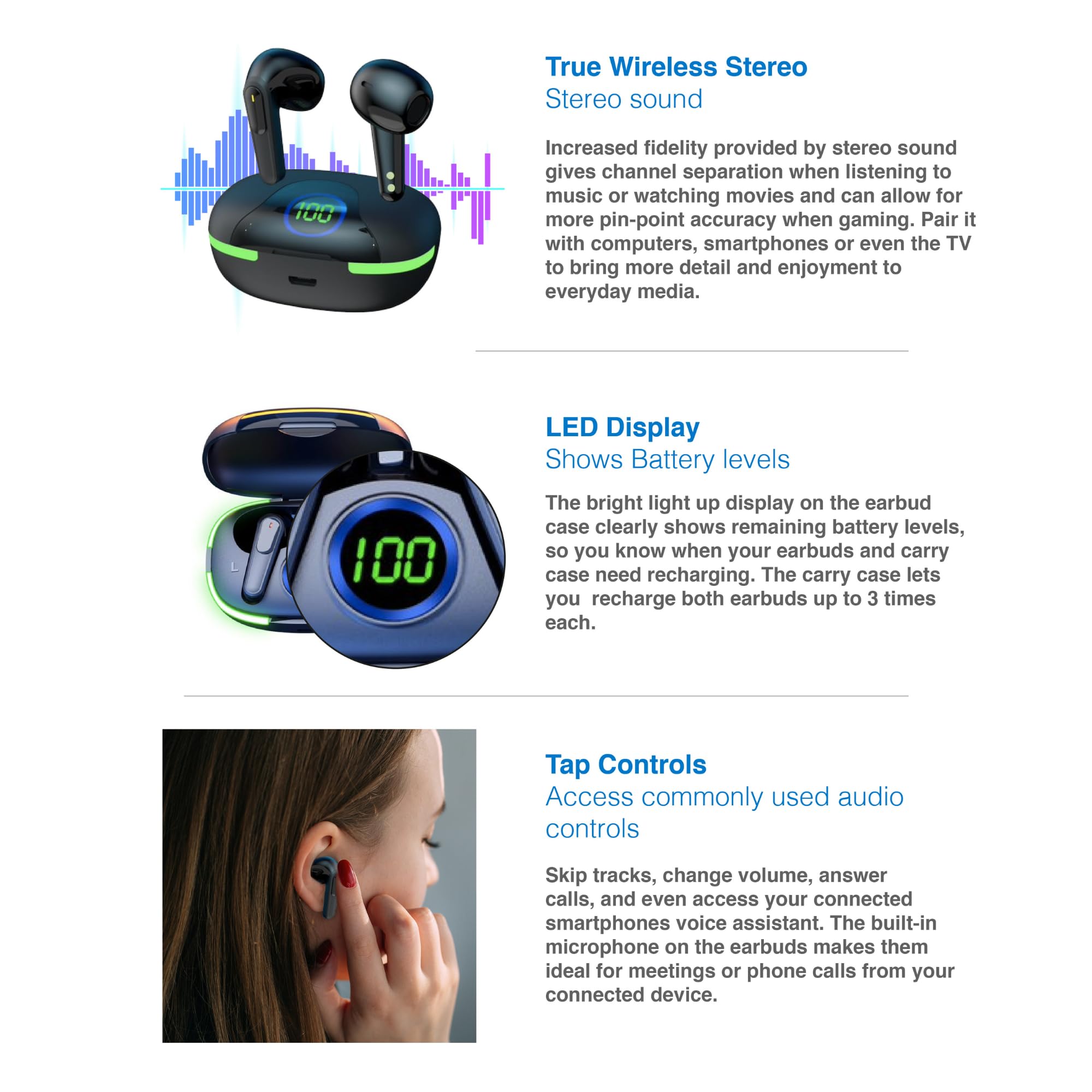
Image: A graphic representation of the True Wireless Stereo feature, showing the earbuds in their case with sound wave visualizations.
Paoa Mana
The earbuds feature intuitive tap controls for easy management of audio playback and calls without needing to access your connected device.
| Mahi | Whakahaere |
|---|---|
| Purei/Tatari Waiata | Pao kotahi ki runga i tetahi purongo |
| Riro Panuku | Pao rua ki te purongo matau |
| Tuhinga o mua | Pao rua ki te purongo maui |
| Whakautu/Whakamutua te Waea | Pao kotahi ki runga i tetahi purongo |
| Whakakahoretia te Waea | Pēhi roa i runga i tetahi purongo |
| Activate Voice Assistant (Siri, Google Assistant, Alexa) | Patohia kia toru ngā pato ki ia pane taringa |

Image: A person's hand touching an earbud, illustrating the tap control functionality.
Puoro-roto
Each earbud includes a built-in microphone, enabling hands-free calls and meetings without needing to switch to your device.
Te tiaki
- Te horoi: Horoia ngā pane taringa me te pouaka utu i ia wā ki te kakahu ngohengohe, maroke, kore-miro. Āta karohia te whakamahi i ngā rauemi whakakoi, i ngā matū kino rānei.
- Rokiroki: Mena karekau e whakamahia, penapenahia nga purongo ki roto i to pukoro hei tiaki kia mau tonu te utu.
- Tiaki Pūhiko: Hei whakaroa i te ora o te pākahiko, kaua e tukua kia pau katoa te kaha o ngā pane taringa me te pouaka. Utuhia i ia wā, ahakoa kāore e whakamahia tonutia.
- Ātete wai: These earbuds are not water resistant. Avoid exposure to water, sweat, or high humidity.
Raparongoā
| Raruraru | Rongoā |
|---|---|
| Karekau nga taringa e hono ana | Ensure earbuds are charged. Turn off and on Bluetooth on your device. Forget the device in Bluetooth settings and re-pair. Place earbuds back in case and take them out again. |
| Karekau he oro mai i tetahi pukoro | Check battery level of both earbuds. Re-pair the earbuds. Try resetting the earbuds (refer to manufacturer's webpae mo nga tohutohu tautuhi ki te hiahiatia). |
| Karekau e utuhia ana | Ensure the charging cable is securely connected. Try a different USB power source or cable. |
| Tap controls not responding | Ensure earbuds are properly seated in your ears. Clean the touch sensitive area. Re-pair the earbuds. |
If you encounter persistent issues, please refer to the official Laser support webpae mo etahi atu awhina.
Whakatakotoranga
| Āhuahira | Taipitopito |
|---|---|
| Tauira | EPS-LT10B-128 |
| Hangarau Hononga | Nihokikorangi Ahokore |
| Mana Haruru | Wehenga oro |
| Te ora o te Pūhiko (Ngā taringa) | Approx. 3 haora |
| Waa Whakatau | Approx. 1 haora |
| Ngā Whakahokinga Utu o te Pouaka Utu | Tae atu ki te 3 wa |
| Tawhiti Mahi Morahi | 10 Mita |
| Momo Mana | Mana Pā, Mana Reo |
| Rauemi | Kirihou |
| Taumaha Tūemi | 30 Karamu |
| Ahu | 62.2 x 42.5 x 32.6 cm (Hua) |
| Taumata Atete Wai | Ehara i te wai ātete |
Pūtāhui me te Tautoko
The Laser TWS Earbuds come with a 1-tau pūtāhui mai i te ra o te hokonga. Tena koa pupurihia to tohu mo te hoko mo nga kereme whakamana.
For further support, troubleshooting, or warranty information, please visit the official Laser webpae:
You may also contact Laser customer service directly for assistance.


