Kupu Whakataki
Welcome to the user manual for your boAt Airdopes 161 ANC True Wireless Stereo (TWS) Earbuds. This guide provides detailed instructions on how to set up, operate, maintain, and troubleshoot your earbuds to ensure optimal performance and a seamless audio experience.

Image: The boAt Airdopes 161 ANC earbuds shown with their charging case, highlighting their sleek design and portability.
1. Tatūnga
1.1 He aha kei roto i te Pouaka
Your boAt Airdopes 161 ANC package includes:
- boAt Airdopes 161 ANC Earbuds
- Puhi utu
- USB Momo-C Taura Whakapae
- Pukapuka Kaiwhakamahi
1.2 Te Whakataki i nga Paorooro me te Puhi
I mua i te whakamahi tuatahi, whakakiia katoatia nga pukoro taringa me te putea utu.
- Whakanohia nga taringa taringa e rua ki roto i te keehi ka utua.
- Honoa te taura utu USB Momo-C ki te tauranga utu i runga i te pouaka me te pūtake hiko.
- Ka whakaatuhia te tūnga utu e te rama tohu i runga i te pouaka. Kia utua katoatia, ka huri, ka whakaweto rānei te tohu.

Image: The USB Type-C charging port on the boAt Airdopes 161 ANC charging case, indicating the modern charging interface. Also shows Bluetooth v5.3 icon.
The Airdopes 161 ANC features ASAP Charge technology, providing 150 minutes of playback with just 10 minutes of charging.

Image: Illustration of ASAP Charge, showing 10 minutes of charge provides 150 minutes of playback.
1.3 Pairing with Your Device (IWP Technology)
The Airdopes 161 ANC features Insta Wake N' Pair (IWP) Technology for instant connection.
- Whakatuwheratia te taupoki o te pouaka ka tohutohutia. Ka hiko aunoa nga taringa ka uru ki te aratau takirua.
- Whakahohehia te Nihokikorangi i runga i to taputapu (waea atamai, papa, aha atu).
- Rapua "Airdopes 161 ANC" in the list of available Bluetooth devices and select it to connect.
- Ina hono ana, ka rongo koe i te tangi whakau, ka reri nga taringa mo te whakamahi.

Image: A smartphone screen displaying "Airdopes 161 ANC Connected" with the earbuds and case, illustrating the IWP pairing process.
2. Te whakahaere i nga Puka-taringa
2.1 Mana Pa
The Airdopes 161 ANC features intuitive touch controls on each earbud.
| Mahi | Mahi |
|---|---|
| Pao Kotahi (Puna taringa Mauī/Matau) | Purei/Tatari Waiata, Whakautu/Whakamutua te Waea |
| Paoa Taurua (Punarongo Matau) | Riro Panuku |
| Paoa Taurua (Puna taringa maui) | Tuhinga o mua |
| Pehi Roa (Pono Whakamatau) | Rōrahi Whakarunga |
| Pēhi Roa (Punarongo Mauī) | Rōrahi Whakararo |
| Pato Takitoru (Puna taringa maui/matau) | Whakahohe Kaiāwhina Reo |
| Long Press (2 seconds) during call | Whakakahoretia te Waea |
| Long Press (2 seconds) to toggle ANC/Transparency | Toggle Active Noise Cancellation / Transparency Mode |
2.2 Whakakahoretanga Hapa Kaha (ANC)
The Airdopes 161 ANC features Active Noise Cancellation up to 32dB, reducing ambient noise for an immersive listening experience.
- To activate ANC, long press the touch control area on either earbud for 2 seconds.
- Repeat the action to switch between ANC, Transparency Mode, and Normal Mode.
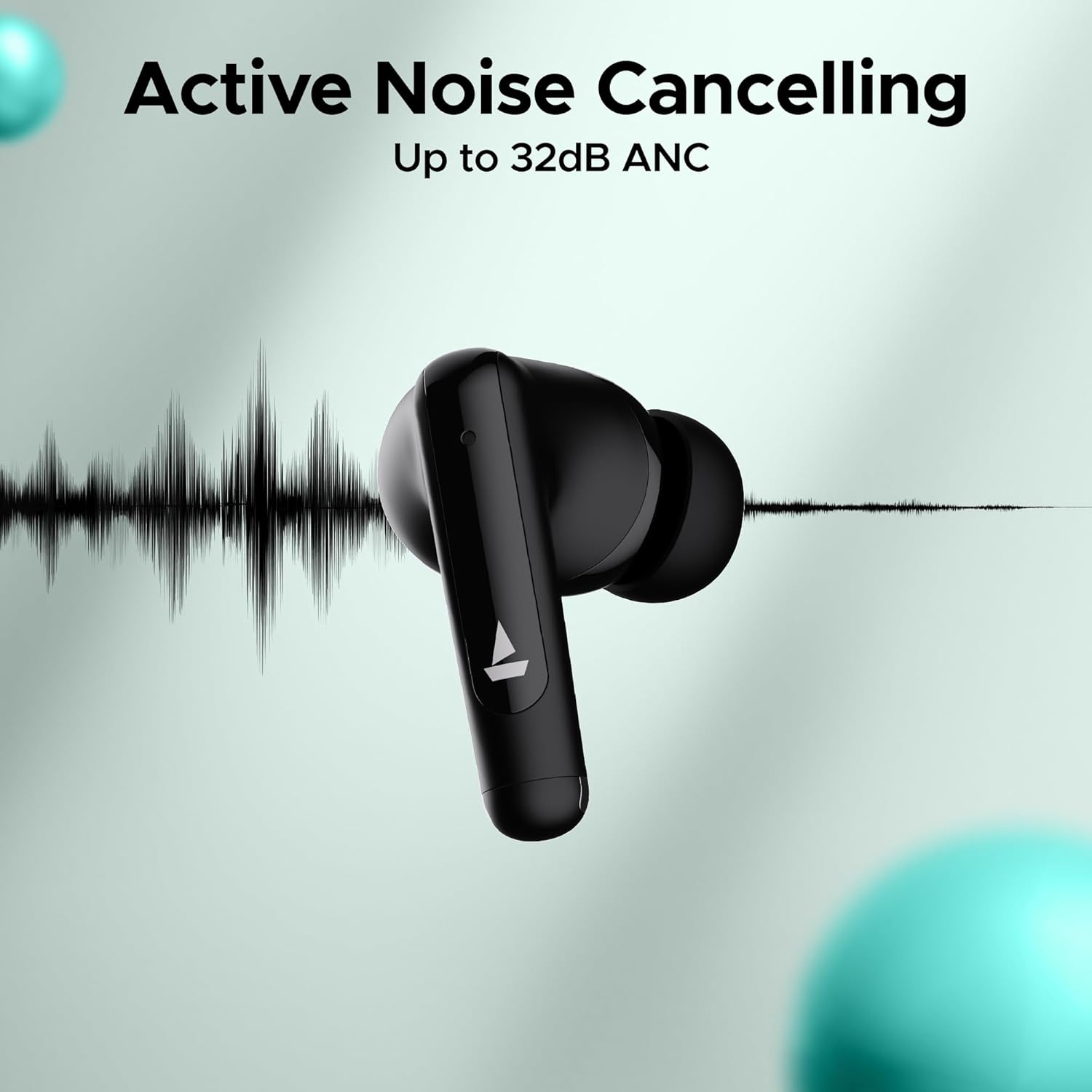
Image: An earbud with a sound wave graphic, illustrating the Active Noise Cancelling capability up to 32dB.
2.3 Making Calls (Quad Mics with ENx Technology)
The earbuds are equipped with Quad Mics and ENx Technology for clear voice calls by filtering out environmental noise.
- Whakautu/Whakamutu Waea: Pao kotahi ki tetahi purongo.
- Whakakore Waea: Pēhi roa i tetahi purongo mo te 2 hēkona.
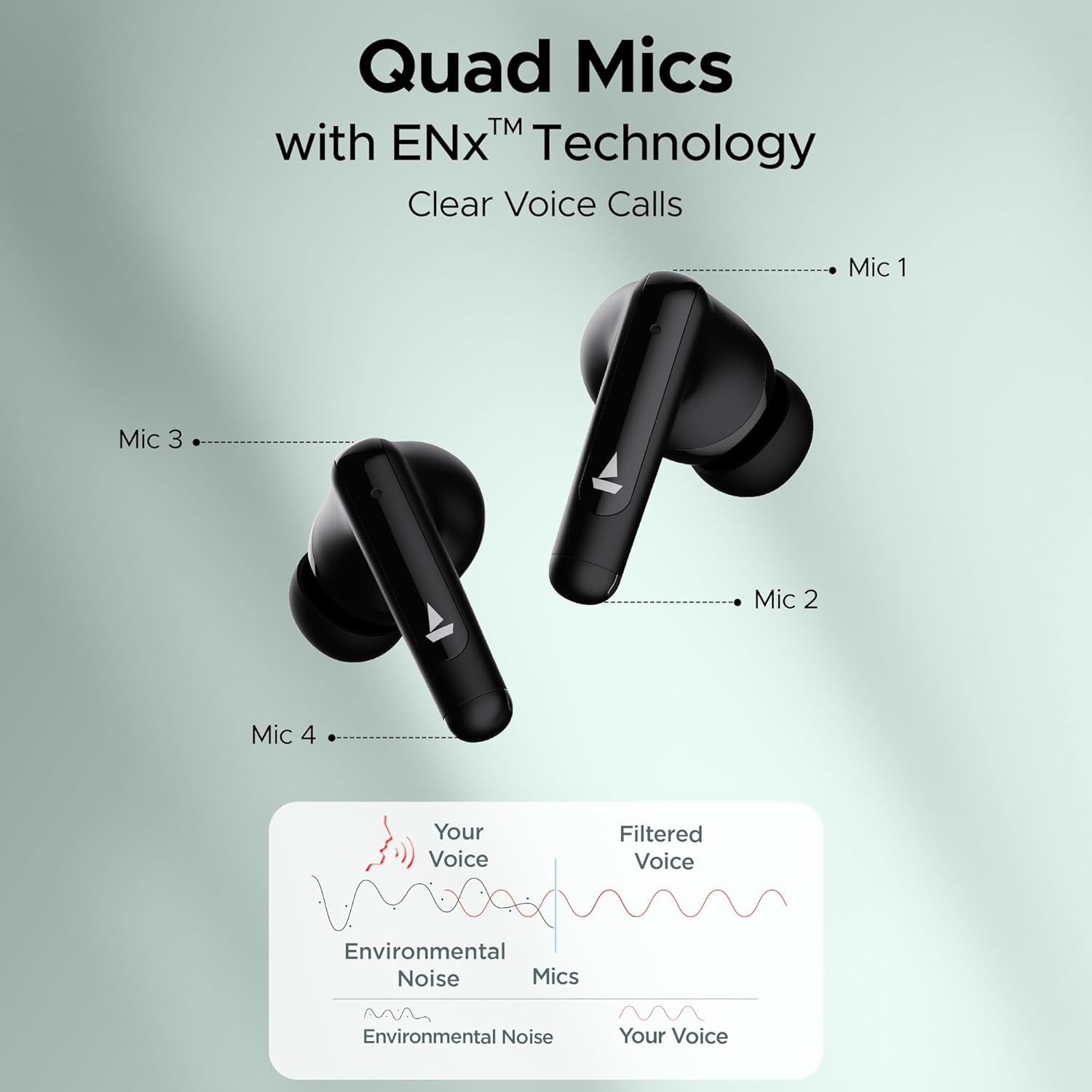
Image: Diagram showing the placement of four microphones on the earbuds and how ENx Technology filters environmental noise for clear voice calls.
2.4 Playback Time
The boAt Airdopes 161 ANC provides up to 50 hours of total playback time with the charging case. Individual earbud playback time varies based on usage and ANC status.
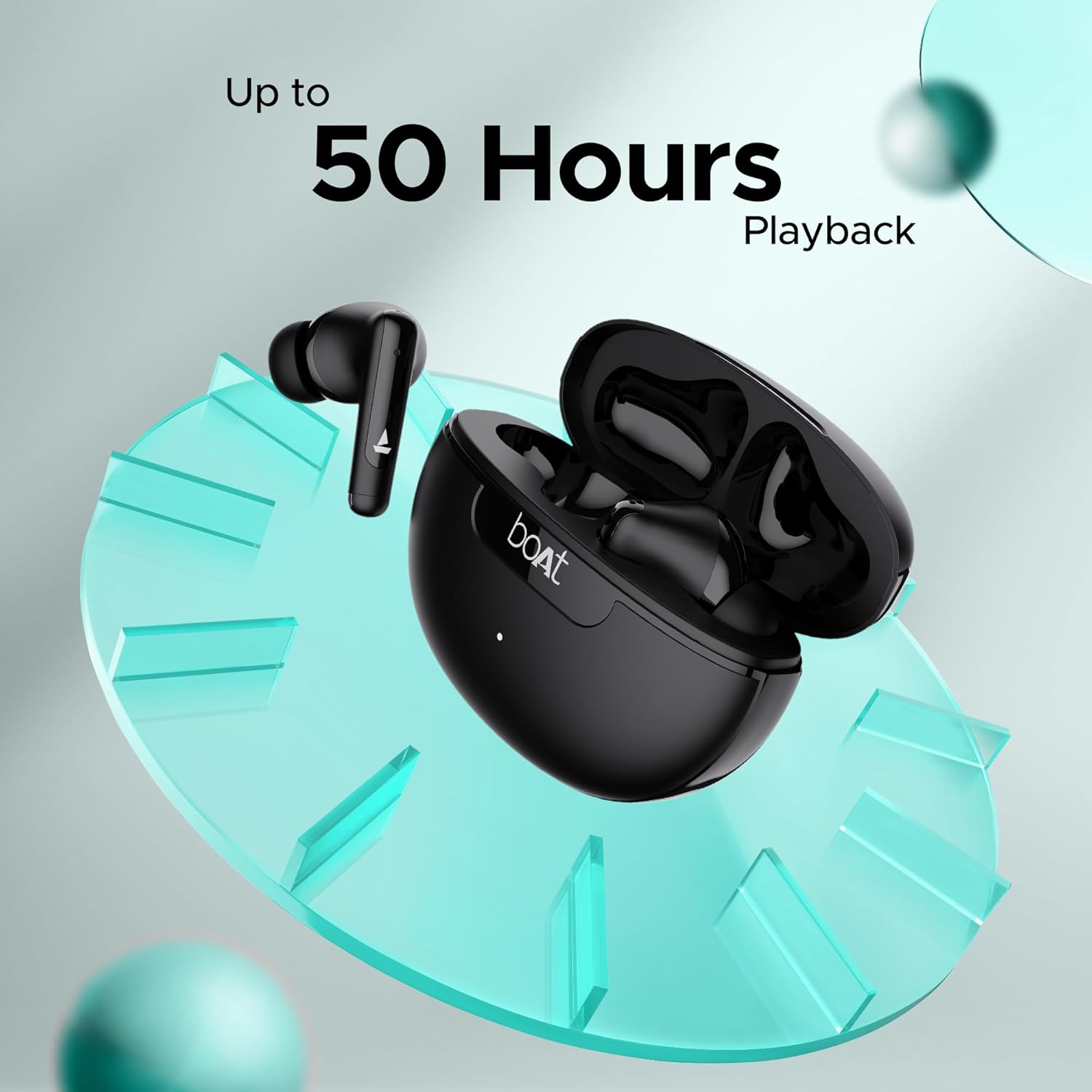
Image: Graphic indicating "Up to 50 Hours Playback" for the boAt Airdopes 161 ANC earbuds and charging case.
3. Tiaki
3.1 Te horoi i ō taringa
Ko te horoi i nga wa katoa ka awhina i te pupuri i te kounga oro me te akuaku.
- Whakamahia he kakahu ngohengohe, maroke, korekore ki te muru i nga purongo me te putea utu.
- Tangohia mārire te ware taringa, te paru rānei i ngā pito o te taringa me te kupenga o te kaikorero mā te whakamahi i tētahi paraihe iti, ma, he miro rānei hei miro horoi.
- Āta karohia te whakamahi i ngā mea whakakoi, te waipiro, ngā matū horoi rānei.
3.2 Water and Sweat Resistance (IPX5)
The Airdopes 161 ANC earbuds are IPX5 rated, meaning they are resistant to water splashes and sweat. This makes them suitable for workouts and light rain.
- Kaua e rukuhia nga taringa ki te wai.
- Me whakarite kia maroke nga purongo i mua i te whakahoki ano ki roto i te pukoro utu kia kore ai e pakaru.
Image: Earbuds shown with water droplets, indicating IPX5 water and sweat resistance.
4. Te Raru
If you encounter any issues with your Airdopes 161 ANC, refer to the following common solutions:
| Raruraru | Rongoā |
|---|---|
| Karekau nga taringa e hono ana |
|
| Kotahi anake te pukoro e mahi ana |
|
| He iti te oro, he ngoikore ranei te oro |
|
| Ko te ANC kaore e mahi pai |
|
5. Whakatakotoranga
| Āhuahira | Taipitopito |
|---|---|
| Ingoa Tauira | Airdopes 161 ANC |
| Hangarau Hononga | Nihokikorangi |
| Hangarau Whakawhitiwhiti Ahokore | Nihokikorangi |
| Putanga Nihokikorangi | 5.0 (Note: Image shows v5.3, using product spec 5.0) |
| Awhe Nihokikorangi | 10 Mita |
| Mana Haruru | Whakakore Haruru Hohe (tae atu ki te 32dB) |
| Nga hopuorooro | Ngā Hopuoro Whā me te Hangarau ENx |
| Tikanga Mana | Paa |
| Taumata Atete Wai | IPX5 (Atete Wai) |
| Tauwehe Puka | I te Taringa |
| Momo Atekōkiri Ororongo | Atekōkiri Hihiko |
| Momo Pūhiko | Lithium Ion (kei roto) |
| Wā Whakahoki | Tae atu ki te 50 Haora (me te putea utu) |
| Atanga Whakatau | USB Momo-C |
| Nga waahanga motuhake | Built-In Voice Assistant, IWP Technology, ASAP Charge |
| Taumaha Tūemi | 50 Karamu |
| Hunga Hua | 5 x 3 x 5 cm |
6. Pūtāhui me te Tautoko
Your boAt Airdopes 161 ANC earbuds come with a 1-year warranty from the date of purchase.
For warranty claims, technical support, or any other inquiries, please contact boAt customer service:
- Kaihanga: Whakaarohia te Hokohoko Ltd.
- Īmēra: info@imaginemarketingindia.com
- Webpae: Refer to the official boAt webpaetukutuku mō ngā mōhiohio tautoko me ngā taipitopito whakapā hou.
Please retain your purchase receipt as proof of purchase for warranty services.