1. Kupu Whakataki
This manual provides detailed instructions for the proper use, setup, and maintenance of your Creative Aurvana Ace 2 True Wireless In-Ear Headphones. Please read this manual thoroughly before using the product to ensure optimal performance and longevity.

Image: Creative Aurvana Ace 2 earbuds shown in their open charging case, highlighting the black earbuds with copper accents and the translucent charging case.
2. Ihirangi mokete
Manatokona kei roto katoa nga mea kei roto i te kete:
- Creative Aurvana Ace 2 True Wireless In-Ear Headphones (Left and Right earbuds)
- Puhi utu
- USB-C Uira Whakatau
- Silicone Ear Tips (Various Sizes: Small, Medium, Large)
- Quick Start Guide (This manual serves as a comprehensive guide)
3. Tatūnga
3.1 Whakataki Tuatahi
Before first use, fully charge the earbuds and the charging case. Place the earbuds into the charging case. Connect the USB-C charging cable to the case and a power source. The charging indicator on the case will show charging status. A full charge provides up to 6 hours of playback for the earbuds and a total of 24 hours with the charging case (with ANC off).

Image: The Creative Aurvana Ace 2 charging case resting on a wireless charging pad, indicating its wireless charging capability.
3.2 Ear Tip Selection and Fit
Selecting the correct ear tip size is crucial for sound quality and noise isolation. Experiment with the provided silicone ear tips (Small, Medium, Large) to find the best fit for your ears. A good seal ensures optimal audio performance and comfort.

Image: Graphic illustrating different sizes of ear tips for a customized fit.
Hiranga: Before first use, ensure you remove any protective clear films covering the charging contacts on the earbuds. Failure to do so will prevent proper charging and pairing.
3.3 Takirua Nihokikorangi
- Me whakarite kua utuhia nga purongo ka tuu ki roto i te putunga utu.
- Whakatuwheratia te taupoki o te kete utu. Ka uru aunoa nga taringa ki te aratau takirua.
- On your device (smartphone, tablet, computer), navigate to the Bluetooth settings.
- Select "Creative Aurvana Ace 2" from the list of available devices.
- Ina hono ana, ka whakatangihia he tangi whakau, ka reri nga taringa mo te whakamahi.
3.4 Creative App Download
For full functionality, including firmware updates, equalizer settings, and customizable controls, download the Creative app. The app is available for both iOS and Android devices.
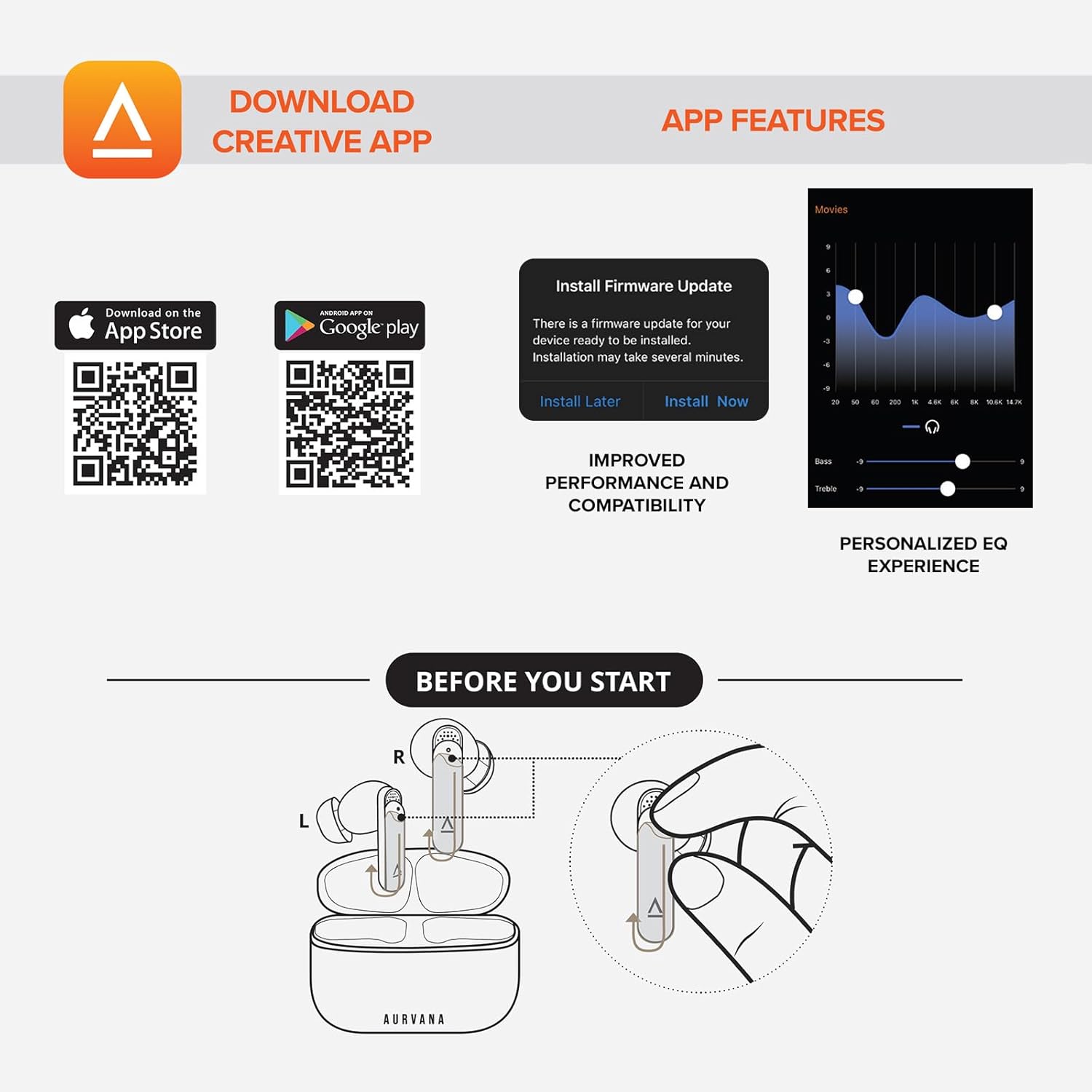
Image: Screenshot showing QR codes for downloading the Creative app from the Apple App Store and Google Play Store, alongside examples of app features such as firmware updates and personalized EQ settings.
Tikiake mo te Android: Toa Play Google
Tikiake mo iOS: Apple App Store
4. Nga Tohutohu Whakahaere
4.1 Mana Pa
The Creative Aurvana Ace 2 earbuds feature touch-sensitive controls on each earbud. Functions can be customized via the Creative app. Common controls include:
- Paato Kotahi: Purei/Whakamutu oro, Whakautu/Whakamutu waea.
- Paoa Rua: Next track, Activate voice assistant.
- Paato Toru: Previous track, Toggle ANC/Ambient Mode.
- Panui Roa: Volume control (customizable).

Image: Graphic depicting a finger tapping an earbud, symbolizing touch controls.
4.2 Noise Control (Adaptive ANC & Ambient Mode)
The earbuds feature Adaptive Active Noise Cancellation (ANC) and Ambient Mode. These modes can be toggled via the touch controls or the Creative app.
- ANC urutau: Ka whakaiti i te haruru o waho mō te wheako whakarongo rumaki.
- Aratau Ambient: Allows environmental sounds to pass through, enhancing situational awareness.
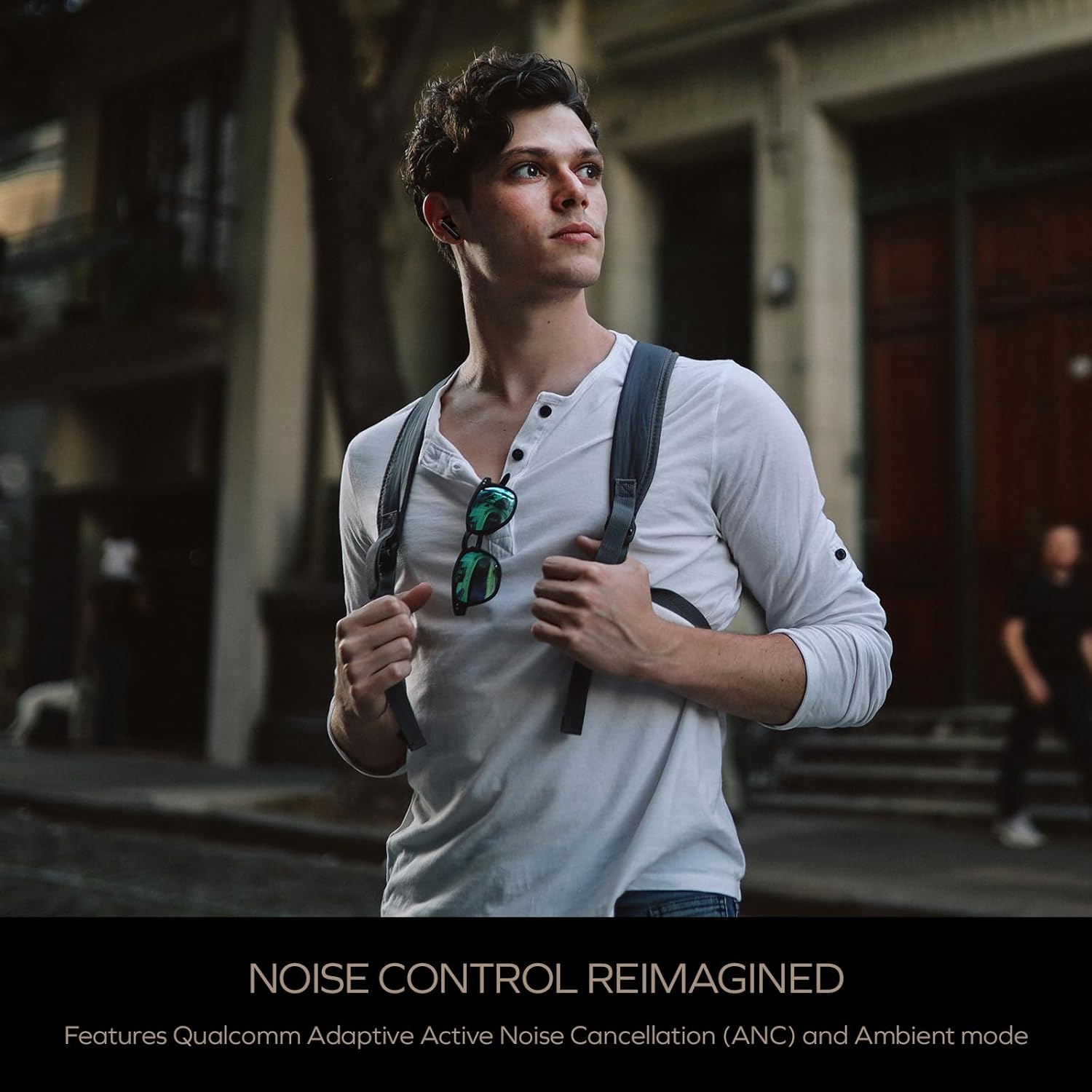
Image: A person wearing the Creative Aurvana Ace 2 earbuds while walking outdoors, illustrating the use of noise control features in various environments.
4.3 Audio Technologies (xMEMS, aptX Lossless, Bluetooth LE Audio)
The Aurvana Ace 2 incorporates advanced audio technologies for high-fidelity sound:
- xMEMS Technology: Provides precise and detailed audio reproduction.
- Qualcomm aptX Lossless: Delivers CD-quality audio over Bluetooth for compatible devices.
- Bluetooth LE Audio: Offers improved wireless audio quality with lower power consumption and Unicast mode for a more stable connection.

Whakaahua: Taipitopito view of the earbud's internal components, highlighting the xMEMS drivers and 10mm dynamic drivers responsible for audio output.

Image: The Qualcomm aptX Lossless logo, indicating support for high-fidelity audio streaming.

Image: A microchip labeled 'LE Audio', representing the Bluetooth LE Audio technology integrated into the earbuds.
4.4 Voice Assistant and Call Quality
The earbuds support voice assistant activation (e.g., Siri, Google Assistant) via touch controls. Equipped with Qualcomm cVc (clear voice capture) noise cancellation technology and six built-in microphones, the Aurvana Ace 2 ensures clear voice calls.

Image: Graphic showing an earbud with Google Assistant and Siri icons, accompanied by sound wave visualizations, indicating voice assistant support and clear audio transmission.
5. Tiaki
5.1 Te horoi
Regular cleaning helps maintain optimal performance and hygiene. Use a soft, dry, lint-free cloth to wipe the earbuds and charging case. For ear tips, remove them from the earbuds and clean with mild soap and water, then dry thoroughly before reattaching. If charging issues occur, gently clean the charging contacts on both the earbuds and inside the case with a cotton swab lightly dampened ki te komukumuku waipiro.
5.2 Rokiroki
Mena karekau e whakamahia, penapenahia nga purongo ki roto i to pukoro hei tiaki kia mau tonu te utu. Whakaorangia te pouaka ki te waahi makariri, maroke atu i te ra tika me te wera nui.
6. Te Raru
If you encounter issues with your Creative Aurvana Ace 2 earbuds, refer to the following common solutions:
| Raruraru | Take pea | Rongoā |
|---|---|---|
| Kāore ngā taringaoro e hono ana, e hono ana rānei | Protective film on contacts, low battery, out of range, incorrect pairing mode. |
|
| Karekau nga taringa e utu ana | Dirty charging contacts, improper placement, faulty cable/power source. |
|
| Frequent disconnections or audio dropouts | Interference, distance from device, low earbud battery. |
|
| Screeching sound in Ambient Mode | Pressure on earbuds, improper fit. |
|
| Audio glitching or shrill noises | Software issue, interference. |
|
| Ko nga mana pa kaore e aro | Incorrect gesture, dirty sensor, temporary software glitch. |
|
7. Whakatakotoranga
| Āhuahira | Taipitopito |
|---|---|
| Ingoa Tauira | EF1160 |
| Hangarau Hononga | Wireless (Bluetooth 5.2, LE Audio) |
| Momo Atekōkiri Ororongo | xMEMS Driver, 10 mm Dynamic Driver |
| Kotēkē Ororongo | aptX Lossless, aptX Adaptive, AAC, SBC |
| Mana Haruru | Adaptive Active Noise Cancellation (ANC), Ambient Mode |
| Nga hopuorooro | 6 built-in mics with Qualcomm cVc Noise Cancellation |
| Te ora o te Pūhiko (Ngā taringa) | Tae atu ki te 6 haora (whakaweto ANC) |
| Tapeke Taakaro me te keehi | Tae atu ki te 24 haora (whakaweto ANC) |
| Waa Whakatau | Approximately 2 hours for earbuds and case |
| Atanga Whakatau | USB-C, Wireless Charging |
| Awhe Nihokikorangi | Tae atu ki te 10 mita (33 putu) |
| Whakautu auau | 20 Hz - 20,000 Hz |
| Tikanga Mana | Pa, Reo |
| Rauemi | Kirihou |
| Hunga Hua | 3.58 x 4.33 x 1.53 inihi |
| Taumaha Tūemi | 5.3 hekere |
| UPC | 054651196032 |
8. Pūtāhui me te Tautoko
Creative products are covered by a limited warranty. For specific warranty terms and conditions applicable to your region, please refer to the warranty card included with your product or visit the official Creative webpae.
For technical support, frequently asked questions, and driver/firmware downloads, please visit the Creative support page:
You can also contact Creative customer service directly for assistance.


