1. Kupu Whakataki
This manual provides instructions for the safe and effective use of your Coby Kids' Wireless Bluetooth Earbuds, Model CETW582 (Umi The Unicorn). Please read this manual thoroughly before using the product and retain it for future reference.
These earbuds are designed for children, featuring an ergonomic design with soft gel tips for a comfortable and secure fit. They offer wireless audio connectivity via Bluetooth 5.1 and are rated IPX4 for water resistance.
2. He aha kei roto i te Pouaka
Manatokohia kei te noho nga waahanga katoa i te wa e wetewete ana:
- Coby Wireless Bluetooth Earbuds (Left and Right)
- Umi The Unicorn Charging Case
- Moroiti USB Charging Cable
- Pukapuka Kaiwhakamahi
3. Hua Neke Atuview
Familiarize yourself with the components of your Coby Kids' Wireless Earbuds.

Whakaahua 3.1: The Coby Kids' Wireless Earbuds shown within their Umi The Unicorn charging case, alongside a closed view of the case. The earbuds are white with soft gel tips, and the case features a unicorn design with a horn and ears.

Whakaahua 3.2: He tata view of the Umi The Unicorn charging case, highlighting its design elements including the unicorn's face, horn, and ears.
Earbud Features:
- Horahanga Mana Pa: Mo te whakahaere purei, waea, me te kaiawhina reo.
- Tohu LED: E whakaatu ana i te tūnga takirua me te taumata pākahiko.
- hopuoro: Mo nga waea kore-ringa.
- Gel Tips: Soft, interchangeable tips for comfortable fit.
Ko nga ahuatanga o te keehi:
- Tauranga Whakatau: Micro USB port for charging the case.
- Ngā Mokowā Utu Taringa: Ka mau me te utu i nga purongo.
- Tohu Whakatau: Shows the charging status of the case and earbuds.
4. Tatūnga
4.1 Whakataki Tuatahi
- I mua i te whakamahinga tuatahi, whakakīia katoatia te pouaka utu me ngā pane whakarongo.
- Whakanohia nga taringa taringa e rua ki roto i te keehi ka utua.
- Connect the Micro USB charging cable to the charging port on the case and the other end to a USB power source (e.g., computer, wall adapter).
- The charging indicator on the case will illuminate to show charging is in progress. A full charge takes approximately 1.5 hours.
- Kia oti te whakakii, momotuhia te taura utu.
4.2 Te hono ki te Pūrere Nihokikorangi
Ka whakamahia e ngā pane taringa te Nihokikorangi 5.1 hei whakarato i te hononga ahokore pumau.
- Me whakarite kua utuhia nga purongo ka tuu ki roto i te putunga utu.
- Open the charging case. The earbuds will automatically power on and enter pairing mode. The LED indicator on the earbuds will flash, indicating they are ready to pair.
- On your device (e.g., smartphone, tablet, laptop), enable Bluetooth.
- Rapua available Bluetooth devices. Select "COBY-CETW582" from the list.
- Once connected, the earbud LED indicators will stop flashing or show a solid light (refer to specific LED behavior in the full manual if available). A voice prompt may confirm successful pairing.
- Ka hono aunoa nga taringa ki te taputapu takirua whakamutunga ina tangohia mai i te keehi, mena ka taea te Nihokikorangi ki runga i te taputapu.

Whakaahua 4.1: A child wearing the Coby Kids' Wireless Earbuds, demonstrating their comfortable and secure fit with soft gel tips.
5. Mahi
5.1 Hiko / Whakaweto
- Whakahiko: Whakatuwheratia te pouaka utu, pēhi rānei me te pupuri i te wāhi mana pā o ngā pane taringa e rua mō te 3 hēkona.
- Weto Whakakore: Whakahokia ngā pane taringa ki roto i te pouaka utu ka kati i te taupoki, pēhi rānei, pupuri i te wāhi mana pā o ngā pane taringa e rua mō te 5 hēkona.
5.2 Purei Waiata
- Purei/Tatari: Patohia te wāhi mana pā o tētahi o ngā pane taringa kotahi.
- Riu Panuku: Patohia rua te wāhi mana pā i te taringa taringa matau.
- Riu o mua: Patohia rua te wāhi mana pā i te taringa maui.
- Mana Rōrahi: Adjust volume directly on your connected device.
5.3 Waea Waea
- Whakautu/Whakamutu Waea: Patohia te wāhi mana pā o tētahi o ngā pane taringa kotahi.
- Whakakore Waea: Pēhia me te pupuri i te waahi mana pa ki runga i tetahi purongo mo te 2 hēkona.
5.4 Kaiawhina Reo
- Whakahohe i te Kaiawhina Reo: Patohia kia toru ngā pātene i te wāhi pā o tētahi pane taringa.
Whakaahua 5.1: A child focused on studying while wearing the Coby Kids' Wireless Earbuds, illustrating their use for educational or quiet activities.
6. Tiaki
6.1 Te horoi
- Whakamahia he kakahu ngohengohe, maroke, kore-miro hei horoi i ngā pane taringa me te pouaka utu.
- Kaua e whakamahia nga kai horoi, nga whakarewa, nga rehu aerosol ranei.
- Tangohia mārire te ware taringa, te paru rānei i ngā pito o te taringa me te kupenga o te kaikorero mā te whakamahi i te paraihe ngohengohe iti, te miro rānei.
6.2 Rokiroki
- Mena karekau e whakamahia, penapenahia nga purongo ki roto i to pukoro hei tiaki kia mau tonu te utu.
- Whakaorangia te hua ki te waahi makariri, maroke, kia matara atu i nga wera nui me te ra tika.
6.3 Ātete Wai (IPX4)
The earbuds are IPX4 water-resistant, meaning they are protected from splashing water from any direction. They are not designed for submersion in water. Avoid exposing them to heavy rain, showering, or swimming.
7. Te Raru
| Raruraru | Take pea | Rongoā |
|---|---|---|
| Kāore ngā taringa e taea te whakakā. | He iti te pākahiko. | Whakakīia katoatia ngā pane taringa me te pouaka utu. |
| Kaore e taea te hono ki te taputapu. | Bluetooth is off on device; earbuds not in pairing mode; too far from device. | Ensure Bluetooth is enabled on your device. Place earbuds in case, close, then open to re-enter pairing mode. Move device closer to earbuds (within 33 feet). |
| Kāore he oro, kāore hoki he oro mutumutu. | Earbuds not properly connected; low battery; interference. | Check Bluetooth connection. Recharge earbuds. Move away from other wireless devices. |
| Kāore he oro o tētahi taringa. | Earbuds not properly synced. | Place both earbuds back into the charging case, close the lid, then open again to re-sync. |
| Earbuds slip out of ears. | Incorrect gel tip size or improper insertion. | Ensure gel tips are correctly sized for the user's ears. Adjust the angle of insertion for a secure fit. |
8. Whakatakotoranga
| Āhuahira | Taipitopito |
|---|---|
| Ingoa Tauira | COBY-CETW582 |
| Hangarau Hononga | Nihokikorangi, Ahokore |
| Hangarau Whakawhitiwhiti Ahokore | Nihokikorangi 5.1 |
| Nga Waahanga kei roto | Coby Wireless Bluetooth Earbuds for Kids |
| Waa Whakatau | 1.5 haora |
| Pūrere Hototahi | Waea Pukoro, Rorohiko, Papa |
| Momo Mana | Mana Media, Pa |
| Taumaha Tūemi | 1.6 hekere |
| Taumata Atete Wai | IPX4 Atete Wai |
| Awhe Auautanga | 20 Hz ki te 20,000 Hz |
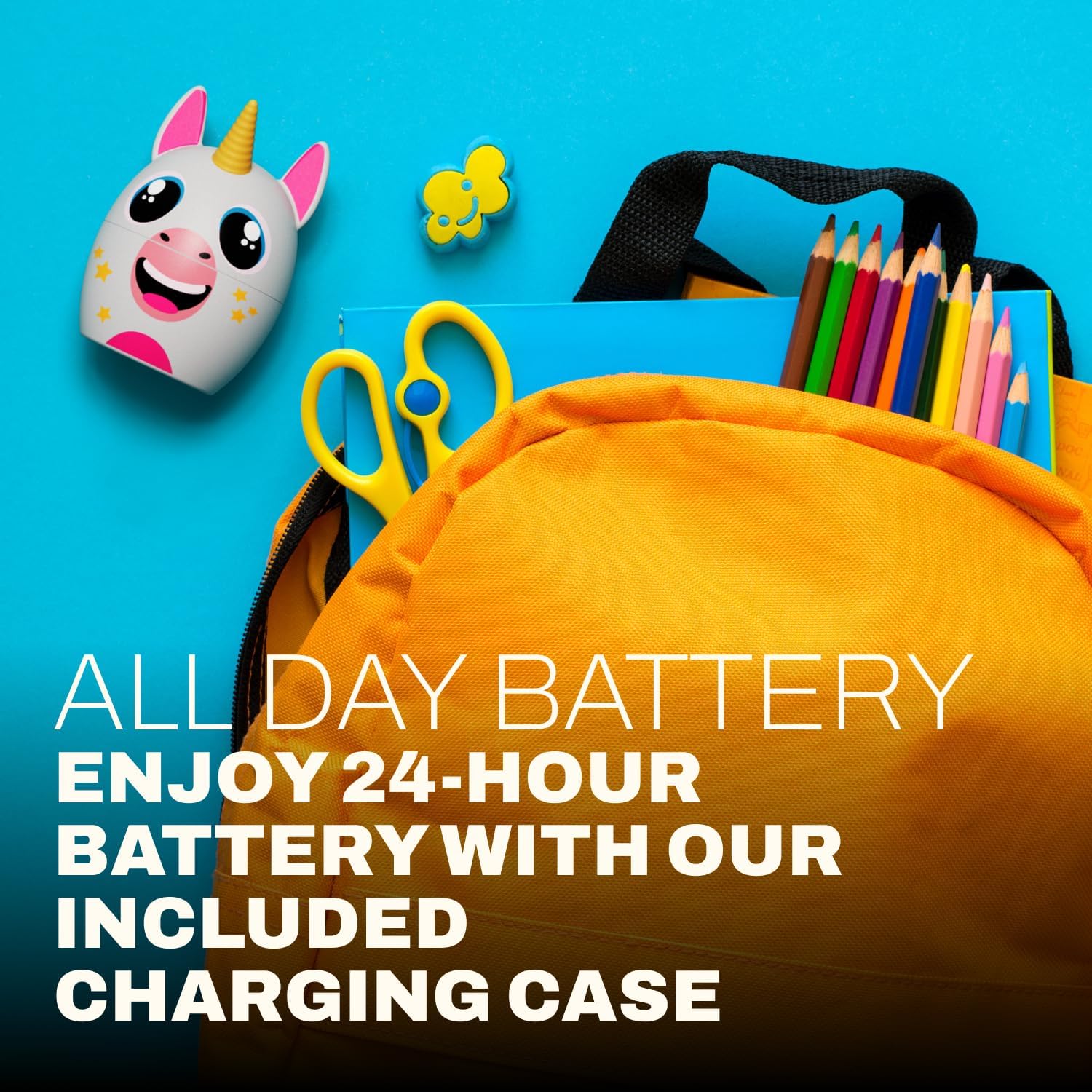
| Ora Pūhiko | Tae atu ki te 24 Haora (me te putea utu) |
| Awhe Nihokikorangi | Tae atu ki te 33 Puawai |
| Hunga Hua | 3 x 2.5 x 2.5 inihi |
9. Tautoko
For further assistance, product information, or warranty inquiries, please visit the official Coby website or contact Coby customer support.
- Coby Official Webpae: www.cobyusa.com (Exoampte hononga, tēnā manatokohia te tautoko tūturu URL)
- Ratonga Kiritaki: Refer to the Coby webpae mo nga korero whakapā.


