Kupu Whakataki
Mauruuru koe mo te hokoasing the ZEBRONICS Zeb-Escape 10 Wireless BT Earphone. This manual provides essential information for setting up, operating, and maintaining your device. Please read it carefully before use to ensure optimal performance and longevity of your earphones.
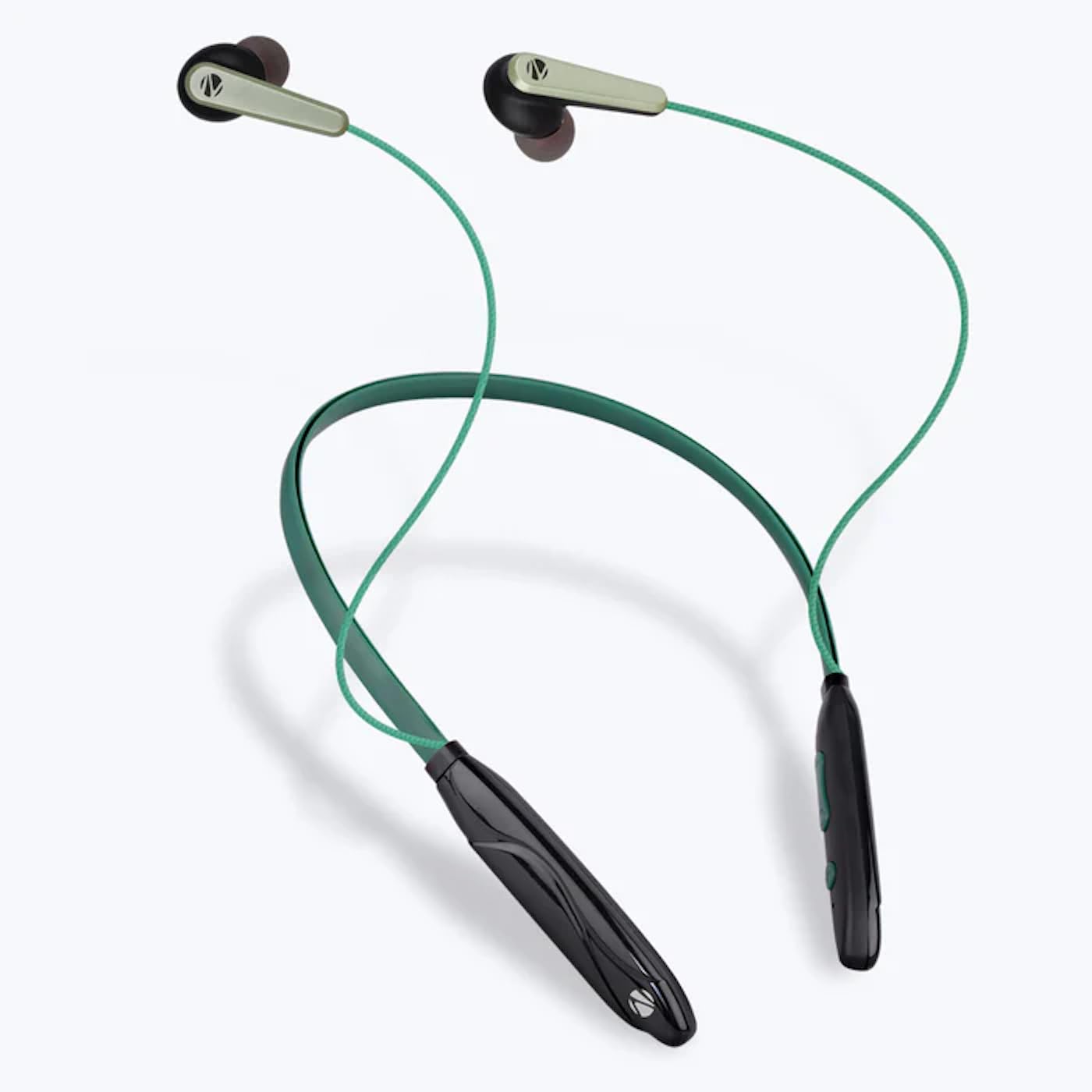
Image: The ZEBRONICS Zeb-Escape 10 Wireless BT Earphone, featuring a green and black neckband design with in-ear earbuds.
Ihirangi mokete
Kei roto i tō kete hua ngā tūemi e whai ake nei:
- 1 U Neckband Earphone
- 1 U Charging Cable (Type-C)
- 1 U QR Code Guide
Tatūnga
1. Te Whakautu i te Taringa
Before first use, fully charge the earphone. Use the provided Type-C charging cable to connect the earphone to a USB power source (e.g., computer USB port, wall adapter). The LED indicator will show the charging status.
- Wā Whakataki: Tata ki te 1.5 haora.

Image: The earphone's control module with a Type-C charging port, showing a charging cable connected.
2. Takirua Nihokikorangi
To connect your earphone to a Bluetooth-enabled device:
- Me whakarite kua utua te pane whakarongo, ā, kua whakawetohia hoki.
- Press and hold the multi-function button on the earphone until the LED indicator flashes red and blue, indicating it is in pairing mode.
- I runga i to taputapu (smartphone, tablet, etc.), whakahohea te Nihokikorangi me te rapu mo nga taputapu e waatea ana.
- Select "ZEB-ESCAPE 10" from the list of found devices.
- Kia honoa, ka mura āta te rama kikorangi o te rama LED, ka mate rānei, kei te tauira.

Image: A smartphone display illustrating the Bluetooth pairing process, showing the earphone model 'ZEB-ESCAPE 10' as connected.
Nga Tohutohu Whakahaere
Te Hiko / Whakaweto
- Whakahiko: Press and hold the multi-function button until the LED indicator lights up.
- Weto Whakakore: Press and hold the multi-function button until the LED indicator turns off.
Volume and Media Control
The earphone features integrated controls for managing audio playback and volume.
- Runga Runga: Patohia te paatene '+'.
- Raro Raro: Patohia te paatene '-'.
- Purei/Tatari: Patohia te paatene maha-mahi kotahi.
- Riu Panuku: Patohia me te pupuri i te paatene '+'.
- Riu o mua: Patohia me te pupuri i te paatene '-'.
Mahi Waea
Manage calls directly from your earphone.
- Whakautu Waea: Patohia te paatene maha-mahi kotahi.
- Whakamutu Waea: Press the multi-function button once during a call.
- Whakakore Waea: Patohia me te pupuri i te paatene maha-mahi.
- Waea Anō te Tau Whakamutunga: Pēhia rua te pātene mahi-maha.
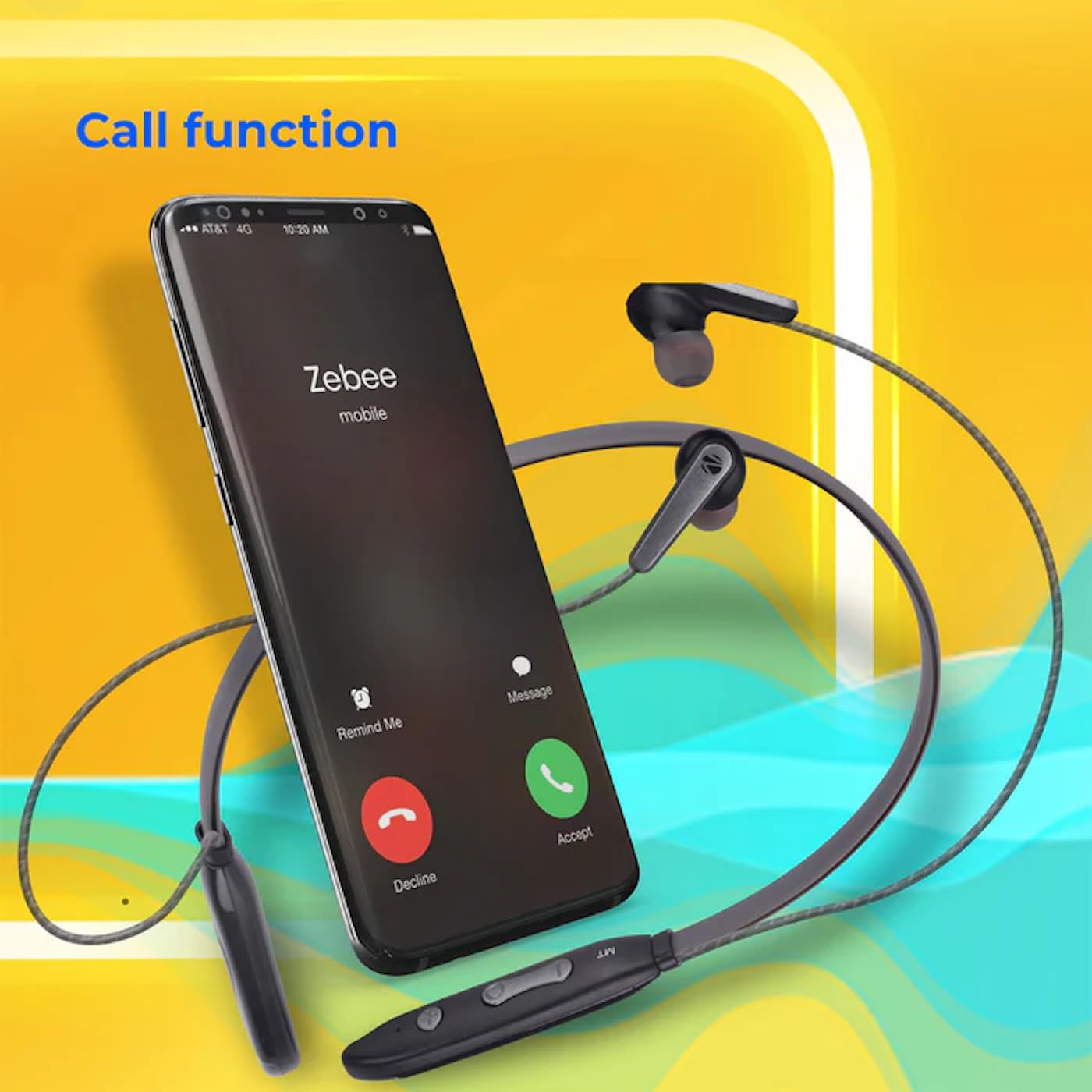
Image: A smartphone showing an incoming call interface, indicating the earphone's call handling capability.
Tautoko Kaiawhina Reo
Activate your device's voice assistant (e.g., Google Assistant, Siri) by triple-pressing the multi-function button.
Whakatangi taringa aukume
The earpieces are magnetic, allowing them to securely attach to each other when not in use, preventing tangling and ensuring they stay in place around your neck.

Whakaahua: He taipitopito view of an earbud, illustrating its design for a stable and comfortable fit.
Te tiaki
To ensure the longevity and optimal performance of your ZEBRONICS Zeb-Escape 10 earphones, follow these maintenance guidelines:
- Te horoi: Whakamahia he kakahu ngohengohe, maroke hei horoi i ngā taringa. Kaua e whakamahi i ngā matū kino, i ngā mea whakakoi rānei.
- Rokiroki: Penapenahia ngā taringaoro ki te wāhi hauhautanga, maroke, kia matara atu i te rā tika me te pāmahana tino kino.
- Ātete wai: The earphones are water resistant. Avoid submerging them in water or exposing them to heavy rain.
- Kei te utu: Only use the provided charging cable or a certified Type-C cable. Avoid overcharging.
Raparongoā
If you encounter issues with your earphone, refer to the following common problems and solutions:
| Raruraru | Rongoa pea |
|---|---|
| Kāore te taringa e whakakā. | Me whakarite kua utua katoatia te pane whakarongo. |
| Kaore e taea te hono ki te taputapu. | Ensure the earphone is in pairing mode (flashing red/blue). Turn off and on Bluetooth on your device. Move closer to the earphone. |
| Karekau he oro, he iti te reo. | Check volume levels on both the earphone and your connected device. Ensure the earphone is properly paired. |
| Ngā take kounga waea. | Ensure you are within Bluetooth range. Check for obstructions between the earphone and your device. |
Whakatakotoranga
Technical specifications for the ZEBRONICS Zeb-Escape 10 Wireless BT Earphone:
| Āhuahira | Taipitopito |
|---|---|
| Ingoa Tauira | ZEB-NBI 5 |
| Putanga Nihokikorangi | v5.3 |
| Tautokohia te BT Profiles | HSP / HFP / A2DP / AVRCP |
| Rahi taraiwa | 10mm |
| Te Mana Whakakore | 16Ω |
| Wā Whakahoki | Tae atu ki te 20 haora (i te 50% rōrahi) |
| Te Wa Korero | Tae atu ki te 20 haora |
| Waa Whakatau | 1.5 haora |
| Wā tūtatari | 200 haora |
| Taumaha Kupenga | 26g |
| Momo Mana | Mana Media, Pa |
| Taumata Atete Wai | Wai Atete |
| Nga waahanga motuhake | Fast Charging, Foldable, Microphone Included, Sweatproof |

Image: Visual representation of the earphone's 20-hour playback capability.
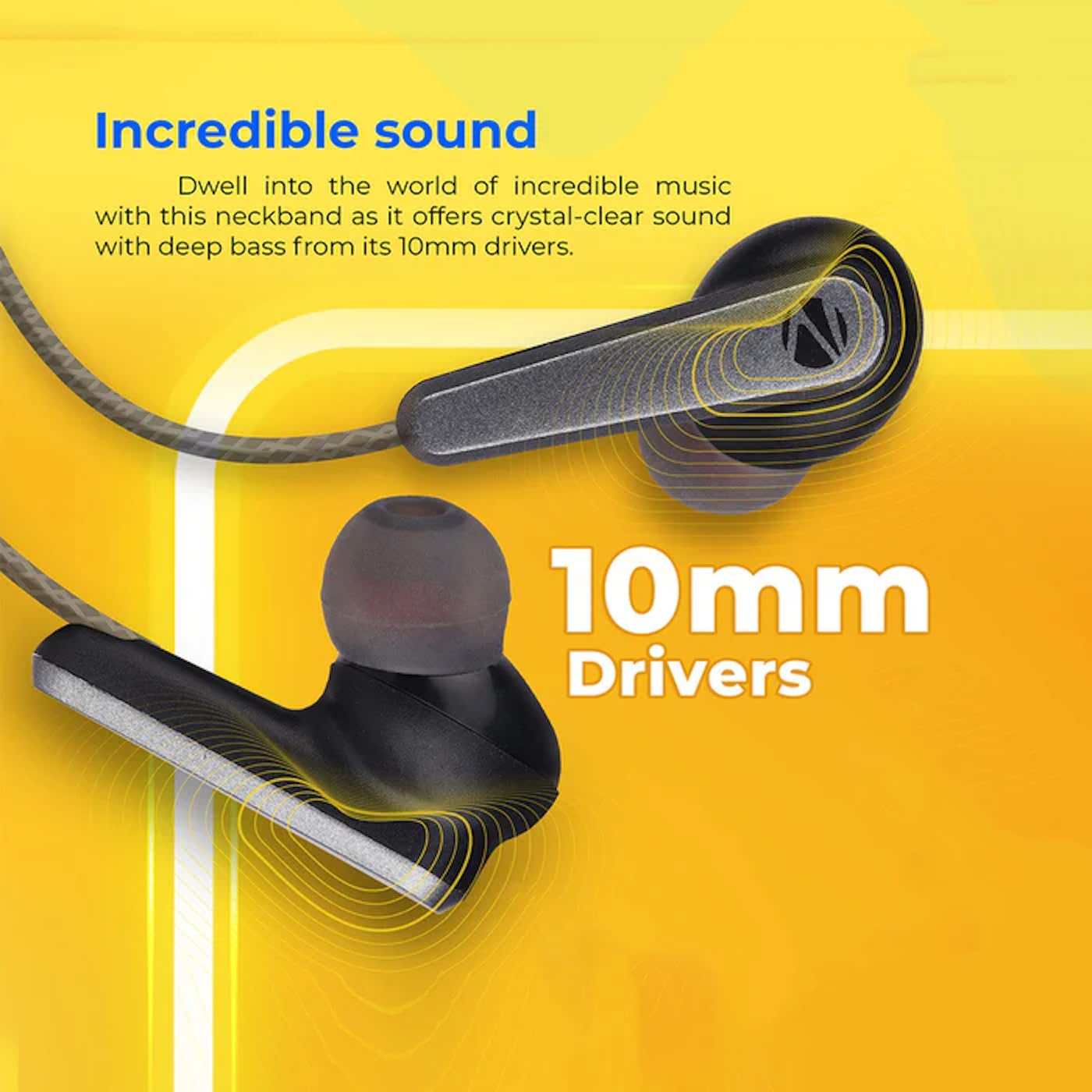
Image: A close-up of an earbud, highlighting the 10mm audio drivers responsible for sound output.
Nga korero Whakaputanga
The ZEBRONICS Zeb-Escape 10 Wireless BT Earphone comes with a 6-marama whakamana from the date of purchase. This warranty covers manufacturing defects. Please retain your purchase receipt as proof of purchase for warranty claims. The warranty does not cover damage caused by misuse, accidents, unauthorized modifications, or normal wear and tear.
Tautoko Kiritaki
For further assistance, technical support, or warranty claims, please contact ZEBRONICS customer service. Refer to the QR code guide included in your package or visit the official ZEBRONICS webpae mo nga korero whakapiri.


