Kupu Whakataki
Thank you for choosing RadioShack Stereo Earphones. These wired earbuds are designed to provide clear audio and convenient hands-free communication, featuring an inline microphone and volume control. This manual will guide you through the setup, operation, maintenance, and troubleshooting of your new earphones to ensure a satisfying listening experience.
Tatūnga
Setting up your RadioShack Stereo Earphones is straightforward. Follow these steps to begin using your earphones with your compatible device.
Te hono atu ki To Pūrere
- Tāutuhia te Hononga Ororongo: Locate the 3.5mm audio jack on your smartphone, tablet, laptop, or MP3 player. This is typically a small, circular port.
- Kōkuhu te Mono: Gently insert the 3.5mm audio plug of your RadioShack earphones into the device's audio jack until it clicks into place. Ensure a secure connection.
- Manatokohia te Hononga: Once connected, your device should automatically route audio through the earphones. If not, check your device's audio output settings.

Image: RadioShack Stereo Earphones connected to a smartphone, demonstrating proper plug insertion.

Whakaahua: Taipitopito view of the 3.5mm audio jack, ready for connection.
Nga Tohutohu Whakahaere
Your RadioShack Stereo Earphones feature an inline control unit for easy management of audio and calls.
Mana Ororongo
- Rōrahi Whakarunga (+): Press the '+' button on the inline control to increase the audio volume.
- Rōrahi Raro (-): Press the '-' button on the inline control to decrease the audio volume.
- Purei/Tatari: Press the central multi-function button once to play or pause audio playback.
- Riu Panuku: Double-press the central multi-function button to skip to the next track.
- Riu o mua: Triple-press the central multi-function button to go back to the previous track.
Whakahaa Piiraa
- Whakautu/Whakamutu Waea: Press the central multi-function button once to answer an incoming call or end an active call.
- Whakakore Waea: Press and hold the central multi-function button for approximately 2 seconds to reject an incoming call.
- Kaiawhina Reo: Press and hold the central multi-function button for approximately 3 seconds to activate your device's voice assistant (e.g., Siri, Google Assistant).
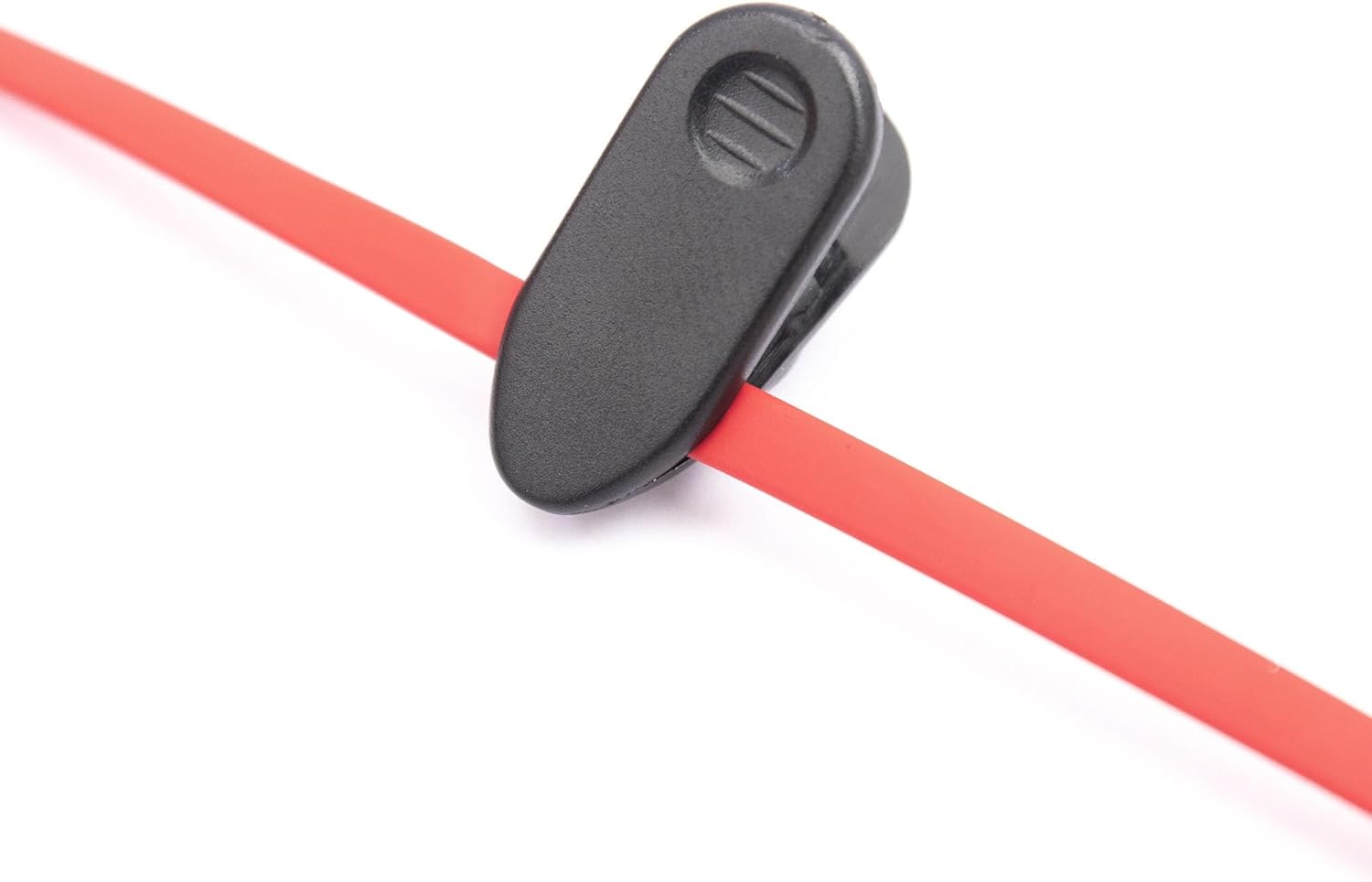
Image: Close-up of the inline control unit, showing volume and multi-function buttons.

Image: Feature diagram highlighting the various functions of the earphones.
Te tiaki
Proper care and maintenance will extend the lifespan of your RadioShack Stereo Earphones and ensure consistent performance.
Te horoi
- Nga taringa taringa: Gently wipe the earbud tips with a soft, dry, lint-free cloth. Do not use harsh chemicals or abrasive materials.
- taura: The tangle-free flat cable can be wiped clean with a slightly damp cloth if necessary, then immediately dried.
- Jack: Kia ma te hononga oro 3.5mm, kia kore he puehu, he paru rānei.
Rokiroki
- Store your earphones in a clean, dry place when not in use.
- A ape i te wera nui me te ra tika.
- Utilize the included cable clip to manage the cord and prevent tangling during storage or transport.

Image: Cable clip for convenient cable management and storage.
Raparongoā
If you encounter issues with your RadioShack Stereo Earphones, refer to the following common problems and solutions.
| Raruraru | Take pea | Rongoā |
|---|---|---|
| Kaore he oro, he tangi rereke ranei. | Loose connection, incorrect audio output setting, low device volume, damaged cable/jack. | Ensure the 3.5mm jack is fully inserted. Check your device's audio output settings. Increase device volume. Test with another device to rule out earphone damage. |
| Kaore e mahi ana te hopuoro. | Incorrect device settings, app permissions, microphone obstruction. | Verify microphone permissions in your device's settings for the app you are using. Ensure the microphone on the inline control is not obstructed. Test with another app or device. |
| Volume control buttons not responding. | Incompatibility with device, software glitch. | Some older devices may not fully support inline controls. Restart your device. Ensure the connection is secure. |
Whakatakotoranga
Detailed technical specifications for your RadioShack Stereo Earphones.
| Āhuahira | Taipitopito |
|---|---|
| Ingoa Tauira | RadioShack Stereo Earphones With Microphone |
| Tau tauira | 3304244-PNT |
| Hangarau Hononga | Waea |
| Pooro Jack | 3.5 mm Jack |
| Te Whakanoho Taringa | I te Taringa |
| Tauwehe Puka | I te Taringa |
| Momo Mana | Mana Rōrahi |
| Āhuahira taura | Tangle Free |
| Taumaha Tūemi | 1.44 hekere |
| Ahu mōkihi | 6.06 x 2.64 x 1.06 inihi |
| Kaihanga | Radioshack |
| Whenua Taketake | Haina |
Pūtāhui me te Tautoko
For warranty information and customer support, please refer to the official RadioShack webpaetukutuku, whakapā atu rānei ki te kaihoko. Puritia tō rīhiti hoko mō ngā kereme pūtāhui katoa.
You can find more information and contact details on the official RadioShack store page:


