1. Kupu Whakataki
This manual provides essential instructions for the safe and efficient operation of your RadioShack IPX6 Waterproof Bluetooth Speaker. Please read this manual thoroughly before using the product and retain it for future reference.
The RadioShack IPX6 Waterproof Bluetooth Speaker is designed for portable audio playback, featuring Bluetooth connectivity, dynamic RGB lighting, and a built-in microphone for hands-free calls. Its IPX6 water-resistant rating makes it suitable for various indoor and outdoor environments.

Whakaahua 1.1: Mua view of the RadioShack IPX6 Waterproof Bluetooth Speaker.
2. Ihirangi mokete
Manatokohia ko nga mea katoa kei raro nei kei roto i to kete:
- RadioShack IPX6 Waterproof Bluetooth Speaker
- Tauira Whakatau USB
- AUX Waea Ororongo
- Pukapuka Kaiwhakamahi

Image 2.1: Visual representation of key speaker features and specifications.
3. Nga Hua o te Hua
- Oro Rumaki: Equipped with 8W of audio power and a 3600mAh battery, this speaker delivers clear highs and deep bass for an engaging listening experience.
- Rarama RGB Hihiko: Enhance your audio experience with customizable RGB lighting, suitable for various moods and occasions.
- Hoahoa Atete-huarere: An IPX6 rating ensures the speaker can withstand splashes and minor water exposure, making it ideal for outdoor use.
- Tirotiro Ahokore Tika (TWS): Connect two identical speakers wirelessly to create a stereo sound system, expanding the audio output and soundstage.
- Puoro-Roto: Facilitates hands-free calling directly through the speaker, allowing you to stay connected while enjoying music.

Whakaahua 3.1: Te whakaaturanga a te kaikoreroasing its customizable RGB lighting feature.
4. Tatūnga
4.1 Whakataki Tuatahi
- Before first use, fully charge the speaker. Connect the provided USB charging cable to the speaker's charging port and a compatible USB power adapter (not included).
- Ka tiaho te rama tohu utu i te wā e utu ana, ā, ka mate ina tino utu.
4.2 Kei te Hiko / Weto
- To power on, press and hold the Power button until the indicator light illuminates and an audible prompt is heard.
- To power off, press and hold the Power button again until the indicator light turns off and an audible prompt is heard.
4.3 Takirua Nihokikorangi
- Me whakarite kei te whakakā te kaikorero, ā, kei roto i te aratau takirua Nihokikorangi (ka mura te rama tohu Nihokikorangi).
- I runga i to taputapu (smartphone, tablet, etc.), whakahohea te Nihokikorangi me te rapu mo nga taputapu e waatea ana.
- Select "RadioShack Speaker" from the list of devices.
- Once paired, the Bluetooth indicator light will become solid, and an audible confirmation will be heard.
4.4 Whakahoahoa Waea Ahokore Tika (TWS).
To pair two RadioShack IPX6 Waterproof Bluetooth Speakers for TWS stereo sound:
- Me mohio kei te noho nga kaikorero e rua me te kore e hono ki tetahi atu taputapu Nihokikorangi.
- On one speaker, press and hold the TWS button (refer to button layout in section 5.1) until an audible prompt indicates TWS pairing mode. This speaker will be the primary unit.
- The second speaker will automatically search for and connect to the primary speaker. An audible prompt will confirm successful TWS pairing.
- Once TWS paired, connect your device to the primary speaker via Bluetooth as described in section 4.3. Audio will now play in stereo through both speakers.
5. Nga Tohutohu Whakahaere
5.1 Nga Mahi Patene
The speaker features a control panel with several buttons:
- Pātene Hiko: Pēhi me te pupuri kia whakakā/whakaweto.
- Pātene Purei/Tatari: Pēhia ki te purei, ki te whakataa ororongo.
- Rōrahi Whakarunga (+): Pēhia hei whakanui i te oro. Pēhia, ka pupuri mō te waiata e whai ake nei.
- Rōrahi Raro (-): Pēhia hei whakaiti i te oro. Pēhia, ka pupuri mō te ara o mua.
- Pātene Aratau (M): Press to switch between Bluetooth, AUX, and FM Radio modes.
- Pātene Maama RGB: Press to cycle through RGB lighting modes or turn off the lights.
- Patene Waea: Press to answer/end calls. Press and hold to reject calls.
5.2 Whakahoki Ororongo
- Aratau Nihokikorangi: After successful pairing, audio from your connected device will play through the speaker.
- Tāuru AUX: Connect an external audio device using the provided 3.5mm AUX cable. The speaker will automatically switch to AUX mode or can be selected using the Mode button.
- Radio Irirangi: In FM Radio mode, press the Play/Pause button to auto-scan and save available stations. Use the Volume Up/Down buttons (press and hold) to navigate between saved stations.

Image 5.1: The speaker's USB and AUX connectivity ports.
5.3 Waea-Waea-a-ringa
When connected via Bluetooth, incoming calls will pause music playback. Press the Call button to answer, and press again to end the call. Press and hold the Call button to reject an incoming call.
6. Tiaki
6.1 Te horoi
Ūkuia te kaikōrero ki te ngohengohe, damp cloth. Do not use abrasive cleaners or solvents. Ensure the charging and AUX ports are dry before use or charging.
6.2 Ātete Wai (IPX6)
The speaker is rated IPX6, meaning it is protected against high-pressure water jets from any direction. It is not designed for submersion. Ensure the rubber flap covering the charging and AUX ports is securely closed to maintain water resistance.
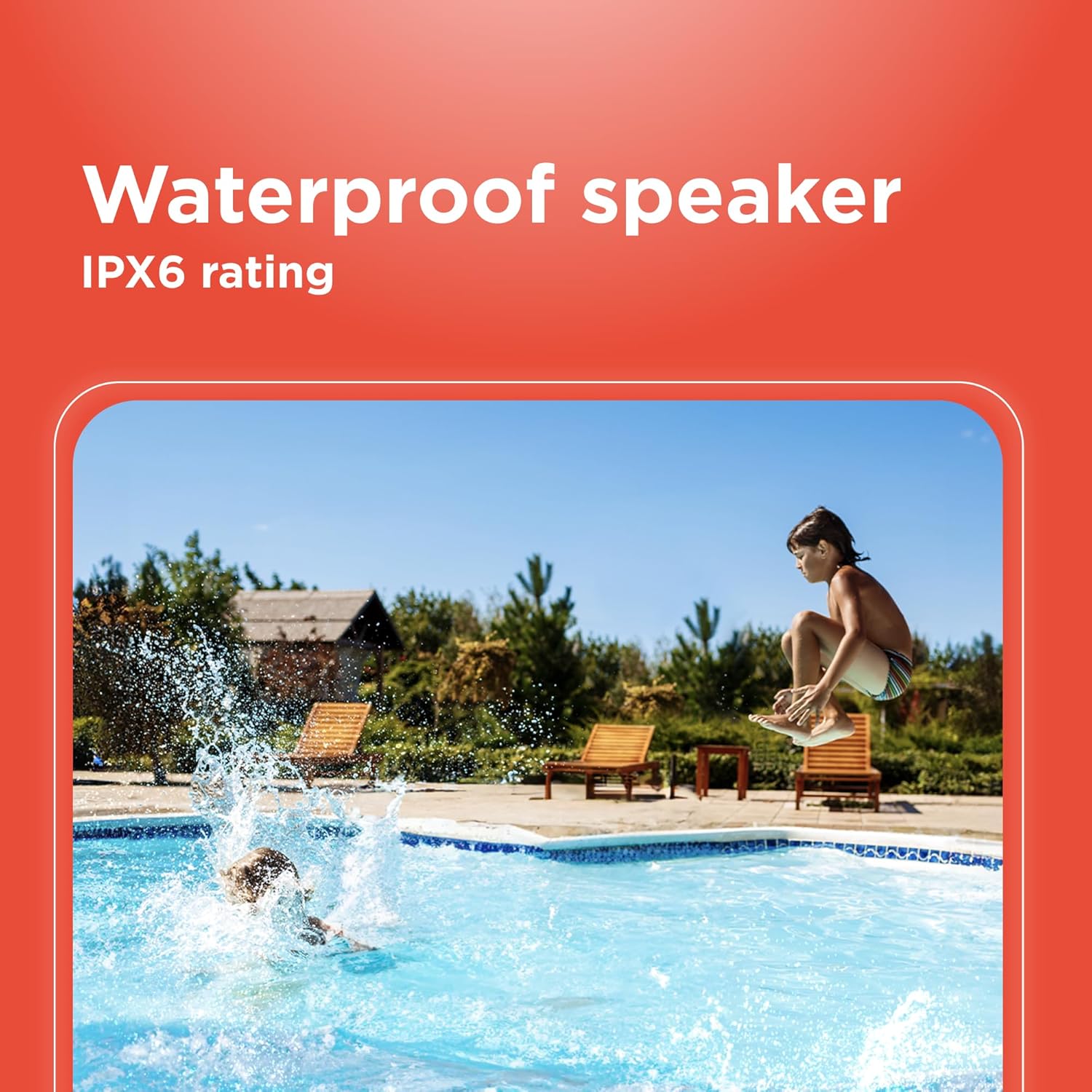
Image 6.1: The speaker's IPX6 water resistance allows for use near water.
6.3 Tiaki Pūhiko
Hei whakaroa i te ora o te pākahiko, kaua e tukua kia pau katoa te pākahiko i ngā wā katoa. Whakakīia te pākahiko i ngā wā katoa, ahakoa kāore e whakamahia ana mō ngā wā roa.
7. Te Raru
- Kāore te kaikorero e whakakā: Me whakarite kua utaina te pākahiko. Tūhono ki tētahi puna hiko ka ngana anō.
- Kaore e taea te hono ma te Nihokikorangi: Ensure the speaker is in pairing mode and within range of your device. Turn off and on both the speaker and your device's Bluetooth. Forget the device on your phone and re-pair.
- Karekau he tangi: Check the volume levels on both the speaker and your connected device. Ensure the correct input mode (Bluetooth, AUX) is selected.
- He pai te kounga oro: Nekehia te kaikorero kia tata atu ki tō pūrere Nihokikorangi. Kia kore he arai i waenganui i te kaikorero me te pūrere.
- TWS pairing fails: Ensure both speakers are identical models and not connected to any other Bluetooth device before initiating TWS pairing.
8. Whakatakotoranga
| Āhuahira | Whakatakotoranga |
|---|---|
| Ingoa Tauira | RadioShack Bluetooth Speaker RGB Light 14W |
| Tauira Tuemi | 4001763-PRNT |
| Waitohu | RadioShack |
| Momo Kaikorero | Kawe |
| Hangarau Hononga | Nihokikorangi |
| Hangarau Whakawhitiwhiti Ahokore | Nihokikorangi |
| Kaikorero Te Mana Putanga Morahi | 8 Watts |
| Aratau Putanga Ororongo | Tirooro |
| Whirihoranga Hongere oro a tawhio noa | 2.0 |
| Puna Mana | Pūhiko Powered |
| Momo Pūhiko | 1 pākahiko Lithium Ion (kei roto) |
| Pūhiko Raukaha | 3600 Miliamp Nga haora |
| Estimated Playtime | Tae atu ki te 4 haora |
| He parewai | True (IPX6 rating) |
| Tikanga Mana | Paa |
| Rauemi | Kirihou |
| Tae | Kahurangi |
| Hunga Hua | 4.84"D x 11.14"W x 4.96"H |
| Taumaha Tūemi | 4.43 pauna (70.9 hekere) |
| Kaihanga | RadioShack |
9. Pūtāhui me te Tautoko
This RadioShack product comes with a limited warranty. For detailed warranty information, please refer to the warranty card included in your package or contact RadioShack customer support.
For technical assistance, troubleshooting, or service inquiries, please visit the official RadioShack support webpaetukutuku, whakapā atu ranei ki ta raatau tari ratonga kaihoko.


