Kupu Whakataki
This manual provides detailed instructions for the Phomemo PM-248-WF WiFi Thermal Label Printer. It covers initial setup, operational procedures, maintenance guidelines, and troubleshooting steps to ensure optimal performance and longevity of your device. Please read this manual thoroughly before using the printer.

Image: The Phomemo PM-248-WF printer demonstrating its WiFi capability with a printed label.
Ihirangi mokete
Manatokohia ko nga mea katoa kei raro nei kei roto i to kete. Mena kei te ngaro, kua pakaru ranei etahi taonga, tena koa whakapiri atu ki te tautoko a nga kaihoko.
- 1x Phomemo 248-WF Wi-Fi Label Printer
- 1x Power Cord & Adapter
- 1x Tauera USB
- 1x USB-C Whāurutau
- 1x Aratohu Kaiwhakamahi
- 10 sheets of 4x6 Label Paper

Image: A visual representation of all components included in the Phomemo 248-WF product package.
Te Timata: Tatūnga
1. Hononga Mana
- Honoa te urutau hiko ki te tauranga hiko o te pūreretā.
- Monohia te taura hiko ki te putanga hiko paerewa.
- Press the power button to turn on the printer. The indicator light will illuminate.
2. Uta Tapanga
- Whakatūwherahia te uhi pūreretā.
- Adjust the label guides to match the width of your labels (supports 1 to 4.6 inches).
- Insert the labels with the print side facing up. Ensure the labels are fed smoothly into the printer.
- Katia te taupoki o te pūreretā. Ka kitea aunoatia e te pūreretā te rahi o te tapanga, ā, ka whakatikatikaina anō hoki.

Image: The printer's adjustable label guides, accommodating various label widths.
3. Tāutanga Pūmanawa me te Hononga
Mobile Device Setup (Labelife App)
- Download the "Labelife" app from the App Store (iOS) or Google Play Store (Android).
- Me mohio kei te whakahohea te Nihokikorangi me te Wi-Fi o to waea.
- Open the Labelife app and connect to the printer (PM-248-WF).
- Follow the in-app instructions for network configuration, entering your Wi-Fi password when prompted.
- Once connected, you can import and print labels directly from the app.

Image: Step-by-step guide for connecting the printer via the Labelife mobile application.
Computer Setup (Printer Setting Tool)
- Download the Printer Setting Tool for Windows or macOS from the official Phomemo webpae ranei aimotech.com/labelife/analysis.html.
- Connect your computer to the printer via the provided USB cable.
- Launch the Printer Setting Tool. Select your Wi-Fi network and enter the password to configure the printer's Wi-Fi connection.
- After initial Wi-Fi setup, the printer will automatically connect to the configured network upon power-on. USB connection is also available for printing.

Image: Instructions for configuring the printer's Wi-Fi network using the computer-based Printer Setting Tool.
Hononga Ahokore (Wi-Fi).
The PM-248-WF supports 5GHz Wi-Fi for stable and fast wireless printing from iOS, Android, iPad, macOS, and Windows devices. Ensure your device is connected to the same Wi-Fi network as the printer.
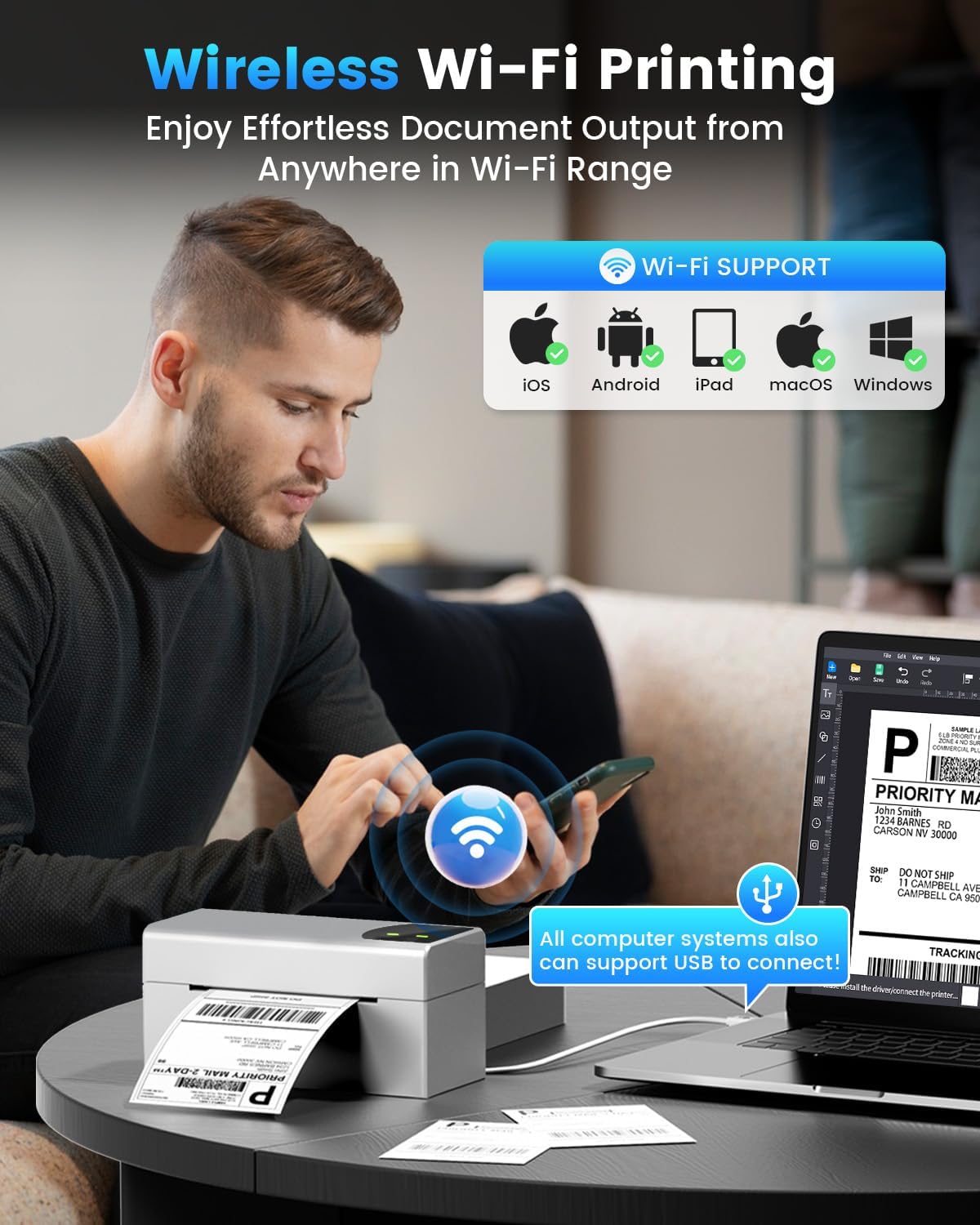
Image: Demonstrates wireless printing from various devices to the Phomemo printer.
Hononga USB
For direct connection, use the provided USB cable. The printer is compatible with ChromeOS, Linux, macOS, and Windows systems via USB. This offers an alternative to wireless printing.
Mahi
1. Tapanga Tapanga
Once the printer is set up and labels are loaded, you can initiate printing from your connected device or computer. The printer features a speed of 150 mm/s, capable of producing up to 72 sheets of 4x6 labels per minute with 203 DPI resolution.

Image: The printer's high-speed printing capability, highlighting its efficiency.
2. Ngā Pūhara me ngā Momo Tapanga e Tautokona ana
The Phomemo PM-248-WF is compatible with major shipping platforms and marketplaces, including FedEx, UPS, USPS, ShipStation, Shopify, Amazon, Etsy, eBay, and more. It supports various label sizes from 1 to 4.6 inches, allowing for printing of shipping labels, barcodes, product labels, and custom stickers.

Image: The printer's broad compatibility with various e-commerce and shipping platforms.

Image: Printer in use for shipping packages.

Image: Printer used for custom labels on jars.
Te tiaki
Regular maintenance ensures the longevity and performance of your thermal label printer.
- Te horoi i te Upoko Tā: Kia ngawari te whakamahi i te miro miro dampened with isopropyl alcohol to gently wipe the print head. Ensure the printer is off and cooled down before cleaning. Allow it to dry completely before use.
- Te horoi i te Roera Platen: Rotate the platen roller and wipe it with a damp cloth to remove any dust or adhesive residue.
- Horoi o waho: Wipe the exterior of the printer with a soft, dry cloth. Avoid using harsh chemicals or abrasive cleaners.
- No Ink or Toner Required: As a thermal printer, it does not require ink cartridges or toner, simplifying maintenance.
Raparongoā
Tirohia te ripanga e whai ake nei mo nga take noa me o raatau otinga.
| Putanga | Take pea | Rongoā |
|---|---|---|
| Ko te pūreretā kaore i te hiko | Kua momotu te taura hiko; take putanga hiko | Tirohia ngā hononga taura hiko; ngana ki tētahi putanga hiko rerekē. |
| Kāore e taea te hono atu mā te Wi-Fi | Incorrect Wi-Fi password; printer not on same network; 5GHz compatibility issue | Verify Wi-Fi password; ensure printer and device are on the same 5GHz network; reconfigure Wi-Fi using the app or computer tool. |
| Printer not detected by computer/app | Software not installed; USB cable issue; Bluetooth/Wi-Fi off | Install Labelife app or Printer Setting Tool; check USB cable connection; ensure Bluetooth/Wi-Fi is enabled on your device. |
| Poor print quality (faint, blurry) | Print head dirty; low-quality labels; incorrect print density settings | Clean the print head; use high-quality thermal labels; adjust print density in software settings. |
| Kāore ngā tapanga e whāngai tika ana | Labels loaded incorrectly; label guides not adjusted; paper sensor issue | Reload labels correctly (print side up); adjust label guides snugly; clean paper sensor if accessible. |
| Ka mutu te ta o te kaireretā i waenganui-mahi | Connectivity interruption; out of labels; overheating | Check Wi-Fi/USB connection; replace label roll; allow printer to cool down. |
Whakatakotoranga Hangarau
| Āhuahira | Whakatakotoranga |
|---|---|
| Ingoa Tauira | PM-248-WF |
| Hangarau Tā | Ngawha |
| Hangarau Hononga | USB, Wi-Fi (5GHz) |
| Tere Tā Max (Monochrome) | 150 mm/s (72 sheets of 4x6 labels per minute) |
| Whakataunga Tā Max | 203 DPI |
| Morahi Rahi Media | 4 x 6 inihi |
| Whānuitanga Tapanga e Tautokona ana | 1" - 4.6" |
| Pūrere Hototahi | iOS, Android, iPad, macOS, Windows (Wi-Fi); ChromeOS, Linux, macOS, Windows (USB) |
| Hunga Hua | 7.16"D x 3.54"W x 3.5"H |
| Taumaha Tūemi | 1.58 pauna |
| Nga waahanga motuhake | Portable, Wireless Wi-Fi & USB Connection, No Ink, Auto Detection, Auto Paper Return, Intelligent Self-Test |
Pūtāhui me te Tautoko
The Phomemo PM-248-WF Thermal Label Printer comes with a limited warranty. For specific details regarding warranty coverage and duration, please refer to the warranty card included in your package or visit the official Phomemo webpae.
For technical assistance, troubleshooting, or any product-related inquiries, please contact Phomemo customer support. Contact information can typically be found in the user guide or on the manufacturer's webpae.


