Kupu Whakataki
This manual provides detailed instructions for the safe and effective use of your GPEESTRAC BFNO-TD200-07 Bluetooth Earphones. These earphones feature Bluetooth 5.4 connectivity, Active Noise Cancellation (ANC), a multi-function touch display on the charging case, and extended battery life. Please read this manual thoroughly before using the product and retain it for future reference.
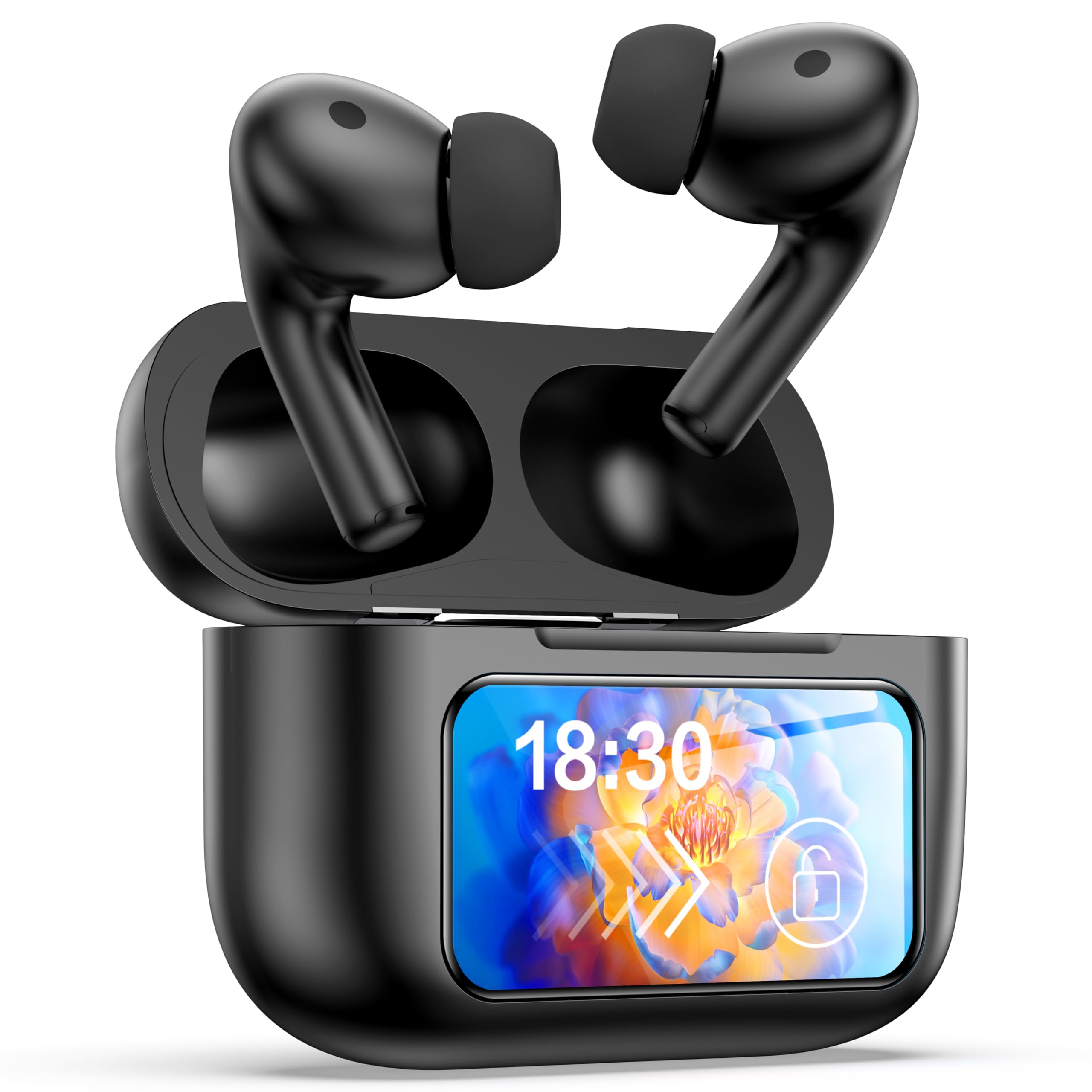
Image: The GPEESTRAC BFNO-TD200-07 Bluetooth Earphones with their charging case, showcasing the LED screen and various features.
Ka mutu te huaview
The GPEESTRAC BFNO-TD200-07 consists of two wireless earbuds and a portable charging case. The charging case is equipped with a color touch display for easy control and monitoring.
Wae matua:
- Nga taringa taringa: In-ear design, lightweight (approx. 3.7g each), with touch-sensitive controls.
- Kei te Whakatakihia te Puhi: Houses the earbuds, provides charging, and features a multi-function color touch display.
- Matapaki taringa: He rahi rerekē mō te taunga whakamarie me te haumaru.
- USB Momo-C Uira Whakatau: For recharging the charging case.
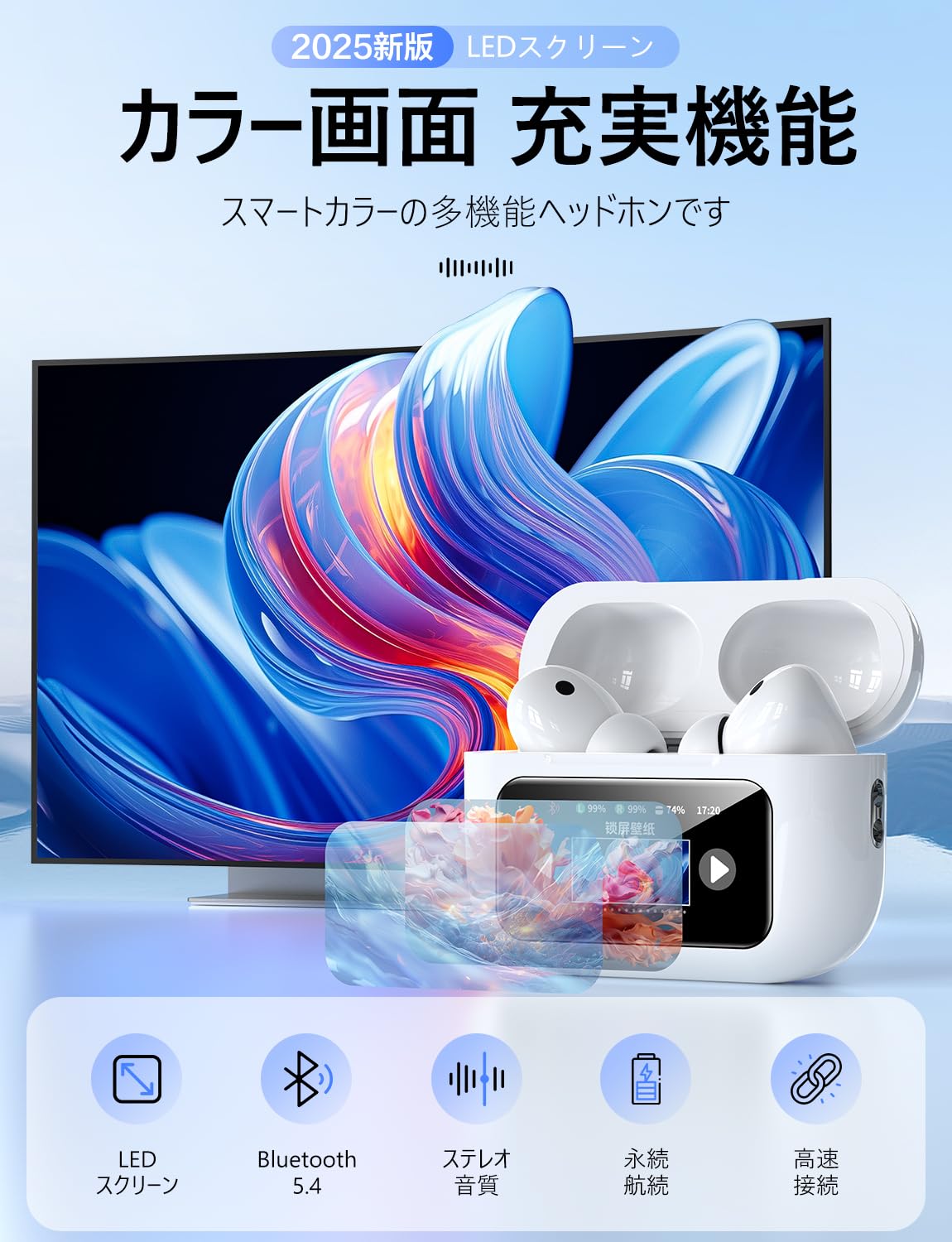
Whakaahua: He taipitopito view of the GPEESTRAC BFNO-TD200-07 earbuds and the charging case, highlighting their design.
Tatūnga
1. Te Whakataki i nga Waea taringa me te Puhi
Before first use, fully charge the charging case and earbuds. The charging case has a 1200 mAh battery capacity.
- Whakanohoia nga purongo ki roto i te pukoro utu. Me whakarite kia tika te noho.
- Honoa te taura utu USB Momo-C ki te tauranga utu i runga i te pouaka me te pūtake hiko.
- The touch display on the charging case will show the charging status and remaining battery level for both the case and individual earbuds.
- A full charge provides approximately 5 hours of playback for the earbuds and the case can recharge the earbuds 3-4 times, offering up to 32 hours of total playback.

Image: The charging case connected via a Type-C cable, displaying battery levels on its screen, with an earbud being worn.
2. Te hono ki te Pūrere Nihokikorangi
The earphones utilize Bluetooth 5.4 technology for a stable and fast connection.
- Me whakarite kua whakakāhia te Nihokikorangi o tō pūrere.
- Open the lid of the charging case. The earbuds will automatically enter pairing mode (if not already paired).
- On your device, search for Bluetooth devices and select "BFNO-TD200-07" from the list.
- Once paired, the earphones will automatically connect to your device when the case lid is opened, provided Bluetooth is enabled on your device.

Image: Illustration of the Bluetooth 5.4 chip and a smartphone screen showing the earphones ready for pairing.
Nga Tohutohu Whakahaere
Ngā Aratau Whakakore Haruru Kaha (ANC)
The earphones feature a proprietary noise-canceling chip, offering a noise reduction depth of up to 36 dB, which can increase to 45 dB with properly fitted eartips. The charging case's touch display allows you to switch between modes.
- Aratau ANC: Reduces ambient noise, ideal for immersive listening.
- External Sound Capture Mode (Transparency Mode): Allows you to hear your surroundings while listening to audio, enhancing safety and awareness.
- Ai Adaptive Mode: Ka whakatika aunoa i te whakakore haruru i runga i to taiao.

Image: Visual representation of ANC technology and users demonstrating the use of ANC and transparency modes in different environments.
Multi-Function Touch Display and Controls
The charging case features a color touch display that provides access to various functions without needing your phone.
- Music Player Controls: Play, pause, skip tracks, adjust volume.
- ANC Mode Selection: Switch between ANC, Transparency, and Ai Adaptive modes.
- Kimihia ngā Taringa: Kimihia nga purongo kua pohehe.
- Taumahi Matawā: Set a timer directly from the case.
- Kaiwhakahaere Kāmera: Whakaoho mamao i te kāmera o tō waea atamai.
- Whakawhiti Reo: Hurihia te reo whakaatu.
- Kaiawhina Reo: Whakahohehia te kaiawhina reo o tō pūrere.
The earbuds themselves have touch-sensitive areas for basic controls like play/pause, answering calls, and activating voice assistant. A multi-function button on the back of the charging case allows for restarting and resetting the device.

Image: The charging case's LED touch display showing various icons for functions such as time display, volume control, language settings, and camera control.
Audio Quality and Calls
The earphones are designed to deliver Hi-Fi sound quality with a 14mm diameter flexible diaphragm, providing clear audio from deep bass to crisp treble. They also support HD calls for up to 4 hours of talk time.

Image: A smartphone screen displaying various music equalizer modes, suggesting customizable audio experiences with the earphones.
Te tiaki
Ma te tiaki tika ka mau te roa me te mahi tino pai o o taringa.
- Te horoi: Regularly clean the earbuds, eartips, and charging contacts with a soft, dry, lint-free cloth. Do not use abrasive materials or harsh chemicals.
- Rokiroki: Mena karekau e whakamahia, rongoatia nga taringa ki roto i te pukoro utu hei tiaki i te puehu me te kino.
- Aukati i te makuku: Keep the earphones and charging case away from water and excessive humidity.
- Kei te utu: Charge the case regularly, even if not in use, to maintain battery health.
Raparongoā
Mena ka pāngia koe e ngā raruraru me ō taringaoro, tirohia ngā otinga noa e whai ake nei:
| Raruraru | Rongoa pea |
|---|---|
| Ko nga taringa kaore i te hono/hono |
|
| Kaore he tangi, he iti ranei te rahinga |
|
| Karekau e utuhia ana |
|
| Kaore e whai hua te ANC |
|
Whakatakotoranga
| Āhuahira | Taipitopito |
|---|---|
| Waitohu | GPEESTRAC |
| Tauira | BFNO-TD200-07 |
| Putanga Nihokikorangi | 5.4 + EDR |
| Kei te Whakataki Puhiko | 1200 mah |
| Wā Whakatangitangi Taringa | Approx. 5 haora |
| Wā Purei Whakahoki (me te pū) | Tae atu ki te 32 haora |
| HD Talk Time | Tae atu ki te 4 haora |
| Hore Whakapai Huri | 36 dB (up to 45 dB with optimal eartips) |
| Rahi taraiwa | 14 mm |
| Taumaha Earbud | Approx. 3.7 g (each) |
| Taumaha Katoa (me te pouaka) | Approx. 64 g |
| Tauranga Whakatau | USB Momo-C |
Pūtāhui me te Tautoko
For warranty information and technical support, please refer to the documentation provided with your purchase or contact GPEESTRAC customer service. Keep your proof of purchase for warranty claims.
Kaihanga: GPEESTRAC


