1. Kupu Whakataki
The Elitech LogEt5T is a reusable USB temperature data logger designed for precise temperature monitoring across various applications, including biosciences, cold chain logistics, and industrial environments. It features automatic PDF and CSV report generation, a wide temperature range, and enhanced data integrity functions.
Āhuatanga matua:
- Enhanced Shadow Data Function: Ensures data integrity even during accidental shutdowns or restarts.
- Reusable Temperature Logger: Wide temperature range of -30°C to 70°C with high accuracy (±0.1°C).
- Customizable Parameters: Easily modify temperature units, alarm ranges, and logging intervals.
- Automatic PDF & CSV Reports: Generates reports automatically without additional software.
- On-screen Data Visualization: Displays current, max, min, MKT values, date, and recording points.

2. Tatūnga
2.1 Tatūnga Tuatahi
- Tāuta Pūhiko: The device comes with a pre-installed CR2450 battery. Ensure it is properly seated.
- Software Installation (Optional for Advanced Features): For advanced functionalities and detailed analysis, download the Elitechlog software from the official Elitech webpae. He hototahi tēnei pūmanawa ki a Windows me macOS.
2.2 Customizing Parameters
Before starting a new recording, you can customize various parameters using the Elitechlog software:
- Waeine pāmahana (°C/°F)
- Alarm thresholds (high and low temperature limits)
- Logging interval (how frequently data is recorded)
- Tīmata whakaroa
- Parenga kupuhipa
3. Nga Tohutohu Whakahaere
3.1 Starting a Recording
Patohia me te pupuri i te Timata button on the device until the recording indicator appears on the LCD screen. The device will begin logging data according to the configured interval.
3.2 Stopping a Recording
Patohia me te pupuri i te KATI button on the device until the recording indicator disappears. The device will cease logging data.
3.3 Viewing Data on Screen
The LCD screen provides real-time and summary data. Press the Timata pēhi poto i te pātene hei huri i waenga i ngā aratau whakaatu rerekē:
- Te Mahana o Naianei
- Maximum Temperature (MAX)
- Minimum Temperature (MIN)
- Average Temperature (AVG)
- Te Paemahana Kinetic Tikanga (MKT)
- Te Rā me te Wā
- Number of Recorded Points (LOG)

3.4 Te Kaweake Raraunga me te Whakaputa Pūrongo
To access recorded data:
- Connect the LogEt5T to a computer's USB port.
- The device will automatically generate a PDF report and a CSV file containing all recorded data. These files can be found in the device's storage when connected to a computer.
- For more detailed analysis, open the Elitechlog software and import the data. The software allows for graphical comparison of data and trend analysis.

3.5 Reusing the Logger
The LogEt5T is reusable. To clear data and prepare for a new recording cycle:
- Honoa te taputapu ki te PC.
- Open the Elitechlog software.
- Perform a quick reset and confirm the action within the software.
Tuhipoka: Always save historical data before resetting the device to prevent data loss.

4. Tiaki
4.1 Whakakapinga Pūhiko
The LogEt5T uses a CR2450 button cell battery. When the battery indicator on the LCD screen shows low power, replace the battery:
- Kia ata whakatuwheratia te wahanga pākahiko.
- Tangohia te pākahiko CR2450 tawhito.
- Whakauruhia he pākahiko CR2450 hou, kia tika te polarity.
- Katia kia mau te wahanga pākahiko.
4.2 Te horoi me te Penapena
- Horoia te taputapu ki te kakahu ngohengohe, maroke. Kaua e whakamahi i nga kai horoi me nga whakarewa.
- Whakaorangia te taputapu ki te waahi makariri, maroke atu i te ra tika me te wera nui.
- Ensure the USB port is protected from moisture and dust when not in use.
5. Te Raru
Nga take me nga otinga noa:
- Device not starting: Tirohia te taumata o te pākahiko. Whakakapia mēnā he iti.
- No data export: Ensure the device is properly connected to the USB port. Try a different USB port or cable.
- Software not recognizing device: Ensure Elitechlog software is installed correctly. Restart the software and reconnect the device.
- Ko nga panui kore tika: Ensure the device is placed in an appropriate environment, away from direct heat sources or extreme drafts. Refer to specifications for operating range.
For further assistance, consult the Elitechlog software's help section or contact Elitech customer support.
6. Whakatakotoranga
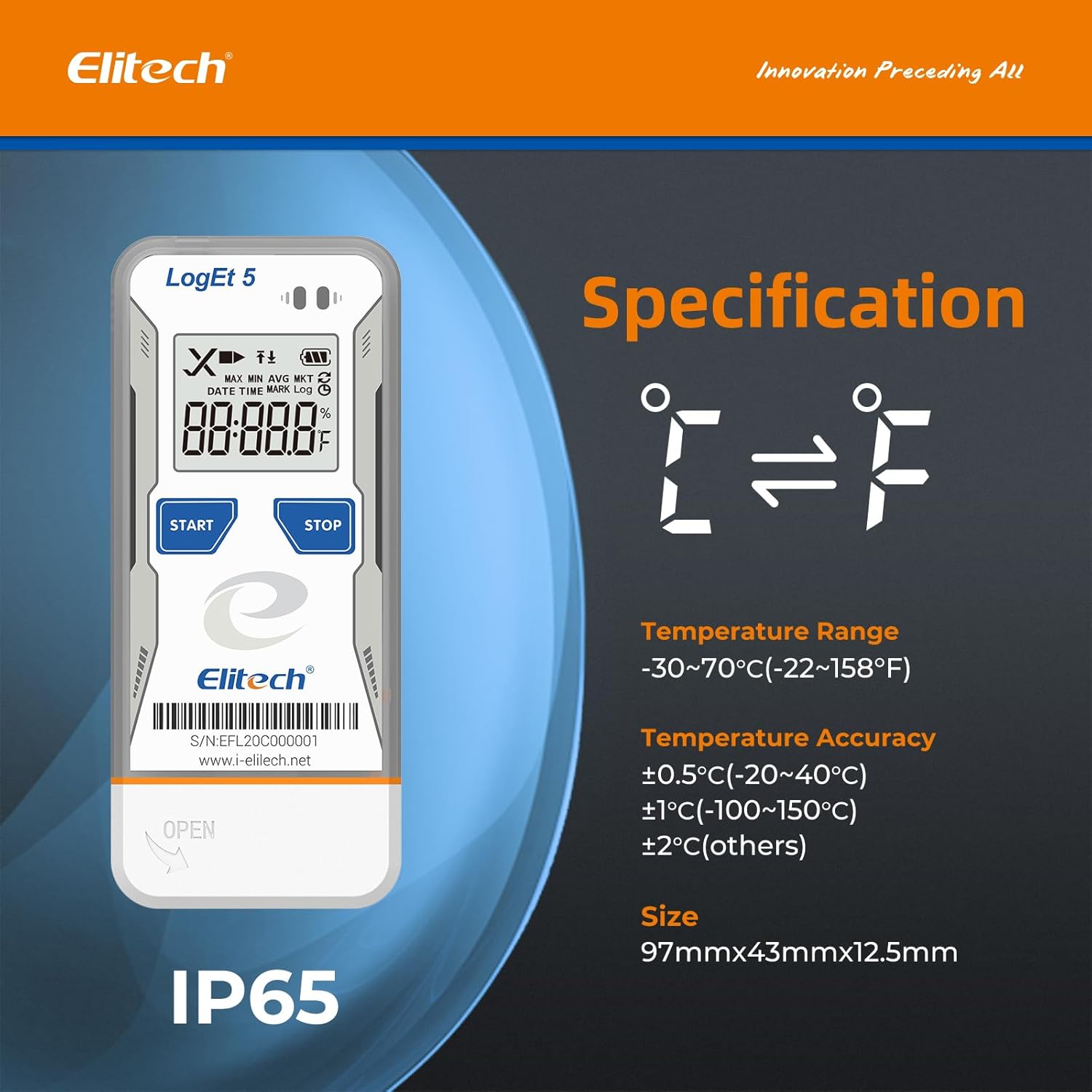
The following table details the technical specifications of the Elitech LogEt5T USB Temperature Data Logger:
| Āhuahira | Whakatakotoranga |
|---|---|
| Ingoa Tauira | LogEt5T |
| Awhe Pawera | -30°C ki te 70°C (-22°F ki te 158°F) |
| Te Tikanga o te Pamahana | ±0.5°C (-20~40°C), ±1°C (-100~150°C), ±2°C (others) |
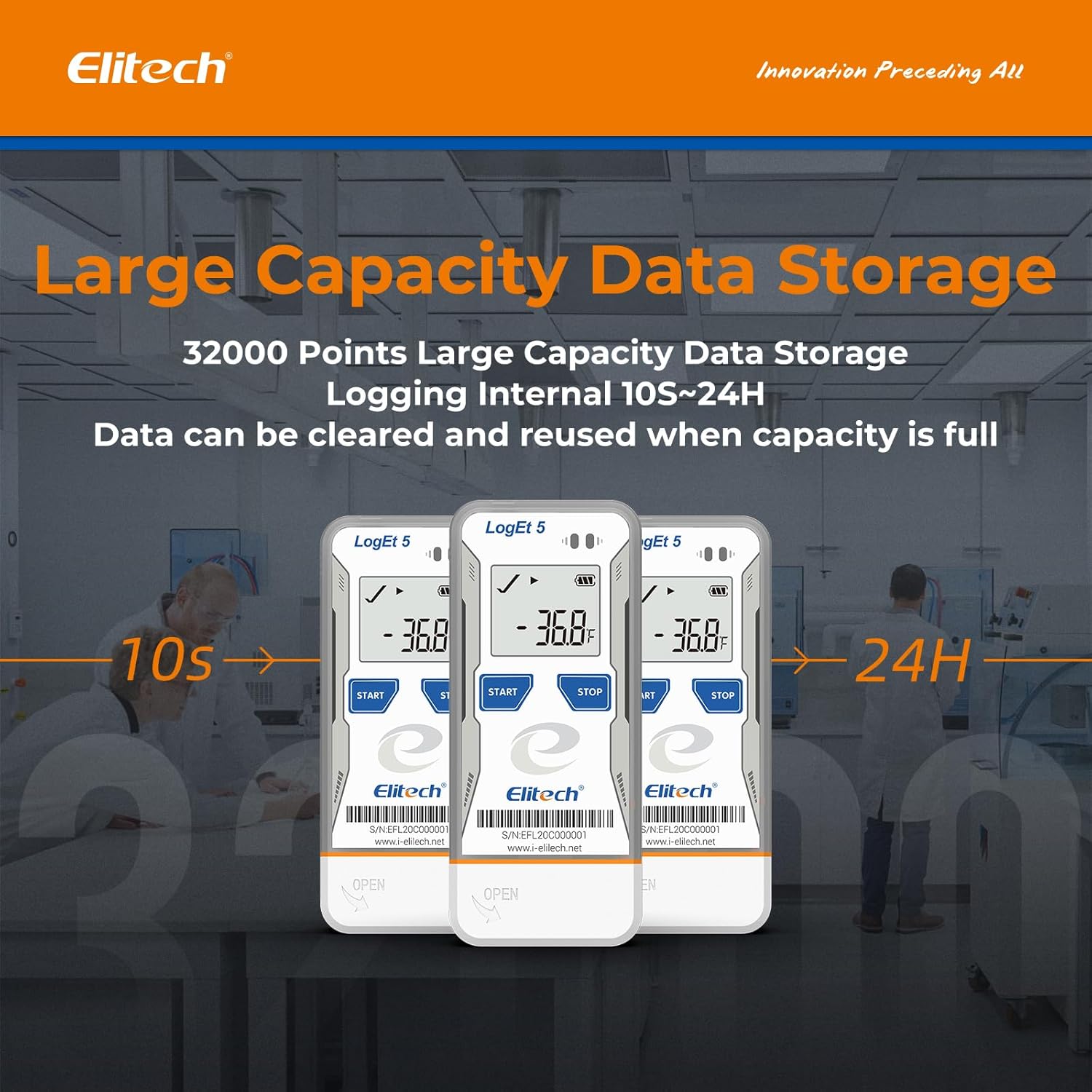
| Te Rau Raraunga Rokiroki Raraunga | 32,000 tohu |
| Waahanga takiuru | Configurable (from 10 seconds to 24 hours) |
| Hangarau Hononga | USB |
| Momo Whakaatu | Pepa Matapihi |
| Puna Mana | Battery powered (1x CR2450, included) |
| Rauemi | Kowiri tira (waho) |
| Ahu | 97mm x 43mm x 12.5mm |
| Taumaha | 80 karamu |
| Tautukunga | FDA 21 CFR Part 11 |

7. Pūtāhui me te Tautoko
For information regarding product warranty, technical support, or service, please refer to the official Elitech website or contact Elitech customer service directly. Details are typically provided with the product packaging or available online.
Ka taea hoki e koe te toro ki te Elitech Brand Store on Amazon mo etahi atu korero hua me nga rauemi tautoko.


