1. Kupu Whakataki
This manual provides detailed instructions for the setup, operation, and maintenance of your CANYON HEXAGON 7 True Wireless Earbuds. Please read this manual thoroughly before using the product to ensure proper function and longevity. The HEXAGON 7 earbuds feature Bluetooth 5.4 connectivity, Active Noise Cancellation (ANC), Environmental Noise Cancellation (ENC), and wireless charging capabilities.
2. Ihirangi mokete
Manatokona kei roto katoa nga mea kei roto i te kete:
- CANYON HEXAGON 7 True Wireless Earbuds (Left and Right)
- Puhi utu
- USB Momo-C Taura Whakapae
- Pukapuka Kaiwhakamahi
3. Hua Neke Atuview
The CANYON HEXAGON 7 earbuds are designed for comfort and high-quality audio, featuring a distinctive hexagonal design. The charging case provides extended battery life and supports wireless charging.

Image 3.1: CANYON HEXAGON 7 True Wireless Earbuds and Charging Case. The earbuds are white with beige ear tips, resting inside their matching white and beige charging case.
3.1 Unique Design
The Hexagon 7 series features an elegant and angular design, ensuring a comfortable and secure fit while providing a distinct aesthetic.

Image 3.2: The CANYON HEXAGON 7 earbuds and their open charging case are displayed on a laptop keyboard, highlighting their unique hexagonal design.
3.2 Mana Pa
The earbuds are equipped with intuitive touch controls for managing playback, calls, and other functions.

Image 3.3: The CANYON HEXAGON 7 earbuds and their charging case are shown on a notebook with design sketches, illustrating their compact form factor and touch-sensitive surfaces.
3.3 Whakakore Haruru Hohe (ANC)
The Active Noise Cancelling feature reduces ambient noise, allowing for a more immersive audio experience.
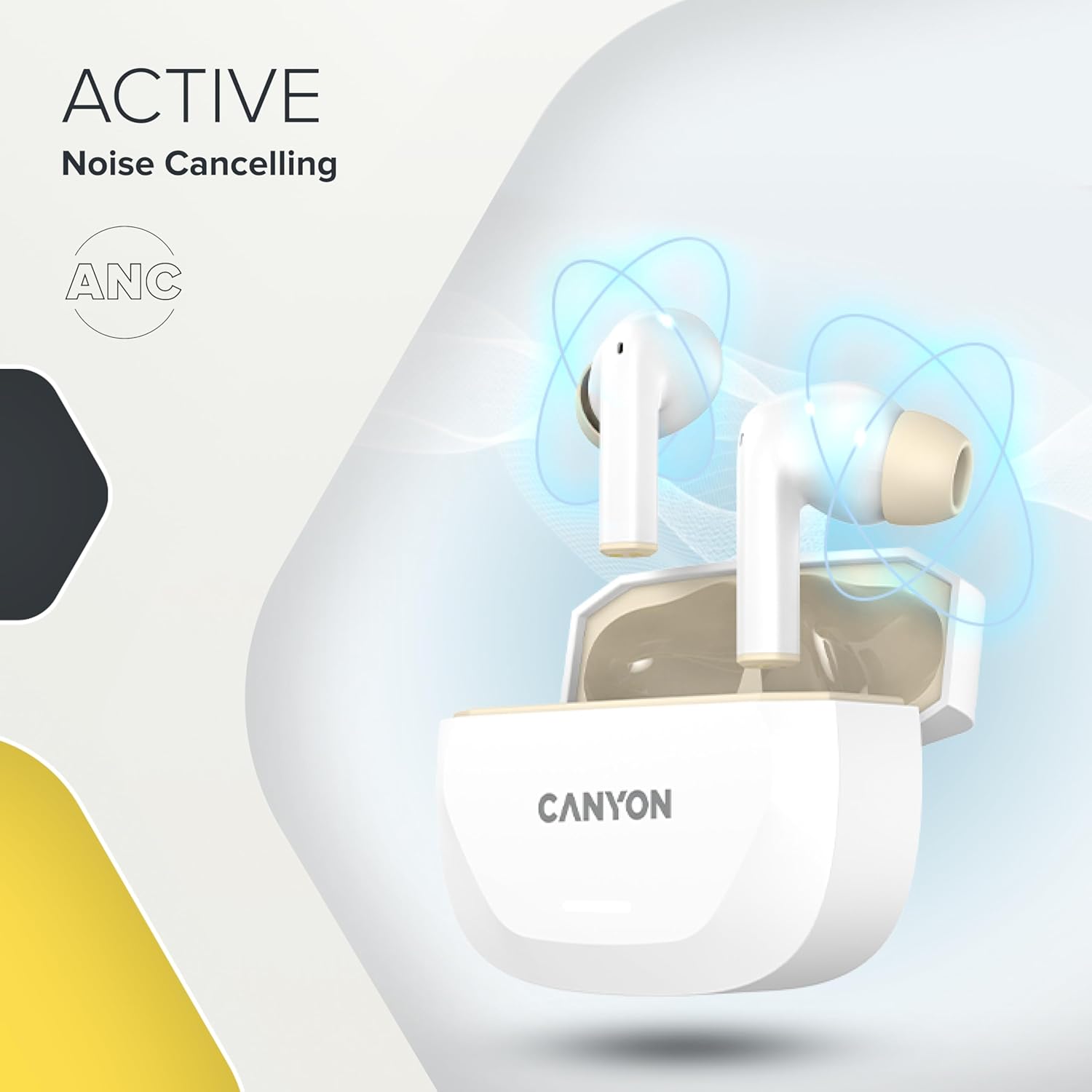
Image 3.4: A visual representation of Active Noise Cancelling (ANC) technology, showing sound waves being canceled around the CANYON HEXAGON 7 earbuds in their open case.
4. Tatūnga
4.1 Te Whakataki i nga Paorooro me te Puhi
I mua i te whakamahi tuatahi, whakakiia katoatia nga pukoro taringa me te putea utu.
- Te whakamahi i te taura USB-C: Connect the provided USB Type-C cable to the charging port on the case and to a power source. The charging indicator will show the charging status. A full charge takes approximately 1.5 hours for the earbuds and 2 hours for the case.
- Whakataunga Ahokore: Place the charging case on any Qi-compatible wireless charging pad. Ensure the case is properly aligned for efficient charging.

Image 4.1: The CANYON HEXAGON 7 charging case is shown resting on a wireless charging pad, indicating its wireless charging capability.

Image 4.2: A graphic illustrating the quick recharge feature of the CANYON HEXAGON 7 earbuds, with a battery icon showing rapid charging progress.
4.2 Paihere ki te Pūrere
- Whakatuwherahia te putea utu. Ka uru aunoa nga taringa ki te aratau takirua.
- I runga i to taputapu (waea atamai, papa, aha atu), whakaahei i a Nihokikorangi.
- Rapua available Bluetooth devices and select "CANYON HEXAGON 7".
- Kia honoa, ka tangi te oro whakaū, ā, ka huri te rama tohu i runga i ngā pane taringa.
4.3 Hononga Ira Maha
The HEXAGON 7 supports connecting to two devices simultaneously. To use this feature:
- Tāruatia ngā pane taringa ki te pūrere tuatahi e ai ki te whakaahuatanga i runga ake nei.
- Monokia te Nihokikorangi i runga i te taputapu tuatahi. Ka uru ano nga taringa ki te aratau takirua.
- Tauhoatia nga purongo ki te taputapu tuarua.
- Re-enable Bluetooth on the first device. The earbuds should automatically connect to both devices. You can then switch between them seamlessly.
5. Nga Tohutohu Whakahaere
5.1 Mana Pa
The touch-sensitive areas on the earbuds allow for various functions:
- Purei/Tatari: Pao kotahi ki runga i tetahi purongo.
- Riu Panuku: Pao rua ki te purongo matau.
- Riu o mua: Pao rua ki te purongo maui.
- Runga Runga: Takitoru te pao ki te purongo katau.
- Raro Raro: Takitoru te pao ki te taha maui.
- Whakautu/Whakamutu Waea: Pao kotahi ki runga i tetahi purongo i te wa o te waea taumai, te waea hohe ranei.
- Whakakore Waea: Pēhia me te pupuri i tetahi purongo mo te 2 hēkona i te wa o te waea taumai.
- Whakahohe i te Kaiawhina Reo: Patohia me te pupuri i tetahi purongo mo te 3 hēkona (kaore i te waea).
5.2 ANC and ENC Functions
The HEXAGON 7 features Active Noise Cancellation (ANC) and Environmental Noise Cancellation (ENC) for calls.
- ANC Activation/Deactivation: Press and hold the touch area on the left earbud for 2 seconds to cycle through ANC On, ANC Off, and Transparency modes.
- ENC for Calls: Environmental Noise Cancellation is automatically active during phone calls, utilizing the 4 built-in microphones to filter out background noise and ensure clear voice transmission.
5.3 Te Ora Pūhiko
The earbuds provide up to 6.5 hours of playback with ANC off, and 5.5 hours with ANC on. The charging case extends the total playtime to 27 hours.
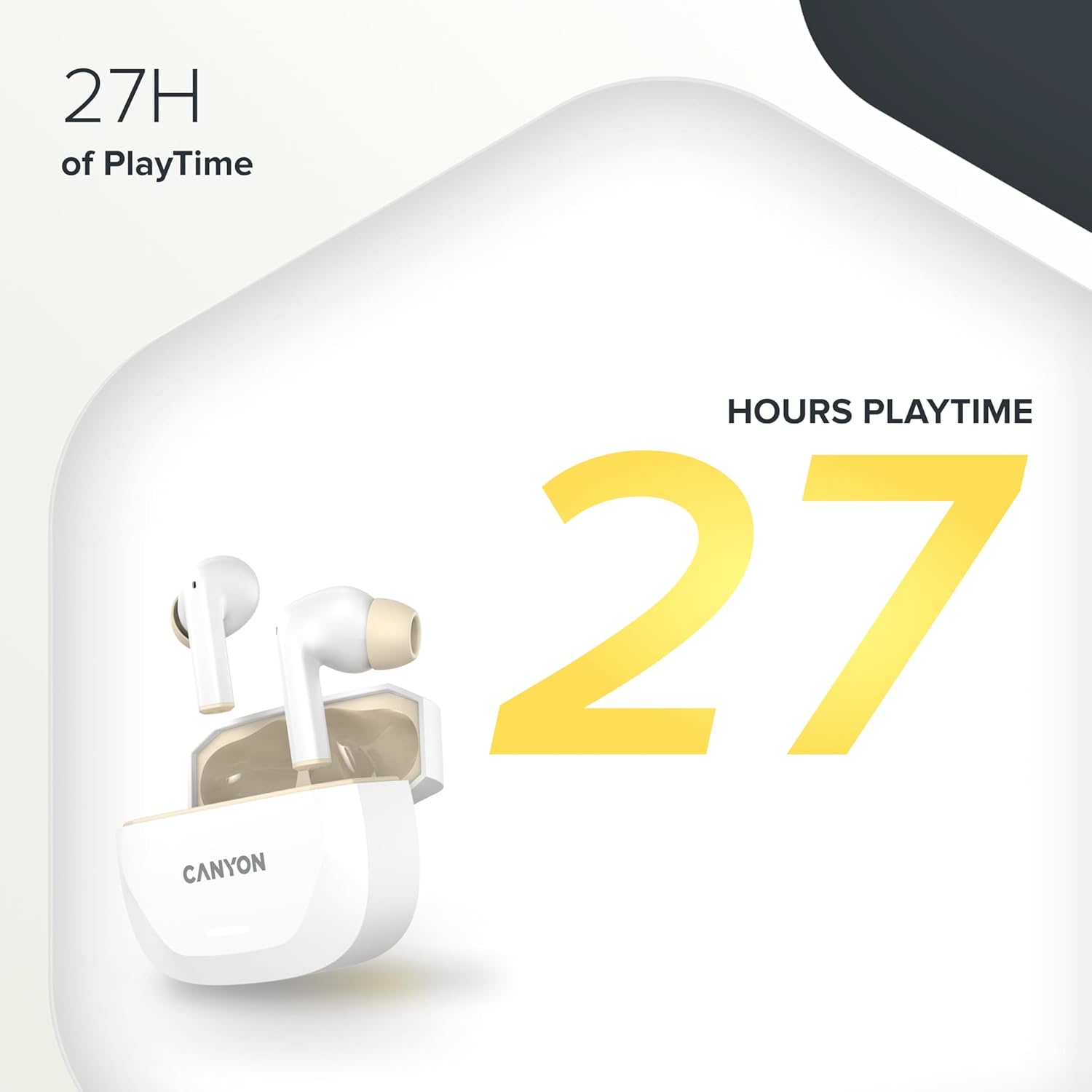
Image 5.1: A graphic highlighting the 27 hours of total playtime offered by the CANYON HEXAGON 7 earbuds with their charging case.
6. Tiaki
6.1 Te horoi
- Me horoi i nga wa katoa nga pukoro me te pukoro utu ki te kakahu ngohengohe, maroke, kore-puru.
- Kaua e whakamahia nga kai horoi, te waipiro, te whakarewa matū ranei.
- Gently remove any earwax or debris from the ear tips and speaker grilles using a small, soft brush or cotton swab.
6.2 Rokiroki
- Mena karekau e whakamahia, penapenahia nga purongo ki roto i to pukoro hei tiaki kia mau tonu te utu.
- Whakaorangia te taputapu ki te waahi makariri, maroke, mawehe atu i te ra tika me te wera nui.
7. Te Raru
If you encounter issues with your CANYON HEXAGON 7 earbuds, refer to the following common solutions:
| Raruraru | Rongoa pea |
|---|---|
| Karekau nga taringa e hono ana |
|
| Kaore he tangi, he iti ranei te rahinga |
|
| Nga take utu |
|
| Ko te ANC kaore e mahi pai |
|
8. Whakatakotoranga
| Āhuahira | Taipitopito |
|---|---|
| Ingoa Tauira | Hexagon 7 |
| Hangarau Ahokore | Nihokikorangi 5.4 |
| Whakakore Haruru | Active Noise Cancellation (ANC), Environmental Noise Cancellation (ENC) with 4 microphones |
| Te ora o te Pūhiko (Ngā taringa) | Tae atu ki te 6.5 haora (ANC weto), 5.5 haora (ANC ki) |
| Wā Takaro Tapeke (me te Puhi) | Tae atu ki te 27 haora |
| Wā Whakataki (Ngā taringa) | Approx. 1.5 haora |
| Wā Whakatau (Puhi) | Approx. 2 haora |
| Atanga Whakatau | USB Type-C, Wireless (Qi-compatible) |
| Tikanga Mana | Mana Pa |
| Hononga ira maha | Yes, connect to two devices simultaneously |
| Rauemi | Kirihou |
| Taumata Atete Wai | Waterproof (specific IP rating not provided) |
| Te aukati | 32 Ohm |
| Whakautu auau | 20 Hz (lower limit, upper limit not specified) |
| Pūrere Hototahi | Mobile phones, tablets, PCs |
9. Pūtāhui me te Tautoko
CANYON products are designed for reliability and performance. For warranty information, technical support, or service inquiries, please refer to the official CANYON webpaetukutuku, whakapā atu ranei ki to kaihokohoko o to rohe. Puritia to tohu hoko mo nga kereme whakamana.
Manufacturer: CANYON


