Kupu Whakataki
Thank you for choosing the Spigen Active Noise Cancelling Headphones SA-HP P10. These headphones are designed to provide an immersive audio experience with advanced noise cancellation, powerful sound, and convenient features for various uses including commuting, gaming, and music listening. Please read this manual carefully to ensure proper use and optimal performance of your new headphones.
Ihirangi mokete
Me mohio kei roto katoa nga mea kei roto i te kete:
- Spigen Active Noise Cancelling Headphones SA-HP P10
- USB-C Charging Cable (50cm)
- AUX Audio Cable (1.2m)
- Pukoro Kawe
- Pukapuka Kaiwhakamahi (tenei tuhinga)

Image: The Spigen SA-HP P10 headphones, a 50cm USB-C charging cable, and a 1.2m AUX audio cable, representing the complete package contents.
Ka mutu te huaview
Kia mōhio koe ki ngā wāhanga me ngā mana whakahaere o te paneoro.
Mana me Tauranga:
- Pātene Hiko: Pēhia, ka pupuri tonu hei whakakā/whakaweto. Pēhia poto hei purei/whakamutu, hei whakautu/whakamutu waea rānei.
- Pātene Rōrahi (+/-): Short press to adjust volume. Long press to skip tracks.
- ANC/Transparency Mode Switch: Toggle to activate Active Noise Cancellation (ANC) or Transparency Mode.
- Tauranga USB-C: Mo te utu i nga taringa.
- 3.5mm Jack Ororongo: Mō te hononga waea mā te whakamahi i te taura AUX.
- Pūorooro: Integrated 5-MIC system for clear calls and ANC.
Tatūnga
1. Te Whakataki i nga Waea:
- Connect the USB-C charging cable to the headphone's USB-C port and a power source.
- Ko te tohu LED ka whakaatu i te mana utu. He 2 haora te roa o te utu katoa.
- Ensure headphones are fully charged before first use.
2. Hiko Whakaweto/Whakaweto:
- To power on, press and hold the Power Button until the LED indicator lights up.
- To power off, press and hold the Power Button until the LED indicator turns off.
3. Takirua Nihokikorangi:
- With the headphones powered off, press and hold the Power Button for 5 seconds until the LED indicator flashes blue and red, indicating pairing mode.
- On your device (smartphone, tablet, computer), enable Bluetooth and search for "Spigen SA-HP P10".
- Select the headphones to connect. The LED indicator will turn solid blue once successfully paired.
- The headphones support Bluetooth 5.4 for seamless pairing and multi-device connectivity.
4. Spigen Audio App:
- Download the "Spigen Audio" app from your device's app store.
- Connect your headphones to the app for customizable sound profiles, EQ settings, and firmware updates.
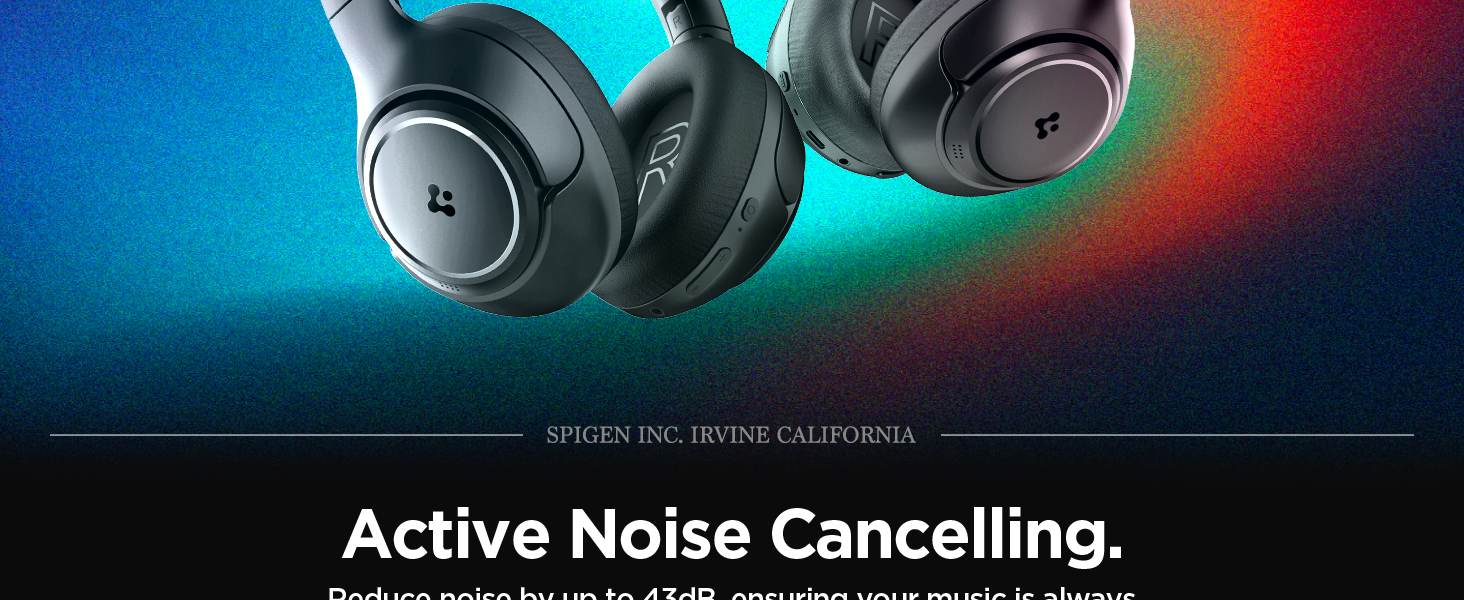
Image: The Spigen Audio App interface, displaying options for sound profiles (Default, Pop, Bass, Rock) and noise control modes (Multi-Mode ANC, Transparency, Normal, Indoor, Commuting, Noisy).
Nga Tohutohu Whakahaere
1. Active Noise Cancellation (ANC) & Transparency Mode:
- Use the dedicated ANC/Transparency Mode switch on the headphones to toggle between modes.
- Aratau ANC: Reduces external noise by up to 43dB, ideal for focused listening.
- Aratau Puataata: Ka tuku i nga oro taiao kia puta, kia mohio koe ki to taiao.
- Customize ANC levels and modes (Indoor, Commuting, Noisy) via the Spigen Audio App.
Image: The Spigen SA-HP P10 headphones with visual cues indicating 43dB Active Noise Cancelling, 5-Mode Hybrid Adaptive ANC, Transparency Mode, and Clear Calls with 5 MICs.
2. Aratau petipeti:
- Activate Gaming Mode via the Spigen Audio App for crystal-clear, low-latency audio transmission.
- This mode is optimized for an uninterrupted gaming experience.
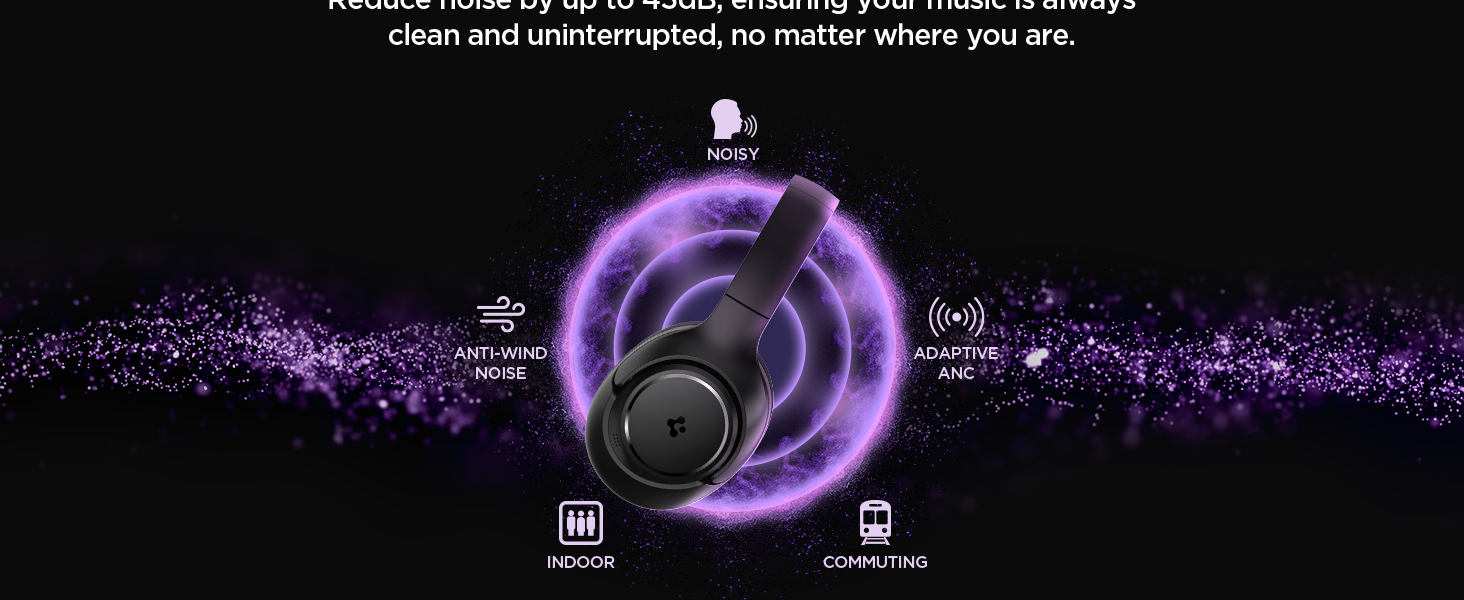
Image: Spigen SA-HP P10 headphones positioned next to a smartphone and a game controller, emphasizing the low-latency feature for an enhanced gaming experience.
3. Waeatanga:
- Whakautu/Whakamutu Waea: Patohia poto te Patene Hiko.
- Whakakore Waea: Pēhi roa i te Pātene Hiko.
- The 5-MIC system ensures clear voice pickup and ambient noise reduction during calls.
Te tiaki
Cleaning EarPads:
- The ear pads are detachable for easy cleaning.
- Gently remove the ear pads from the headphones.
- Horoi ki te ngohengohe, damp he kakahu me te hopi ngawari. Tukua kia maroke rawa i te hau i mua i te tāpiri anō.
- Kaua e whakamahi i nga matū kino, i nga mea awhiowhio ranei.

Image: Hands gently cleaning a detachable earpad of the Spigen SA-HP P10 headphones with a white cloth, demonstrating the ease of maintenance.
Raparongoā
- Kore Mana: Me whakarite kia whakakiia nga taringa.
- Kaore e taea te takirua: Make sure headphones are in pairing mode (flashing blue/red LED). Turn off and on your device's Bluetooth.
- Nga take oro: Check volume levels on both headphones and your device. Ensure headphones are within Bluetooth range. Try re-pairing.
- ANC Kaore i te Mahi: Ensure ANC mode is activated via the switch or app.
Whakatakotoranga
| Ingoa Tauira | SA-HP P10 |
| Putanga Nihokikorangi | 5.4 |
| Ora Pūhiko | Tae atu ki te 60 haora |
| Whakakore Haruru Hohe | Tae atu ki te 43dB |
| Rahi taraiwa | 40mm Atekōkiri Hihiko |
| Nga hopuorooro | 5-MIC System |
| Tikanga Mana | App / On-device Buttons |
| Taumaha Tūemi | 273 Karamu (9.6 hekere) |
| Hunga Hua | 3.22 x 6.31 x 7.75 inihi |
Pūtāhui me te Tautoko
For warranty information or technical support, please visit the official Spigen website or contact Spigen customer service directly. Keep your purchase receipt for warranty claims.


