
Ka mutu te huaview
This document provides instructions for the AROEVE JHD03W 4-in-1 replacement filter, designed for use with compatible AROEVE air purifiers. This filter is engineered to capture various airborne particles and odors, contributing to improved indoor air quality.
About Your AROEVE JHD03W Replacement Filter
The AROEVE JHD03W replacement filter features a comprehensive 4-stage filtration system. This system includes a pre-filter, a silver ion layer, a HEPA filter, and an activated carbon filter. It is designed to remove 99.9% of particles larger than 0.3 microns, such as dust, allergens, pet dander, and pollen.
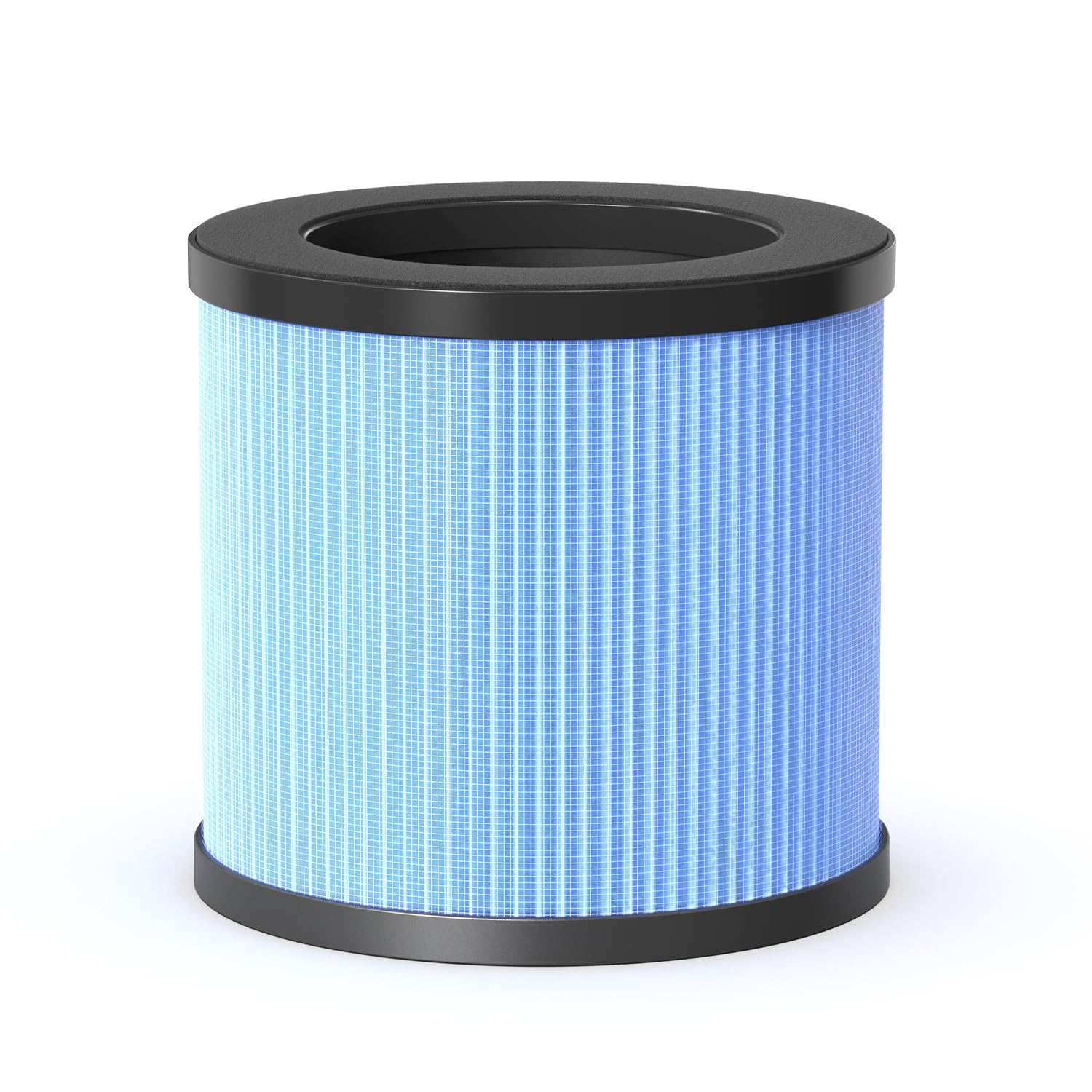
Image: The AROEVE JHD03W air purifier shown alongside its replacement filter, illustrating the product's primary components.
Pūnaha Tātari Papa-maha
The filter's multi-layer design ensures thorough air purification:
- Tātari-I Mua: Ka hopu i nga matūriki nunui penei i te puehu, te kiri, te muka, te makawe, me te huruhuru mokai.
- Antibacterial Filter (Silver Ion Layer): Filters bacteria from the air.
- Personal HEPA Filter: Traps at least 97% of airborne particles 0.3 microns in size, including fine dust, smoke particles, pollen, and pet dander.
- Tātari Wao Whakahohe: Physically adsorbs smoke, odors, and fumes, reducing household, kitchen, and pet odors, as well as volatile organic compounds (VOCs).

Image: A detailed diagram illustrating the four distinct layers of the AROEVE JHD03W replacement filter and their respective functions.

Image: Visual representation of various harmful particles, including smoke, dust, pollen, and mold spores, that the filter is designed to remove from the air.

Whakaahua: Kati-ake view of the AROEVE JHD03W filter, highlighting the upgraded antibacterial layer designed to combat airborne bacteria.
Tohutohu Tāuta
Te Whakakapi i te Tātari
The 360-degree filter is designed for tool-free replacement. Follow these steps to install or replace the filter:
- Hipanga 1: Turn the air purifier upside down. Rotate the filter cover counter-clockwise to unlock and remove it.
- Hipanga 2: Remove the old filter (if applicable) and dispose of it properly. Unpack the new AROEVE JHD03W replacement filter from its protective plastic bag.
- Hipanga 3: Insert the new filter into the air purifier base. Ensure it is seated correctly.
- Hipanga 4: Place the filter cover back onto the base and rotate it clockwise until you hear a "click," indicating it is securely locked.

Image: A four-step visual guide demonstrating the process of replacing the AROEVE JHD03W air purifier filter, from opening the base to securing the new filter.
Mahi
This document pertains to the replacement filter. For detailed operating instructions of your AROEVE air purifier, please refer to the air purifier's specific user manual.
Te Tautuhi Anō i te Tohu Tātari
After replacing the filter, it may be necessary to reset the filter replacement indicator on your air purifier. To do this, press and hold the "WiFi" and "Timer" buttons simultaneously for 3 seconds. Refer to your air purifier's manual for specific button locations and confirmation of the reset process.
Te tiaki
Tātari Whakakapinga Hōtaka
For optimal performance and air quality, it is recommended to replace the AROEVE JHD03W filter every 3 to 6 months. Actual replacement frequency may vary depending on air quality, usage duration, and environmental factors.
Whakapai i mua i te tātari
The pre-filter component of the 4-in-1 filter can be cleaned periodically to extend the life of the main filter. It is recommended to clean the pre-filter every 2-4 weeks. Gently vacuum or brush off accumulated dust and debris from the pre-filter surface. Ensure the filter is completely dry before reinstallation.
Raparongoā
Mena ka raru koe i muri i te whakakapi i te tātari, whakaarohia enei e whai ake nei:
- Airflow Reduction: Ensure the filter is correctly seated and the filter cover is securely locked. Check for any obstructions around the air intake or outlet of the air purifier.
- Te kakara rereke: If new odors are present, verify that the new filter was removed from its plastic packaging before installation.
- Rama Tohu Tātari: If the filter replacement indicator remains on after installation, follow the instructions in the "Resetting the Filter Indicator" section or consult your air purifier's user manual.
- Nga Take Mahi Whanui: For any other operational concerns, refer to the user manual of your specific AROEVE air purifier model.
Whakatakotoranga
| Tauira | JHD03W |
| Pūnaha Tātari | 4-in-1 (Pre-filter, Silver Ion Layer, HEPA Filter, Activated Carbon Filter) |
| Ahinga (Hua) | 18 x 19 x 18 cm; 450 g (tata) |
| Hototahi | AROEVE Air Purifiers requiring JHD03W filter |