1. Kupu Whakataki
This manual provides essential information for setting up, operating, maintaining, and troubleshooting your OUKITEL G5 Rugged Smartphone. Please read it carefully to ensure proper use and to maximize the device's performance and longevity.
2. He aha kei roto i te Pouaka
- 1x OUKITEL G5 Rugged Smartphone
- 1x 10W Kaitohu
- 1x Tauira Raraunga
- 1x ngira Kari
- 1x Pukapuka Ā-ringa (tēnei tuhinga)
3. Tatūnga
3.1. Kaari SIM me te Whakataunga Kaari TF
The OUKITEL G5 supports dual SIM dual standby (Nano+Nano/Nano+TF). Use the provided card needle to open the SIM card tray.
- Kimihia te paepae kaari SIM i te taha o te taputapu.
- Insert the card needle into the small hole next to the tray and press gently until the tray ejects.
- Place your Nano-SIM card(s) and/or TF card into the designated slots on the tray. Ensure the cards are correctly oriented.
- Āta panaia te paepae ki roto i te pūrere kia tau rawa ki te wai.
3.2. Whakataki Tuatahi
Before first use, fully charge your OUKITEL G5. Use the provided 10W charger and data cable.
- Connect the data cable to the charging port on your phone.
- Connect the other end of the data cable to the 10W charger.
- Monohia te rihi ki te putanga hiko.
- The phone will indicate charging status on the screen. Allow the device to charge completely.
3.3. Te Whakakaha/Weto
- Hei Whakahiko: Patohia me te pupuri i te paatene Hiko kia puta ra ano te tohu OUKITEL.
- Hei Whakaweto: Patohia me te pupuri i te paatene Mana, ka kowhiria te 'Whakamutua' mai i nga whiringa kei te mata.
4. Nga Tohutohu Whakahaere
4.1. Whakaatu me te Whakaterenga
The OUKITEL G5 features a 6-inch HD display with 450 nits brightness, ensuring clear visibility even in direct sunlight. Navigate the Android 14 operating system using touch gestures.
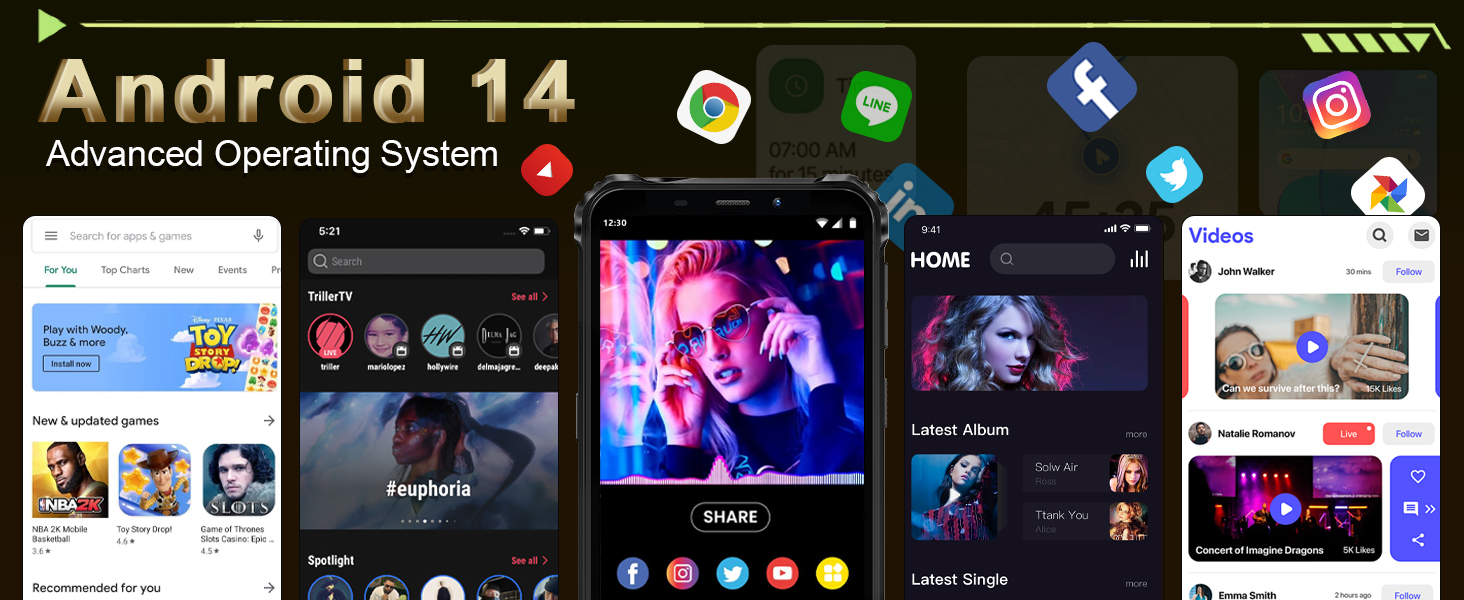
Image: The OUKITEL G5's 6-inch HD display, offering clear and vibrant visuals.
4.2. Mahi Camera
Capture moments with the 13MP main camera and 5MP front-facing camera.
- Whakatuwheratia te tono Kaamera mai i to mata o te kaainga, i to pouaka pouaka ranei.
- Select between photo and video modes.
- Tap the screen to focus on a specific area.
- Pēhia te patene maru hei tango whakaahua, ka tiimata/whakamutua te rekoata ataata.
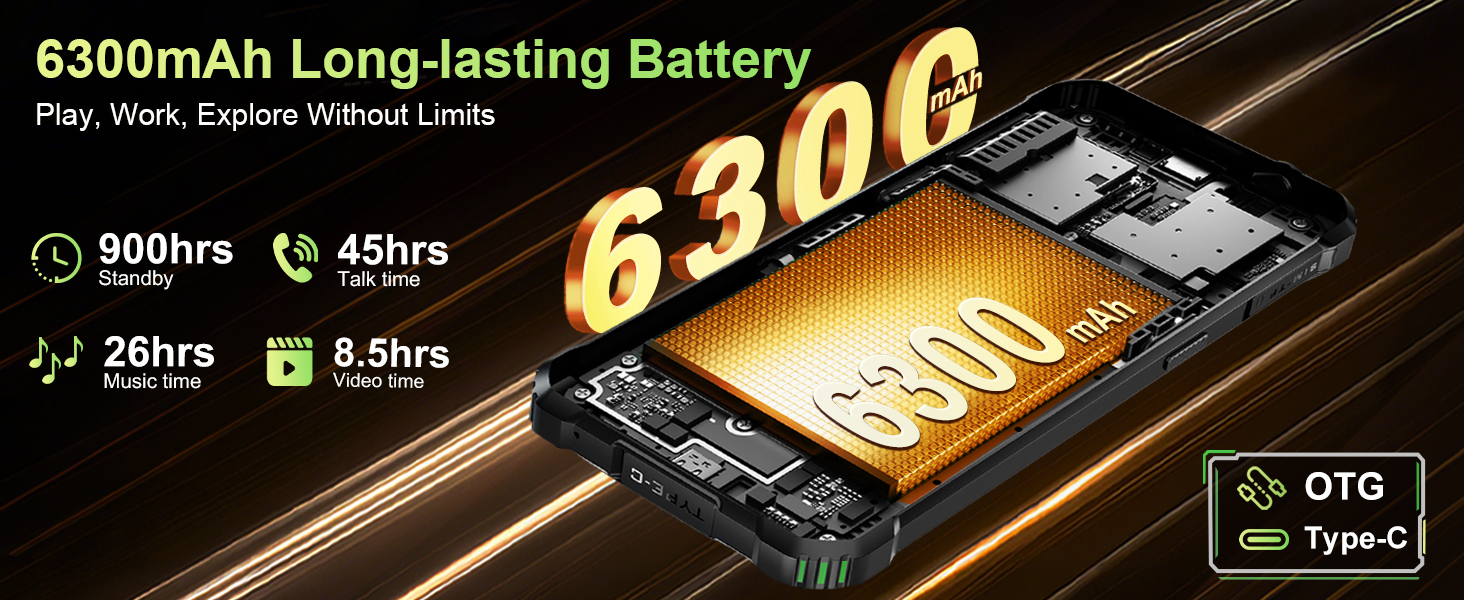
Image: The OUKITEL G5's 13MP main camera, designed for capturing clear images.
4.3. Dual Campi nga Maama
The OUKITEL G5 is equipped with 900-lumen dual camping lights, offering multiple modes for various outdoor situations.
- Access the camping lights application on your device.
- Choose from available modes: SOS, Strobe, or Constant Lighting.
- Adjust brightness levels as needed (three levels available).
Warning: Do not shine the camping lights directly into eyes.

Image: The OUKITEL G5's dual camping lights in action, providing illumination for outdoor activities.
4.4. Rokiroki me te Mahinga
The device comes with 16GB RAM (4GB physical + 12GB virtual) and 128GB internal storage, expandable up to 1TB with a TF card. The octa-core processor ensures smooth operation and app switching.
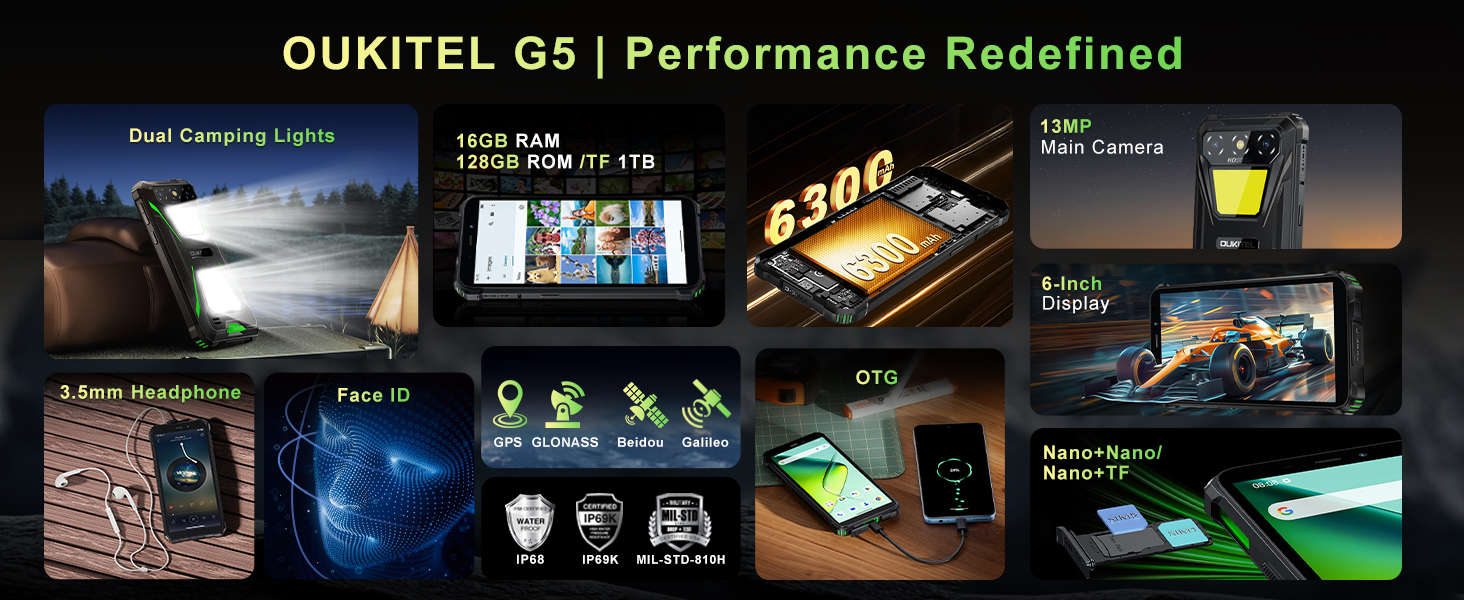
Image: Visual representation of the OUKITEL G5's memory and processor capabilities.
4.5. Te Utu Whakamuri OTG
Utilize the OTG reverse charging feature to power other devices using your OUKITEL G5's battery.
- Ensure your OUKITEL G5 has sufficient battery charge.
- Connect an OTG cable (not included) to your OUKITEL G5.
- Honoa tetahi pito o te taura OTG ki te taputapu e hiahia ana koe ki te utu.
- The charging process should begin automatically.
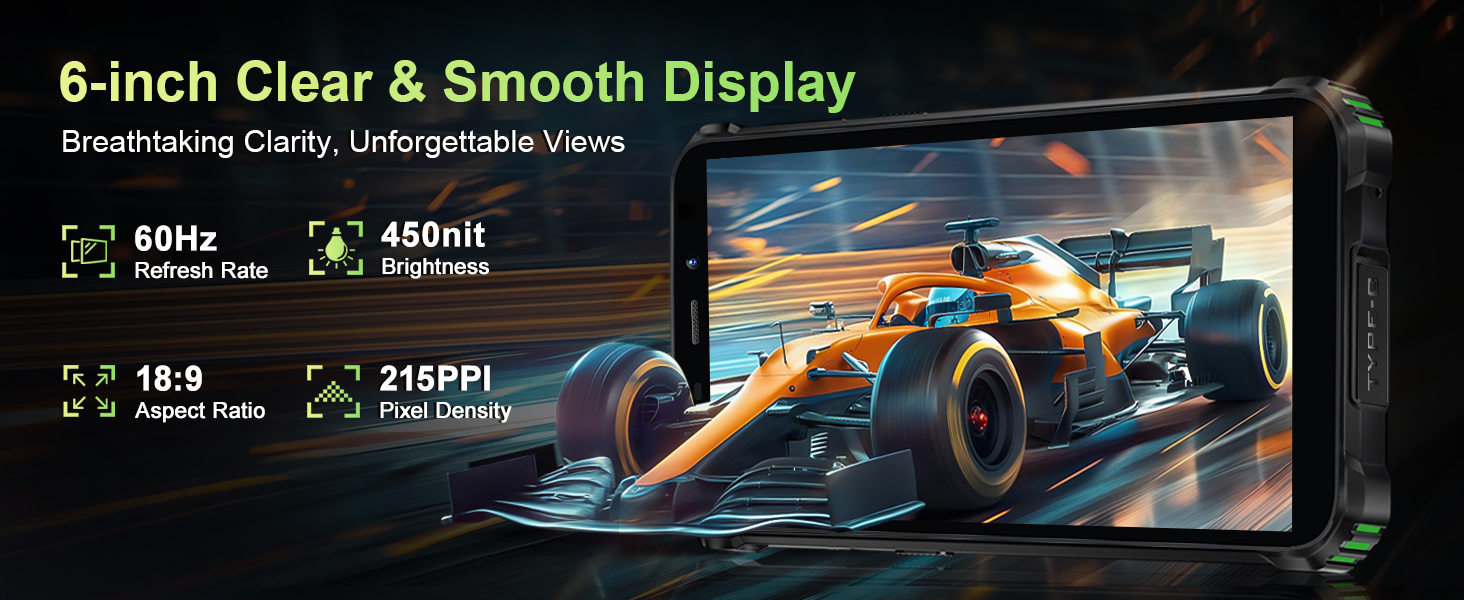
Image: The OUKITEL G5 providing power to another device via OTG reverse charging.
4.6. ID Kanohi
Unlock your device quickly and securely using Face ID.
- Haere ki Tautuhinga > Haumarutanga > Wewete Kanohi.
- Whaia nga tohutohu i runga mata hei rehita i to kanohi.
- Once registered, you can unlock your phone by looking at the front camera.
4.7. GPS me te Whakatere
The OUKITEL G5 integrates a comprehensive positioning system including Beidou, Galileo, GLONASS, and GPS for accurate location services.
- Ensure location services are enabled in your phone's settings.
- Use pre-installed or downloaded navigation applications for route guidance and location tracking.
5. Tiaki
5.1. Nga ahuatanga mauroa
The OUKITEL G5 is built to withstand harsh conditions, certified with IP68/IP69K dust/water resistance and MIL-STD-810H for shock resistance.
- parewai: Rated for submersion up to 1.5 meters for 30 minutes. Ensure all port covers are securely closed before exposure to water.
- Puehuehu: Designed to prevent ingress of dust and fine particles.
- Ārai rukereke: Constructed to endure drops and impacts, though extreme force may still cause damage.

Image: The OUKITEL G5 showcasing its robust design and resistance to water, dust, and drops.
5.2. Te horoi i to Pūrere
To clean your OUKITEL G5, use a soft, damp cloth. Avoid harsh chemicals or abrasive materials that could damage the device's protective coatings.
5.3. Tiaki Pūhiko
Hei whakaroa i te ora o te papahiko:
- A ape i te wera nui.
- Kaua e waiho te waea kia utua katoatia, kia pau katoa rānei te kaha mō te wā roa.
- Whakamahia te rihi taketake me te taura mo te utu pai.
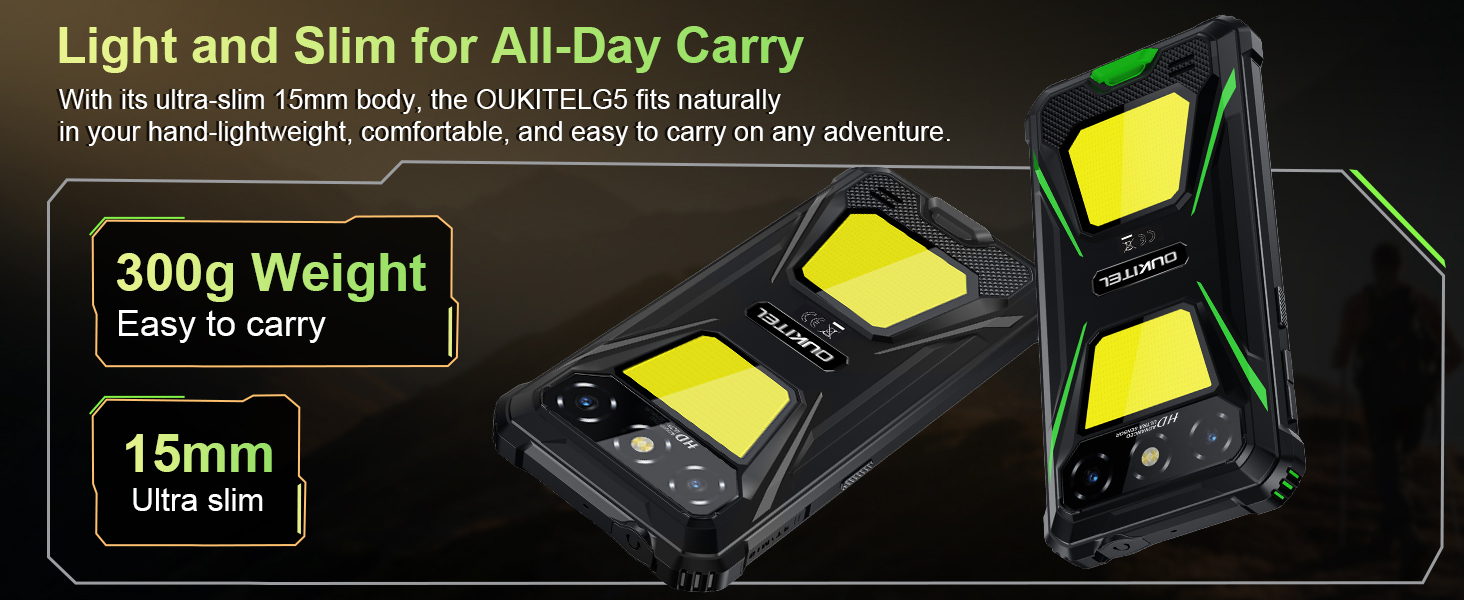
Image: The OUKITEL G5's 6300mAh battery, providing extended usage times.
6. Te Raru
6.1. Nga take me nga otinga noa
- Kaore te taputapu e huri ana: Ensure the battery is charged. Connect to the charger and try again.
- Karekau te mata i te aro: Restart the device by holding the Power button for about 10-15 seconds until it reboots.
- Nga take hononga whatunga: Check if your SIM card is properly inserted. Verify that your carrier (T-Mobile is supported; Verizon/AT&T/MetroPCS are not) has active service. Try toggling Airplane Mode on and off.
- Ngā taupānga e pakaru ana, e puhoi ana rānei te mahi: Close background applications. Clear app cache in Settings > Apps. Ensure sufficient storage space is available.
- Raruraru utu: Me whakarite kia mau te hononga o te rihi me te taura, ā, kia kore e pakaru. Whakamātauria tētahi putanga hiko rerekē.
7. Whakatakotoranga
| Āhuahira | Whakaahuatanga |
|---|---|
| Ingoa Tauira | OUKITEL G5 |
| Pūnaha Mahi | Android 14 |
| Tukatuka | Octa-core |
| RAM | 16GB (4GB tinana + 12GB mariko) |
| Rokiroki Roto | 128GB ROM |
| Rokiroki Whakawhanui | Up to 1TB with TF card |
| Whakaatu | 6-inch HD, 450 nits brightness, 18:9 Aspect Ratio, 215 PPI |
| Kāmera Matua | 13MP |
| Kāmera Mua | 5MP |
| Pūhiko Raukaha | 6300mAh |
| Te utu | 10W Tere Tere, OTG Whakamuri Whakamuri |
| Te mauroa | IP68/IP69K (Waterproof, Dustproof), MIL-STD-810H (Shockproof) |
| Hononga | 4G Dual SIM (Nano+Nano/Nano+TF), Bluetooth, GPS (Beidou, Galileo, GLONASS, GPS) |
| Paihere Auautanga Tautokohia | GSM: B2/3/5/8, WCDMA: B1/2/4/5/8, TDD: 34/38/39/40/41, FDD: B1/2/3/4/5/7/8/12/17/19/20/25/26/28A/28B/66 |
| Jack Ororongo | 3.5mm |
| Nga waahanga motuhake | 900LM Dual Camping Lights, Face ID |
| Ahu | 8.11 x 4.5 x 2.16 inihi |
| Taumaha | 1.26 pauna (tata ki te 570g) |
8. Ataata Hua Whaimana
Ataata: Kua mutuview of the OUKITEL G5 Rugged Phone, highlighting its features and durability in outdoor environments. Duration: 0:42.
Video: A concise presentation of the OUKITEL G5 Rugged Smartphone's key attributes. Duration: 0:20.
9. Pūtāhui me te Tautoko
OUKITEL provides comprehensive customer service for your device:
- Kaupapa Whakahoki: 30 ra kaore he take ka hoki mai.
- Tautoko Hangarau: Tautoko hangarau mō te wā roa.
- Ratonga Kiritaki: 24 haora ratonga kiritaki ipurangi.
For further assistance, please contact OUKITEL official service channels.