1. Hua Neke Atuview
The NETUM Q900 is a robust handheld mobile computer designed for demanding environments such as warehousing, logistics, and asset tracking. It integrates an Android 14 operating system with a high-performance barcode scanning engine, offering reliable data capture and processing capabilities.

Whakaahua 1.1: Mua me muri view of the NETUM Q900 device, showcasing its ergonomic design and integrated scanner.
Āhuatanga matua:
- Mahinga Nui: Powered by an octa-core MT8781 processor and Android 14, with 4GB RAM and 64GB storage (expandable).
- Whakaaturanga Rumaki: 5.99-inch HD IPS touchscreen with multi-touch support.
- Advanced Barcode Scanning: Equipped with a Honeywell HS7 scan engine for 1D and 2D barcodes.
- Industrial-Grade Rugged Design: IP67 rated for water and dust resistance, drop-tested from 1.5 meters.
- Hononga Ao Whānui: Supports global 4G LTE (dual SIM), Wi-Fi 5 (dual band), Bluetooth 5.2, and full GNSS.
- Roa te Ora o te Pūhiko: 5000mAh battery providing up to 13.5 hours of operation, with quick charging via USB-C or optional docking cradle.
- Roha Kōwae: Optional modules include UHF RFID, NFC, fingerprint reader, and a scan handle.
2. Aratohu Tatūnga
2.1. Ihirangi mokete
Manatokohia kei roto i tō kete ngā taonga e whai ake nei:
- NETUM Q900 Mobile Computer
- USB-C Uira Whakatau
- Pūurutau Hiko
- Aratohu Timata Tere
- (Optional) Docking Cradle, Hand Strap, other modules
2.2. Tāuta Pūhiko me te Whakatau
- Kimihia te uhi o te wahanga pākahiko kei muri o te taputapu.
- Open the cover and insert the 5000mAh battery, ensuring the contacts align correctly.
- Whakakapihia te uhi o te wahanga pākahiko kia mau.
- Connect the USB-C cable to the device's charging port and the power adapter. Plug the adapter into a wall outlet.
- Allow the device to charge fully before first use. A full charge typically takes less than 4 hours.

Whakaahua 2.1: Illustration of the 5000mAh battery, highlighting its long-lasting power for extended use.
2.3. Te Hia Tuatahi me te Whirihoranga Taketake
- Press and hold the Power button until the device vibrates and the screen turns on.
- Follow the on-screen prompts to complete the initial Android 14 setup, including language selection, Wi-Fi connection, and Google account setup.
- Ensure the device is connected to a stable Wi-Fi network or has a 4G LTE connection for updates and application downloads.
3. Nga Tohutohu Whakahaere
3.1. Whakaterenga Mata Paa
The Q900 features a responsive 5.99-inch HD IPS touchscreen. Navigate the Android interface using standard touch gestures: tap, swipe, pinch-to-zoom, and long-press.
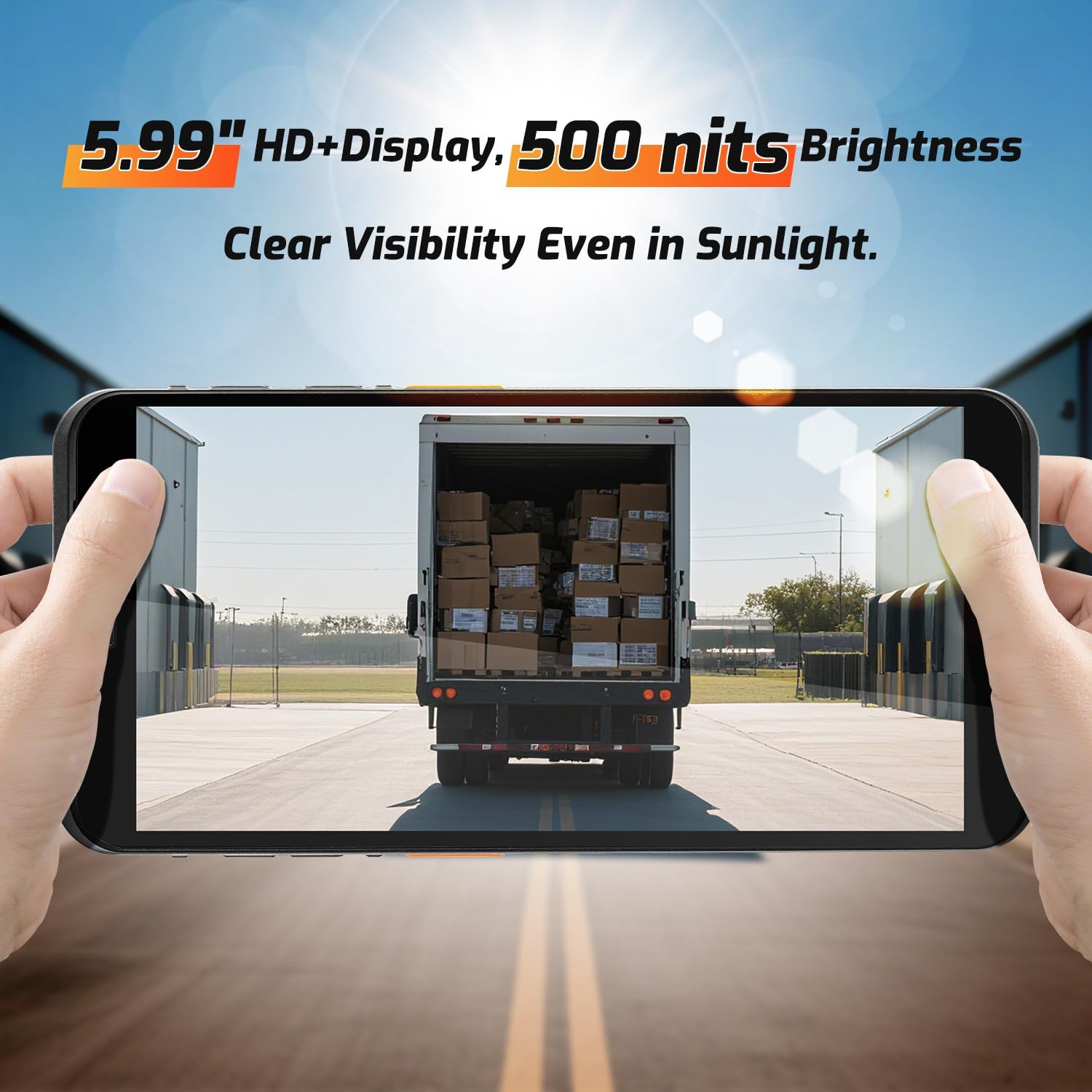
Whakaahua 3.1: The 5.99-inch HD+ display offers clear visibility even in bright sunlight, enhancing outdoor usability.
3.2. Matawai Paekōti
The integrated Honeywell HS7 scan engine allows for rapid and accurate capture of 1D and 2D barcodes.
- Open the scanning application or an application that supports barcode input.
- Tohua te matapihi matawai (kei te tihi o te taputapu) ki te waeherepae.
- Press one of the dedicated scan buttons (typically on the side of the device) to activate the laser/imager.
- Ensure the barcode is within the scanning range (approximately 5cm to 2m+ for long-range scanning) and centered in the aiming pattern.
- A successful scan will typically be indicated by an audible beep and/or a visual confirmation on the screen.

Whakaahua 3.2: The Honeywell HS7 engine efficiently scans various barcode types, including damaged or difficult-to-read codes.
Ataata 3.1: Demonstration of the NETUM Q900's barcode scanning capabilities, including long-range scanning and DPM code recognition.
3.3. Whakamahinga Camera
The Q900 is equipped with an 8MP front camera and a 13MP rear camera for documentation and image capture.
- Whakatuwheratia te taupānga Kāmera mai i te mata kāinga, i te pouaka taupānga rānei.
- Select between front and rear cameras as needed.
- Tap the screen to focus and press the shutter button to capture photos or videos.

Whakaahua 3.3: Location of the 8MP front camera, 13MP rear camera, and NFC module on the NETUM Q900.
3.4. Ngā Mahi a te NFC
The device supports NFC for short-range wireless communication, enabling applications like contactless payments, data exchange, and access control.
- Ensure NFC is enabled in the device settings (Settings > Connected devices > Connection preferences > NFC).
- Hold the device near an NFC tag or compatible reader to initiate communication.
- Follow on-screen prompts for specific NFC applications.
4. Tiaki
4.1. Te horoi i te Pūrere
- Whakamahia he kakahu ngohengohe, karekau he ngongo paku dampened with water or a mild screen cleaner to wipe the display and exterior.
- A ape i te whakamahi i nga matū kino, te horoi horoi, te rehu aerosol ranei.
- Me whakarite kua maroke nga tauranga katoa i mua i te utu, te hono ranei i nga taputapu.
4.2. Tiaki Pūhiko
- Hei whakanui ake i te roanga o te pākahiko, karohia te wera nui.
- If the device will not be used for an extended period, charge the battery to about 50% before storage.
- The battery is user-replaceable; refer to Section 2.2 for installation instructions.
4.3. Whakahōu Pūmanawa
Takitaki me te whakauru i nga whakahōu rorohiko kia pai ai te mahi, te haumaru, me te uru ki nga ahuatanga hou.
- Haere ki Tautuhinga> Pūnaha> Whakahou Pūnaha.
- Whaia nga tohutohu i runga-mata ki te tango me te whakauru i nga whakahou e waatea ana.
- Ensure the device has sufficient battery charge and a stable internet connection during updates.
5. Te Raru
| Raruraru | Take pea | Rongoā |
|---|---|---|
| Kaore te taputapu i te hiko. | He iti te pākahiko; he hapa te pākahiko; he raruraru pātene mana. | Charge the device for at least 30 minutes. Ensure battery is correctly installed. Contact support if issue persists. |
| Karekau te matawai paewaehere e mahi. | Scanner application not open; barcode damaged; incorrect scanning distance. | Open the scanning application. Ensure barcode is clean and within optimal range. Check scanner settings. |
| Kaore e taea te hono ki Wi-Fi. | Kupuhipa hē; i waho o te awhe; take pouara. | Verify Wi-Fi password. Move closer to the router. Restart the router and device. |
| Karekau e aro te mata pa. | Software glitch; physical damage; wet screen. | Restart the device. Ensure screen is dry and clean. If damaged, contact support. |
6. Whakatakotoranga
| Āhuahira | Taipitopito |
|---|---|
| Tau tauira | PDA Q900 |
| Pūnaha Mahi | Android 14 |
| Tukatuka | Octa-core MT8781 |
| RAM | 4GB |
| Rokiroki | 64GB (expandable via microSD up to 1TB) |
| Whakaatu | 5.99" HD IPS Touchscreen |
| Barcode Engine | Honeywell HS7 (1D/2D Scanning) |
| Kāmera Whakamuri | 13MP |
| Kāmera Mua | 8MP |
| Pūhiko | 5000mAh (up to 13.5 hours working time) |
| Hononga | 4G LTE (Dual SIM), Wi-Fi 5 (Dual Band), Bluetooth 5.2, GNSS (GPS, GLONASS, Galileo, Beidou), NFC |
| Whakatauranga Mauroa | IP67 (Water and Dust Resistant), 1.5m Drop-tested |
| Ahu | 0.71 x 2.6 x 6.61 inihi (18 x 66 x 168 mm) |
| Taumaha Tūemi | 12.3 hekere (348 karamu) |
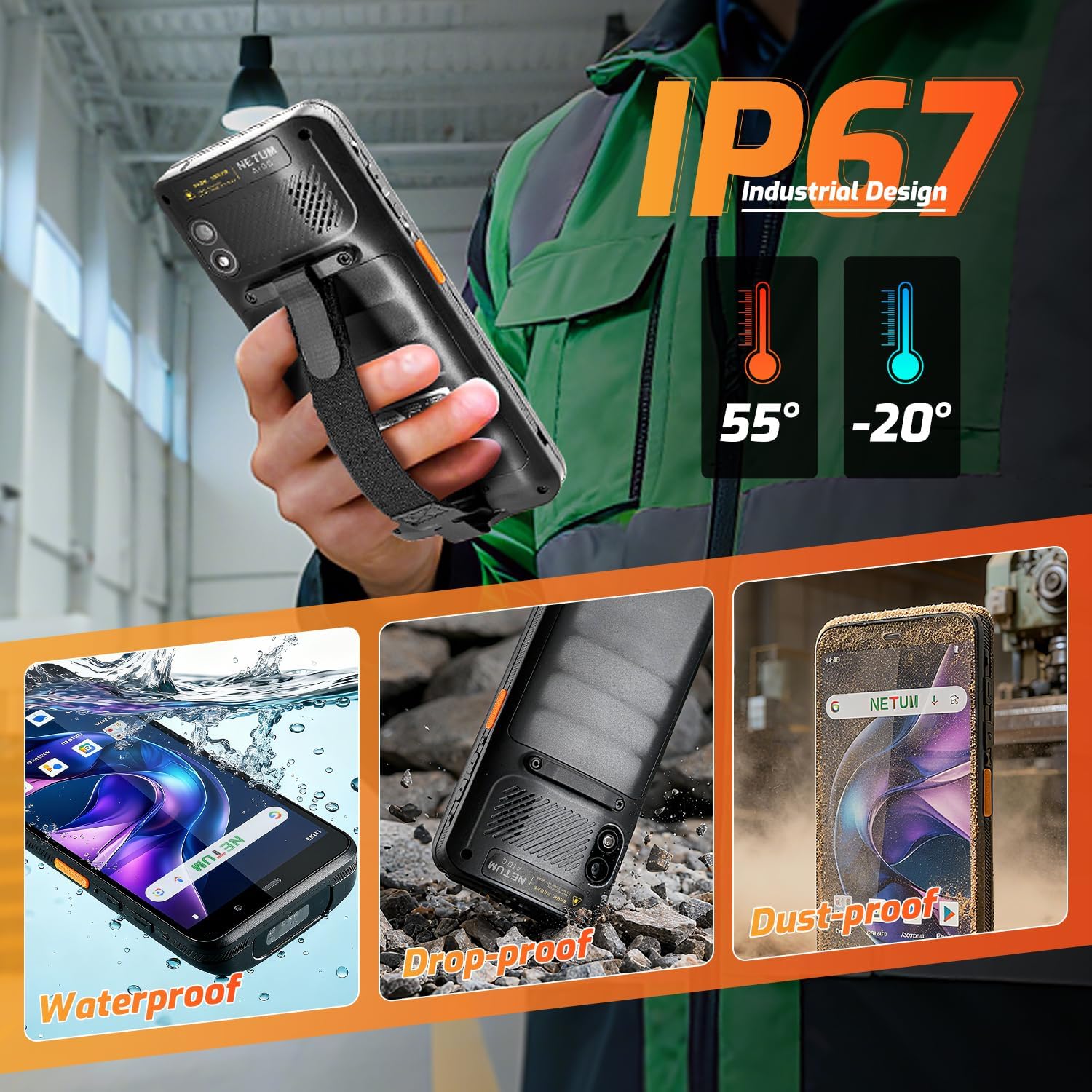
Whakaahua 6.1: The NETUM Q900's IP67 rating ensures protection against water, dust, and drops, making it suitable for harsh environments.
7. Pūtāhui me te Tautoko
NETUM products are designed for reliability and performance. For warranty information, technical support, or service inquiries, please refer to the warranty card included with your product or visit the official NETUM webpae.
Puritia to riirii hoko hei tohu mo te hoko mo nga kereme whakamana.


