
1. Kupu Whakataki
Welcome to your new AROEVE DH-CS17 Compact Dehumidifier. This manual provides essential information for safe and efficient operation of your device. Please read it thoroughly before first use and keep it for future reference.
2. Nga Tohutohu Haumaru
Hei whakarite i te mahi haumaru, me whai i nga whakatupato e whai ake nei:
- Me ata panui nga tohutohu katoa i mua i te whakamahi i te taputapu.
- Kaua e rumakina te taputapu, te taura hiko, te mono ranei ki te wai, ki tetahi atu wai ranei.
- Puritia te whakamarumaru kia kore e taea e nga tamariki me nga kararehe.
- Operate the device only within the recommended temperature range of 15°C to 40°C (59°F to 104°F).
- Ensure there is adequate air circulation around the unit (at least 10 cm clearance on all sides).
- Always unplug the dehumidifier from the power outlet before cleaning or performing any maintenance.
- Do not block the air inlets or outlets of the device.
- Do not stand the product upside down during operation or storage.
- Mena kua pakaru te taura hiko, me whakakapi e te kaihanga, tana kaihoko ratonga, etahi tangata whai tohu pera ranei kia kore ai e tupono.
3. Hua Neke Atuview
3.1 Waehanga

This image displays the main components of the AROEVE DH-CS17 dehumidifier, including the touch screen, display panel, air outlet, handle, air inlet, and water tank.
- Mata pa
- Paewhiri Whakaatu
- Putanga Air
- Kakau
- Kouru Hau
- Tane Wai
3.2 Paewhiri Mana
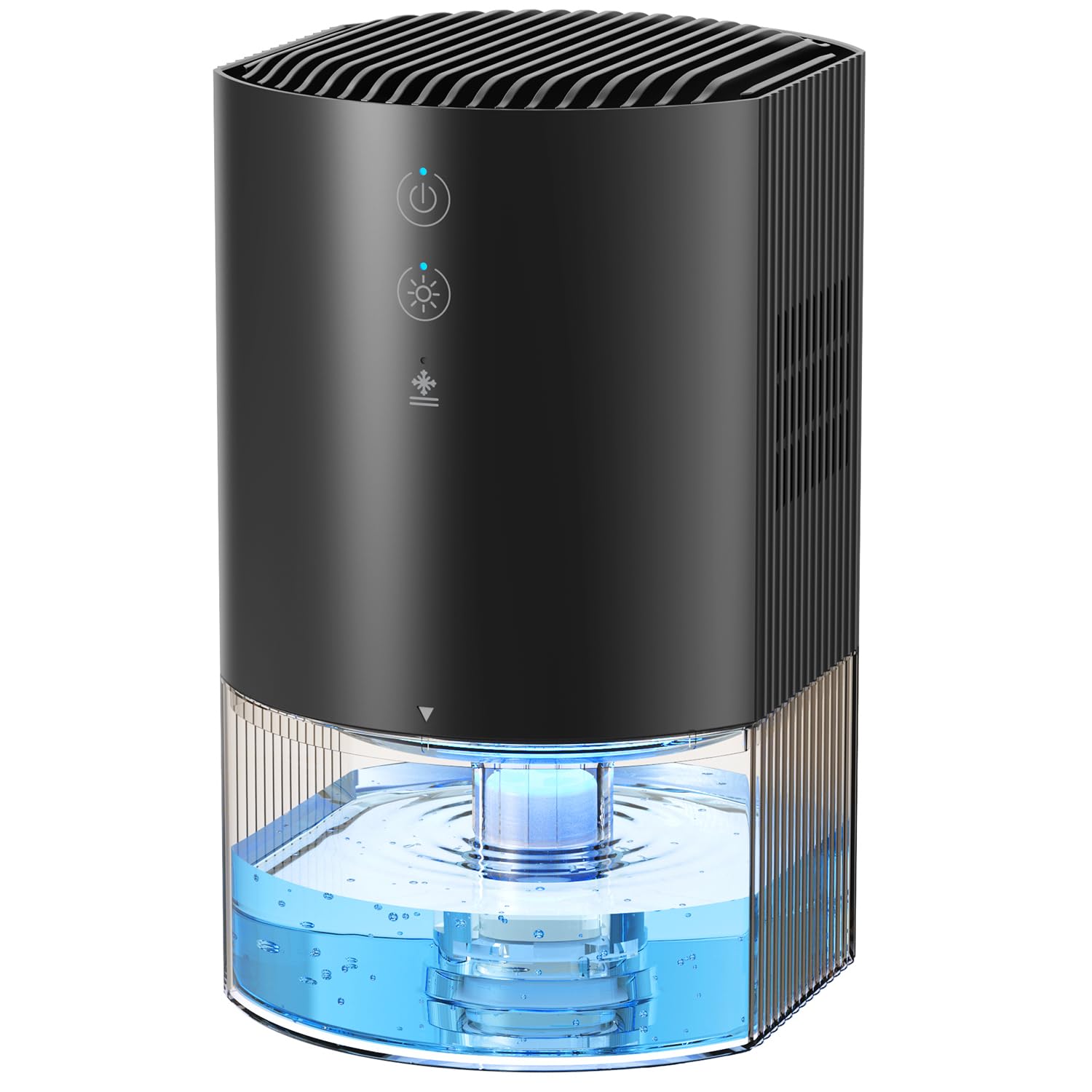
The control panel features touch-sensitive buttons for Sleep Mode, Timer settings, Ambient Light control, and Power.
- Pātene Hiko: Short press to turn the device on or off.
- Pātene Māmā: Short press to cycle through 7 ambient light colors or turn off the light.
- Pātene Matawā: Short press to set the timer for 8 hours, 12 hours, or 24 hours.
- Pātene Moe: Short press to activate sleep mode, which reduces fan speed and dims lights.
4. Tatūnga
A pee i enei taahiraa mo te tatūnga tuatahi:
- Unpack the dehumidifier and all its accessories from the packaging.
- Place the dehumidifier on a flat, stable surface. Ensure there is adequate space (at least 10 cm) around the unit for proper air circulation.
- Connect the power adapter to the dehumidifier's power interface and then plug it into a suitable electrical outlet.
- Ensure the water tank is correctly inserted into the base of the unit.

The AROEVE DH-CS17 dehumidifier is shown in various room settings, illustrating its compact size and placement flexibility in areas like closets, kitchens, bathrooms, and RVs.
5. Nga Tohutohu Whakahaere
5.1 Hiko / Whakaweto
Pehia te Mana button once to turn on the dehumidifier. The ambient light will gradually illuminate, and the dehumidification indicator will light up. Press the Mana patene ano hei whakaweto i te taputapu.
5.2 Ambient Light Control
Pehia te Maama button to cycle through the 7 available ambient light colors. Each press will change the color. To turn off the ambient light, continue pressing the button until the light is off.

The dehumidifier displays its 7-color ambient light feature, enhancing the room's atmosphere.
5.3 Tautuhinga Matama
Pehia te Matawā button to set the operating time. Each press cycles through 8 hours, 12 hours, and 24 hours. The corresponding indicator (8H, 12H, or 24H) will light up. Pressing it a fourth time will turn off the timer function.
5.4 Aratau Moe
Pehia te Moe mai button to activate sleep mode. In this mode, the fan speed is reduced for quieter operation (approx. 28 dB), and the display lights are dimmed to avoid disturbance during sleep.

The dehumidifier is shown in a bedroom, emphasizing its ultra-quiet operation (28 dB) suitable for undisturbed sleep.
5.5 Automatic Shut-off and Defrost
The dehumidifier is equipped with an automatic shut-off feature. When the water tank is full (990ml capacity), a red indicator light will illuminate, and the device will automatically turn off to prevent overflow.

The dehumidifier shows a red light, signaling that the water tank is full and the automatic shut-off function has activated.
It also features intelligent automatic defrosting. In cold conditions, the unit will automatically defrost to maintain optimal performance and prevent damage.
5.6 Video Instructions
Ka mutu te huaview me te Unboxing
Ko tenei ataata e whakarato ana i nga korero taipitopitoview and unboxing of the AROEVE DH-CS17 dehumidifier, demonstrating its components and initial setup.
Ka mutu te huaview and Unboxing (Detailed)
A more in-depth video showcasing the product's features and the unboxing experience for the AROEVE DH-CS17 dehumidifier.
6. Tiaki
6.1 Te Putea i te Taake Wai
When the water tank is full, the unit will automatically shut off and a red indicator light will appear. Follow these steps to empty it:
- Gently pull out the water tank from the base of the dehumidifier.
- Carefully pour out the collected water into a sink or drain.
- Reinsert the empty water tank back into the unit until it clicks securely into place.
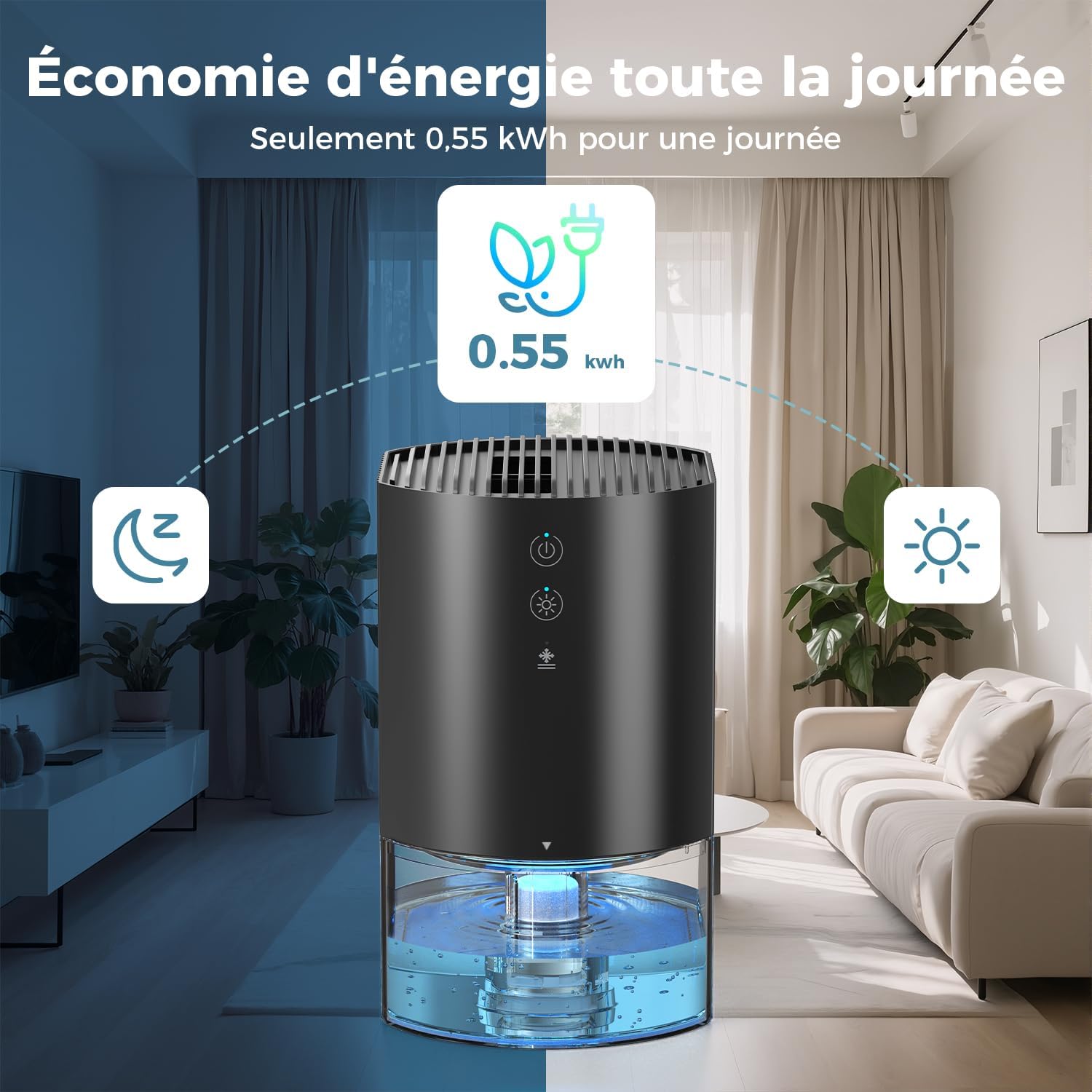
The image illustrates the easy removal and emptying process of the water tank for the AROEVE DH-CS17 dehumidifier.
6.2 Te horoi
Regular cleaning helps maintain the performance and longevity of your dehumidifier:
- Clean the exterior of the dehumidifier with a soft, damp kakahu. Kaua e whakamahia nga kai horoi, nga whakarewa, nga matū kino ranei.
- Clean the water tank periodically to prevent mold or bacterial growth. Rinse with clean water and dry thoroughly before reinserting it into the unit.
7. Te Raru
If you encounter any issues with your AROEVE DH-CS17 dehumidifier, please refer to the following table for common problems and solutions:
| Raruraru | Take pea | Rongoā |
|---|---|---|
| Karekau te whakamaarama i te whakaka | No power supply; Water tank not correctly inserted. | Check power connection and ensure the adapter is securely plugged in; Ensure water tank is securely in place. |
| Kaore he wai i kohia | Humidity level is too low; Room temperature is too low; Air inlets/outlets blocked. | Ensure room humidity is above 60% and temperature is above 15°C; Clear any obstructions around the unit. |
| Ka mura te rama tohu whero | Ki tonu te taika wai. | Empty the water tank and reinsert it properly. |
| He haruru te taputapu | Kaua te wae i runga i te papa papatahi; Te aukati i roto i te powhiriwhiri. | Place on a stable, flat surface; Check for and remove any obstructions. |
8. Whakatakotoranga
- Waitohu: AROEVE
- Tau tauira: DH-CS17
- Tae: Pango
- Rahi Hua (L x W x H): 14.5 x 12.6 x 21.35 cm (5.7 x 5.0 x 8.4 inihi)
- Te Raukaha Tane Wai: 990 Miririta
- Daily Humidity Extraction: Up to 450 ml/day (at 30°C, 80% RH)
- Nga waahanga motuhake: Automatic Defrost, 7-Color Ambient Light, Automatic Shut-off (full tank)
- Taumaha Tūemi: 1.13 Kirokaramu (2.49 lbs)
- Wāhi Kapohia Manakohia: 5-15 m² (54-161 putu tapawha)
- Taumata Haruru: Tata ki te 28 dB
- Whakamahi Hiko: 23 W (approx. 0.55 kWh/day)
9. Pūtāhui me te Tautoko
For detailed warranty information, product registration, or customer support, please refer to the documentation included with your purchase or visit the official AROEVE webpae. Puritia to riirii hoko hei tohu mo te hoko mo nga kereme whakamana.