1. Kupu Whakataki
This manual provides essential information for using your new vivo Y31 Pro 5G smartphone. Please read it carefully to ensure proper operation and to maximize the device's features. Keep this manual for future reference.

Whakaahua: Mua view of the vivo Y31 Pro 5G smartphone, showcasing tona whakaaturanga.
2. He aha kei roto i te Pouaka
Manatokona kei roto katoa nga mea kei roto i to kete hua:
- vivo Y31 Pro 5G Waea atamai
- Take Waea
- Pūurutau Hiko
- Tauira USB
- Ko te Putea Putea SIM
- Kaitiaki Mata (i mua i te tono)
3. Tatūnga
3.1. Tāuta Kāri Sim
- Kimihia te paepae kaari SIM i te taha o to taputapu.
- Kōkuhuhia te taputapu ejector paepae SIM ki roto i te kohao iti i te taha o te paepae ka pehia ata kia puta ra ano te paepae ki waho.
- Whakanohoia to (ng) kaari Nano-SIM me te kaari microSD/ranei ki roto i te paepae me nga whakapiri koura e anga ana ki raro, kia tika te whakatakotoranga.
- Me ata whakauru ano te paepae ki roto i te waea kia pao noa ki tona waahi.
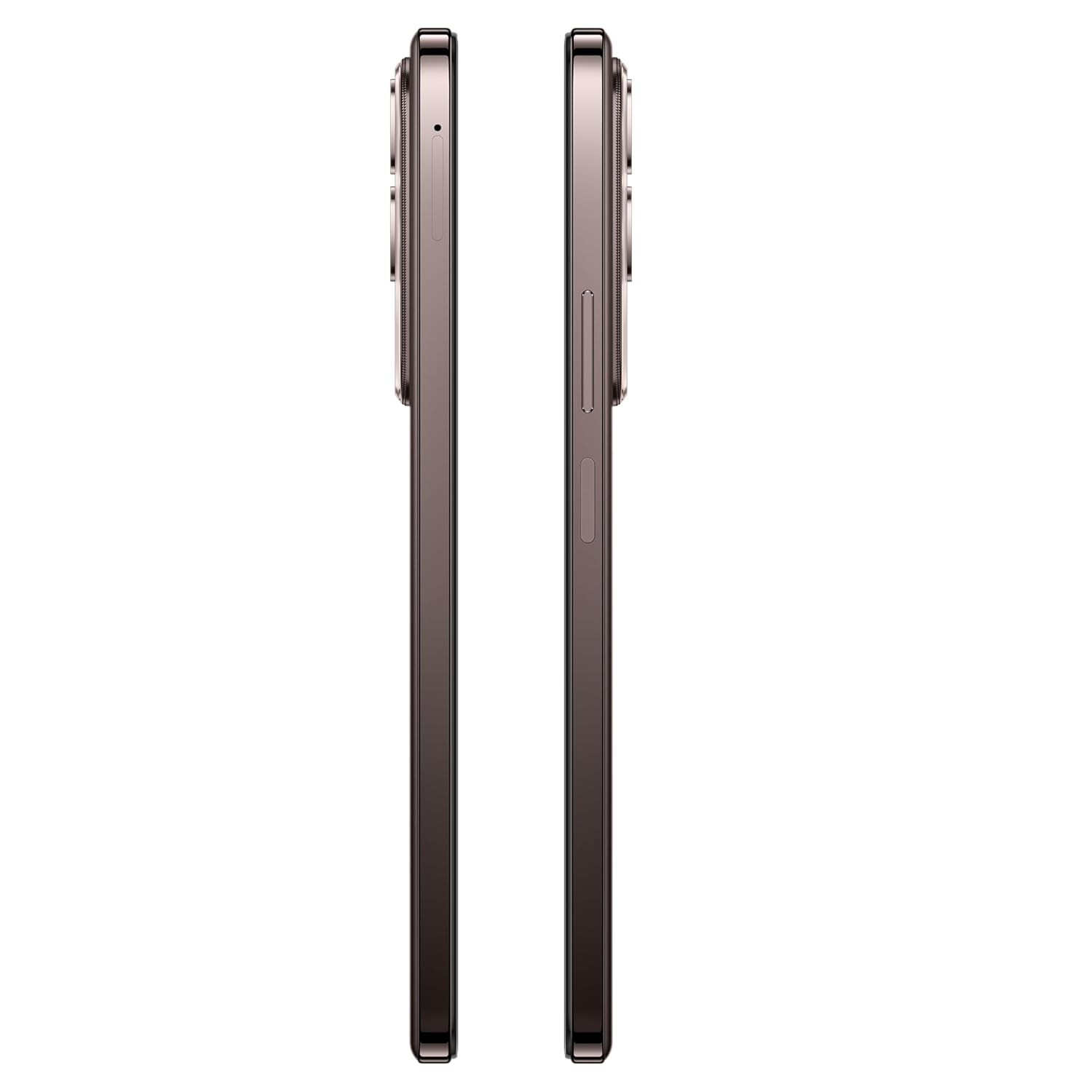
Whakaahua: Taha view of the vivo Y31 Pro 5G, showing the SIM card tray location.
3.2. Te Hiko Tuatahi me nga Tautuhinga Taketake
- Press and hold the Power button (located on the right side) until the vivo logo appears.
- Whaia nga tohu o runga-mata hei kowhiri i to reo, rohe, me te hono atu ki te whatunga Wi-Fi.
- Waitohu mai me to putea Google, hangaia ranei he mea hou hei uru atu ki nga ratonga Google me te Toa Play.
- Set up your screen lock method (PIN, pattern, password, fingerprint, or face unlock).
4. Whakahaere i to Pūrere
4.1. Whakaatuhia nga waahanga
The vivo Y31 Pro 5G features a 17.06 cm (6.72 inch) High Brightness FHD+ display with a 120 Hz refresh rate and up to 1050 Nits brightness for clear visuals and smooth scrolling.

Image: Illustration highlighting the phone's high brightness FHD display with 1050 Nits and 120 Hz refresh rate.
4.2. Whakamahinga Camera
Your device is equipped with a 50 MP + 2 MP rear camera system and an 8 MP selfie camera. It supports 4K video recording.
- Whakaahua: Open the Camera app, select 'Photo' mode, and tap the shutter button.
- Hopu Ataata: Switch to 'Video' mode and tap the record button to start/stop.
- Nga waahanga AI: Utilize AI Erase and AI Photo Enhance for improved image quality and editing.
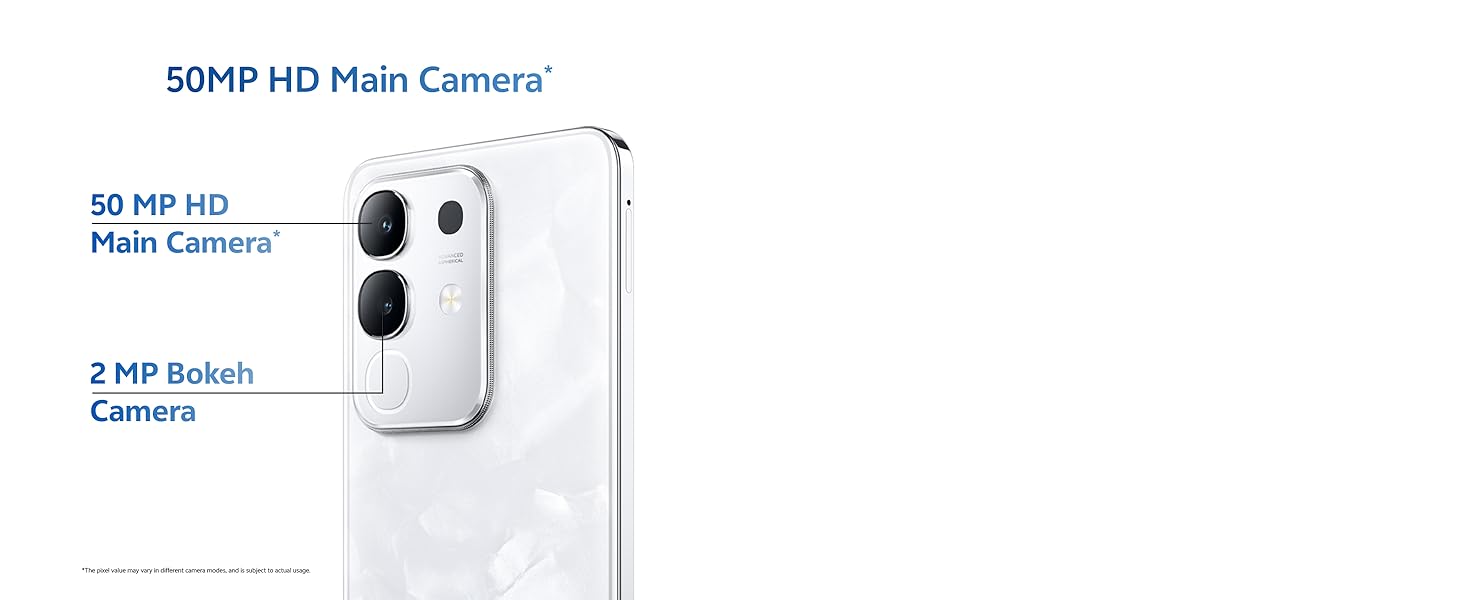
Image: Close-up of the vivo Y31 Pro 5G's rear camera module, showing the 50 MP main camera and 2 MP bokeh camera.

Image: Comparison showing video quality with and without 4K recording on the vivo Y31 Pro 5G.
4.3. Whakahaere Pūhiko
The device is powered by a 6500 mAh battery and supports 44W FlashCharge. For optimal battery life:
- Use the provided power adapter and USB cable for charging.
- A ape i te wera nui.
- Whakahaerehia te whakamahinga o te taupānga papamuri me te kanapa o te mata.
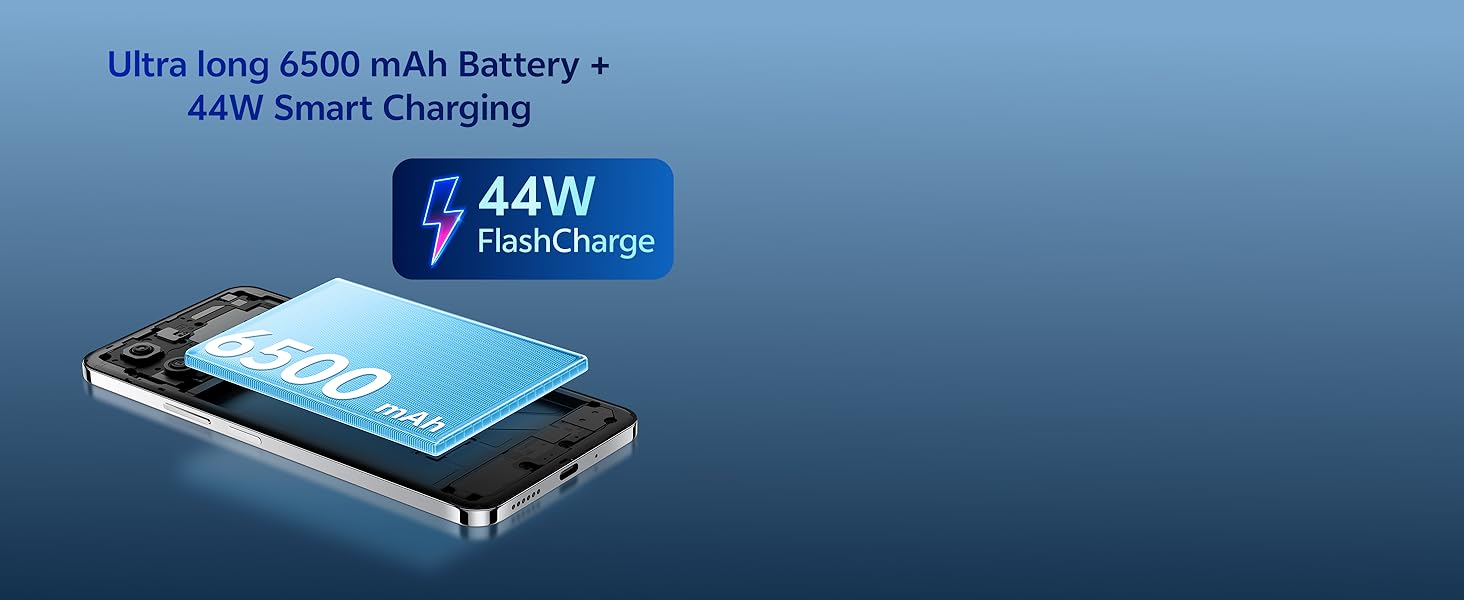
Image: Illustration of the vivo Y31 Pro 5G's 6500 mAh battery and 44W FlashCharge technology.
4.4. Hononga
The vivo Y31 Pro 5G supports 5G network connectivity, Bluetooth, and built-in GPS.
- Wi-Fi: Haere ki Tautuhinga> Whatunga & ipurangi> Wi-Fi ki te hono ki nga whatunga e waatea ana.
- Nihokikorangi: Go to Settings > Connected devices > Bluetooth to pair with other devices.
- 5G: Ensure your SIM card and plan support 5G for high-speed mobile data.
4.5. Ororongo
The device features dual stereo speakers for enhanced audio output.

Image: Illustration depicting the dual stereo speaker system of the vivo Y31 Pro 5G.
5. Tiaki
5.1. Te horoi i to Pūrere
- Whakamahia he kakahu ngohengohe, kore-raro hei horoi i te mata me te tinana.
- A ape i te whakamahi i nga matū kino, i nga taonga abrasive ranei.
- He tohu IP64 te taputapu mo te puehu me te parenga pakaru. Kaua e rukuhia ki te wai.
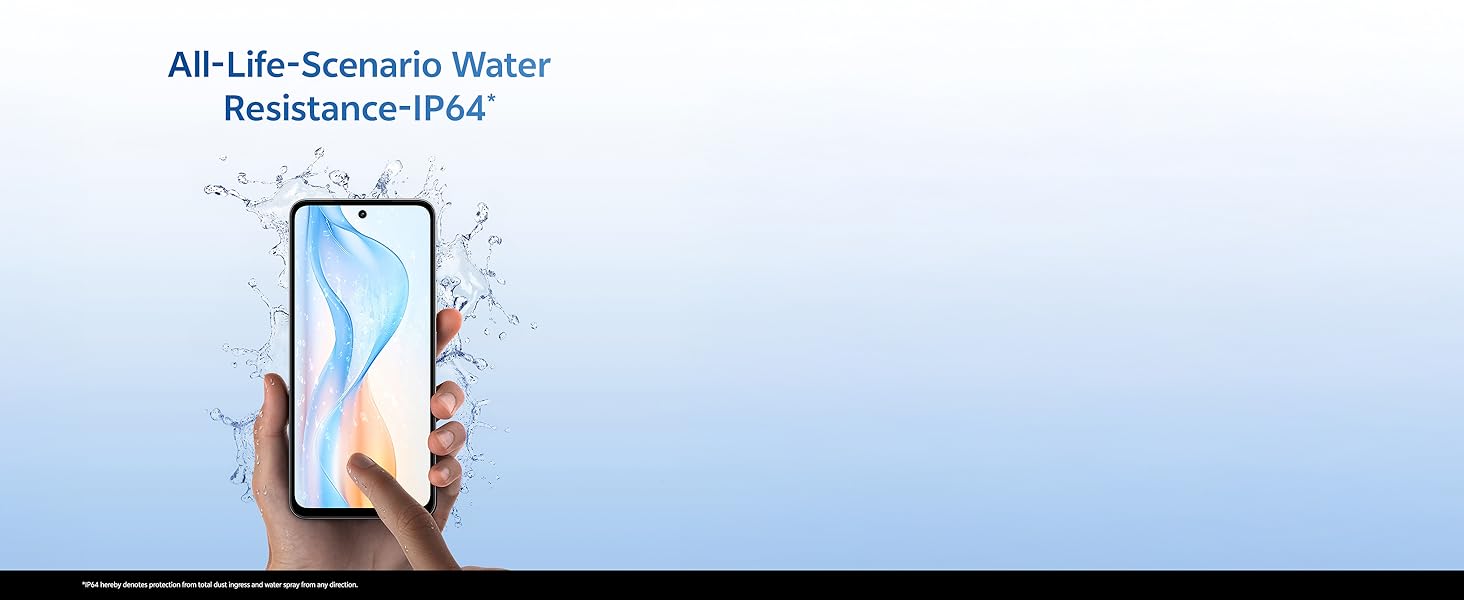
Image: Illustration demonstrating the IP64 water resistance of the vivo Y31 Pro 5G against splashes.
5.2. Whakahōu Pūmanawa
Tirohia tonutia ngā whakahōunga pūmanawa kia mōhio ai kei tō pūrere ngā āhuatanga hou me ngā papaki haumarutanga. Haere ki Ngā Tautuhinga > Pūnaha > Whakahōunga pūnaha.
6. Te Raru
6.1. Nga take noa
- Kaore te taputapu e huri ana: Ensure the battery is charged. Connect to the power adapter for at least 10 minutes before attempting to power on.
- Taupānga e takataka ana: Clear the cache of the problematic app (Settings > Apps > [App Name] > Storage & cache > Clear cache). If the issue persists, reinstall the app.
- Tohu whatunga kino: Check your SIM card installation. Move to an area with better network coverage.
- Ka tere te pau o te pākahiko: Whakaitihia te kanapa o te mata, whakakorehia nga taupānga papamuri kore, ka whakaweto Wi-Fi/Nihokikorangi ina kore e whakamahia.
6.2. Tautuhi Tautuhi
Mena ka pāngia tonutia tō pūrere e ngā raruraru, mā te tautuhi anō i ngā tautuhinga wheketere pea e whakatau. Whakatupato: Ma tenei ka whakakore i nga raraunga katoa i runga i to waea. Whakahokia nga raraunga nui i mua i te haere tonu. Haere ki Tautuhinga> Pūnaha> Tautuhi kōwhiringa> Mukua nga raraunga katoa (tautuhi wheketere).
7. Whakatakotoranga
| Āhuahira | Whakatakotoranga |
|---|---|
| Tauira | vivo Y31 Pro 5G |
| Pūnaha Mahi | Funtouch OS 15 |
| Tukatuka | MediaTek Dimensity 7300 |
| RAM | 8GB |
| Rokiroki Roto | 128GB |
| Whakaatu | 17.06 cm (6.72 inch) FHD+, 1050 Nits, 120 Hz Refresh Rate |
| Kāmera Whakamuri | 50 MP + 2 MP |
| Kaamera Whaiaro | 8 MP |
| Pūhiko Raukaha | 6500 mah |
| Te utu | 44W Utu Utu |
| Hononga | 5G, Bluetooth, GPS |
| Ahu | 16.6 x 7.6 x 0.8 cm |
| Taumaha | 204 g |
| Te mauroa | Military Grade (MIL-STD-810H tested), IP64 Dust and Splash Resistance |
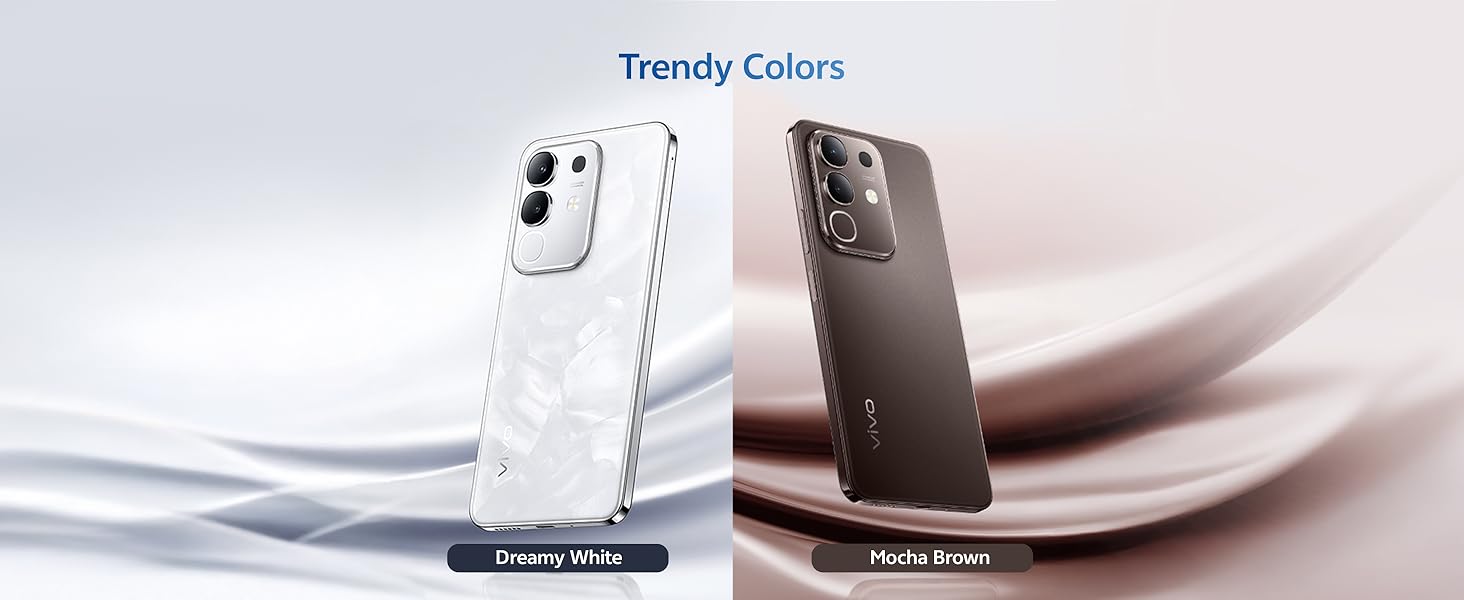
Whakaahua: Ka mutuview of the vivo Y31 Pro 5G's powerful Dimensity 7300 processor and ultra-long 6500 mAh battery with 44W FlashCharge.
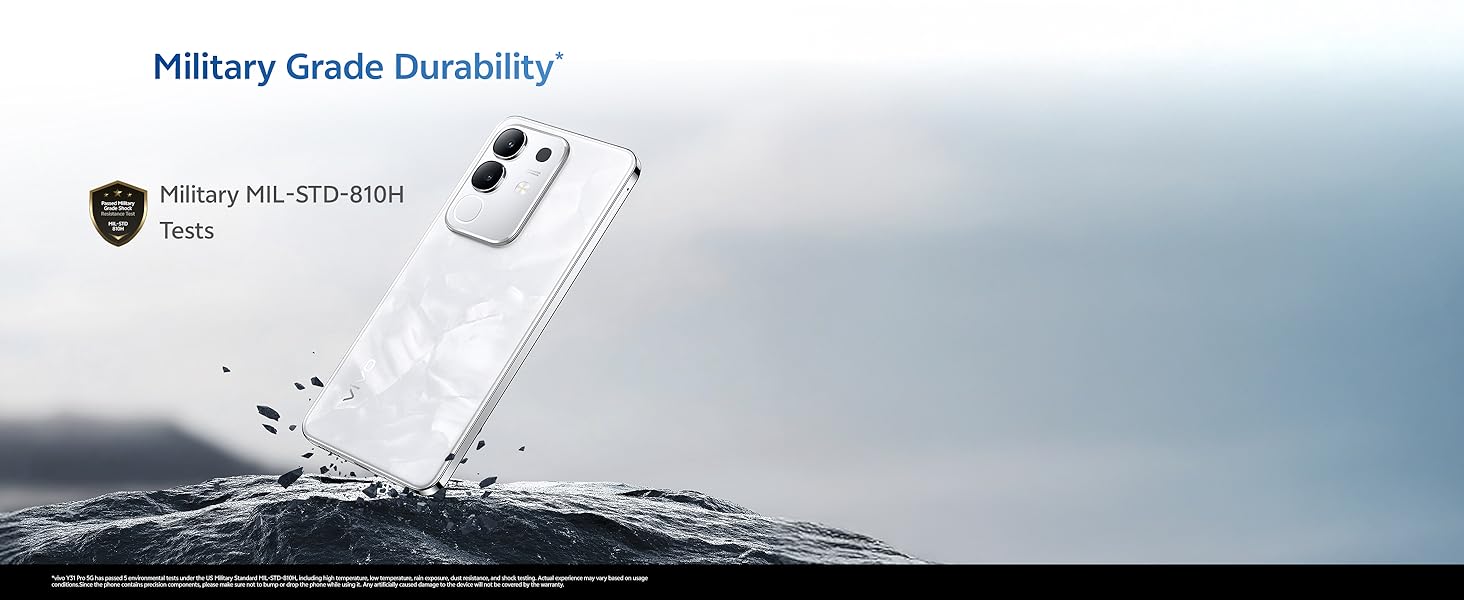
Image: The vivo Y31 Pro 5G demonstrating military-grade durability (MIL-STD-810H tested).
8. Pūtāhui me te Tautoko
Your vivo Y31 Pro 5G smartphone comes with a standard manufacturer's warranty. For detailed warranty terms and conditions, please refer to the warranty card included in your product packaging or visit the official vivo support webpae.
For technical support, service, or further assistance, please contact vivo customer service through their official channels. You can find contact information on the vivo website or in your device's 'Settings' under 'About phone' or 'Support'.
Kaihanga: vivo Mobile India Pvt Ltd
Whenua Taketake: Inia


