Kupu Whakataki
Thank you for choosing the Baseus Bass BS1 NC Semi-in-Ear True Wireless Noise Cancelling Earbuds. This manual provides essential information for setting up, operating, and maintaining your new earbuds to ensure optimal performance and longevity. Please read this guide thoroughly before use.
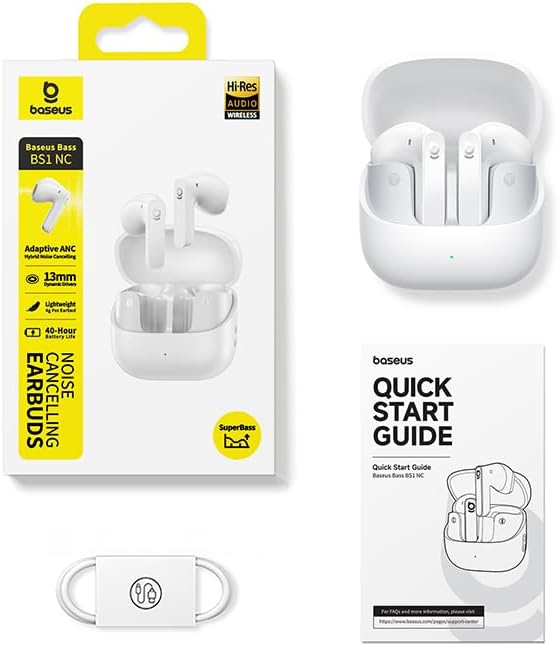
He aha kei roto i te Pouaka
- Baseus Bass BS1 NC Semi-in-Ear Earbuds
- Puhi utu
- USB-A ki USB-C Utaura Whakatau
- Aratohu Timata Tere
Ka mutu te huaview
The Baseus Bass BS1 NC earbuds are designed for a comfortable audio experience with advanced features.
Āhuatanga matua:
- Adaptive Hybrid ANC: Intelligent noise cancellation that adjusts to your environment for a natural, pressure-free fit.
- Hi-Res Audio Certified with LDAC: Supports LDAC codec for high-resolution audio transmission, delivering lossless-quality sound through 13mm dynamic drivers and SuperBass 2.0 technology.
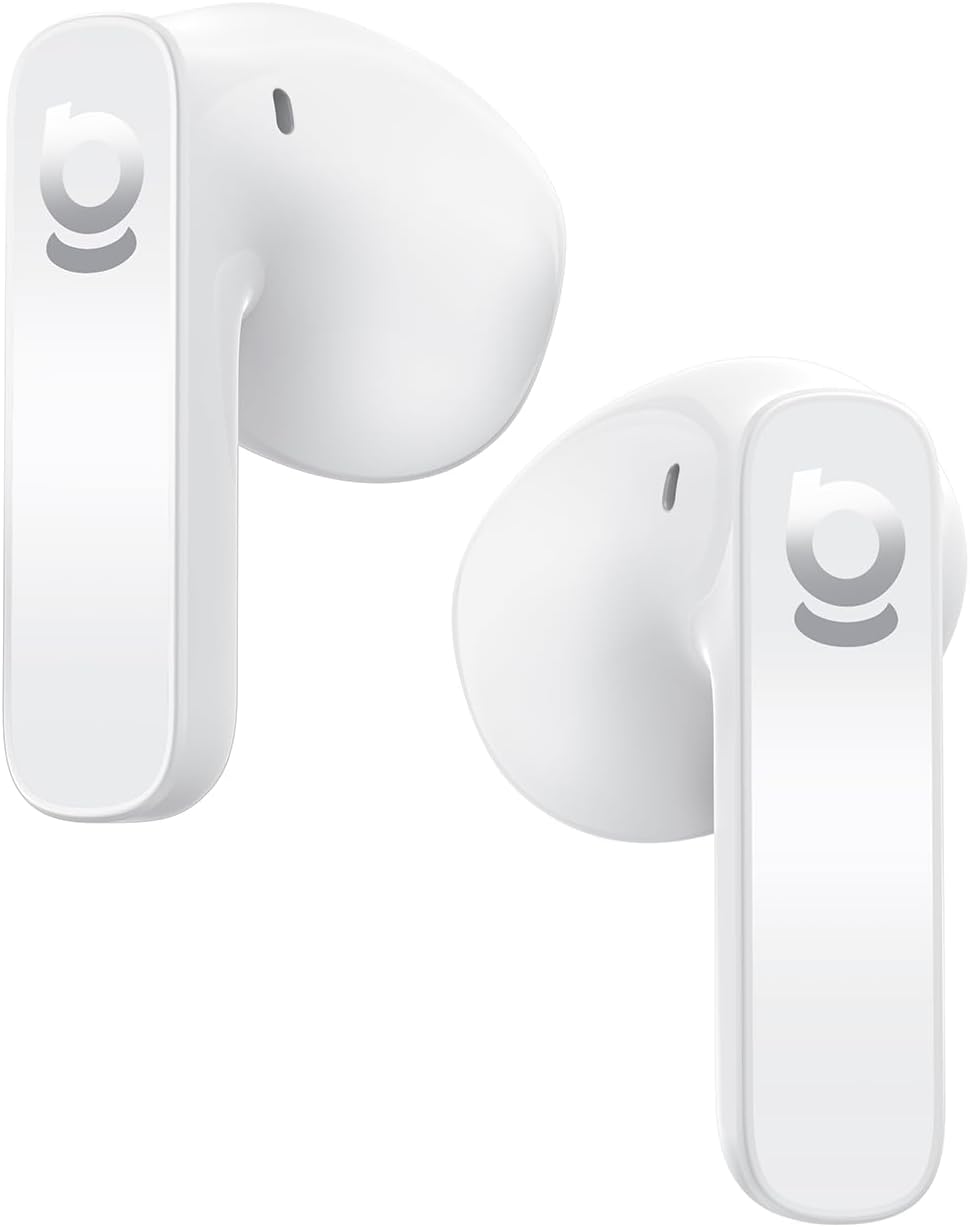
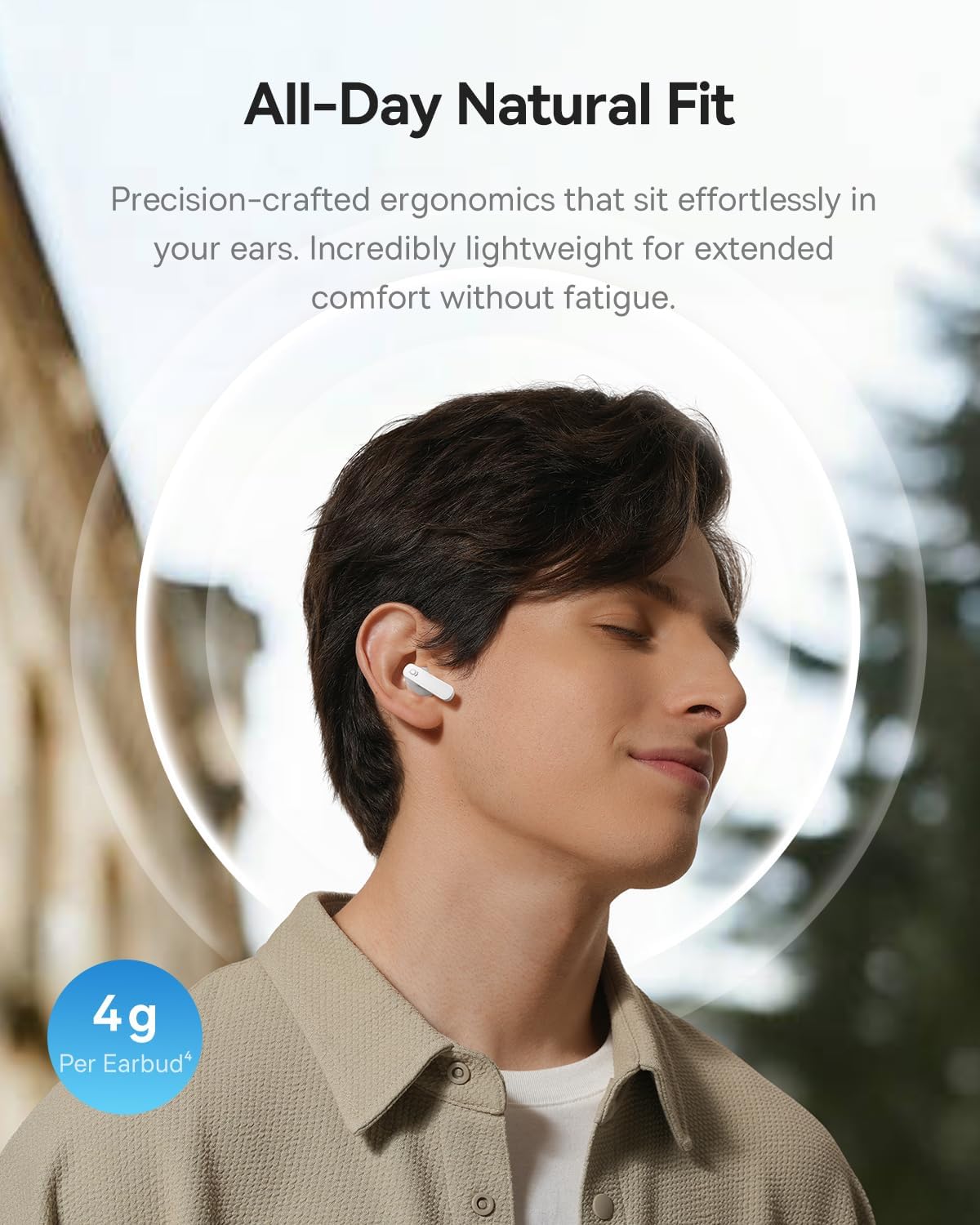
- 4g Ultra-Lightweight & Semi-In-Ear Design: Ergonomic design with soft skin-fit material for extended comfort.
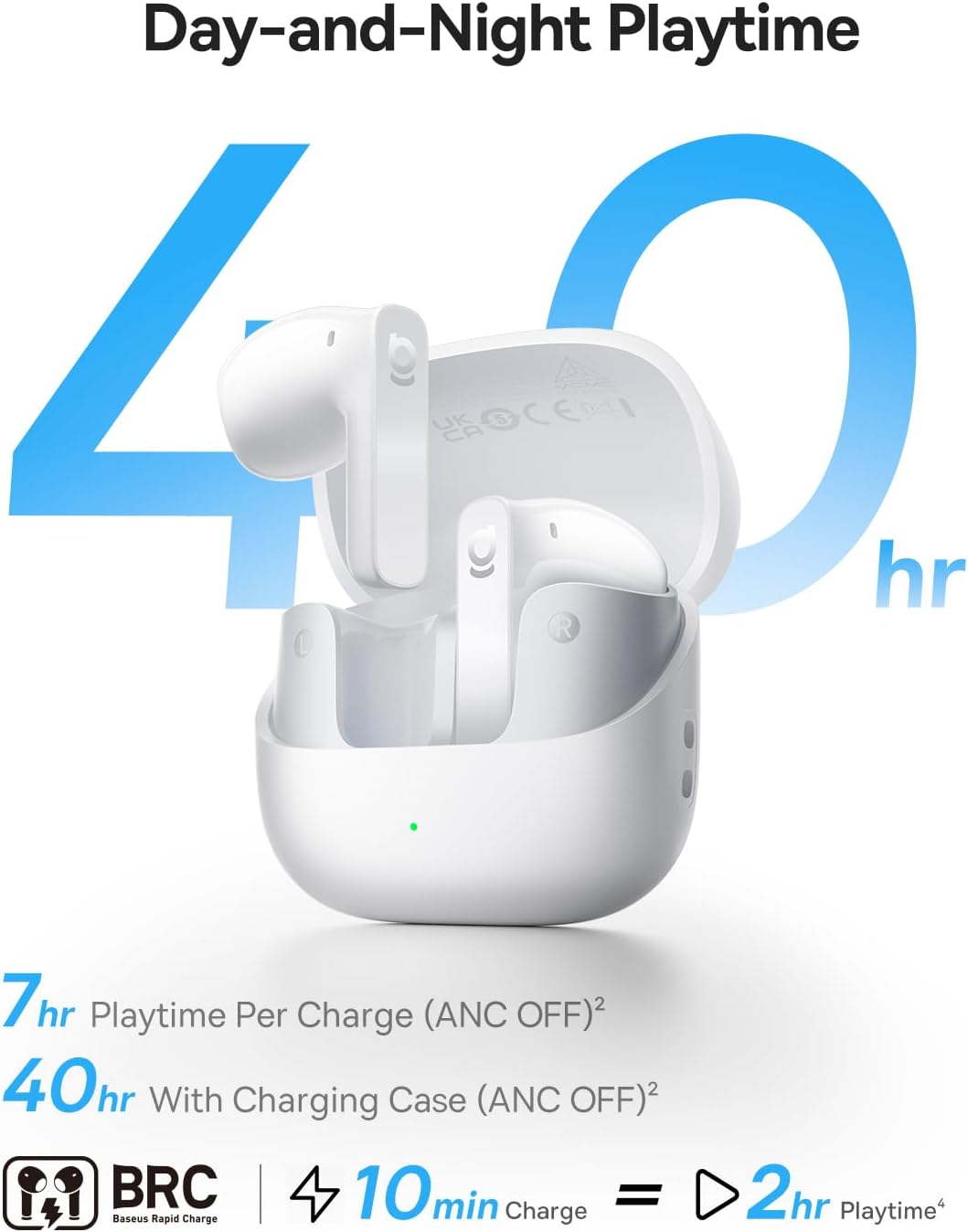
- Wā purei roa: Up to 7 hours per charge (ANC off) and 40 hours with the compact charging case. Fast charging provides 2 hours of playback from a 10-minute charge.
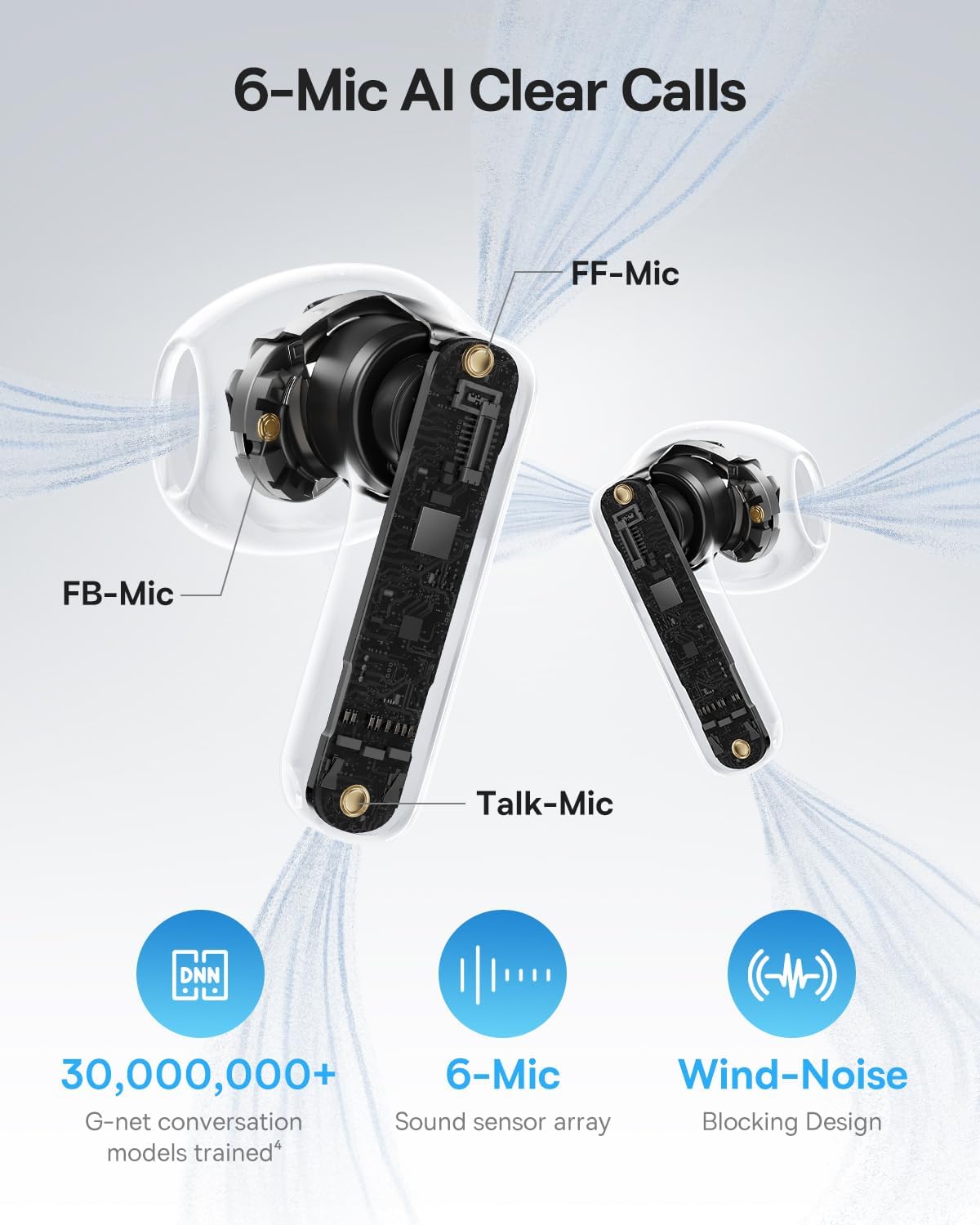
- Ngā Waea Mārama AI 6-Maikoro: Environmental Noise Cancellation (ENC) with AI voice isolation and wind-noise blocking for clear conversations.
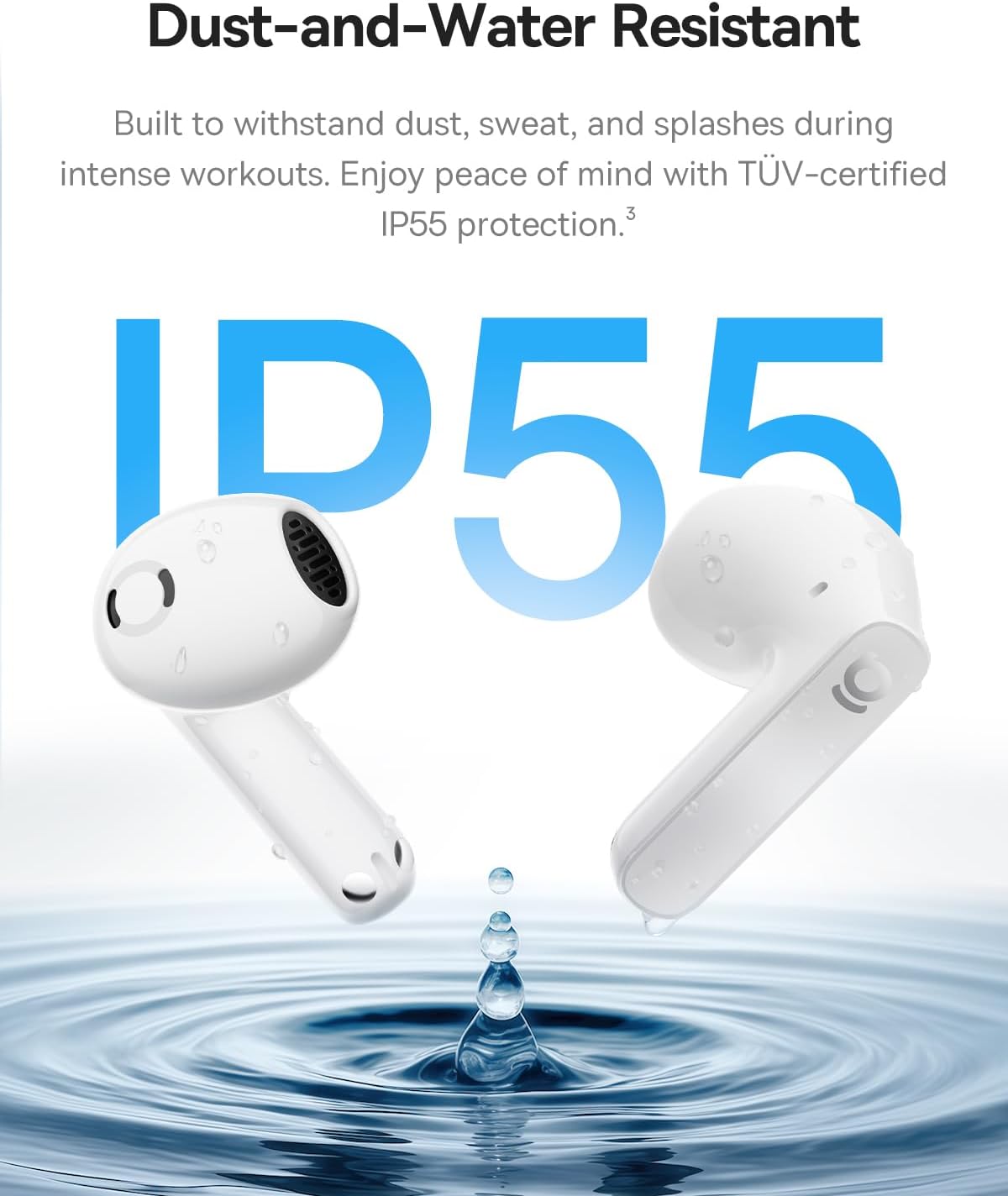
- IP55 Ātete Wai: Built to withstand sweat, rain, and dust, suitable for workouts and outdoor use.


Tatūnga
1. Te Whakataki i nga Paorooro me te Puhi
- Whakanohoia nga purongo ki roto i te pukoro utu. Me whakarite kia tika te noho.
- Connect the charging case to a power source using the provided USB-A to USB-C charging cable.
- The LED indicator on the case will show charging status. A green light indicates a charge level between 75% and 100%.
- Allow sufficient time for a full charge before first use. A 10-minute charge provides approximately 2 hours of playback.
2. Tauhoa ki te Pūrere
- Whakatuwherahia te putea utu. Ka uru aunoa nga taringa ki te aratau takirua.
- I runga i to taputapu (waea atamai, papa, pona), whakaahei i te Nihokikorangi.
- Rapua available Bluetooth devices and select "Baseus Bass BS1 NC" from the list.
- Once connected, you will hear an audible confirmation. The earbuds are now ready for use.
Nga Tohutohu Whakahaere
Te Hiko / Whakaweto
- Whakahiko: Whakatuwheratia te pouaka utu, ā, ka whakakā aunoa ngā pane taringa, ka hono atu ki te pūrere whakamutunga i honoa.
- Weto Whakakore: Whakahokia ngā pane taringa ki roto i te pouaka utu, ka kati i te taupoki. Ka momotu aunoa, ka whakaweto hoki.
Mana Pa
The Baseus Bass BS1 NC earbuds feature intuitive touch controls on each earbud. The specific functions can often be customized via the Baseus app.
| Mahi | Mahi |
|---|---|
| Paoa Taurua (Puna taringa maui/matau) | Purei/Tatari waiata; Whakautu/Whakamutua te waea |
| Pato Takitoru (Puna taringa maui/matau) | Reject call; Activate voice assistant |
| Pēhi me te Puritia (2 hēkona) | Switch between Noise Reduction (ANC) and Normal/Transparency Mode |
Te whakamahi i te Taupānga Baseus
For a personalized listening experience, download the official Baseus app. The app allows you to:
- Whakaritehia nga mana pa.
- Adjust EQ modes and Bass Boost.
- Enable Spatial Acoustics (Note: On Android devices, LDAC and Spatial Acoustics cannot be used simultaneously due to system limitations).
- Locate your earbuds (requires OPS access).
Te tiaki
Te horoi
- Me horoi i nga wa katoa nga pukoro me te pukoro utu ki te kakahu ngohengohe, maroke, kore-puru.
- Kaua e whakamahia nga kai horoi, nga whakarewa, nga rehu aerosol ranei.
- Me whakarite kia kore he puehu, he paru rānei i ngā hononga utu o ngā pane taringa me te putea.
Rokiroki
Mena karekau e whakamahia, penapenahia nga purongo ki roto i te putunga utu hei whakamarumaru kia mau tonu te utu.
Ātete Wai (IP55)
The earbuds are IP55 water-resistant, meaning they are protected against dust and low-pressure water jets from any direction. This makes them suitable for workouts and light rain. However, they are not designed for submersion in water or exposure to high-pressure water. The charging case is not water-resistant.
Raparongoā
- Karekau e honoa nga taringa: Ensure both earbuds are in the charging case, then open the lid to re-enter pairing mode. Check your device's Bluetooth settings to ensure it's discoverable and try re-pairing.
- Karekau he oro, he iti te reo: Tirohia te nui o te oro i runga i tō pūrere me ngā pane taringa. Me whakarite kei te tika te nohoanga o ngā pane taringa ki roto i ō taringa.
- Nga take utu: Verify the charging cable is securely connected to both the case and the power source. Clean the charging contacts if necessary.
- Kāore te ANC e mahi pai ana: Ensure the earbuds are properly fitted in your ears. Switch between ANC modes using the touch controls or the Baseus app.
- Hononga mokowhiti: Ensure your device is within the Bluetooth range (up to 10 meters) and there are no significant obstructions.
Whakatakotoranga
| Āhuahira | Taipitopito |
|---|---|
| Ingoa Tauira | Baseus Bass BS1 NC |
| Hangarau Hononga | Nihokikorangi 6.0, Ahokore |
| Mana Haruru | Whakakorenga Haruru Urutau, Whakakorenga Haruru Taiao, Whakakorenga Haruru Ranu |
| Momo Atekōkiri Ororongo | Atekōkiri Hihiko |
| Rahi Atekōkiri Ororongo | 13 Mirimita |
| Whakautu auau | 40 KHz |
| Te ora o te Pūhiko (Ngā taringa) | 7 Hāora (ANC whakaweto) |
| Wā Takaro Tapeke (me te Puhi) | Tae atu ki te 40 Haora (whakaweto ANC) |
| Wā Utu (Utu Tere) | 10 meneti mo te 2 haora te purei |
| Nga hopuorooro | 6-Mic AI Clear Calls (ENC) |
| Taumata Atete Wai | IP55 Atete Wai |
| Momo Mana | Mana Pa |
| Hanga Whakatangitangi | Hawhe-i-taringa |
| Taumaha Tūemi | 3.52 hekere (katoa) |
| Hunga Hua | 1.2 x 0.7 x 0.7 inihi (puoro) |
| Rauemi | Acrylonitrile Butadiene Styrene (ABS), Polycarbonate (PC) |
| UPC | 810196183124 |
Pūtāhui me te Tautoko
Mō ngā mōhiohio pūtāhui me te tautoko kiritaki, tirohia te paetukutuku mana o Baseus webpae, whakapā atu ranei ki to kaihoko. Puritia to riirii hoko mo nga kereme whakamana.


