Rahipere Pi Foundation kei CAMBRIDGE, United Kingdom, a he wahanga o te Ahumahi Ratonga Tautoko Pakihi. E 203 nga kaimahi a RASPBERRY PI FOUNDATION i tenei waahi me te whakaputa $127.42 miriona i roto i nga hoko (USD). (Ka whakatauhia te tatauranga o nga kaimahi). To ratou mana webpae ko Rahipere Pi.com.
Ka kitea i raro nei he raarangi pukapuka a nga kaiwhakamahi me nga tohutohu mo nga hua Raspberry Pi. Ko nga hua Raspberry Pi he patent me te tohu tohu i raro i nga waitohu Rahipere Pi Foundation.
Tirohia me pehea te whakarite i nga putanga oro ki runga i o Raspberry Pi SBC me tenei pukapuka kaiwhakamahi matawhānui. Akohia nga tauira e tautokohia ana, nga whiringa hononga, te whakaurunga rorohiko, me nga FAQ. He tino pai mo nga kaingākau Raspberry Pi e whakamahi ana i nga tauira penei i te Pi 3, Pi 4, CM3, me etahi atu.
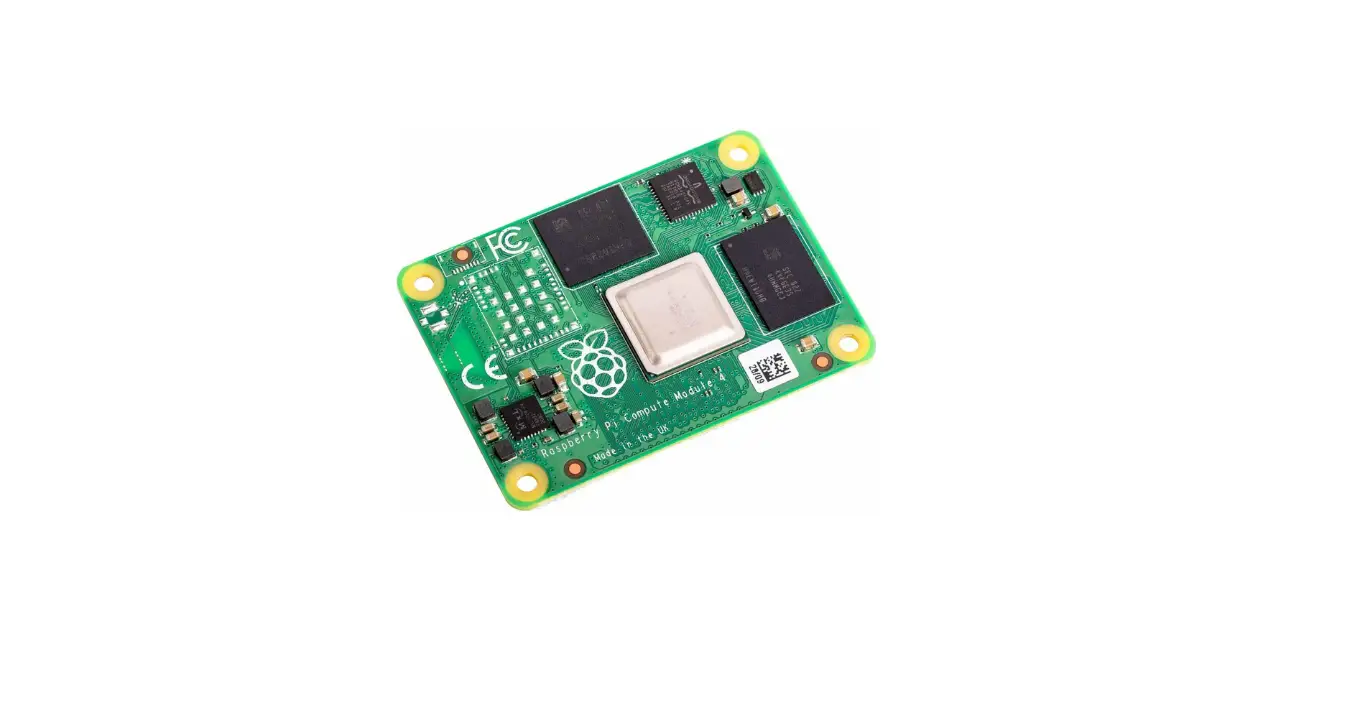
Tuhurahia nga korero me te hototahitanga o te Raspberry Pi Compute Module 4 me te Compute Module 5 i roto i tenei pukapuka kaiwhakamahi. Akohia te kaha o te mahara, nga ahuatanga oro oro, me nga whiringa whakawhiti i waenga i nga tauira e rua.
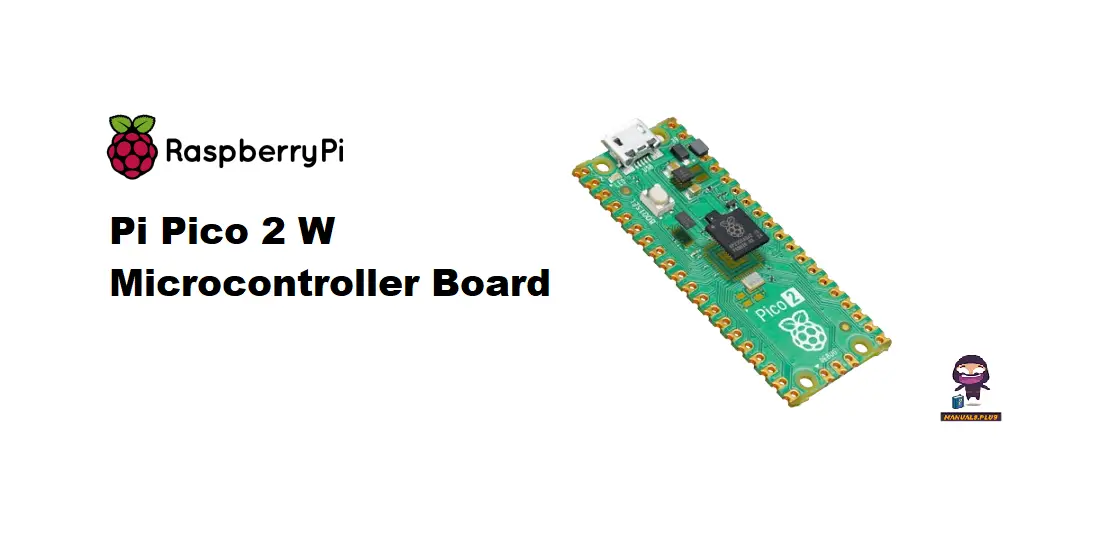
Whakanuia to wheako Poari Microcontroller Pico 2 W me te matawhānui haumaru me te aratohu kaiwhakamahi. Tirohia nga whakaritenga matua, nga taipitopito hanganga ture, me nga korero whakauru kia pai ai te mahi me te u ki nga ture. Kimihia nga whakautu ki nga FAQ mo te whakamahi pai.
Tirohia nga aratohu haumaru me te whakamahi mo te RMC2GW4B52 Wireless me te Nihokikorangi Breakout me te pukapuka kaiwhakamahi Raspberry Pi RMC2GW4B52. Whakaritea te tuku hiko tika me te hanganga ture mo te mahi tino pai o tenei rorohiko papa kotahi.
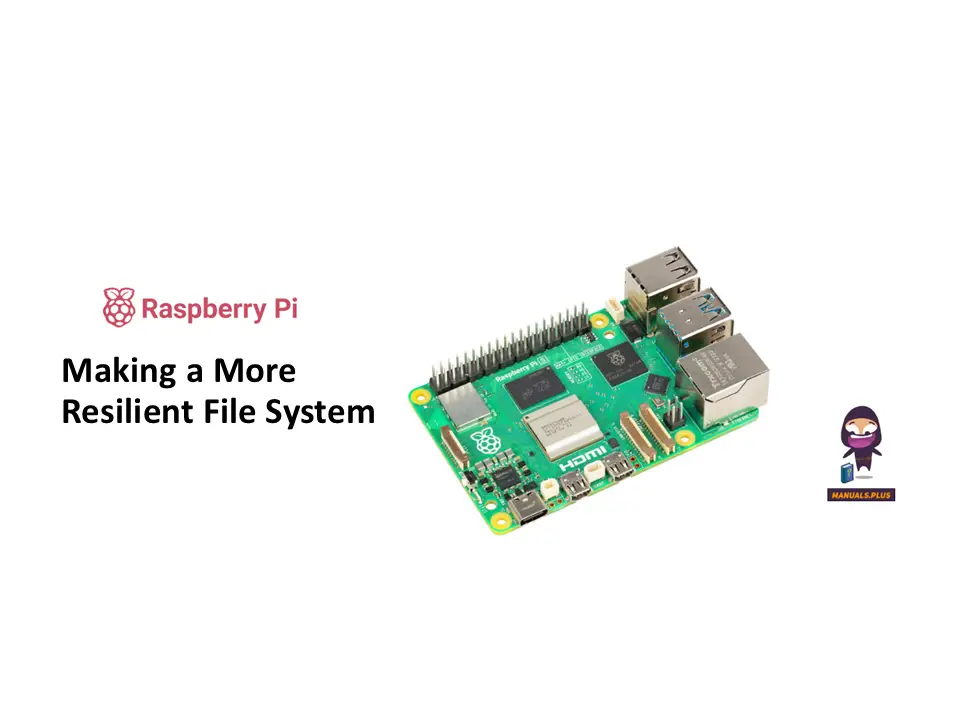
Akohia me pehea te hanga i te kaha ake file he punaha mo o taputapu Raspberry Pi me te aratohu matawhānui - Te Whakanuia File Pūnaha. Tirohia nga otinga taputapu me nga tikanga hei aukati i te pirau raraunga ki nga tauira tautoko penei i te Pi 0, Pi 1, Pi 2, Pi 3, Pi 4, me etahi atu.
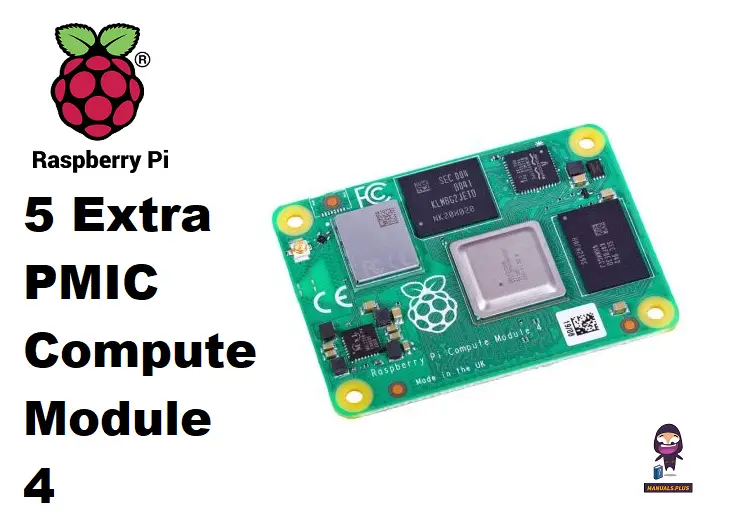
Tirohia me pehea te uru atu me te whakamahi i nga ahuatanga PMIC taapiri o te Raspberry Pi 4, Raspberry Pi 5, me te Compute Module 4 me nga tohutohu pukapuka kaiwhakamahi hou. Ako ki te whakamahi i te Hiko Whakakotahitanga Whakahaere Hiko kia pai ake te mahi me te mahi.
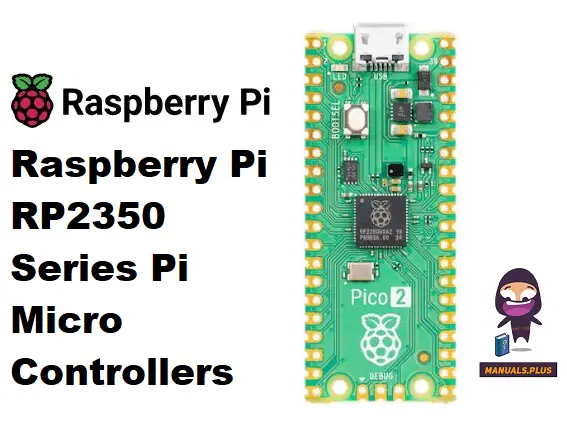
Tirohia te pukapuka RP2350 Series Pi Micro Controllers e whakaatu ana i nga korero, nga tohutohu hotaka, te hono ki nga taputapu o waho, nga ahuatanga haumarutanga, nga whakaritenga hiko, me nga FAQ mo te Raspberry Pi Pico 2. Akohia nga ahuatanga pai ake me te mahinga o te poari whakahaere moroiti raupapa RP2350 mo te whakauru korekore ki nga kaupapa o naianei.
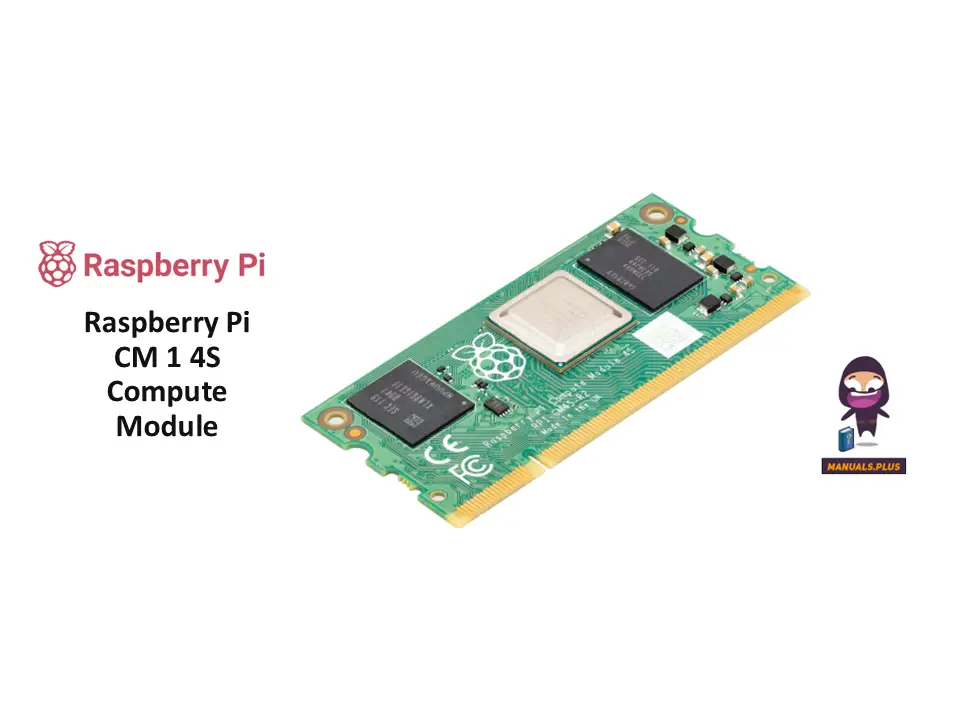
Akohia me pehea te whakawhiti pai mai i te Raspberry Pi Compute Module 1, 3 ranei ki te CM 4S matatau me tenei pukapuka kaiwhakamahi matawhānui. Tuhurahia nga korero, nga ahuatanga, nga taipitopito tuku hiko, me nga tohutohu whakamahi GPIO mo te CM 1 4S Compute Module.
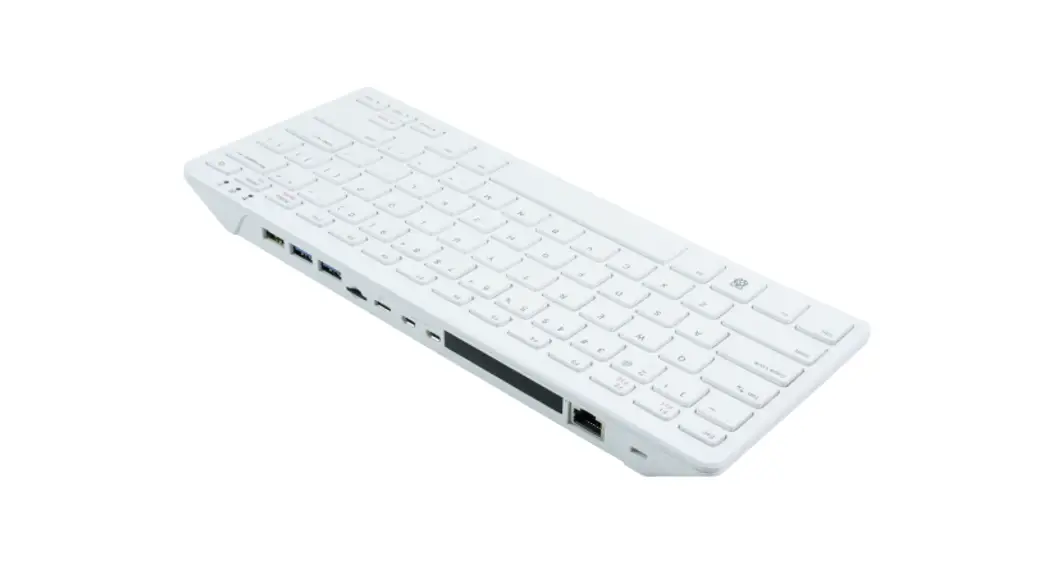
Tirohia te pukapuka Raspberry Pi 500 Papapātuhi Rorohiko me nga korero taipitopito, nga tohutohu tatūnga, nga whakatakotoranga papapātuhi, me nga tohutohu whakamahi whanui. Akohia me pehea te whakanui i te mahi me te roa o to hua.
Tirohia te pukapuka kaiwhakamahi mo te Rorohiko Poari Kotahi 2ABCB-RPI500, e whakaatu ana i nga whakaritenga Raspberry Pi 500, nga tohutohu tatūnga, nga whiringa hononga, me nga kaha rongorau. Akohia me pehea te whakakaha, te whakamahi i te papapātuhi, me te whakamahi i tana hononga tere-tere mo nga momo mahi. Me timata ki tenei taputapu whai kiko i tenei ra!
Ko nga whakaritenga hangarau matawhānui me te pukapuka kaiwhakamahi mo te 5GHUB Raspberry Pi HAT (Hardware Attached on Top) kōwae, e whakaatu ana i ona ahuatanga, atanga, tono, me nga whirihoranga titi mo te IoT me te hononga ahokore.
Tūhura i te Kete Whakawhanake Raspberry Pi mo te Whakatau Kōwae 5, he otinga matawhānui mō te tauira tauira pūnaha tāmau. Kei roto te Whakatau Whakatau 5, te Poari IO, te pouaka, te whakamatao, te tuku hiko, me nga taura. Tirohia nga korero, nga rereke a rohe, me te utu.
Akohia me pehea te whakahohe me te whirihora i te aratau USB On-The-Go (OTG) i runga i te Raspberry Pi Single Board Rorohiko (SBCs). Ko tenei aratohu e hipoki ana i te Legacy OTG me nga tikanga ConfigFS tino matatau ake, e whakaatu ana i nga tatūnga mo te rokiroki papatipu, Ethernet, me nga mahinga taputapu rangatū.
Torotoro te ripanga ihirangi mo te Aratohu mo te Raspberry Pi Timata, e hipoki ana i nga kaupapa nui mai i te tatūnga taketake me te hotaka i roto i te Scratch me te Python ki te whakauru taputapu matatau me te Sense HAT me nga waahanga kamera.
He aratohu matawhānui ki te rapu raruraru putanga HDMI me te taraiwa whakairoiro KMS i runga i nga taputapu Raspberry Pi, e hipoki ana i nga raruraru noa, nga tohu, me nga rautaki whakaheke.
Tirohia te Joy-IT RB-Alucase+06, he konumohe utu utu mo nga tauira Raspberry Pi B+, 2B, 3B, me te 3B+. Ko tenei keehi roa e whakarato ana i te whakamarumaru pakari, te whakamahana hauhautanga, te whakamarumaru hiko, me nga whiringa whakaurunga maha mo nga tono ngaio me te whanaketanga.
Informationsblatt zum Joy-IT RB-Alucase+06, einem robusten Aluminiumgehäuse für Raspberry Pi Modelle B+, 2B, 3B me te 3B+. Bietet hāngū Kühlung, Wandmontage und kompakte Abmessungen.
He aratohu whakahiato mo te UCTRONICS Raspberry Pi Cluster (SKU: U6169). Kei roto ko nga ihirangi mokihi, kua pahū view, nga tohutohu huihuinga taahiraa-i-te-taahiraa, nga korero waea waea, me nga korero a te kaiwhaiwhai.
Ko te Aratohu Kaiwhakamahi Raspberry Pi, 4th Edition na Eben Upton me Gareth Halfacree e whakarato ana i nga tohutohu matawhānui mo te tiimata me te Raspberry Pi, e hipoki ana i te whakaurunga rorohiko, nga kaupapa Linux, te kaupapa me te Scratch me te Python, te hacking taputapu, me te whakaritenga.
He mutuview o nga whakahere microcontroller a Raspberry Pi, tae atu ki te raupapa RP2350, Raspberry Pi Pico 2, me RP2040. Taipitopito āhuatanga, whakaritenga, me nga painga mo nga kaihanga me nga pakihi.
He aratohu whanui mo te whakauru, te whirihora me te whakamahi i nga kaari tangi IQaudio me nga taputapu me te Raspberry Pi. Ka hipoki DAC PRO, DAC+, DigiAMP+, me nga papa Codec Zero, tae atu ki te tatūnga rorohiko, te whirihoranga Linux, nga tono oro penei i a Max2Play me Volumio, te whakamahi GPIO, me nga rapurongoā FAQ mo te purei ororongo tino pai.
Entdecken Sie die vielfältigen Einsatzmöglichkeiten des Raspberry Pi in industriellen Anwendungen, von IoT-Projekten bis zur Automatisierung, mit Beiträgen von Elektor und ELEKTRONIKPRAXIS.